

Aiarty Image Enhancer
0
Aiarty brings together desktop tools for enhancing images and videos and removing image backgrounds. Its image enhancer restores detail, reduces noise, sharpens, and upscales photos, while the video enhancer denoises, deblurs, upscales footage, and interpolates frames. Image Matting creates precise cutouts around details such as hair, fur, and semi-transparent edges. Processing runs locally, with downloads available for Windows and Mac.
Promote this Tool
Update this Tool
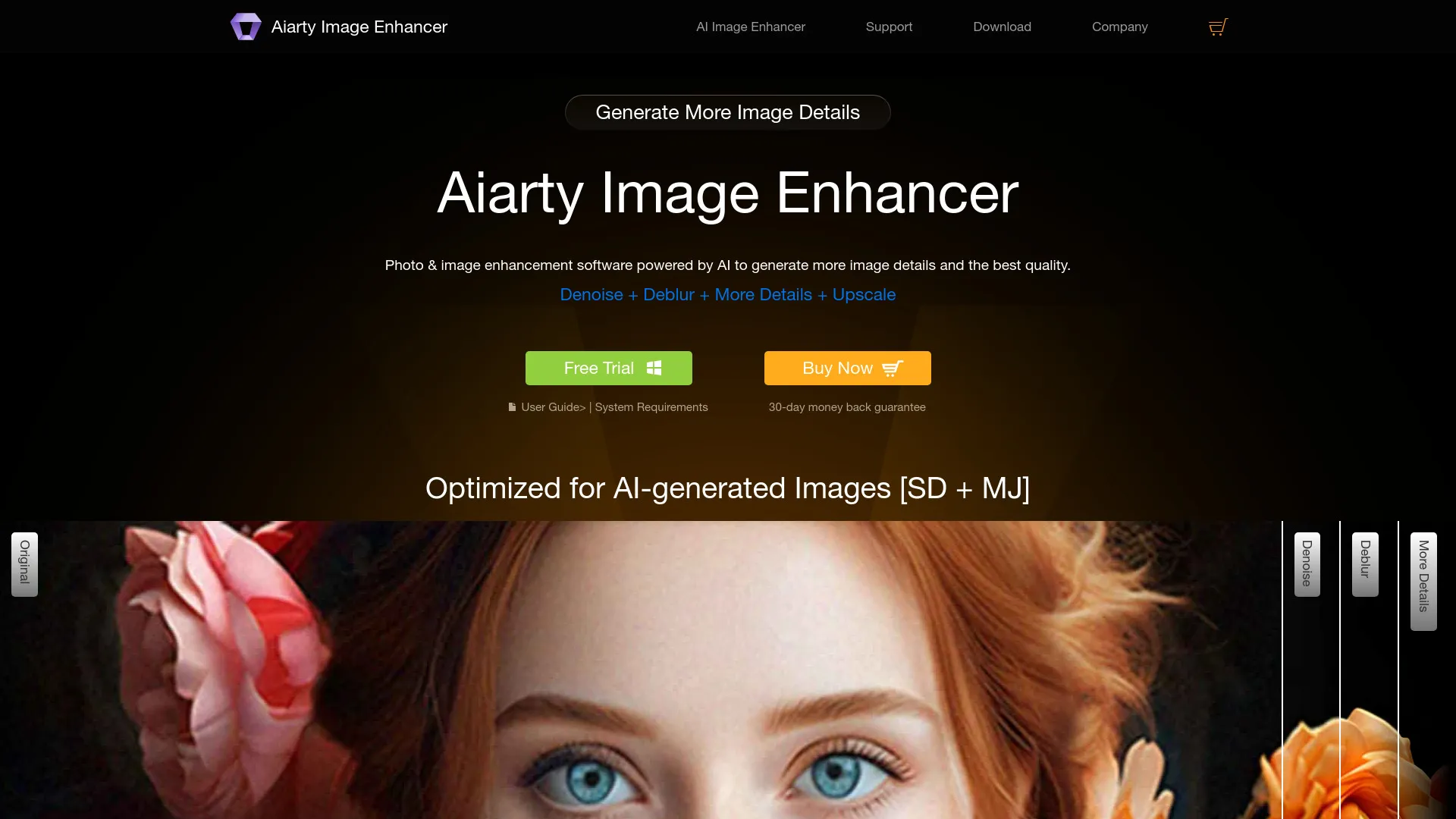
Aiarty brings together desktop tools for enhancing images and videos and removing image backgrounds. Its image enhancer restores detail, reduces noise, sharpens, and upscales photos, while the video enhancer denoises, deblurs, upscales footage, and interpolates frames. Image Matting creates precise cutouts around details such as hair, fur, and semi-transparent edges. Processing runs locally, with downloads available for Windows and Mac.
Ads
What is Aiarty Image Enhancer?
Aiarty offers three desktop utilities for improving visual media. Image Enhancer upscales and restores photos, reduces noise, sharpens details, improves color, restores faces, and removes unwanted objects. Video Enhancer reduces blur and noise, upscales footage to higher resolutions, restores detail, and interpolates frames for smoother motion. Image Matting removes image backgrounds and refines cutouts around difficult edges, including hair, fur, soft edges, and semi-transparent subjects. The tools support uses such as preparing product photos, restoring older images and footage, improving AI-generated visuals, and creating assets for design or print. Aiarty describes its processing as local, so media can be worked on from the desktop rather than uploaded to an online editor. Windows and Mac downloads are offered.
Who will use Aiarty Image Enhancer?
- Photographers
- Video creators
- E-commerce sellers
- Graphic and visual designers
- Content creators
- People restoring old photos or footage
How to use the Aiarty Image Enhancer?
- Step1: Download the Aiarty desktop tool for Windows or Mac that matches your task: image enhancement, video enhancement, or image matting.
- Step2: Open the application and load the photo or video you want to process.
- Step3: Choose the relevant operation, such as denoising, deblurring, upscaling, frame interpolation, or background removal.
- Step4: Review the result and adjust available enhancement or matting options.
- Step5: Export the processed image or video.
Platform
- Web
- Mac
- Windows
Aiarty Image Enhancer's Core Features & Benefits
The Core Features
- Upscale and restore images with AI
- Reduce image noise and blur while recovering detail
- Denoise, deblur, and upscale video
- Interpolate video frames for smoother motion
- Remove image backgrounds and refine complex edges
- Erase unwanted objects from photos
The Benefits
- Improve clarity in low-resolution, noisy, or older media
- Prepare images for larger prints and digital projects
- Create cleaner product images and background cutouts
- Keep image and video processing on the local computer
Aiarty Image Enhancer's Main Use Cases & Applications
- Upscaling AI-generated images for larger displays or prints
- Restoring old, blurry, or low-resolution photos
- Improving noisy or soft video footage
- Creating product images with replaced or removed backgrounds
- Making precise cutouts for portraits, wildlife, and design assets
- Preparing visual content for e-commerce and social media
Aiarty Image Enhancer's Pros & Cons
The Pros
Combines image enhancement, video enhancement, and image matting in one product family.
Provides detailed background removal for challenging edges such as hair, fur, and semi-transparent subjects.
Offers local processing for image and video workflows.
Includes video frame interpolation alongside upscaling and restoration.
The Cons
The products are desktop software rather than a browser-based editing workflow.
The tools focus on enhancement and background matting rather than serving as a full general-purpose photo or video editor.
FAQs of Aiarty Image Enhancer
Aiarty Image Enhancer Company Information
- Website:
- Company Name: Digiarty Software
- Support Email:
- Facebook:
- X(Twitter):
- YouTube:
- Instagram:
- Tiktok:
- LinkedIn:
Analytic of Aiarty Image Enhancer
Visit Over Time
Monthly Visits
332.2K
Avg Visit Duration
00:00:55
Page Per Visit
1.96
Bounce Rate
48.79%
Jul 2026 - Sep 2026 All Traffic
Geography
Top 5 Regions

United States
12.55%
Japan
11.03%
Germany
8.47%
India
4.64%
China
4.36%
Jul 2026 - Sep 2026 Worldwide Desktop Only
Traffic Sources
SearchOrganic
43.93%
Direct
30.84%
Referrals
11.13%
SocialOrganic
10.22%
GenAi
1.35%
Mail
1.22%
Affiliate
0.96%
DisplayAds
0.26%
SocialPaid
0.08%
Sep 2026 Desktop Only
Top Keywords
| Keyword | Traffic | Cost Per Click |
|---|---|---|
| aiarty video enhancer | 11.1k | $2.06 |
| aiarty image enhancer | 9.1k | $3.75 |
| aiarty | 8.8k | $2.91 |
| aiarty image matting | 1.9k | $1.30 |
| video2x | 58.5k | $0.66 |
Aiarty Image Enhancer Reviews
5/5
Aiarty Image Enhancer's Main Competitors and alternatives?
Topaz AI Gigapixel
Adobe Photoshop
Fotor
Remini
Canva
You may also like:
Media.io AI Video Enhancer improves blurry, noisy, dark, or low-resolution videos with AI and upscales footage to 4k.
UniConverter AI Video Enhancer improves blurry, noisy, or low-resolution videos with AI restoration online or on desktop
VideoUpscale.net uses AI to upscale, denoise, sharpen, and restore videos to HD, 2K, or 4K online.
An AI-powered online video editor that resizes, compresses, and converts videos directly in your browser.
Kling AI Motion Control: generate cinematic full-body character animations from a single image and reference video.
AI-powered online tool that instantly removes and replaces video backgrounds up to 4K without green screens.
Cloud-based AI video enhancer that upscales, deblurs, denoises and smooths motion to 4K quickly.
AI-powered image to video generator creating cinematic videos from photos quickly and affordably.
AI-powered photo enhancer that instantly improves image clarity, resolution, and color quality.
Lucy Edit AI is an open-source, instruction-guided video editor for AI-based video transformation.
AI Video Editor enables easy video editing and transformation via AI-powered text and image prompts.
Runway Aleph is a next-generation AI video model for powerful, easy video editing and generation.
Runway Aleph is an AI-powered video editing tool enabling advanced video transformations.
EnCharge AI automates workflows and enhances productivity with intelligent machine learning algorithms.