

Aider
0
Aider lets developers work with language models directly in a terminal to start projects or modify existing codebases. It maps project structure, edits files across more than 100 programming languages, and can commit changes through Git. Add images or web pages as context, request changes by voice, and have Aider run linters and tests after edits. It connects to cloud or local LLMs.
Promote this Tool
Update this Tool
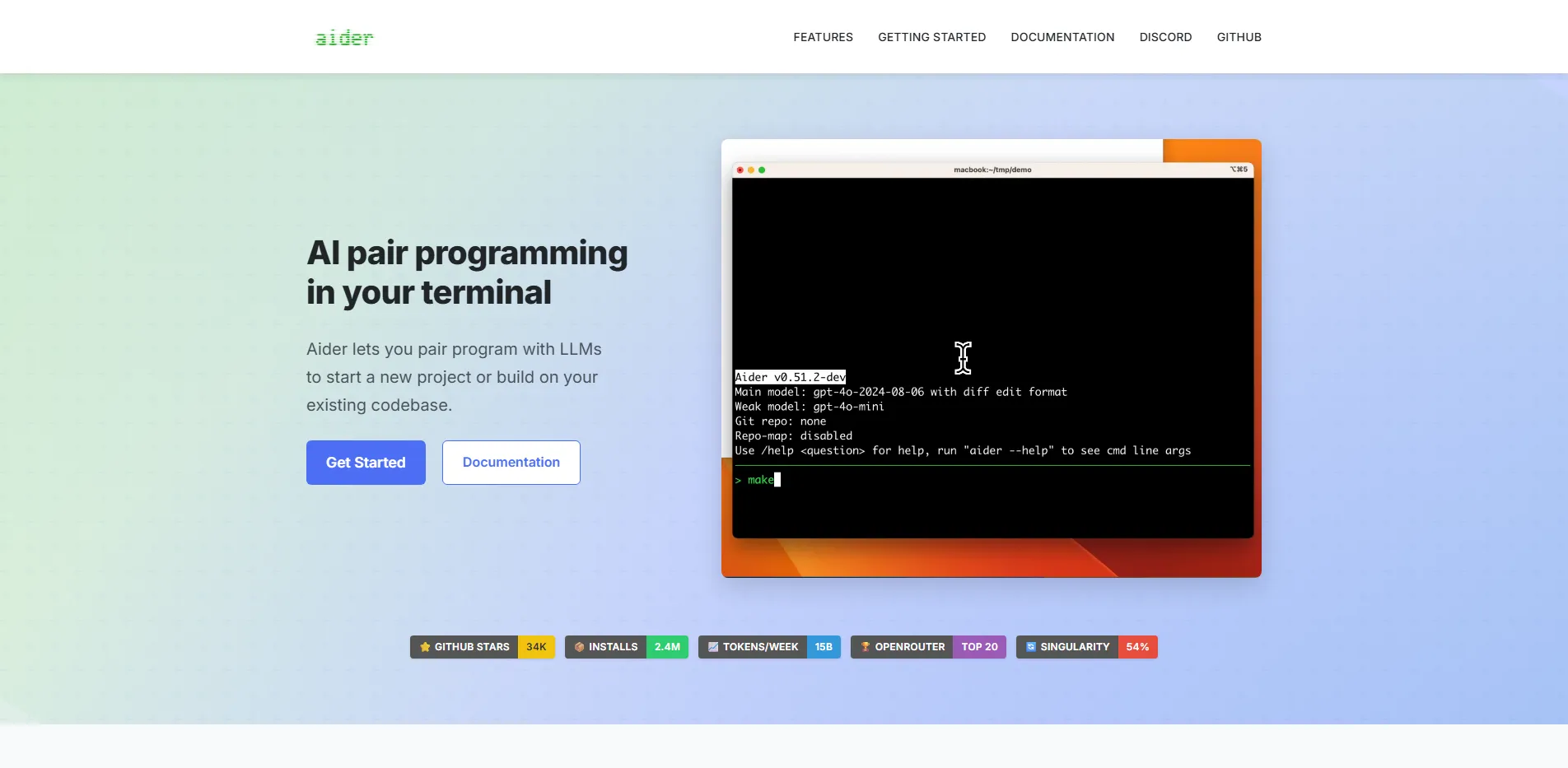
Aider lets developers work with language models directly in a terminal to start projects or modify existing codebases. It maps project structure, edits files across more than 100 programming languages, and can commit changes through Git. Add images or web pages as context, request changes by voice, and have Aider run linters and tests after edits. It connects to cloud or local LLMs.
Ads
What is Aider?
Aider is a terminal-based coding assistant for collaborating with language models on new or existing projects. It creates a map of a codebase to help the model work with project context, and supports many common programming languages. Developers can describe changes in chat or use voice requests, and provide images or web pages as references. Aider integrates with Git by committing changes with generated messages, while familiar Git tools can be used to review, manage, or undo edits. It can run linters and tests after changes and address problems they detect. Aider connects to cloud or local language models; users install it from the command line, enter a project directory, and configure a model connection. It can also be used from IDEs and editors.
Who will use Aider?
- Software developers
- Programmers working on existing codebases
- Developers starting new projects
- Users who work with terminal-based development tools
How to use the Aider?
- Step1: Install Aider using the documented Python pip installation instructions.
- Step2: Open a terminal and change into the project directory.
- Step3: Choose a supported language model and configure its connection credentials.
- Step4: Describe the code change or task you want Aider to perform.
- Step5: Provide relevant images or web pages when visual or reference context is useful.
- Step6: Review the edits with Git and run or let Aider run linters and tests.
Platform
- Web
- Android
- iOS
Aider's Core Features & Benefits
The Core Features
- Terminal-based collaboration with cloud and local language models
- Codebase mapping for project context
- Code editing across many programming languages
- Git commits and change review workflows
- Automated linting and test runs after edits
- Image, webpage, and voice input for coding requests
The Benefits
- Work on new projects or make changes in an existing codebase
- Review and undo AI-assisted changes with familiar Git tools
- Use project references and test feedback during coding tasks
- Work with Aider from a terminal or supported IDE/editor workflow
Aider's Main Use Cases & Applications
- Implementing features in an existing codebase
- Starting a software project with language-model assistance
- Finding and fixing bugs
- Generating or updating tests
- Making code changes based on screenshots or web references
- Running linters and tests to check code changes
Aider's Pros & Cons
The Pros
Works with cloud and local language models.
Maps codebases and supports a broad range of programming languages.
Git integration makes changes easier to review, manage, and undo.
Can run linters and tests and respond to detected problems.
The Cons
Requires command-line installation and use.
Users need to configure access to a language model to use the model-assisted workflow.
FAQs of Aider
Aider Company Information
- Website:
- Company Name: Aider
- Support Email:
- Facebook:
- X(Twitter):
- YouTube:
- Instagram:
- Tiktok:
- LinkedIn:
Analytic of Aider
Visit Over Time
Monthly Visits
274.6K
Avg Visit Duration
00:00:59
Page Per Visit
1.86
Bounce Rate
48.47%
Jul 2026 - Sep 2026 All Traffic
Geography
Top 5 Regions

United States
11.33%
India
9.01%
Brazil
7.2%
Russia
4.38%
China
4.18%
Jul 2026 - Sep 2026 Worldwide Desktop Only
Traffic Sources
SearchOrganic
52.19%
Direct
34.56%
Referrals
5.65%
GenAi
4.36%
SocialOrganic
2.57%
Mail
0.39%
DisplayAds
0.28%
Sep 2026 Desktop Only
Top Keywords
| Keyword | Traffic | Cost Per Click |
|---|---|---|
| aider | 70.3k | $2.22 |
| aider ai | 4.2k | $1.40 |
| aider-chat | 1.7k | — |
| aider cli | 1.2k | — |
| aider polyglot | 620 | — |
Aider Reviews
5/5
Aider's Main Competitors and alternatives?
ChatGPT
Google Assistant
Microsoft Cortana
You may also like:
Panzoe organizes schedules, email, documents, tasks, and connected apps through one shared AI memory and daily briefing.
Managed Openclaw workspace to deploy local-first AI agents, hire AI staff, and join the Moltbook ecosystem.
Conversational AI assistant automating research, browser tasks, web scraping, and file management through natural language.
AI design agent automates workflow creating images, videos, 3D models up to 10x faster.
Ask questions, research the web, summarize information, draft content, and generate images through one conversational assistant.
Appian connects AI agents, employees, and enterprise systems to automate workflows across finance, supply chain, HR, and operations.
Turn speech into natural, real-time AI conversations with LLM connections, interruption handling, and noise suppression.
Agent Analytics AI offers in-depth performance insights and analytics for AI agents.
Coordinate IT service workflows with AI agents that support self-service, analyze operational issues, and recommend or automate remediation.
Sindarin is an AI Agent designed to enhance content creation and assist users with automation tasks.
Prismia is an AI agent that assists users in enhancing their productivity through automation and smart recommendations.