
- 3 video downloads/month
- Basic features
- AI Video Generator: 5 AI Video Generations/month
- 20 AI Assets/month
- Manual Subtitles
- SSL Encryption
- ISO/IEC 27001 and GDPR compliance
- Free support

Animaker ai
0
Animaker turns a plain-language idea into an animated video, generating scenes, characters, voiceover, lip sync, and transitions. Choose a video category or template, describe your concept, and refine the result in Advanced Edit. The browser-based platform also offers character building, subtitles, voice generation, translation, and a large library of visual assets for creating training, marketing, explainer, and personal videos.
Promote this Tool
Update this Tool
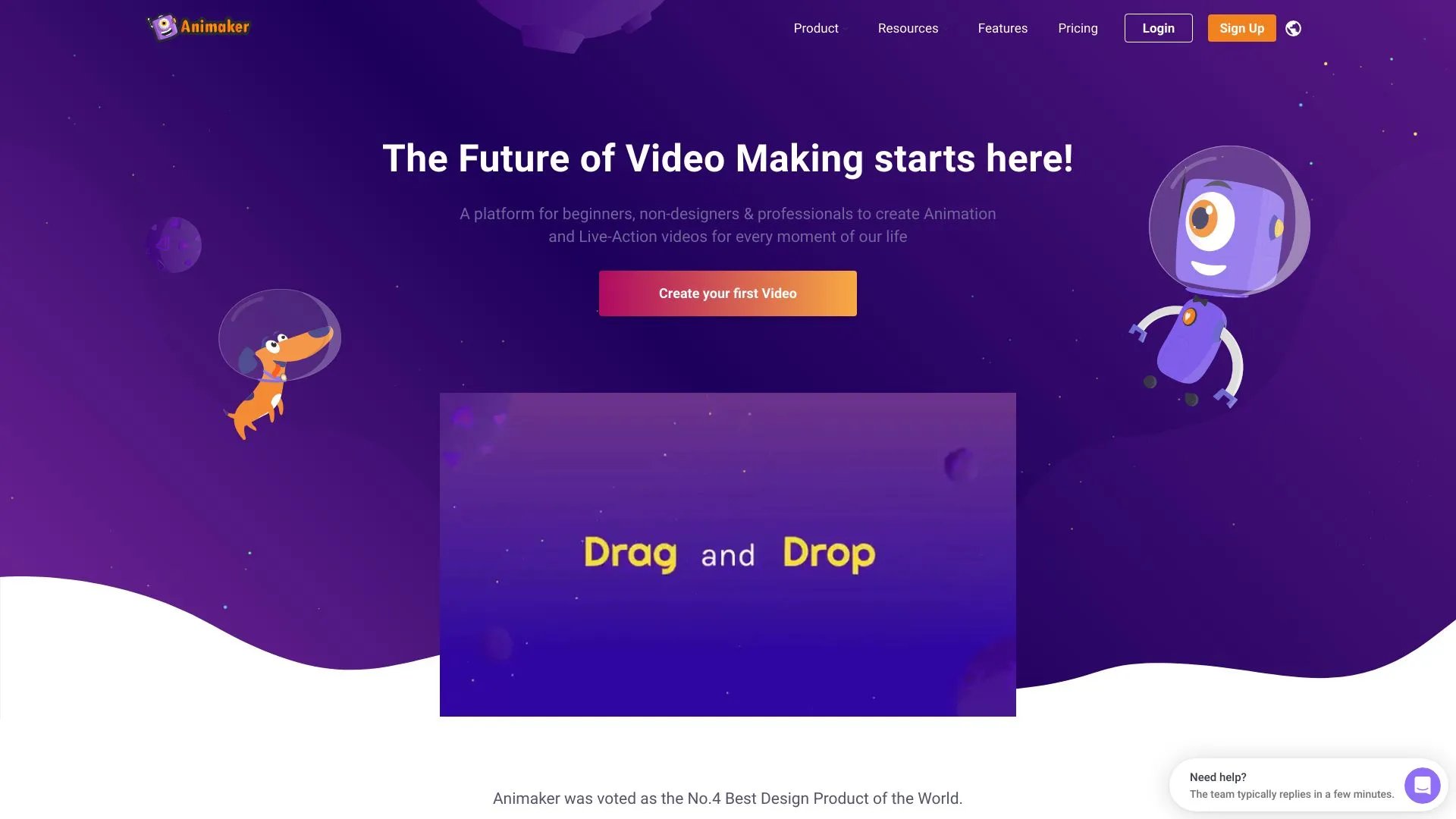
Animaker turns a plain-language idea into an animated video, generating scenes, characters, voiceover, lip sync, and transitions. Choose a video category or template, describe your concept, and refine the result in Advanced Edit. The browser-based platform also offers character building, subtitles, voice generation, translation, and a large library of visual assets for creating training, marketing, explainer, and personal videos.
Ads
What is Animaker ai?
Animaker is an online animation and video creation tool that can build a video from a text prompt. Users choose a category, describe an idea, and answer follow-up questions so the generated scenes, characters, voiceover, lip sync, and transitions reflect their concept. Advanced Edit provides controls for refining the result. The platform includes templates, a character builder, stock media, icons, music, stickers, AI voiceovers, subtitles, and video translation. It supports formats such as animated, whiteboard, infographic, explainer, training, product-demo, and social videos. Finished projects can be exported as MP4, GIF, or WebM, with resolutions ranging up to 4K, or shared to social channels. Animaker also offers mobile apps for iOS and Android.
Who will use Animaker ai?
- Learning and development teams and course creators
- Human resources teams creating onboarding and compliance videos
- Marketers and sales professionals
- Internal communications teams
- Educators and trainers
- Individuals making personal or social videos
How to use the Animaker ai?
- Step1: Sign in to Animaker and choose a video category or template.
- Step2: Enter a plain-language idea or prompt, or select a sample prompt.
- Step3: Answer the AI's follow-up questions to clarify the video concept.
- Step4: Review the generated scenes, characters, voiceover, lip sync, and transitions.
- Step5: Use Advanced Edit to refine the animation and customize the result.
- Step6: Export the finished video or publish it to a social channel.
Platform
- Web
Animaker ai's Core Features & Benefits
The Core Features
- Generate animated videos from text prompts
- Create and customize animated characters
- Edit generated videos with Advanced Edit
- Add AI voiceovers and subtitles
- Translate videos into multiple languages
- Use templates and a library of media, icons, music, and stickers
The Benefits
- Create animated videos without prior animation or design experience
- Develop training, onboarding, marketing, and explainer content
- Adapt videos for audiences in different languages
- Export finished work in common video and animation formats
Animaker ai's Main Use Cases & Applications
- Creating employee onboarding, orientation, and compliance videos
- Making course and training materials more visual
- Producing product demos, explainers, and promotional videos
- Creating internal communications and presentations
- Making social media, invitation, and personal videos
- Localizing video content with translated audio or subtitles
Animaker ai's Pros & Cons
The Pros
Text prompts can generate scenes, characters, narration, lip sync, and transitions.
Advanced Edit lets users refine generated videos.
Includes character creation, templates, media assets, voiceovers, subtitles, and translation.
Finished videos can be exported in several formats and shared to social channels.
The Cons
Exports on the free plan include a watermark.
Animaker ai's Pricing
| Has free plan | YES |
|---|---|
| Free trial details | 7-Day Free Trial with HD quality exports, access to 100 Million+ Premium assets, 750 Minutes of Auto-Subtitle Generations/mo, access to 30k+ Premium Music Tracks, 100 TTS Conversions/mo |
| Pricing model | freemium |
| Is credit card required | No |
| Paid from | 10 USD |
| Has lifetime plan | No |
| Billing frequency | Monthly |
Details of Pricing Plan
Free
0 USDEnterprise
0 USD- Custom pricing
- 5000 AI Generations/yr
- 5000 Gen AI Asset Credits/yr
- Unlimited Premium Downloads
- 4K Quality Videos
- Commercial & Reselling rights
- Live Collaboration
- Brand Kit
- Team Licenses
- AI Video Translate
- Priority support
Basic
10 USD- 5 downloads/month
- 100 AI Generations/mo
- 100 Gen AI Asset Credits/mo
- 5 Premium Downloads/mo
- HD quality videos
- Whiteboard Animations
- No watermark
- AI Text-to-Speech Generator
- Basic support
Starter
19 USD- 10 downloads/month
- 200 AI Generations/mo
- 200 Gen AI Asset Credits/mo
- 10 Premium Downloads/mo
- FHD Quality Videos
- Premium Music Library
- AI Tools (BG Removal, Resize & Stickerify)
- AI Subtitles
- Advanced support
Pro
43 USD- 20 downloads/month
- 300 AI Generations/mo
- 300 Gen AI Asset Credits/mo
- 20 Premium Downloads/mo
- 2K Quality Videos
- Commercial rights
- Version History
- Multiple download formats
- Custom fonts
- Premium support
FAQs of Animaker ai
Animaker ai Company Information
- Website:
- Company Name: Animaker, Inc.
- Support Email:
- Facebook:
- X(Twitter):
- YouTube:
- Instagram:
- Tiktok:
- LinkedIn:
Analytic of Animaker ai
Visit Over Time
Monthly Visits
850.3K
Avg Visit Duration
00:02:03
Page Per Visit
3.03
Bounce Rate
43.88%
Jul 2026 - Sep 2026 All Traffic
Geography
Top 5 Regions

United States
18.41%
India
14.09%
Peru
6.47%
Colombia
4.3%
Brazil
4.06%
Jul 2026 - Sep 2026 Worldwide Desktop Only
Traffic Sources
Direct
43.70%
SearchOrganic
36.10%
Referrals
9.24%
SocialOrganic
3.89%
GenAi
2.92%
Mail
2.90%
SearchPaid
0.79%
DisplayAds
0.39%
Affiliate
0.07%
Sep 2026 Desktop Only
Top Keywords
| Keyword | Traffic | Cost Per Click |
|---|---|---|
| animaker | 82.9k | $0.49 |
| animaker ai | 5.4k | $0.32 |
| animation maker | 16.0k | $1.70 |
| animation | 78.8k | $1.09 |
| cartoon characters | 65.4k | $1.29 |
Animaker ai Reviews
5/5
Animaker ai's Main Competitors and alternatives?
You may also like:
Turn written prompts into looping animated GIFs, with adjustable frames, timing, aspect ratios, and downloadable formats.
Create watermark-free animated logo videos with custom motion, synchronized sound effects, transparent backgrounds, and 4K export.
Create narrated cartoon videos from scripts with locked character appearances, multiple styles, commercial rights, and vertical or landscape formats.
Generate 1080p videos from text or images, with natural movement, multiple visual styles, and clips produced in minutes.
Animate photos into HD video clips using text prompts, selectable models, and exports sized for social, ads, and product pages.
Turn product photos, portraits, or artwork into 1080p MP4 videos using prompts and aspect-ratio controls.
Turn story prompts into finished animated MP4 shorts with subtitles for TikTok, Shorts, and Reels.
AI sprite generator that creates game-ready animations and consistent sprite sheets in minutes.
Browser-based AI video generator that creates cinematic clips from text, images, audio, and video references.
Reference-driven AI video generator that turns images, clips, and frames into short social-ready videos.
Anijam is an AI-native animation platform that turns ideas into polished stories with agentic video creation.
AI-powered platform animates characters and swaps faces in videos with high precision and speed.
VeeGen AI converts static images into cinematic animated videos effortlessly with diverse AI styles.
The AI Agent Action Figure autonomously interacts with users using advanced AI technology.
DRAMAX.AI is an AI-driven platform that creates engaging video content including ads, video dramas, and marketing content.