

Mercer brings fashion product development into a shared web workspace, where designers can start with inspiration photos, hand sketches, CADs, or tech packs and use AI tools to create concepts. Teams can train brand-specific AI influences, generate text-to-image designs and variations, annotate files with measurements and comments, assign tasks, and share collection details as print-ready PDFs. It also connects design work with production partners and, on Enterprise, production and logistics services.
Promote this Tool
Update this Tool
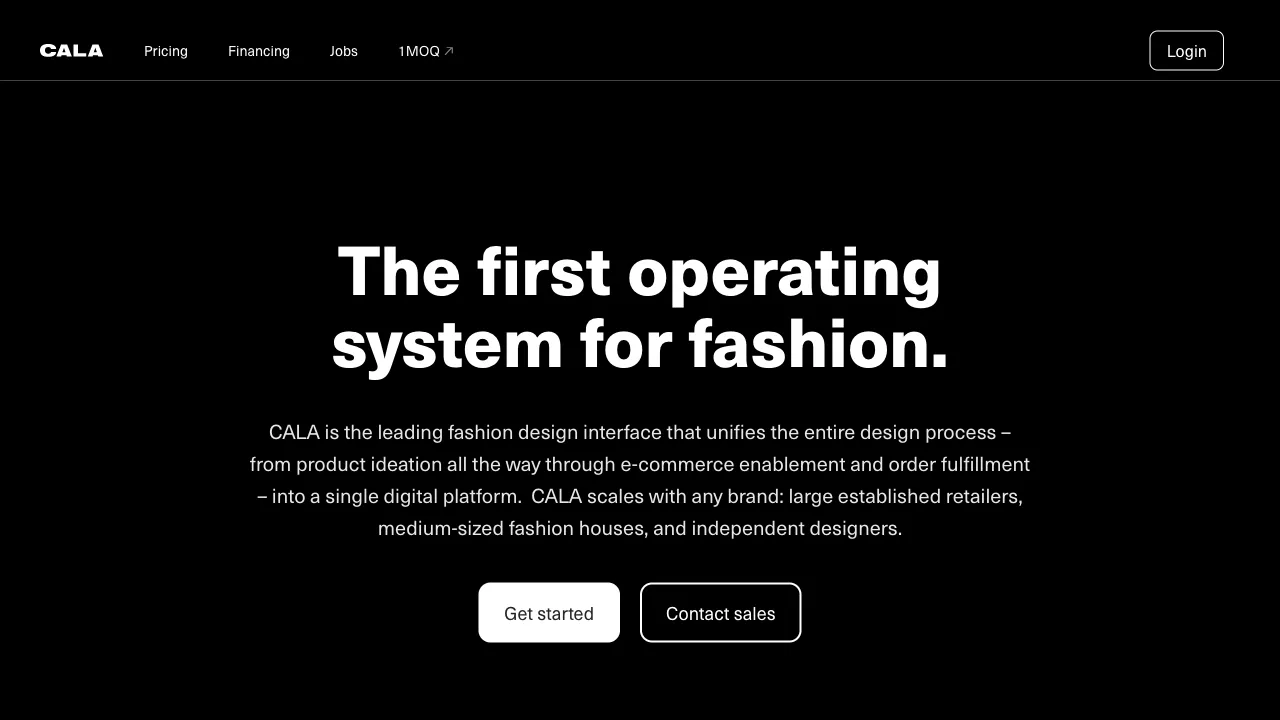
Mercer brings fashion product development into a shared web workspace, where designers can start with inspiration photos, hand sketches, CADs, or tech packs and use AI tools to create concepts. Teams can train brand-specific AI influences, generate text-to-image designs and variations, annotate files with measurements and comments, assign tasks, and share collection details as print-ready PDFs. It also connects design work with production partners and, on Enterprise, production and logistics services.
Ads
What is Cala?
Mercer combines AI-assisted fashion design with collection management and team collaboration. Designers can create concepts using the AI Designer, generate text-to-image designs, make product variations, and edit images with an AI Paintbrush. Its AI Influences tool can be trained with brand references from past collections or inspiration boards to guide new designs. Teams can upload, organize, store, and update creative and technical assets, including images, video, 3D, and spreadsheet files. Comments, measurements, notes, tasks, timelines, and reviews help coordinate feedback and responsibilities. Designs can be shared with team members or production partners through collection links and print-ready PDFs. Enterprise subscriptions add production management, logistics handling, and access to a manufacturing network.
Who will use Cala?
- Independent fashion designers
- Small fashion houses
- Established fashion brands
- Fashion product development teams
- Production and manufacturing partners
How to use the Cala?
- Step1: Create a Mercer account and open a new design from the home page.
- Step2: Choose “Create AI Image” to start with the AI design tool, or bring in inspiration photos, sketches, CADs, or tech packs.
- Step3: Generate concepts, product variations, or text-to-image designs, and edit creative with the AI Paintbrush.
- Step4: Add brand references to train AI Influences for brand-aligned product development.
- Step5: Organize designs and collection assets, then add measurements, notes, comments, and tasks for your team.
- Step6: Share collection links or print-ready PDFs with teammates and production partners; Enterprise customers can also use production and logistics services.
Platform
- Web
Cala's Core Features & Benefits
The Core Features
- AI fashion design with text-to-image generation, product variations, and AI Paintbrush editing
- Brand-specific AI Influences trained with reference imagery
- Centralized storage and management for collection assets
- Comments, notes, measurements, tasks, timelines, and reviews
- Sharing through collection links and print-ready PDFs
- Enterprise production management, logistics, and manufacturing network access
The Benefits
- Develop fashion concepts from inspiration photos, sketches, CADs, or tech packs
- Keep designs and collection files organized in one workspace
- Coordinate design feedback and assigned work with teammates
- Share product details with production partners without relying on external file transfers
- Maintain brand consistency using references from earlier collections
Cala's Main Use Cases & Applications
- Developing fashion concepts from inspiration imagery, sketches, CADs, or tech packs
- Generating and refining product design ideas with AI
- Creating brand-aligned designs from collection references
- Organizing fashion collection assets and technical files
- Collecting design feedback and coordinating team tasks
- Sharing product specifications with manufacturing partners
- Managing production and logistics through Enterprise services
Cala's Pros & Cons
The Pros
Supports multiple fashion design starting points, including photos, sketches, CADs, and tech packs.
Combines AI design features with collection organization and team collaboration.
Design ownership stays with the creator, and Mercer says customer data is not used to train foundational models or other customers’ models.
Collection links and print-ready PDFs make it possible to share work with partners who do not have an account.
The Cons
Production and manufacturing services are limited to Enterprise subscriptions; other plans do not produce designs.
Designer, Studio, and Studio Pro users need their own production and manufacturing network.
Reusable product templates are not available yet.
FAQs of Cala
Cala Company Information
- Website:
- Company Name: CALA
- Support Email:
- Facebook:
- X(Twitter):
- YouTube:
- Instagram:
- Tiktok:
- LinkedIn:
Analytic of Cala
Visit Over Time
Monthly Visits
3.4K
Avg Visit Duration
00:00:00
Page Per Visit
1.00
Bounce Rate
100.00%
Jun 2026 - Aug 2026 All Traffic
Traffic Sources
Direct
38.75%
SearchOrganic
30.40%
Referrals
10.36%
SocialOrganic
5.34%
DisplayAds
4.39%
Mail
3.61%
Affiliate
3.04%
SearchPaid
1.72%
GenAi
1.59%
SocialPaid
0.81%
Aug 2026 Desktop Only
Cala Reviews
5/5
Cala's Main Competitors and alternatives?
Fashinza
Gooten
Printful
You may also like:

Unlimited AI clothing generator — T2I, I2I, virtual try-on, in-scene fashion video. Every category, fewer restrictions.
Instantly preview 100+ hairstyles and colors on your photo with fast, realistic AI-powered virtual try-on.
AI Clothes Changer by SharkFoto instantly lets you virtually try on outfits with realistic fit, texture, and lighting.
Virtual Try On AI - the revolutionary fashion tool that lets you try outfits virtually in seconds. Reimagine your style without the hassle of changing clothes!
Find your seasonal colors from a selfie, then preview makeup, hair, and outfit shades on your own photo.
QuazaAI transforms workouts into engaging AI-powered fitness games for effortless and fun exercise.