

- 400 minutes included
- $0.20 per minute after included minutes
- 24/7 AI front desk
- CRM and lead intake
- Automated confirmations and follow-ups
CallStar.ai handles incoming service-business calls, answers customer questions using uploaded catalogs, manuals, pricing sheets, and FAQs, qualifies leads, books appointments in connected calendars, and calls missed callers back within 60 seconds. It can also send agreements and deposit links after bookings. On its Growth tier, CallStar creates and auto-posts branded short videos across four social channels to attract new callers.
Promote this Tool
Update this Tool
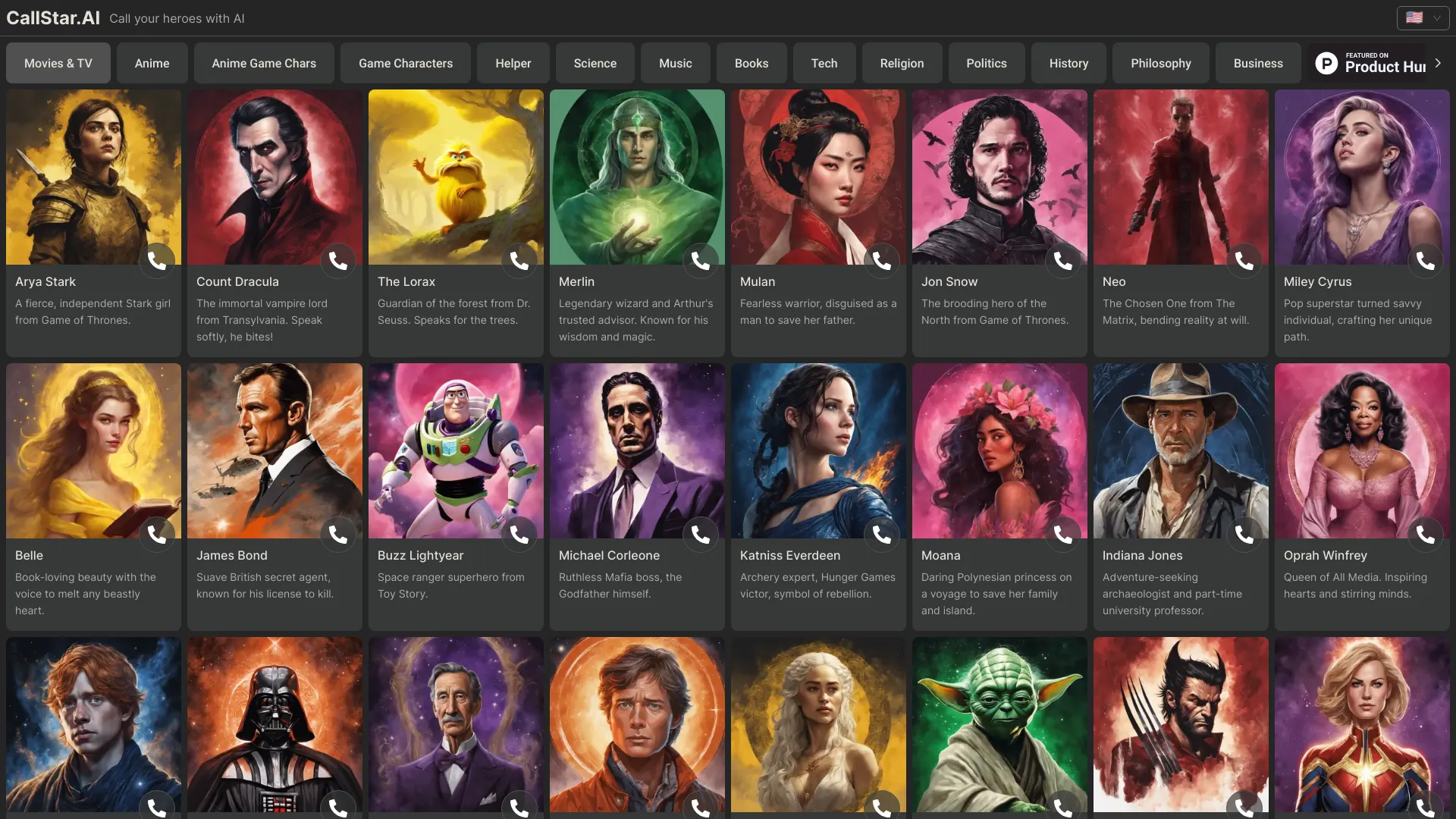
CallStar.ai handles incoming service-business calls, answers customer questions using uploaded catalogs, manuals, pricing sheets, and FAQs, qualifies leads, books appointments in connected calendars, and calls missed callers back within 60 seconds. It can also send agreements and deposit links after bookings. On its Growth tier, CallStar creates and auto-posts branded short videos across four social channels to attract new callers.
Ads
What is CallStar?
CallStar.ai combines an AI front desk with an optional social-video growth engine for service businesses. The front desk answers calls 24/7, qualifies callers, detects emergencies, routes leads, and books jobs using real-time calendar availability. Businesses can train it on uploaded PDFs, images, catalogs, manuals, pricing sheets, and FAQs so it can answer product questions and cite source documents. If a call is missed, CallStar can call back within 60 seconds and send follow-up messages. After a booking, it can send service agreements, e-signature requests, and deposit links. The Growth tier generates and posts eight owner-branded videos per month to Instagram, TikTok, YouTube, and Facebook. Plans include 400 call minutes monthly on Standard, with additional minutes billed separately, and unlimited minutes on Pro subject to fair use.
Who will use CallStar?
- HVAC, plumbing, and electrical contractors
- Local service businesses that take customer calls
- Home-service companies such as roofing, pest control, landscaping, and cleaning businesses
- Clinics, salons, studios, restaurants, and other appointment-based small businesses
- Multi-location service operators
- Agencies supporting local service businesses
How to use the CallStar?
- Step1: Choose your business type so CallStar can configure an industry-specific receptionist.
- Step2: Connect Google Calendar or Outlook Calendar so the AI can check availability and book appointments.
- Step3: Choose how callers reach the AI, such as a website call widget or forwarding unanswered calls from your existing line; complete the required carrier setup.
- Step4: Upload business materials such as FAQs, pricing sheets, catalogs, manuals, and spec sheets to train the AI on your services and products.
- Step5: Configure lead handling, follow-ups, agreements, and deposit links, then let the AI answer, qualify, and book calls.
- Step6: Optionally choose the Growth tier, upload a headshot and business update, and have CallStar generate and post branded videos to social channels.
Platform
- Web
- Android
- iOS
CallStar's Core Features & Benefits
The Core Features
- 24/7 AI receptionist for inbound calls
- Lead qualification, urgency detection, and call routing
- Calendar-based appointment booking
- Missed-call callbacks and automated follow-ups
- Answers based on uploaded documents with source citations
- Automated service agreements, e-signatures, and deposit links
- AI-generated branded videos with social-channel posting
The Benefits
- Captures leads outside business hours and reduces missed-call losses
- Books appointments without requiring staff to return every call
- Answers technical product questions using business-specific materials
- Keeps customers moving from booking to signed agreement and deposit
- Can attract new local callers through automatically published videos
CallStar's Main Use Cases & Applications
- Answering after-hours calls for HVAC, plumbing, and electrical businesses
- Booking appointments while technicians are on-site or unavailable
- Calling back missed callers quickly and qualifying their needs
- Handling product and pricing questions using uploaded business documents
- Sending waivers, service terms, intake forms, or agreements after bookings
- Promoting local services with branded social videos that direct prospects to call
- Managing inbound leads for appointment-based small businesses
CallStar's Pros & Cons
The Pros
Answers calls 24/7 and can book directly into connected Google or Outlook calendars.
Can use uploaded business documents to answer questions and cite source information.
Automates missed-call callbacks, lead follow-ups, and post-booking agreements.
The Growth tier creates and posts branded videos across four social networks.
The Cons
The Standard plan includes 400 minutes per month, then charges $0.20 per additional minute.
The Growth plan includes eight AI videos per month; higher video volume is not included in that tier.
The Growth Engine costs $249.99 per month, while Pro costs $499 per month.
Using an existing business number requires carrier setup steps.
CallStar's Pricing
| Has free plan | No |
|---|---|
| Free trial details | 7-day free trial |
| Pricing model | subscription |
| Is credit card required | YES |
| Paid from | 79.99 USD |
| Has lifetime plan | No |
| Billing frequency | monthly |
Details of Pricing Plan
Standard
79.99 USDGrowth Engine
249.99 USD- Everything in Standard
- 8 AI-avatar videos per month
- Videos published across 4 social channels
Pro
499 USD- Unlimited call minutes (fair-use)
- Multi-location and multi-number support
- Dedicated customer success manager
- Custom integrations
Done-For-You Setup
1500 USD- One-time add-on that pairs with any monthly plan
- Billed once
FAQs of CallStar
CallStar Company Information
- Website:
- Company Name: CallStar
- Support Email:
- Facebook:
- X(Twitter):
- YouTube:
- Instagram:
- Tiktok:
- LinkedIn:
Analytic of CallStar
Visit Over Time
Monthly Visits
738
Avg Visit Duration
00:00:00
Page Per Visit
1.07
Bounce Rate
42.34%
Jun 2026 - Aug 2026 All Traffic
Traffic Sources
SearchOrganic
39.06%
Direct
33.19%
Referrals
12.34%
SocialOrganic
4.62%
DisplayAds
3.84%
Mail
1.82%
GenAi
1.67%
SearchPaid
1.53%
Affiliate
1.44%
SocialPaid
0.48%
Aug 2026 Desktop Only
Top Keywords
| Keyword | Traffic | Cost Per Click |
|---|---|---|
| callstar | 360 | — |
CallStar Reviews
5/5
Comments (1)
R
RAIMO Mazars
June 13 2025
hi i'm raymond
CallStar's Main Competitors and alternatives?
FunFun Tools
AICrunch
Toolify
Calldesk
You may also like:

Reachfast.ai accelerates your workflow with AI-powered automation and personal assistance.
Neuron7.ai enhances AI-driven customer support through intelligent assistance and automation.
Automate inbound and outbound phone conversations with voice agents that qualify callers, book appointments, take actions, and transfer calls.
Helpcare AI provides personalized assistance for healthcare queries and medical advice through AI technology.
Live video calls with Santa Claus to create memorable holiday moments for children.
Copalot is an AI copilot for customer support with chat and video FAQ capabilities.
Smart customer conversations through social media with easy setup and powerful analytics.
Trellus AI provides real-time sales coaching and auto-dialing for enhanced outbound communication.