
- Limited images
- Free daily edit credits
Craiyon turns written descriptions into images, including photos, illustrations, anime, logos, posters, and stickers. Enter a prompt, choose a style and shape or leave them on Auto, and generate images online without an account. You can also start from a gallery image or upload your own photo, then describe edits, remove backgrounds, upscale results, convert images to SVG, or make short videos.
Promote this Tool
Update this Tool
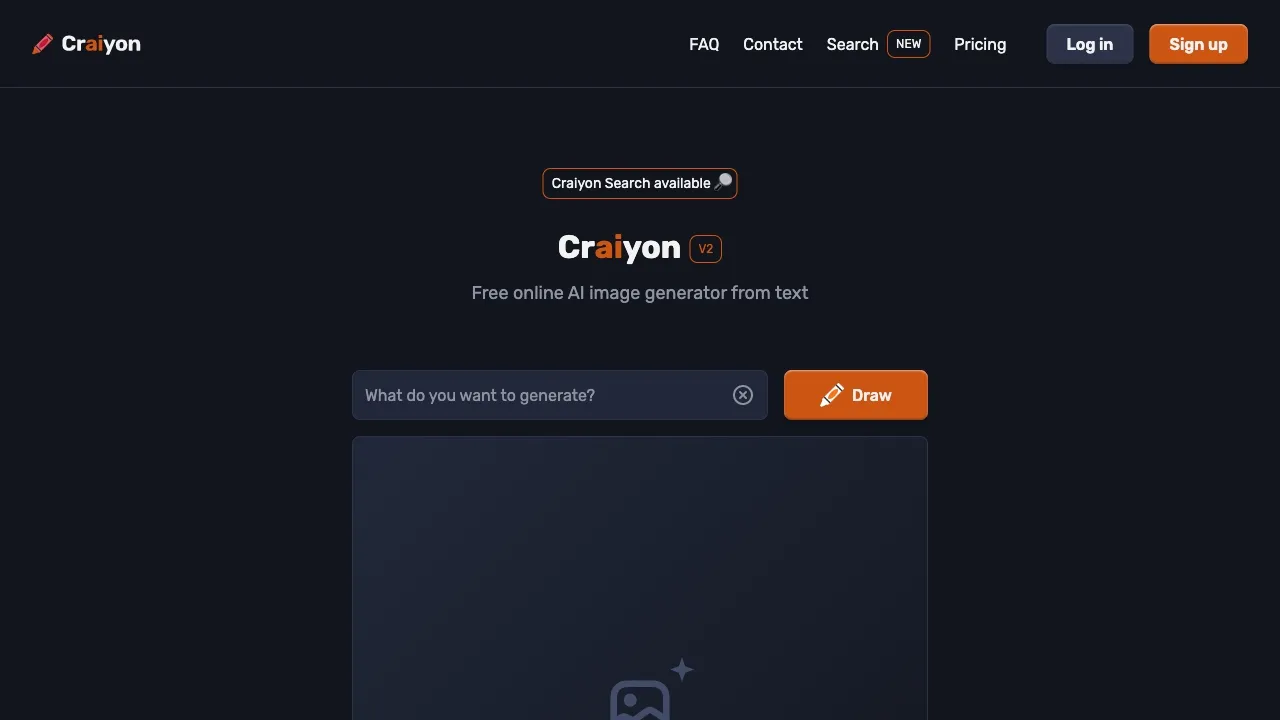

Craiyon
Craiyon turns written descriptions into images, including photos, illustrations, anime, logos, posters, and stickers. Enter a prompt, choose a style and shape or leave them on Auto, and generate images online without an account. You can also start from a gallery image or upload your own photo, then describe edits, remove backgrounds, upscale results, convert images to SVG, or make short videos.
Ads
What is Craiyon?
Craiyon generates images from text prompts and offers dedicated creation options for styles and formats such as photos, anime, logos, posters, coloring pages, tattoos, stickers, and comics. Users can write prompts in their own language, choose a style and square, portrait, or landscape shape, or leave either setting on Auto. Prompts can specify details to include or leave out. A gallery and keyword search help users browse examples, inspect their prompts, and make their own versions. Craiyon also includes image tools for retouching by description, editing uploaded photos, removing backgrounds, upscaling, converting images to SVG, and creating short videos. Text-to-image creation is available free within limits; paid plans add credits for editing and other tools, remove watermarks, and allow private images.
Who will use Craiyon?
- People exploring AI-generated images
- Artists and illustrators seeking visual concepts
- Small business owners creating logos and promotional graphics
- Content creators making posters, memes, stickers, and profile pictures
- Educators and students creating visual materials
- Home design enthusiasts developing room concepts
How to use the Craiyon?
- Step1: Open Craiyon in a browser and describe the image you want in the prompt box.
- Step2: Specify visual details, a style, and anything to leave out; choose a square, portrait, or landscape shape, or keep the options on Auto.
- Step3: Generate images and review the results.
- Step4: Open an image to see its prompt, browse similar images, or use it as a starting point for your own version.
- Step5: Refine an image by describing a change, or use tools to remove its background, upscale it, convert it to SVG, or make a short video.
Platform
- Web
- Android
Craiyon's Core Features & Benefits
The Core Features
- Generate images from text prompts
- Choose image style and shape or use Auto
- Create photos, art, anime, logos, posters, stickers, and other formats
- Browse and search a gallery, view image prompts, and create variations
- Retouch images using written descriptions
- Remove backgrounds, upscale images, convert them to SVG, and make short videos
The Benefits
- Start generating images for free without an account
- Create images using prompts written in your own language
- Use example images and their prompts as creative starting points
- Make and refine graphics for personal, academic, or commercial projects, subject to the terms of use
Craiyon's Main Use Cases & Applications
- Creating illustrations and concept art from descriptions
- Generating anime, cartoon, and character images
- Drafting logos, posters, stickers, memes, and profile pictures
- Creating wallpapers, coloring pages, and infographics
- Exploring home design concepts
- Retouching uploaded photos and preparing images for other uses
Craiyon's Pros & Cons
The Pros
Free text-to-image generation is available without an account
Offers many image styles and purpose-specific generators
Supports prompts in users’ own languages
Includes retouching, background removal, upscaling, SVG conversion, and short-video tools
Paid plans offer private images and watermark-free results
The Cons
Free image generation is limited and may involve waits during busy periods
Free-plan images are public and include a watermark
Editing, photo uploads, upscaling, SVG conversion, and video creation use credits
A mobile app is not currently available
Craiyon's Pricing
| Has free plan | YES |
|---|---|
| Free trial details | |
| Pricing model | freemium |
| Is credit card required | No |
| Paid from | 12 USD |
| Has lifetime plan | No |
| Billing frequency | monthly/yearly |
Details of Pricing Plan
Free
0 USDSupporter
12 USD- Unlimited images
- 100 edit credits every month
- No watermarks
- Private images
- HD downloads
- No attribution
Professional
24 USD- Unlimited images
- 300 edit credits every month
- No watermarks
- Private images
- HD downloads
- No attribution
- Top priority
- Early access to new features
Ultra
84 USD- Unlimited images
- 1,200 edit credits every month
- No watermarks
- Private images
- HD downloads
- No attribution
- Top priority
- Early access to new features
Discount:Get 2 months free when you choose yearly billing.
FAQs of Craiyon
Craiyon Company Information
- Website:
- Company Name: Craiyon
- Support Email:
- Facebook:
- X(Twitter):
- YouTube:
- Instagram:
- Tiktok:
- LinkedIn:
Craiyon Reviews
5/5
Comments (1)

solangn yess
June 13 2025
Crea una imagen con las siguientes características: Quiero una imagen donde las personas de una comunidad estan cuidando el medio ambiente en el que viven
, Fondo: Ciudad Futurista, Actividad: Meditando, Calidad de imagen: Foto realística, Relación de aspecto: 5:4 formato clásico, Estado emocional: Optimista, Energía: Motivadora, Tamaño: Grande, Estructura: Libre, Vibra: Minimalista, Ángulo de cámara: Vista aérea amplia, Posición de ángulo de cámara: Vista de drone, Configuración de lente: Fotografía de larga exposición, Tipo de luz: Golden Hour, Fotografía Creativa: Kodachrome, Estilo de película: Blade Runner 2049 (2017), Estilo de ilustración: Studio Ghibli, En el estilo de: Family Guy, Movimiento Artístico: Expresionismo Abstracto
Craiyon's Main Competitors and alternatives?
DALL-E 3
MidJourney
Stable Diffusion
Simplified
Canva
You may also like:

Turn text prompts and reference images into AI-generated videos, images, voiceovers, and reusable character-led content.
Generate and refine images from text or references, with targeted edits, transparent backgrounds, and multilingual text rendered directly into designs.
Create watermark-free videos from text prompts or photos, with selectable models, aspect ratios, durations, and resolutions.
Upload a room photo and generate visual redesign concepts to compare furniture, colors, finishes, and styles before making changes.
Generate 1K–4K images from text prompts, steer composition with up to 16 references, and render readable multilingual lettering.
Turn written prompts into looping animated GIFs, with adjustable frames, timing, aspect ratios, and downloadable formats.
Create images and short videos from prompts or photos, switching among multiple generation models and reusable templates in one account.
Generate realistic or anime feet images from prompts and presets, then download clean results without signing up or watermarks.
Generate images and videos from text or visual references, with synchronized native audio and multi-shot character consistency.
Create images and videos from plain-language ideas, photos, and templates while Orylia selects a suitable model.
Generate and refine images from prompts and references, with natural-language edits, integrated typography, batch creation, and output up to 4K.
Create images or edit uploaded photos with one sentence, including readable text, multi-image blending, and 4K output.
Create and revise product visuals, posters, illustrations, and explanations from text prompts and reference images.
Generate illustrations, photos, posters, and product visuals from text or reference images, then upscale and edit them.
Create usable visuals from text prompts or reference images, then compare revisions and download the version that fits your brief.
Create high-definition images from text prompts, then refine photos with background removal, upscaling, expansion, and object erasing tools.
Generate detailed images, edit existing photos, and maintain recognizable products or characters across multiple visual scenes.
Generate and edit images from prompts and reference photos while preserving readable text, faces, products, and selected visual details.
Create images from text in any language, enhance prompts automatically, and edit photos with simple AI instructions.
Generate or edit images from text and photos, refine changes step by step, and create transparent-background results in 1K–4K resolutions.