
- 250 workflow credits per month
- 2 hours of export per month
- 30 voiceover minutes per month
- 100 AI images per month
- 25GB of storage
- 100 View Tracker credits per month
- Quarterly billing: $57 every 3 months

Crayo AI
0
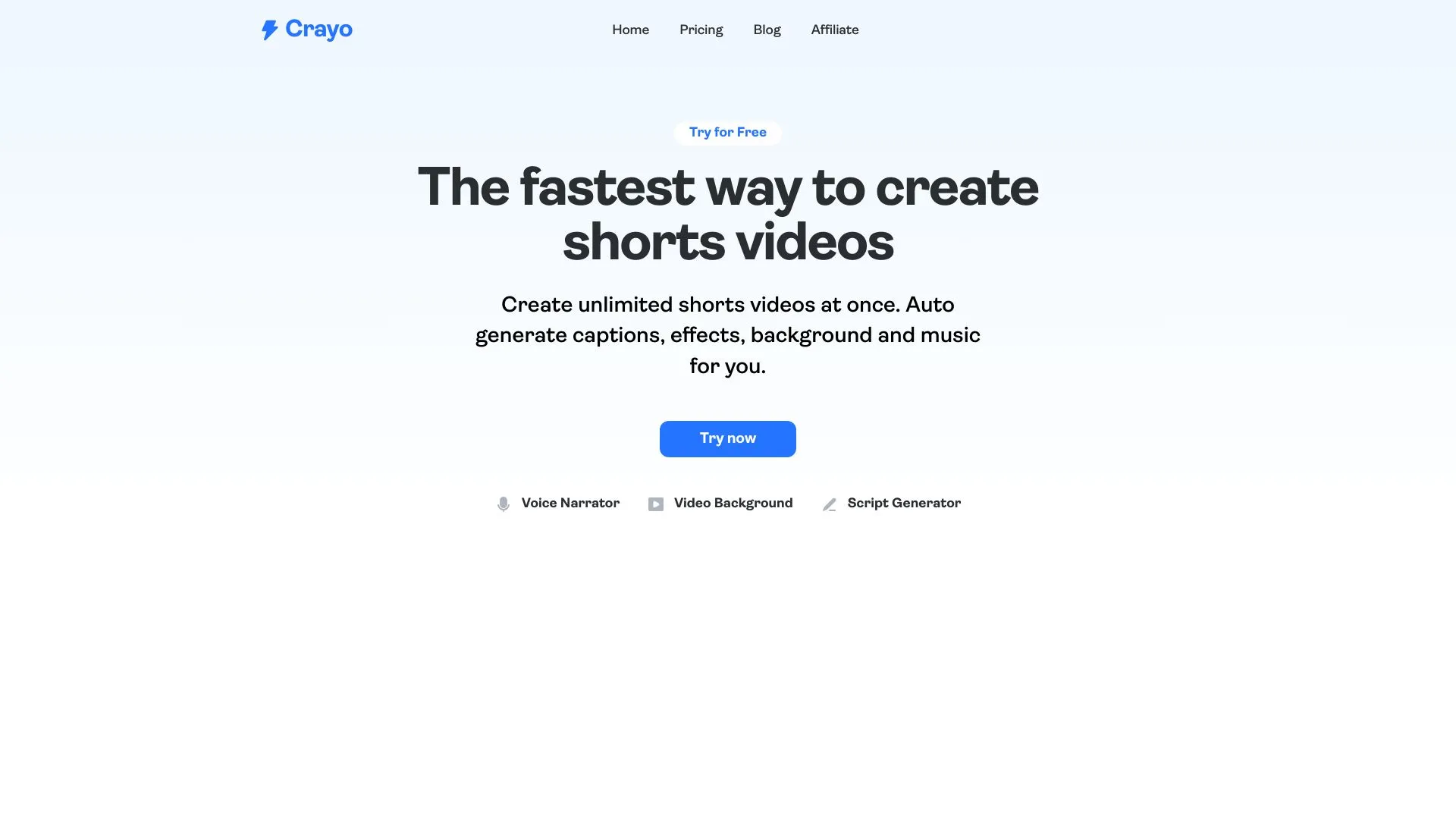
Crayo turns uploaded video files or YouTube and TikTok links into short-form social videos. Its web editor can automatically find clips, apply one of 15+ subtitle styles, add AI voiceovers, and generate story videos. Creators can also use tools for speech enhancement, background removal, AI images, and video downloads, then work with their projects in Crayo’s iPhone app.
Promote this Tool
Update this Tool
Crayo AI
Crayo turns uploaded video files or YouTube and TikTok links into short-form social videos. Its web editor can automatically find clips, apply one of 15+ subtitle styles, add AI voiceovers, and generate story videos. Creators can also use tools for speech enhancement, background removal, AI images, and video downloads, then work with their projects in Crayo’s iPhone app.
Ads
What is Crayo AI?
Crayo is a short-form video editor for turning source footage and social links into videos for platforms such as YouTube Shorts and TikTok. Users can upload a video file or provide a YouTube or TikTok link, then use AutoClip to generate clips and choose from more than 15 subtitle styles. The platform also offers AI voiceovers, story-video generation, AI images, speech enhancement, background removal, and video downloading. Its web editor provides controls for editing, while the iPhone app supports clipping, captioning, and exporting with the same account and projects. Crayo uses workflow credits for generated videos and export minutes to measure video generation length. Subscription credits refill each billing period and do not roll over; users can check usage in settings and cancel a plan there.
Who will use Crayo AI?
- Short-form video creators
- Social media managers
- Video clippers
- Podcasters creating promotional clips
- Streamers
- Faceless YouTube channel operators
- Content agencies
How to use the Crayo AI?
- Step1: Create a Crayo account.
- Step2: Upload a video file or provide a YouTube or TikTok link.
- Step3: Select a subtitle style from the available options.
- Step4: Generate the video and review it in the editor.
- Step5: Export the finished video from the web editor or iPhone app.
Platform
- Web
- Mac
- Windows
Crayo AI's Core Features & Benefits
The Core Features
- Automatically create short clips from videos
- Accept video uploads and YouTube or TikTok links
- Apply more than 15 subtitle styles
- Generate AI voiceovers and story videos
- Provide speech enhancement, background removal, AI image generation, and video downloading
- Support clipping, captioning, and exporting in the iPhone app
The Benefits
- Speeds up turning longer source videos into short-form content
- Combines clipping, subtitles, voiceovers, and other creator tools in one workflow
- Lets users access the same account and projects on web and iPhone
- Supports content creation in most languages
Crayo AI's Main Use Cases & Applications
- Creating short clips from long videos
- Making captioned YouTube Shorts and TikTok videos
- Clipping podcast and livestream footage
- Generating Reddit story and fake-text videos
- Producing videos for faceless channels
- Preparing social video content for clients
Crayo AI's Pros & Cons
The Pros
Accepts uploaded files as well as YouTube and TikTok links
Offers more than 15 subtitle styles, automatic clipping, and AI voiceovers
Includes additional tools such as speech enhancement and background removal
iPhone app shares accounts and projects with the web editor
Users retain rights to videos they create
The Cons
Subscription credits do not roll over between billing periods
Video generation and exports use workflow credits and export-minute allowances
The company does not offer refunds
Crayo AI's Pricing
| Has free plan | No |
|---|---|
| Free trial details | |
| Pricing model | subscription |
| Is credit card required | YES |
| Paid from | 29 USD |
| Has lifetime plan | No |
| Billing frequency | monthly/quarterly/yearly |
Details of Pricing Plan
Hobby
29 USDClipper
59 USD- 1,000 workflow credits per month
- 10 hours of export per month
- 120 voiceover minutes per month
- 300 AI images per month
- 100GB of storage
- 500 View Tracker credits per month
- Quarterly billing: $117 every 3 months
Pro
129 USD- 3,000 workflow credits per month
- 30 hours of export per month
- 180 voiceover minutes per month
- 500 AI images per month
- 500GB of storage
- 2,500 View Tracker credits per month
- Quarterly billing: $237 every 3 months
Discount:Save up to 39% on Crayo plans with quarterly billing or up to 48% with yearly billing.
For the latest prices, please visit: https://crayo.ai/pricingFAQs of Crayo AI
Crayo AI Company Information
- Website:
- Company Name: Crayo AI
- Support Email:
- Facebook:
- X(Twitter):
- YouTube:
- Instagram:
- Tiktok:
- LinkedIn:
Analytic of Crayo AI
Visit Over Time
Monthly Visits
532.6K
Avg Visit Duration
00:03:08
Page Per Visit
5.81
Bounce Rate
36.37%
Jul 2026 - Sep 2026 All Traffic
Geography
Top 5 Regions

United States
22.06%
United Kingdom
8.25%
Germany
6.75%
Pakistan
6.03%
Australia
5.84%
Jul 2026 - Sep 2026 Worldwide Desktop Only
Traffic Sources
Direct
38.07%
SearchOrganic
37.33%
Referrals
8.21%
SocialOrganic
4.40%
Mail
4.17%
DisplayAds
3.86%
SearchPaid
2.24%
SocialPaid
0.81%
GenAi
0.58%
Affiliate
0.32%
Sep 2026 Desktop Only
Top Keywords
| Keyword | Traffic | Cost Per Click |
|---|---|---|
| crayo | 22.9k | $1.33 |
| crayo ai | 22.6k | $0.92 |
| crayo.ai | 1.4k | $1.73 |
| crayoai | 620 | $3.00 |
| content rewards | 190.9k | $0.31 |

How to install?
Crayo AI Reviews
5/5
Comments (2)

Nazmul Hosan Opu
July 19 2025
best video editor

agu austine
July 03 2025
Thank you for having here I'm new here
Crayo AI's Main Competitors and alternatives?
Animoto
Adobe Spark
Wave.video
Lumen5
InVideo
You may also like:
Magi 2 makes 4–30 second 1080p AI videos with native sound, lip sync and shot cuts placed to the second.
Change people, outfits, products, backgrounds, or visual styles in existing 2–60-second videos while preserving original framing, motion, and audio.
Media.io AI Video Enhancer improves blurry, noisy, dark, or low-resolution videos with AI and upscales footage to 4k.
Create videos from prompts, images, or references, then edit scenes, generate images, and adjust output settings in one workspace.
Create videos and images from text or photos, with tools for kisses, outfits, motion control, extension, and background removal.
Multimodal AI video generator producing 4–15s 2K clips with native audio, plus point-and-change instruction editing.
Convert long videos into recap scripts, captions, voiceovers, and vertical clips for Shorts, TikTok, and Reels.
LyricVideoMaker turns songs into beat-synced lyric videos with AI transcription, visuals, previewing, and social exports.
AI-powered online tool that removes video watermarks quickly while preserving original video quality.
An AI video generator that creates cinematic, director-controlled videos with consistent characters and 1080p output.
An online AI studio for generating and transforming images, videos, and creative effects quickly.
A chat-based AI video generator that turns prompts, images, and clips into cinematic, editable videos.
AI-powered video creation platform for recording, editing, repurposing, and publishing professional videos in minutes.
Multi-modal AI video generator with native audio, consistent characters, and cinematic scene control.
An AI video generation platform that turns text prompts and images into cinematic videos in seconds.
An AI creative studio for generating cinematic videos with multimodal references, precise control, and editing.
Ella is an AI-powered video creation platform that generates, edits, captions, and exports content in one Chrome workspace.
A cinematic AI video generator that turns text and images into polished 1080p clips with sound.
AI-powered online tool to remove watermarks, text, subtitles, and objects from videos quickly.