
- 300 credits/month
- Up to 300 images/month
- Up to 30 videos/month
- Up to 300 Remove Background/month
- Up to 300 Restore Image/month
- Up to 300 Upscale Image/month
- Valid for 1 month
- Normal generation speed
- Limited number of downloads

Crayon AI
0
Crayon AI is an innovative online platform designed to enhance creativity through AI-driven image generation, editing, and restoration tools. Tailored for users of all skill levels, it combines advanced algorithms with a user-friendly interface to transform ordinary images into extraordinary works of art.
Promote this Tool
Update this Tool
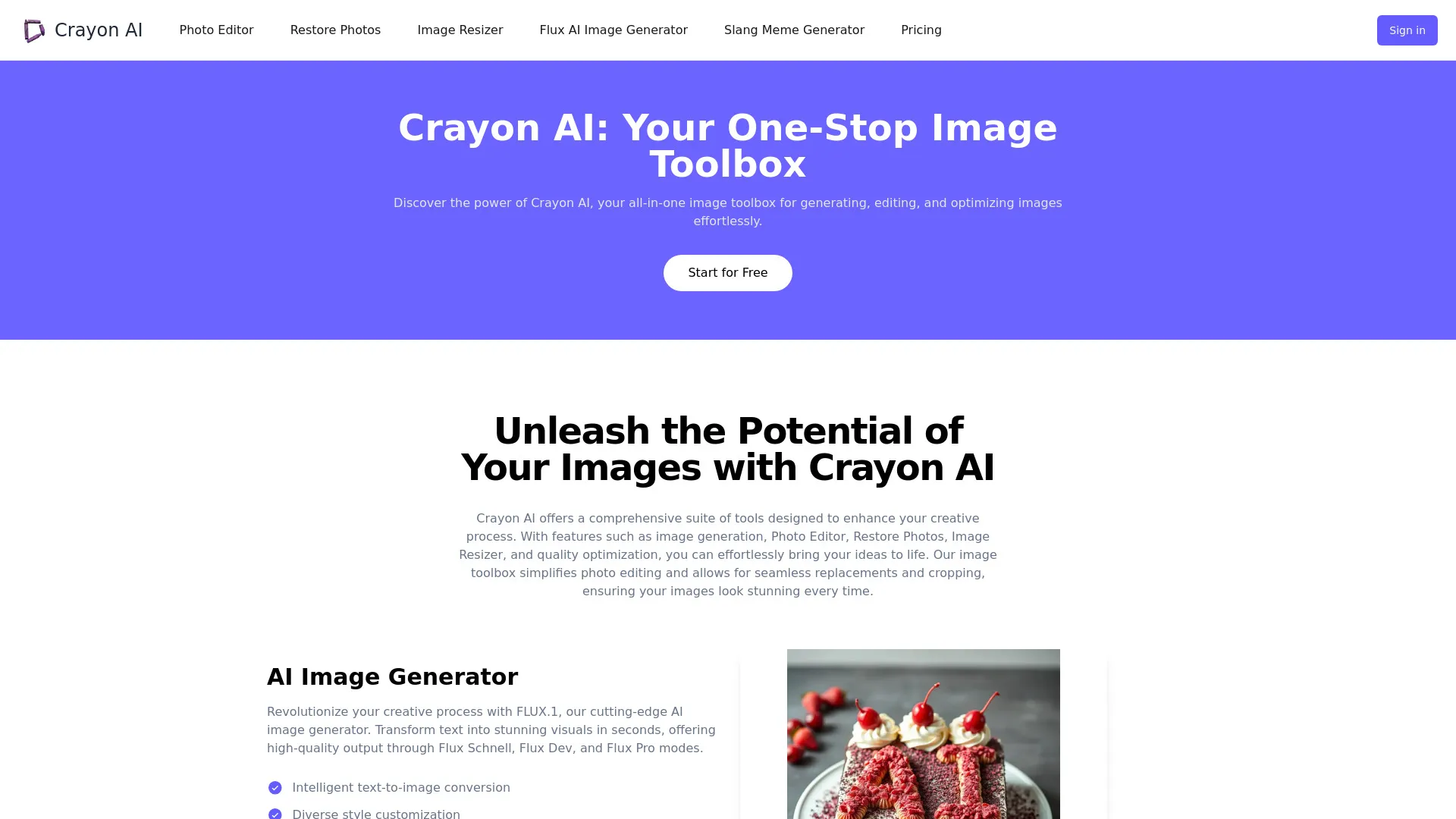
Crayon AI is an innovative online platform designed to enhance creativity through AI-driven image generation, editing, and restoration tools. Tailored for users of all skill levels, it combines advanced algorithms with a user-friendly interface to transform ordinary images into extraordinary works of art.
Ads
What is Crayon AI?
Crayon AI offers an all-in-one toolbox using advanced artificial intelligence to create, edit, and restore images. Whether you're looking to enhance old photos, generate unique art from text prompts, or perform detailed edits, Crayon AI provides a variety of powerful tools tailored to meet your creative needs. Users can enjoy features like photo restoration, background removal, and custom drawing tools, helping to bring imagination to life effortlessly. Its platform is designed for both beginners and experienced artists, ensuring ease of use and access to high-quality visual output.
Who will use Crayon AI?
- Digital Artists
- Photographers
- Content Creators
- Graphic Designers
- Social Media Managers
How to use the Crayon AI?
- Step1: Visit the Crayon AI website.
- Step2: Sign up or log in to your account.
- Step3: Choose the desired tool (e.g., image generation, editing).
- Step4: Upload your image or input text prompts.
- Step5: Customize your edits using the provided features.
- Step6: Save or share your final image.
Platform
- Web
- Android
- iOS
Crayon AI's Core Features & Benefits
The Core Features
- AI-Powered Photo Editor
- Image Generation from Text
- Photo Restoration
- Background Remover
- Drawing Tool
The Benefits
- High-Quality Image Output
- User-Friendly Interface
- Versatile Tools for Various Needs
- Time-Saving Automation
- Supports Creative Projects
Crayon AI's Main Use Cases & Applications
- Creating marketing visuals
- Enhancing personal photographs
- Generating unique art pieces
- Restoring old or damaged photos
Crayon AI's Pros & Cons
The Pros
Comprehensive suite of AI-powered image processing tools in one platform
Supports image generation, editing, enhancement, and restoration
User-friendly interface with real-time editing previews
Multi-platform support for computers, tablets, and mobile devices
High-quality AI image generation with customizable style options
Free basic photo editor and some free AI tools with paid upgrade options
The Cons
No open-source code or GitHub repository available
Limited information on advanced or professional tier features
Pricing is by one-time payments only which may lack subscription flexibility
No dedicated mobile apps or extensions identified for major app stores or web stores
Crayon AI's Pricing
| Has free plan | No |
|---|---|
| Free trial details | |
| Pricing model | One-time |
| Is credit card required | No |
| Paid from | 10 USD |
| Has lifetime plan | No |
| Billing frequency | Monthly |
Details of Pricing Plan
Basic Plan
10 USDPro Plan
20 USD- 800 credits/month
- Up to 800 images/month
- Up to 80 videos/month
- Up to 800 Remove Background/month
- Up to 800 Restore Image/month
- Up to 800 Upscale Image/month
- Valid for 1 month
- Fast generation speed
- Unlimited number of downloads
FAQs of Crayon AI
Crayon AI Company Information
- Website:
- Company Name: Crayon AI
- Support Email:
- Facebook:
- X(Twitter):
- YouTube:
- Instagram:
- Tiktok:
- LinkedIn:
Analytic of Crayon AI
Visit Over Time
Monthly Visits
2.7K
Avg Visit Duration
00:00:37
Page Per Visit
1.91
Bounce Rate
33.62%
Jul 2026 - Sep 2026 All Traffic
Geography
Top 1 Regions

United States
100%
Jul 2026 - Sep 2026 Worldwide Desktop Only
Traffic Sources
Direct
39.19%
SearchOrganic
30.49%
Referrals
10.42%
SocialOrganic
5.45%
DisplayAds
3.84%
Mail
3.70%
Affiliate
2.97%
GenAi
1.66%
SearchPaid
1.54%
SocialPaid
0.76%
Sep 2026 Desktop Only
Top Keywords
| Keyword | Traffic | Cost Per Click |
|---|---|---|
| to draw on an image | — | — |
| live reaction meme | 9.5k | — |
| random object generator | 8.6k | — |
| dumb patrick meme | 6.2k | — |
| patrick dumb meme | 6.0k | — |
Crayon AI Reviews
5/5
Crayon AI's Main Competitors and alternatives?
Canva
Adobe Photoshop
GIMP
Fotor
You may also like:
Generate 1K–4K images from text prompts, steer composition with up to 16 references, and render readable multilingual lettering.
Generate realistic or anime feet images from prompts and presets, then download clean results without signing up or watermarks.
Generate and refine images from prompts and references, with natural-language edits, integrated typography, batch creation, and output up to 4K.
Create consistent anime and fantasy characters from prompts or reference images, then animate them into short scenes.
Media.io CLI connects AI agents to image and video generation models, with one setup and eligible free creation options.
Create and revise product visuals, posters, illustrations, and explanations from text prompts and reference images.
Generate illustrations, photos, posters, and product visuals from text or reference images, then upscale and edit them.
Create usable visuals from text prompts or reference images, then compare revisions and download the version that fits your brief.
Create high-definition images from text prompts, then refine photos with background removal, upscaling, expansion, and object erasing tools.
Generate detailed images, edit existing photos, and maintain recognizable products or characters across multiple visual scenes.
Generate and edit images from prompts and reference photos while preserving readable text, faces, products, and selected visual details.
Create images from text in any language, enhance prompts automatically, and edit photos with simple AI instructions.
Generate or edit images from text and photos, refine changes step by step, and create transparent-background results in 1K–4K resolutions.
Create custom images from text prompts or reference images, then refine composition, lighting, and style.
Generate product photos, posters, and social visuals from text or references, then refine edits in one browser studio.
Create and edit marketing visuals with readable multilingual text, reference images, consistent subjects, flexible ratios, and exports up to 4K.
Create videos and images from text or reference images, with motion, sound, multi-shot scenes, and commercial-use outputs.
Create and refine images from text, references, or sketches with targeted edits, custom sizes, and outputs up to 4K.
Create polished images from prompts or reference photos, make precise edits, preserve layouts, and export high-resolution results up to 4K.
Generate campaign-ready images from text or references, compare models, and export correctly sized PNG or JPG assets.