
- 3,000 Characters per file
- 10,000 Characters total
- 318 Free Voices

Crikk
0
Crikk turns typed text, PDFs, Word documents, EPUBs, text files, and photos into spoken audio. Choose from voices in 80 languages, follow along with word highlighting, adjust playback speed, and save audio as MP3 or WAV. Use Crikk in a browser or its iPhone and Android apps, which support camera scanning, Kindle imports, and background listening. Developers can also generate speech through a REST API or connect compatible AI assistants through its MCP server.
Promote this Tool
Update this Tool
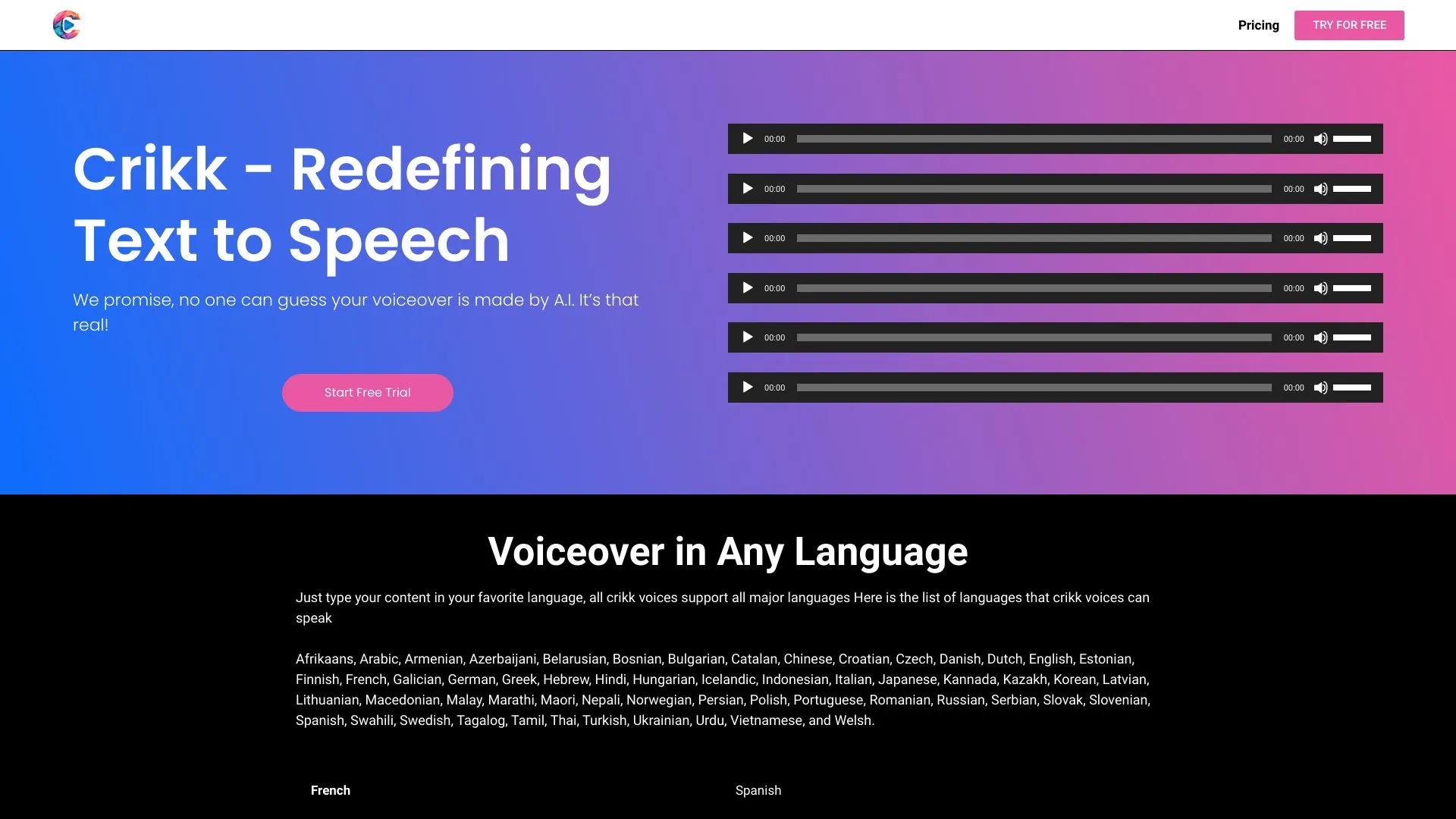
Crikk turns typed text, PDFs, Word documents, EPUBs, text files, and photos into spoken audio. Choose from voices in 80 languages, follow along with word highlighting, adjust playback speed, and save audio as MP3 or WAV. Use Crikk in a browser or its iPhone and Android apps, which support camera scanning, Kindle imports, and background listening. Developers can also generate speech through a REST API or connect compatible AI assistants through its MCP server.
Ads
What is Crikk?
Crikk converts text and supported files into speech for listening, reading along, or creating narration. You can paste text or upload PDFs, Word documents, EPUBs, and TXT files; image uploads use OCR to extract text. The service offers voices across 80 languages, with speaking-style and pitch controls for supported voices. Word highlighting follows the narration, while adjustable playback speed helps users move through longer material. Audio can be downloaded as MP3 or WAV. On iPhone and Android, users can scan printed pages, import photos and files, open Kindle books, and continue listening with the screen locked. A REST API accepts text and voice settings and returns generated audio, while the MCP server lets compatible AI assistants request speech generation.
Who will use Crikk?
- Students reviewing textbooks, notes, and study materials
- People with dyslexia, low vision, or reading fatigue
- Language learners practicing listening and pronunciation
- Content creators producing voiceovers
- Professionals who want to listen to documents while commuting or between tasks
- Developers adding speech generation to apps or AI assistant workflows
How to use the Crikk?
- Step1: Open Crikk in a browser or its iPhone or Android app.
- Step2: Paste or type text, upload a supported file, or scan a page with the mobile app.
- Step3: Choose a voice and language, then adjust available speaking and playback settings.
- Step4: Play the narration and follow along with word highlighting, or continue listening in the background on mobile.
- Step5: Download the audio as an MP3 or WAV, or use the API or MCP server to generate speech in another workflow.
Platform
- Web
- Android
- iOS
Crikk's Core Features & Benefits
The Core Features
- Convert text and supported documents into speech
- Extract text from images using OCR
- Choose from voices in 80 languages
- Follow spoken text with word highlighting
- Adjust playback speed, pitch, and supported speaking styles
- Generate speech through a REST API or MCP server
The Benefits
- Listen to documents without reading them on screen
- Combine listening with highlighted text for read-along use
- Create narration for videos, podcasts, and learning materials
- Keep listening across web and mobile with a synced library
- Generate audio within compatible apps and AI assistant workflows
Crikk's Main Use Cases & Applications
- Listening to textbooks, lecture notes, and study guides
- Turning PDFs, ebooks, reports, and articles into audio
- Creating voiceovers for videos and social media
- Practicing pronunciation and listening in another language
- Making written material easier to access for people with reading difficulties or low vision
- Adding text-to-speech generation to apps through the API or MCP server
Crikk's Pros & Cons
The Pros
Accepts text, common document formats, and images for speech conversion
Offers voices and language options for varied listening and narration needs
Includes word highlighting, adjustable playback, and MP3 or WAV downloads
Mobile apps support scanning, background listening, and Kindle imports
The Cons
Downloading generated audio requires creating an account
Speaking-style and pitch controls are limited to supported voices
The product focuses on speech generation and reading rather than editing finished audio
Crikk's Pricing
| Has free plan | YES |
|---|---|
| Free trial details | Use up to 10,000 characters in the free trial, no credit card required |
| Pricing model | freemium |
| Is credit card required | No |
| Paid from | 14 USD |
| Has lifetime plan | YES |
| Billing frequency | Monthly |
Details of Pricing Plan
Free
0 USDMonthly
14 USD- 24,000 Characters per file
- Unlimited Characters (Free Voices)
- 1 Million Characters/Month (Pro Voices)
- 318 Free Voices
- 268 Pro Voices
- Speaking Style
- Voice Style (Angry, Sad, etc)
Lifetime
97 USD- 24,000 Characters per file
- Unlimited Characters (Free Voices)
- 1 Million Characters/Month (Pro Voices)
- 318 Free Voices
- 268 Pro Voices
- Speaking Style
- Voice Style (Angry, Sad, etc)
API
100 USD- 12,000 Characters per file
- Unlimited API Calls
- 318 Voices
- 100 parallel Requests
FAQs of Crikk
Crikk Company Information
- Website:
- Company Name: Crikk
- Support Email:
- Facebook:
- X(Twitter):
- YouTube:
- Instagram:
- Tiktok:
- LinkedIn:
Analytic of Crikk
Visit Over Time
Monthly Visits
248.1K
Avg Visit Duration
00:00:58
Page Per Visit
3.06
Bounce Rate
41.77%
Jul 2026 - Sep 2026 All Traffic
Geography
Top 5 Regions

India
19.36%
United States
9.07%
Philippines
5.47%
United Kingdom
4.74%
Thailand
3.86%
Jul 2026 - Sep 2026 Worldwide Desktop Only
Traffic Sources
SearchOrganic
57.14%
Direct
27.90%
Referrals
7.62%
SocialOrganic
3.25%
GenAi
3.08%
Mail
0.87%
DisplayAds
0.14%
Sep 2026 Desktop Only
Top Keywords
| Keyword | Traffic | Cost Per Click |
|---|---|---|
| text to speech hindi | 2.3k | $0.13 |
| text to speech online free unlimited | 6.9k | $0.88 |
| hindi text to speech | 1.1k | $0.13 |
| crikk | 630 | $0.14 |
| text to speech spanish | 680 | $0.90 |
Crikk Reviews
5/5
Crikk's Main Competitors and alternatives?
Speechelo
Narakeet
Revoicer
Descript
You may also like:
Convert PDFs, including scanned files, into natural speech with OCR, 142+ languages, and MP3 export for listening anywhere.
Create downloadable speech from an authorized voice sample, with multilingual text input, adjustable delivery, and no sign-up trial.
Generate downloadable UK English voiceovers by choosing from 185 RP, Scottish, Welsh, Northern Irish, and young British voices.
Create downloadable child voiceovers from scripts with 66 styles, ten languages, browser previews, and permitted voice cloning.
Browser-based AI text-to-speech tool for generating natural voiceovers, narration, and podcast audio from scripts.
Multimodal AI audio generator for creating complete sound scenes with dialogue, ambience, music, and effects.
Turn ideas, documents, URLs, and audio into professional podcasts with AI voices, custom hosts, and video formats.
All-in-one AI audio studio for voice cloning, vocal conversion, music generation, stem splitting, and mastering.
AnySpeech is an AI voice studio that turns text into natural speech with 100+ voices in 50+ languages.
AI lip sync and video dubbing platform for turning text, audio, and images into talking videos quickly.
Free text-to-speech platform that turns any text into character voices from anime, games, movies, and celebrities.
An AI audio studio for lifelike text-to-speech, dubbing, voice changing, and sound effects creation online.
Tiramisu AI is an all-in-one online studio for text-to-video, image-to-video, image generation and editing.
Create lifelike talking avatars and AI videos from photos, audio, or text—fast, easy, and customizable.
AI-powered web tool that converts PDFs into natural-sounding MP3 audio for listening, learning, and accessibility.
KikiVoice delivers realistic AI text-to-speech and voice cloning for creators, podcasts, and interactive content.
VoiSpark offers advanced AI-powered voice generation, cloning, and modification tools for creators.
AIVocal is an all-in-one AI assistant for podcasting, speech generation, vocal editing, and transcription.
Microsoft SAM TTS brings the classic Windows XP voice synthesizer to modern browsers with nostalgia.