
- 750 AI credits per month
- Presentations and carousels
- PDF, PPT, and PNG export
- One-click sharing
- Practice delivery with Loop
- Version history
- Mobile access
- $119.88 billed yearly

Decktopus AI
0
Decktopus AI turns a topic, uploaded file, or rough notes into a structured presentation with slide content and design. Add your brand by entering a website URL, then refine slides with prompts or direct text edits. Export decks as PowerPoint, PDF, or PNG, or share a live link and track views, reading time, and slide engagement. The platform also offers AI delivery coaching for rehearsal and carousel generation for LinkedIn and Instagram.
Promote this Tool
Update this Tool
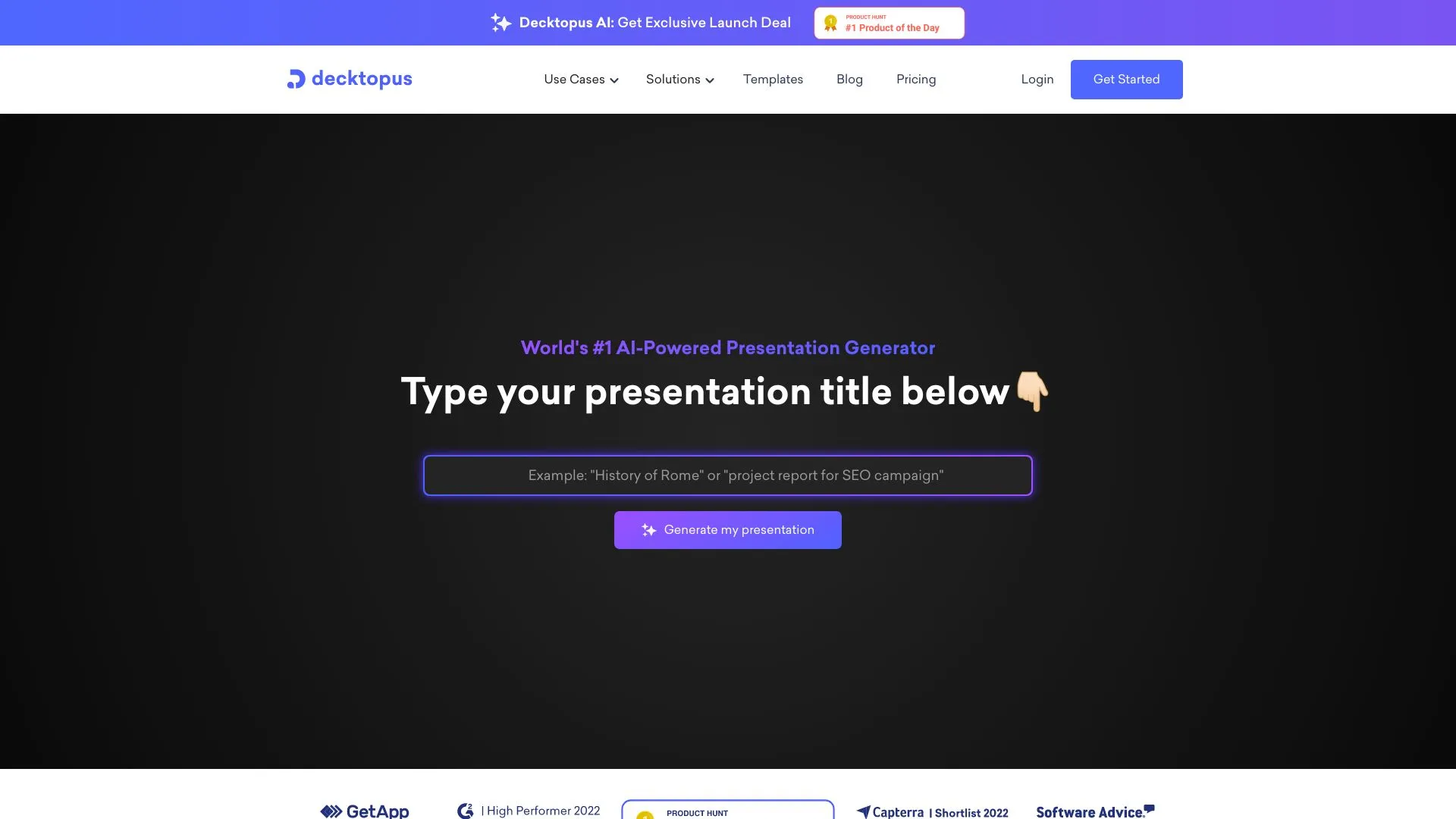
Decktopus AI turns a topic, uploaded file, or rough notes into a structured presentation with slide content and design. Add your brand by entering a website URL, then refine slides with prompts or direct text edits. Export decks as PowerPoint, PDF, or PNG, or share a live link and track views, reading time, and slide engagement. The platform also offers AI delivery coaching for rehearsal and carousel generation for LinkedIn and Instagram.
Ads
What is Decktopus AI?
Decktopus AI creates presentations from a topic, uploaded file, or rough notes, generating the structure, content, and visual design. It can apply a brand kit using colors, fonts, and a logo pulled from a website URL, and users can refine slides with AI prompts or edit text directly. Existing presentations can be uploaded for redesign while preserving their content. Decks can be exported as PPT, PDF, or PNG, presented directly, or shared through live links that stay current when edited. Engagement analytics show who opened a deck, how long they viewed it, and which slides held their attention; an email gate can capture leads. Loop provides AI-supported rehearsal feedback, while carousel creation turns topics or files into branded social content.
Who will use Decktopus AI?
- Consultancies and professional services firms
- Agencies
- Coaches and advisors
- Educators and workshop facilitators
- Founders and startups
- Sales and marketing teams
- Business teams creating client-facing presentations
How to use the Decktopus AI?
- Step1: Describe your presentation topic, or provide rough notes or an uploaded file.
- Step2: Enter a website URL to apply your brand colors, fonts, and logo, or choose a style.
- Step3: Generate the deck and review its structure, slide content, and design.
- Step4: Refine slides with an AI prompt or edit the text directly; restore an earlier version or regenerate if needed.
- Step5: Rehearse with Loop for feedback on pacing, filler words, timing, and audience questions.
- Step6: Present directly, export as PPT, PDF, or PNG, or share a live link and review engagement analytics.
Platform
- Web
Decktopus AI's Core Features & Benefits
The Core Features
- Generate presentation outlines, slide content, and designs from topics, files, or notes
- Apply branding from a website URL, including colors, fonts, and logo
- Edit slides using prompts or direct text editing
- Redesign uploaded presentations while preserving their content
- Export to PowerPoint, PDF, and PNG
- Share live decks and track viewer activity
- AI presentation rehearsal and delivery feedback with Loop
- Generate branded carousels for LinkedIn and Instagram
The Benefits
- Create a complete first draft without building slides one by one
- Keep presentations aligned with company branding
- Reuse and update shared presentation links instead of distributing new files
- Use viewer engagement signals to inform follow-ups
- Practice delivery and prepare for audience questions
Decktopus AI's Main Use Cases & Applications
- Investor and fundraising pitch decks
- New-business pitches and sales proposals
- Client reports and case studies
- Educational presentations, onboarding, and workshops
- Lead magnet decks with email capture
- Team presentations using shared brand styling
- Rehearsing high-stakes presentations
- Creating LinkedIn and Instagram carousels
Decktopus AI's Pros & Cons
The Pros
Generates presentation structure, content, and design from a topic, notes, or files
Supports branded decks and prompt-based or direct slide editing
Offers exports to PPT, PDF, and PNG, plus live-link sharing
Includes presentation analytics, lead capture, and AI rehearsal coaching
Supports English, French, German, Portuguese, Spanish, Turkish, and Arabic
The Cons
There is no free plan; signup credits cover a three-slide presentation, and each slide costs five credits.
The number of presentations depends on the available credit balance.
Shared team templates are not currently available.
Decktopus AI's Pricing
| Has free plan | No |
|---|---|
| Free trial details | |
| Pricing model | subscription |
| Is credit card required | YES |
| Paid from | 9.99 USD |
| Has lifetime plan | No |
| Billing frequency | monthly/yearly |
Details of Pricing Plan
Pro (Annual)
9.99 USDPro (3-Month)
19.99 USD- 750 AI credits per month
- Presentations and carousels
- PDF, PPT, and PNG export
- One-click sharing
- Practice delivery with Loop
- Version history
- Mobile access
- $59.97 billed every 3 months
Pro (Monthly)
24.99 USD- 750 AI credits per month
- Presentations and carousels
- PDF, PPT, and PNG export
- One-click sharing
- Practice delivery with Loop
- Version history
- Mobile access
- $24.99 billed monthly
Discount:Pro annual billing is advertised as saving $180 per year, the 3-month option as saving $60 per year, and students receive 50% off all plans with code SUPPORTEDUCATION; no offer deadline is stated.
For the latest prices, please visit: https://www.decktopus.com/pricingFAQs of Decktopus AI
Decktopus AI Company Information
- Website:
- Company Name: Decktopus Inc.
- Support Email:
- Facebook:
- X(Twitter):
- YouTube:
- Instagram:
- Tiktok:
- LinkedIn:
Analytic of Decktopus AI
Visit Over Time
Monthly Visits
74.8K
Avg Visit Duration
00:00:18
Page Per Visit
2.02
Bounce Rate
42.52%
Jul 2026 - Sep 2026 All Traffic
Geography
Top 5 Regions

India
12.04%
United States
10.38%
Russia
5.18%
Vietnam
4.25%
Uzbekistan
3.93%
Jul 2026 - Sep 2026 Worldwide Desktop Only
Traffic Sources
Direct
42.42%
SearchOrganic
24.12%
SearchPaid
12.76%
Referrals
7.30%
DisplayAds
5.97%
SocialOrganic
4.66%
SocialPaid
1.63%
GenAi
1.14%
Sep 2026 Desktop Only
Top Keywords
| Keyword | Traffic | Cost Per Click |
|---|---|---|
| decktopus | 2.0k | $0.33 |
| decktopus ai | 1.4k | $0.31 |
| chat gpt detector | 31.7k | $0.50 |
| powerpoint hook slide | 520 | — |
| chatgpt detector | 55.2k | $0.38 |
Decktopus AI Reviews
5/5
Decktopus AI's Main Competitors and alternatives?
Canva
Google Slides
PowerPoint
Prezi
Haiku Deck
You may also like:
TeraBox is an all-in-one AI workspace and cloud storage platform for creating presentations, writing content, generating
Repurpose PDFs into videos, presentations, flipbooks, landing pages, and AI chatbots with AI.
Gamma turns meeting briefs into editable, outline-first presentations you can present in-browser or export as PDF, PPTX, or PNG.
Create browser-playable HTML presentations from AI-generated decks, then share links, embeds, or video exports without installs.
CreateMemorial helps families build lasting online memorial websites and funeral slideshow videos to honor loved ones.
AI-powered presentation generator that turns text, files, and links into polished, editable slide decks in minutes.
AI-powered infographic generator that turns text, documents, and notes into share-ready visuals in seconds.
Template.net is an AI-powered production engine offering editable templates and branded exports for documents, presentations, and designs.
AI-powered infographic maker that converts text into polished, editable visuals with templates and export options.
AI-powered presentation maker that generates, beautifies, and exports professional slide decks in minutes.
AI-driven PPT maker that creates, beautifies, and exports professional PowerPoint presentations with speaker notes and charts in minutes.
AI-powered tool that quickly turns science concepts into clear, publication-ready diagrams for teachers and researchers.
Next-gen AI presentation maker,Turn your ideas & docs into attention-grabbing slides with AI.
Premast AI Assistant enhances your design process with smart automation and intuitive tools.
Prime Intellect is an AI agent that automates digital workflows and enhances productivity.