
- 700 credits per year
- high quality Deep Nostalgia AI video
- Commercial License
- Videos/Images Cloud Storage for 3 Months

Deep Nostalgia
0
Deep Nostalgia AI uses deep learning to animate still photos, creating short lifelike videos. Users upload images, let the AI generate subtle facial movements, then download or share the result. The service emphasizes ease of use, fast processing, and privacy protections for non-account uploads. Free basic use is available with premium options for higher-volume or advanced features.
Promote this Tool
Update this Tool
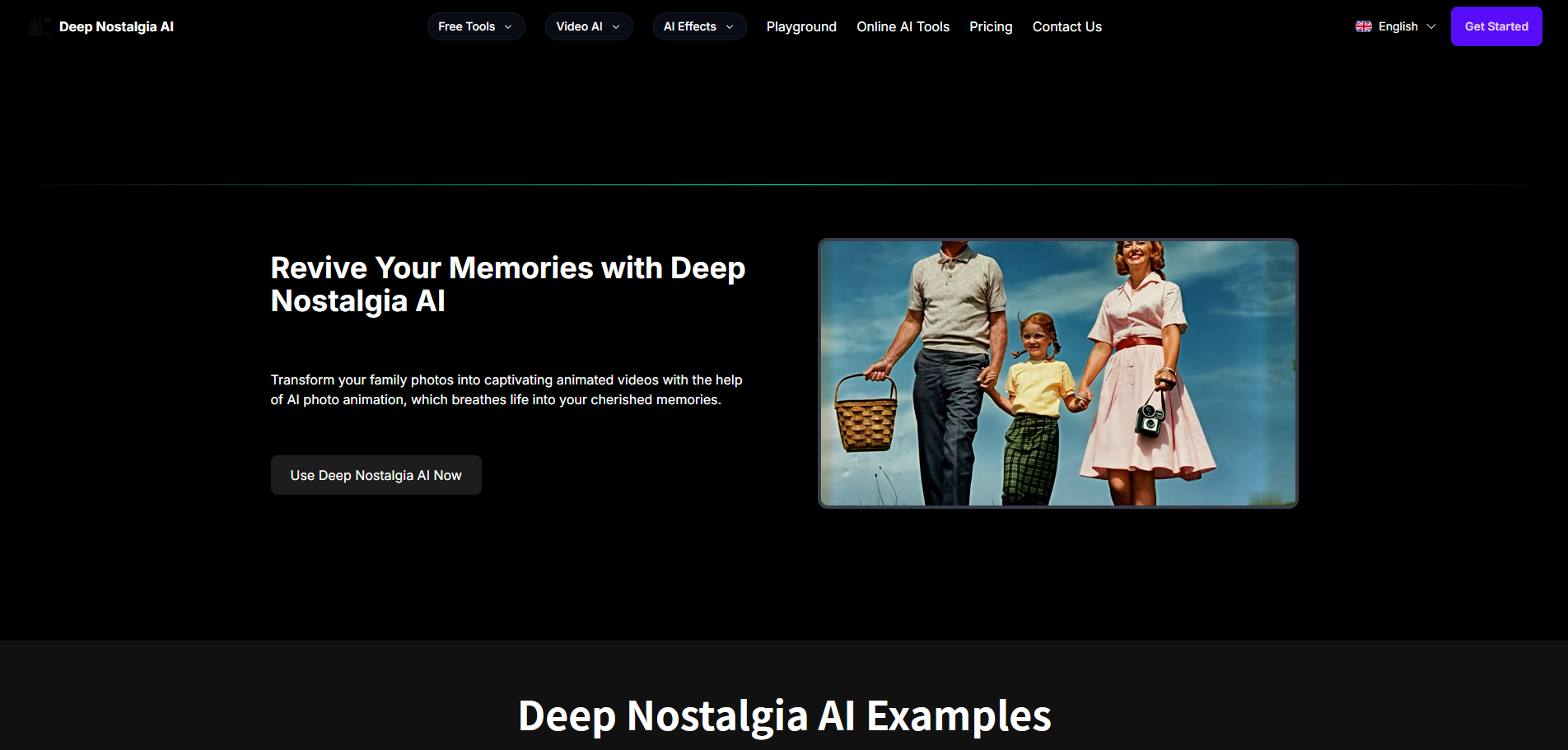
Deep Nostalgia AI uses deep learning to animate still photos, creating short lifelike videos. Users upload images, let the AI generate subtle facial movements, then download or share the result. The service emphasizes ease of use, fast processing, and privacy protections for non-account uploads. Free basic use is available with premium options for higher-volume or advanced features.
Ads
What is Deep Nostalgia?
Deep Nostalgia AI is an online AI-powered photo animation tool that transforms still portraits into short, lifelike video clips by applying deep learning models to synthesize realistic facial expressions and subtle movements. Users upload a photo to the web playground, the system analyzes facial features and generates natural-looking motion while preserving the subject’s identity. Processing is typically quick, producing shareable video outputs for social, memorial, genealogical, or creative uses. The platform also highlights privacy measures—temporary uploads without an account are deleted automatically—and offers complementary image tools like colorization, restoration, and upscaling.
Who will use Deep Nostalgia?
- Families and individuals preserving memories
- Genealogists and family historians
- Hobbyist photographers and archivists
- Social media creators and storytellers
- Memorial and tribute creators
- Content creators seeking engaging visuals
How to use the Deep Nostalgia?
- Step1: Visit deep-nostalgia-ai.com and sign up or log in to create an account.
- Step2: Open the playground or animation tool and upload a clear portrait or family photo.
- Step3: Choose animation settings or presets if available, then click generate to start the animation.
- Step4: Wait a few moments for the AI to process and render the animated video.
- Step5: Preview the result, download the video, or share it on social platforms; delete or manage uploads via your account.
Platform
- Web
Deep Nostalgia's Core Features & Benefits
The Core Features
- AI-powered facial animation for still photos
- Fast cloud processing and video output
- Preservation of original facial features and identity
- User-friendly web playground and simple upload flow
- Complementary tools: colorize, restore, upscaler
- Privacy policy for automatic deletion of temporary uploads
- Downloadable, shareable short video clips
The Benefits
- Bring vintage photos to life for emotional impact
- Easy workflow for non-technical users
- Quick turnaround for fast sharing
- Improves engagement with family and social content
- Helps preserve and visualize family history
- Privacy controls for non-account uploads
Deep Nostalgia's Main Use Cases & Applications
- Animating vintage family portraits for reunions and memorials
- Creating shareable social media clips from old photos
- Enhancing genealogy presentations and family trees
- Producing tribute videos for memorial services
- Restoring and animating historical photographs for museums or education
- Generating creative content for storytelling and marketing
Deep Nostalgia's Pros & Cons
The Pros
Produces realistic and emotionally engaging animations
Very easy to use with minimal setup
Fast processing and immediate downloads
Free tier available for casual users
Clear privacy promise for temporary uploads
The Cons
May raise ethical and privacy concerns around animated likenesses
No robust batch processing currently
Best results require clear, high-resolution photos
Some advanced features likely behind a paywall
Accuracy can vary on heavily damaged or obscured images
Deep Nostalgia's Pricing
| Has free plan | No |
|---|---|
| Free trial details | |
| Pricing model | Pay-as-you-go |
| Is credit card required | No |
| Paid from | 44.9 USD |
| Has lifetime plan | No |
| Billing frequency | Annually & One-time |
Details of Pricing Plan
Yearly – 700 credits
190.8 USDYearly – 850 credits
226.8 USD- 850 credits per year
- high quality Deep Nostalgia AI video
- Commercial License
- Videos/Images Cloud Storage for 3 Months
Yearly – 1400 credits
358.8 USD- 1400 credits per year
- high quality Deep Nostalgia AI video
- Commercial License
- Videos/Images Cloud Storage for 3 Months
Yearly – 3600 credits
718.8 USD- 3600 credits per year
- high quality Deep Nostalgia AI video
- Commercial License
- Videos/Images Cloud Storage for 3 Months
100 Credits One-Time
44.9 USD- 100 credits
- One-time payment
300 Credits One-Time
88.9 USD- 300 credits
- One-time payment
Discount:Save 60% on yearly subscription
For the latest prices, please visit: https://deep-nostalgia-ai.com/pricingFAQs of Deep Nostalgia
Deep Nostalgia Company Information
- Deep Nostalgia AI
Analytic of Deep Nostalgia
Visit Over Time
Monthly Visits
24.5K
Avg Visit Duration
00:00:13
Page Per Visit
2.10
Bounce Rate
34.02%
Jul 2026 - Sep 2026 All Traffic
Geography
Top 5 Regions

Russia
20.14%
United States
11.59%
India
9.44%
Brazil
7.94%
Germany
7.55%
Jul 2026 - Sep 2026 Worldwide Desktop Only
Traffic Sources
Direct
39.88%
SearchOrganic
33.24%
Referrals
10.32%
SocialOrganic
5.68%
DisplayAds
3.40%
Mail
2.54%
GenAi
1.47%
SearchPaid
1.37%
Affiliate
1.36%
SocialPaid
0.75%
Sep 2026 Desktop Only
Top Keywords
| Keyword | Traffic | Cost Per Click |
|---|---|---|
| deep nostalgia | 1.3k | $1.08 |
| оживить фото нейросеть бесплатно | — | $0.39 |
| myheritage deep nostalgia | 1.2k | $3.22 |
| dee nostalgia | 160 | — |
| deep nostalgia оживить фото | — | — |

How to install?
Deep Nostalgia Reviews
5/5
Deep Nostalgia's Main Competitors and alternatives?
MyHeritage Deep Nostalgia
D-ID
TokkingHeads
Reface
Avatarify
PhotoMirage / Plotagraph-style tools
You may also like:
Turn text prompts and reference images into AI-generated videos, images, voiceovers, and reusable character-led content.
Turn text prompts, photos, or reference images into 1080p videos up to 30 seconds with generated dialogue, effects, and music.
Magi 2 makes 4–30 second 1080p AI videos with native sound, lip sync and shot cuts placed to the second.
Create synchronized videos up to 30 seconds from text, images, and clips, with camera guidance and consistent characters.
Direct camera action, dialogue, sound and cuts to create or revise short videos up to 30 seconds in 1080p.
Generate videos, images, and music from prompts or references in one workspace using shared credits and a centralized asset library.
Create watermark-free videos from text prompts or photos, with selectable models, aspect ratios, durations, and resolutions.
Turn prompts, images, or references into reviewable video drafts with text-to-video, image-to-video, and first-and-last-frame controls.
Turn a photo, text prompt, or reference image into a short AI video using templates and adjustable generation settings.
Create directed video scenes from text, photos, or paired keyframes, with controls for camera movement, framing, and sound.
Turn prompts and reference media into up-to-30-second videos with directed shots, synchronized sound, and output up to 1080p.
Turn text prompts, photos, or ready-made templates into AI-generated videos, then revisit finished work in your My Creations library.
Generate short videos from text, images, or reference media, with synchronized sound, shot controls, and downloadable MP4 exports.
Create images and short videos from prompts or photos, switching among multiple generation models and reusable templates in one account.
Turn text prompts and images into videos, with options for synchronized audio, frame control, and resolutions up to 4K.
Yovid turns text prompts, photos, or existing clips into downloadable AI videos with model, duration, and resolution controls.
Create short videos from prompts and references, then refine scenes conversationally with native ambience, dialogue, and music direction.
Turn two photos into a short, lip-synced rap video with editable lyrics, beats, stages, and shareable vertical output.
Generate images and videos from text or visual references, with synchronized native audio and multi-shot character consistency.
Create 3–30-second videos with synchronized stereo sound from text, images, reference clips, then edit or extend them by sentence.