
- 1 DocsBot
- 50 Source Pages
- 100 Messages per month
- 1 Team user
- Basic source types

DocsBot AI
0
DocsBot turns company knowledge into AI agents for customer support, internal information retrieval, sales conversations, and research. Import material from websites, documents, cloud services, and other sources, then test and refine responses before launch. Deploy agents as chat interfaces or embedded widgets, connect them to business apps, and configure actions that let them work across existing tools and workflows.
Promote this Tool
Update this Tool
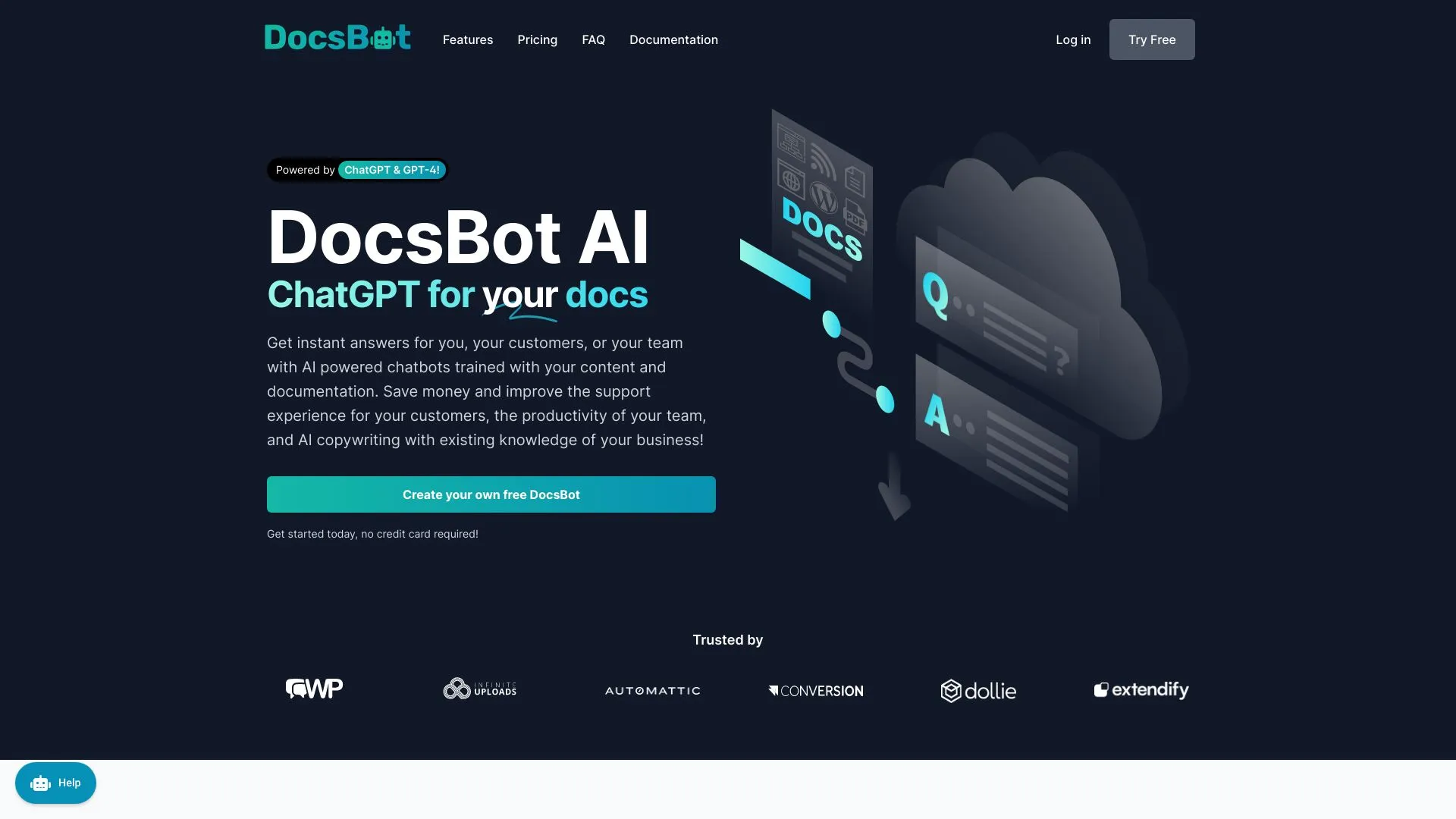
DocsBot turns company knowledge into AI agents for customer support, internal information retrieval, sales conversations, and research. Import material from websites, documents, cloud services, and other sources, then test and refine responses before launch. Deploy agents as chat interfaces or embedded widgets, connect them to business apps, and configure actions that let them work across existing tools and workflows.
Ads
What is DocsBot AI?
DocsBot lets businesses build AI agents that answer questions using their own knowledge sources. Teams can index websites, documents, cloud storage, help centers, video transcripts, and other content, then test answers, adjust instructions, and review logs and analytics. Agents can be shared through a dedicated chat interface or embedded in a website, documentation portal, or help center. Integrations and APIs connect agents to business apps and workflows, while AI Actions support configured tasks beyond answering questions. DocsBot also offers voice conversations using the same knowledge and workflows, plus research features that combine a knowledge base with web search and cited findings. Answer quality depends on the relevance and freshness of the content provided, so sources can be refreshed as documentation changes.
Who will use DocsBot AI?
- Customer support teams
- Sales and customer success teams
- Businesses creating self-service help chatbots
- Employees seeking answers from internal documentation
- Researchers and teams analyzing documents
- Developers integrating knowledge agents through APIs
How to use the DocsBot AI?
- Step1: Create a DocsBot and configure its settings.
- Step2: Import knowledge from websites, documents, cloud services, or supported business tools.
- Step3: Test responses, refine source material, and add custom instructions for edge cases.
- Step4: Publish the agent as a chat interface or embed it in a website, help center, or documentation.
- Step5: Connect integrations or configure actions and workflows as needed, then refresh sources to keep answers current.
Platform
- Web
DocsBot AI's Core Features & Benefits
The Core Features
- Create question-answering agents from business knowledge sources
- Import and index websites, documents, videos, and connected services
- Test and refine answers with custom instructions and activity logs
- Embed chatbots in websites, documentation, and help centers
- Connect agents to business apps, APIs, and workflow actions
- Offer voice conversations and research with cited insights
The Benefits
- Help customers find answers without waiting for a support representative
- Give employees a way to retrieve internal information across sources
- Reuse existing documentation to support sales and customer service
- Automate configured tasks across connected business tools
- Keep agent knowledge current with scheduled source updates
DocsBot AI's Main Use Cases & Applications
- Answering customer support questions from help documentation
- Providing presales information and qualifying website visitors
- Searching internal documents and knowledge bases
- Embedding a product documentation assistant
- Analyzing documents and generating research with citations
- Automating configured tasks through connected business tools
DocsBot AI's Pros & Cons
The Pros
Supports a broad range of knowledge sources, including websites, documents, and connected services
Agents can be embedded in help centers and connected to business apps and workflows
Includes testing and refinement tools for improving responses
Supports voice conversations and research with cited findings
The Cons
Agent answers depend on the relevance and freshness of the indexed knowledge sources
Building useful agents requires selecting, importing, and maintaining source content
Actions and integrations need configuration to fit the organization's workflows
DocsBot AI's Pricing
| Has free plan | YES |
|---|---|
| Free trial details | Free plan available with no credit card required; 14-day money-back guarantee on paid plans |
| Pricing model | freemium |
| Is credit card required | No |
| Paid from | 49 USD |
| Has lifetime plan | No |
| Billing frequency | Monthly |
Details of Pricing Plan
Free
0 USDPersonal
49 USD- 3 DocsBots
- 5,000 Source Pages
- 5,000 Messages per month
- 1 Team user
- Zapier/Workflow automations
- Slack integration
- Basic analytics
- GPT-4o/4.1 support
- Premium embedding models
- Research mode
- Chat with images
- Chat history
- Paid source types
- Cloud source types
Standard
149 USD- 10 DocsBots
- 15,000 Source Pages
- 15,000 Messages per month
- 5 Team users
- Help Scout integration
- Conversation analytics
- Question analytics
- Conversation summaries & insights
- Escalation ticket creation
- Screenshots in widgets/Help Scout
- Ticket source types
- Train from images in HTML/Markdown
- Duplicate bots
- Glossary
Business
499 USD- 100 DocsBots
- 100,000 Source Pages
- 100,000 Messages per month
- 10 Team users
- Conversation topic reports
- Conversation sentiment analysis
- AI question reports
- Unbranded chat widgets
- Rate limiting
- Priority support
Discount:Two months free with annual plans; 14-day money-back guarantee
For the latest prices, please visit: https://docsbot.ai/pricingFAQs of DocsBot AI
DocsBot AI Company Information
- Website:
- Company Name: DocsBot AI
- Support Email:
- Facebook:
- X(Twitter):
- YouTube:
- Instagram:
- Tiktok:
- LinkedIn:
Analytic of DocsBot AI
Visit Over Time
Monthly Visits
514.6K
Avg Visit Duration
00:00:47
Page Per Visit
1.95
Bounce Rate
48.14%
Jul 2026 - Sep 2026 All Traffic
Geography
Top 5 Regions

United States
18.98%
India
12.98%
United Kingdom
4.15%
Indonesia
3.14%
France
2.76%
Jul 2026 - Sep 2026 Worldwide Desktop Only
Traffic Sources
SearchOrganic
75.49%
Direct
15.72%
Referrals
4.77%
SocialOrganic
2.65%
GenAi
1.12%
SearchPaid
0.17%
Mail
0.08%
Sep 2026 Desktop Only
Top Keywords
| Keyword | Traffic | Cost Per Click |
|---|---|---|
| docsbot | 1.6k | $0.45 |
| luraph deobfuscator | 2.7k | — |
| gpt-6 astra | 628.6k | — |
| gpt astra | 1055.1k | — |
| pdf to images | 34.3k | $0.14 |
DocsBot AI Reviews
5/5
DocsBot AI's Main Competitors and alternatives?
Landbot
Tars
Intercom
Drift
You may also like:
ChatTide supports everyday creation, learning, and discovery through an easy-to-use AI chat assistant available online.
A collaborative AI chat workspace that unifies top models for teams, comparisons, and productive workflows.
Real-time AI gaming companion that watches your screen, chats by voice, and coaches gameplay live.
Emochi: Free unlimited AI roleplay chat. Immerse yourself in conversations with countless virtual characters, create you
Lorka AI is an all-in-one platform combining major AI chat models, writing, search, and image tools.
WABot is a WhatsApp AI sales copilot that delivers real-time scripts, translations, and intent detection.
PovChat AI offers free, customizable AI roleplay characters and chatbots for immersive conversations and storytelling.
Free WhatsApp link and QR generator with analytics, branded links, routing, and multi-agent chat features.
AI-powered WhatsApp warmup tool automates bulk messaging while preventing account bans.
The enterprise Telegram CRM to manage multiple accounts, automate lead capture, and deploy AI chatbots 24/7.
LLM aggregator that connects multiple AI models in one platform for comparison, integration, and automation.
Filer is an AI-powered file explorer offering semantic search and local LLM integration for privacy-first document management.
AI-powered team of expert virtual professionals ready to assist in diverse business tasks.
Miniflow.ai provides access to 200+ AI tools for text, image, video, and audio generation with workflow automation.
ChatGPT5.so offers free, instant access to OpenAI’s advanced GPT-5 AI model for versatile use.
Turbotic AI Assistant automates tasks, enhances productivity, and improves decision-making in business environments.