
- Free forever
- Unlimited recordings and transcriptions
- Instant AI call summaries

Fathom 2.0
0
Fathom captures online meetings and turns conversations into transcripts, summaries, action items, and follow-ups. It works with Zoom, Google Meet, and Microsoft Teams, with bot-based or bot-free meeting capture. After a call, users can search transcripts, ask questions across past conversations, and sync notes and insights with tools such as Slack, Salesforce, HubSpot, Notion, and Asana. Teams can also use shared conversation insights, alerts, and AI Scorecards.
Promote this Tool
Update this Tool
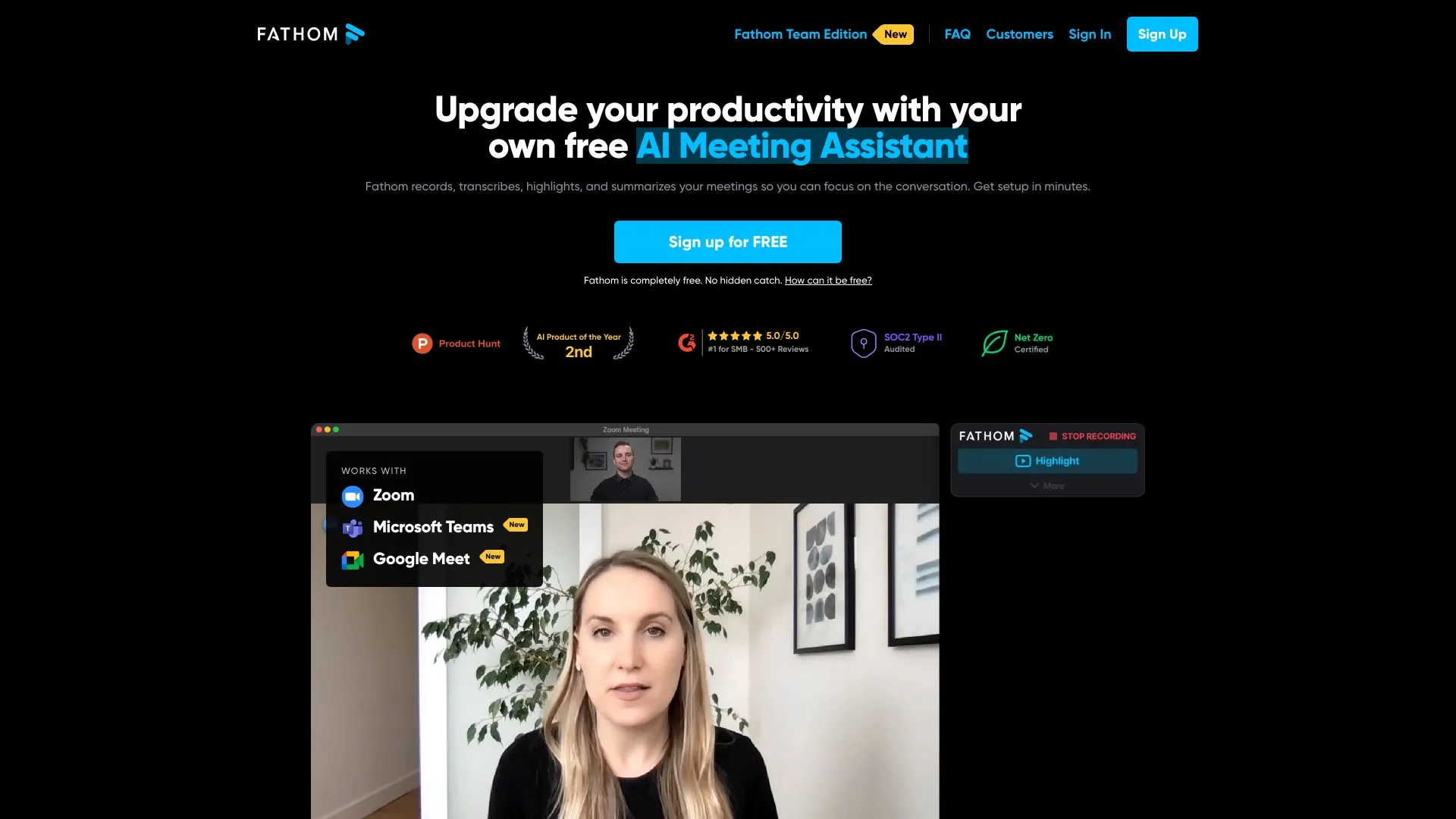
Fathom captures online meetings and turns conversations into transcripts, summaries, action items, and follow-ups. It works with Zoom, Google Meet, and Microsoft Teams, with bot-based or bot-free meeting capture. After a call, users can search transcripts, ask questions across past conversations, and sync notes and insights with tools such as Slack, Salesforce, HubSpot, Notion, and Asana. Teams can also use shared conversation insights, alerts, and AI Scorecards.
Ads
What is Fathom 2.0?
Fathom is a meeting note-taking product that captures conversations and produces transcripts, summaries, and action items. It supports bot-based and bot-free capture, with meetings associated with Zoom, Google Meet, and Microsoft Teams. After calls, users can search conversation records, ask Fathom questions across past meetings, and receive summaries tailored to team workflows. Notes, insights, and action items can sync with tools including Slack, Salesforce, HubSpot, Notion, and Asana. Team features include shared visibility across conversations, alerts, topic monitoring, CRM updates, and AI Scorecards for coaching and follow-up metrics. Individuals can use it to stay engaged during calls and retrieve key moments later; teams can identify patterns, risks, commitments, and customer signals across meetings.
Who will use Fathom 2.0?
- Individuals who attend frequent online meetings
- Sales professionals and sales managers
- Customer success teams
- Marketing teams
- Operations teams
- HR and talent teams
- Product and engineering teams
- Organizations coordinating work across customer and internal conversations
How to use the Fathom 2.0?
- Step1: Sign up for Fathom.
- Step2: Use Fathom with a meeting on Zoom, Google Meet, or Microsoft Teams, choosing bot-based or bot-free capture.
- Step3: After the call, review the transcript, summary, action items, and key moments.
- Step4: Search past conversations or ask Fathom questions to surface relevant information.
- Step5: Sync meeting notes, insights, and action items with connected tools such as Slack, Salesforce, HubSpot, Notion, or Asana.
Platform
- Web
- Chrome Extensions
Fathom 2.0's Core Features & Benefits
The Core Features
- Captures meeting conversations with bot-based or bot-free options
- Creates searchable transcripts and AI-generated summaries
- Identifies action items, key moments, and follow-ups
- Answers questions across past meetings
- Syncs notes and insights with connected work tools
- Offers team topic monitoring, alerts, and AI Scorecards
The Benefits
- Lets participants focus on the conversation instead of taking notes
- Makes meeting decisions and commitments easier to find later
- Reduces manual follow-up and administrative work
- Helps teams surface customer signals, risks, and trends across calls
- Supports consistent coaching and team follow-through
Fathom 2.0's Main Use Cases & Applications
- Creating meeting notes and summaries
- Tracking decisions, commitments, and action items
- Searching across past customer and internal conversations
- Updating CRM records and coordinating sales follow-ups
- Monitoring customer risks, opportunities, and feedback
- Coaching sales teams with call insights and scorecards
- Streamlining interviews and reviewing candidate conversations
- Synthesizing customer feedback and feature requests
Fathom 2.0's Pros & Cons
The Pros
Provides transcripts, summaries, and action items from meetings
Offers both bot-based and bot-free capture options
Searches across past conversations and supports questions about meeting content
Connects meeting insights with common collaboration and CRM tools
Offers a free plan for individuals
The Cons
Its core use is focused on capturing and organizing meeting conversations rather than general-purpose note-taking.
Meeting workflows are centered on services such as Zoom, Google Meet, and Microsoft Teams; other meeting platforms may require a less direct workflow.
Fathom 2.0's Pricing
| Has free plan | YES |
|---|---|
| Free trial details | |
| Pricing model | freemium |
| Is credit card required | No |
| Paid from | 19 USD |
| Has lifetime plan | No |
| Billing frequency | monthly/yearly |
Details of Pricing Plan
Free
0 USDTeam
19 USD- Per user
- 2-user minimum
- Unlimited meetings captured and instant AI summaries
- Team collaboration features
Premium
20 USD- Per user
- Advanced call summaries
- AI-generated action items
- Conversational meeting assistant
Business
34 USD- Per user
- 2-user minimum
- CRM field sync
- Deal View
- Coaching metrics and AI scorecards
Enterprise
34 USD- Contact sales
- Launch Assist onboarding
- Organization-wide security controls
- SSO and SCIM provisioning
Discount:Save 25% or more on plans when billed annually.
For the latest prices, please visit: https://fathom.video/pricingFAQs of Fathom 2.0
Fathom 2.0 Company Information
- Website:
- Company Name: Fathom Video Inc.
- Support Email:
- Facebook:
- X(Twitter):
- YouTube:
- Instagram:
- Tiktok:
- LinkedIn:
Analytic of Fathom 2.0
Visit Over Time
Monthly Visits
5.6M
Avg Visit Duration
00:03:28
Page Per Visit
3.21
Bounce Rate
42.91%
Jul 2026 - Sep 2026 All Traffic
Geography
Top 5 Regions

United States
43.86%
United Kingdom
7.76%
India
5%
Canada
4.47%
Australia
4.08%
Jul 2026 - Sep 2026 Worldwide Desktop Only
Traffic Sources
Direct
72.39%
Referrals
11.05%
Mail
6.97%
SocialOrganic
5.57%
SearchOrganic
2.92%
GenAi
0.77%
SocialPaid
0.13%
DisplayAds
0.11%
SearchPaid
0.06%
Affiliate
0.02%
Sep 2026 Desktop Only
Top Keywords
| Keyword | Traffic | Cost Per Click |
|---|---|---|
| fathom | 289.6k | $1.78 |
| fathom download | 2.3k | $1.89 |
| download fathom | 2.3k | — |
| fathom mcp | 1.2k | $4.64 |
| fathom desktop app | 580 | $2.21 |
Fathom 2.0 Reviews
5/5
Fathom 2.0's Main Competitors and alternatives?
You may also like:
Translate live Google Meet speech into readable subtitles in your language with sub-second latency and searchable bilingual transcripts.
AI interview assistant for live and coding interviews with real-time, resume-tailored answers.
Voice-first Mac AI that records meetings, writes clean notes, and lets you dictate anywhere with on-device privacy.
Spinach AI enhances productivity by automating task management and communication workflows.
An intelligent AI agent providing seamless translation and note-taking services.
Assistant-UI is an AI agent designed to enhance productivity through automation and intelligent task management.
MightyBot is an AI assistant that automates tasks, generates content, and enhances productivity.
Turn recorded calls into searchable transcripts, structured summaries, and assigned action items so teams can follow up without replaying meetings.
EVE AI is a customizable, private, and powerful AI assistant integrated into your Chrome browser.
HelloCaLinda is an AI-powered voice assistant designed to manage your Google Calendar effectively.