
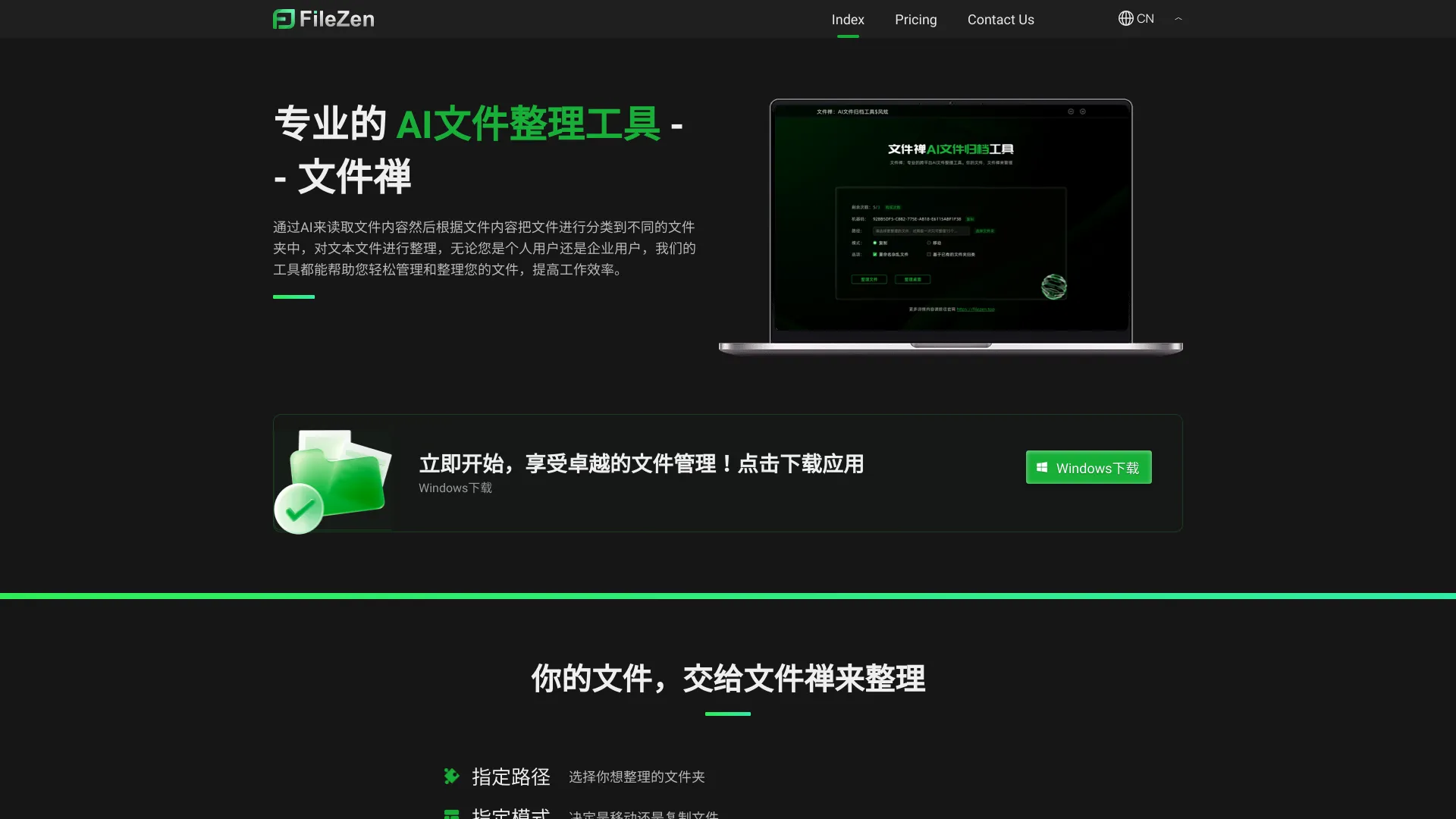
FileZen utilizes AI to intelligently organize and manage your files. Whether for personal or business use, it sorts files into appropriate folders based on content, streamlining your digital workspace and enhancing productivity.
Promote this Tool
Update this Tool

FileZen
FileZen utilizes AI to intelligently organize and manage your files. Whether for personal or business use, it sorts files into appropriate folders based on content, streamlining your digital workspace and enhancing productivity.
Ads
What is FileZen?
FileZen is an innovative AI-driven file management tool that reads and categorizes files into designated folders based on content. It helps users manage their documents efficiently, ensuring easy access and organization. Its intelligent design caters to both individual users and businesses, simplifying the often cumbersome task of file management. With features that automate the sorting process, FileZen alleviates the tension of manual organizing, making file retrieval quick and intuitive.
Who will use FileZen?
- Individuals looking for better file organization
- Small to large businesses
- Professionals in various industries needing efficient document management
How to use the FileZen?
- Step1: Download and install FileZen on your device.
- Step2: Launch FileZen and sign in or create an account.
- Step3: Upload the files you wish to organize.
- Step4: Allow FileZen to analyze and categorize your files automatically.
- Step5: Review categorized files and make adjustments if needed.
- Step6: Save your organized folder structure for easy future access.
Platform
- Web
- Android
- iOS
- Linux
- Mac
- Windows
FileZen's Core Features & Benefits
The Core Features
- AI-driven file categorization
- User-friendly interface
- Cross-platform support
- Automated file sorting
- Customizable folder structures
The Benefits
- Saves time on file organization
- Improves efficiency
- Enhances productivity
- Reduces manual errors
- Provides easy file retrieval
FileZen's Main Use Cases & Applications
- Managing personal digital documents
- Organizing business files and reports
- Streamlining project documentation
- Facilitating team collaboration through organized access
FileZen's Pros & Cons
The Pros
Uses advanced AI for intelligent file categorization and renaming.
Supports multiple file types including documents and images.
Customizable prompt words for flexible and accurate organization.
Supports both online and local AI model deployment for privacy and security.
Interactive UI allows iterative prompt refinement for desired sorting results.
Available on Windows and MacOS platforms.
Offers free and paid versions with enhanced features and professional support.
The Cons
No open-source availability.
Pricing and some advanced features require paid subscription.
No information about mobile or extension app support.
FileZen's Pricing
| Has free plan | No |
|---|---|
| Free trial details | |
| Pricing model | |
| Is credit card required | No |
| Paid from | |
| Has lifetime plan | No |
| Billing frequency |
FAQs of FileZen
FileZen Company Information
- Website:
- Company Name: FileZen
- Support Email:
- Facebook:
- X(Twitter):
- YouTube:
- Instagram:
- Tiktok:
- LinkedIn:
FileZen Reviews
5/5
FileZen's Main Competitors and alternatives?
Dropbox
Google Drive
OneDrive
Evernote
Trello
You may also like:

AI Formatter instantly formats professional documents with AI-powered resume, cover letter, and agenda tools.
Filer is an AI-powered file explorer offering semantic search and local LLM integration for privacy-first document management.
FileMarket AI: A platform for collecting and labeling datasets for AI training.
ActiveLoop.ai is an AI-powered platform for training and deploying deep learning models efficiently.
A Chrome extension for enhancing Claude AI experience with advanced file handling and quick access.
Efficient digital asset management with AI integration for improved workflow and cost savings.
OnlyFree is a free AI resource platform providing tools and repositories for AI enthusiasts.
万合AI is an AI assistant boosting productivity with multiple integrated functionalities.
AI Agent platform to help teams find, ask, research, analyze, or track anything across work apps and data.
Linkly.ai is an AI-powered link-in-bio tool designed to optimize social media engagement and conversion.
Translate documents seamlessly with AI-powered File Translator.