
- Free credits to get started
- Use your own OpenAI API key without paying for FloatingAI
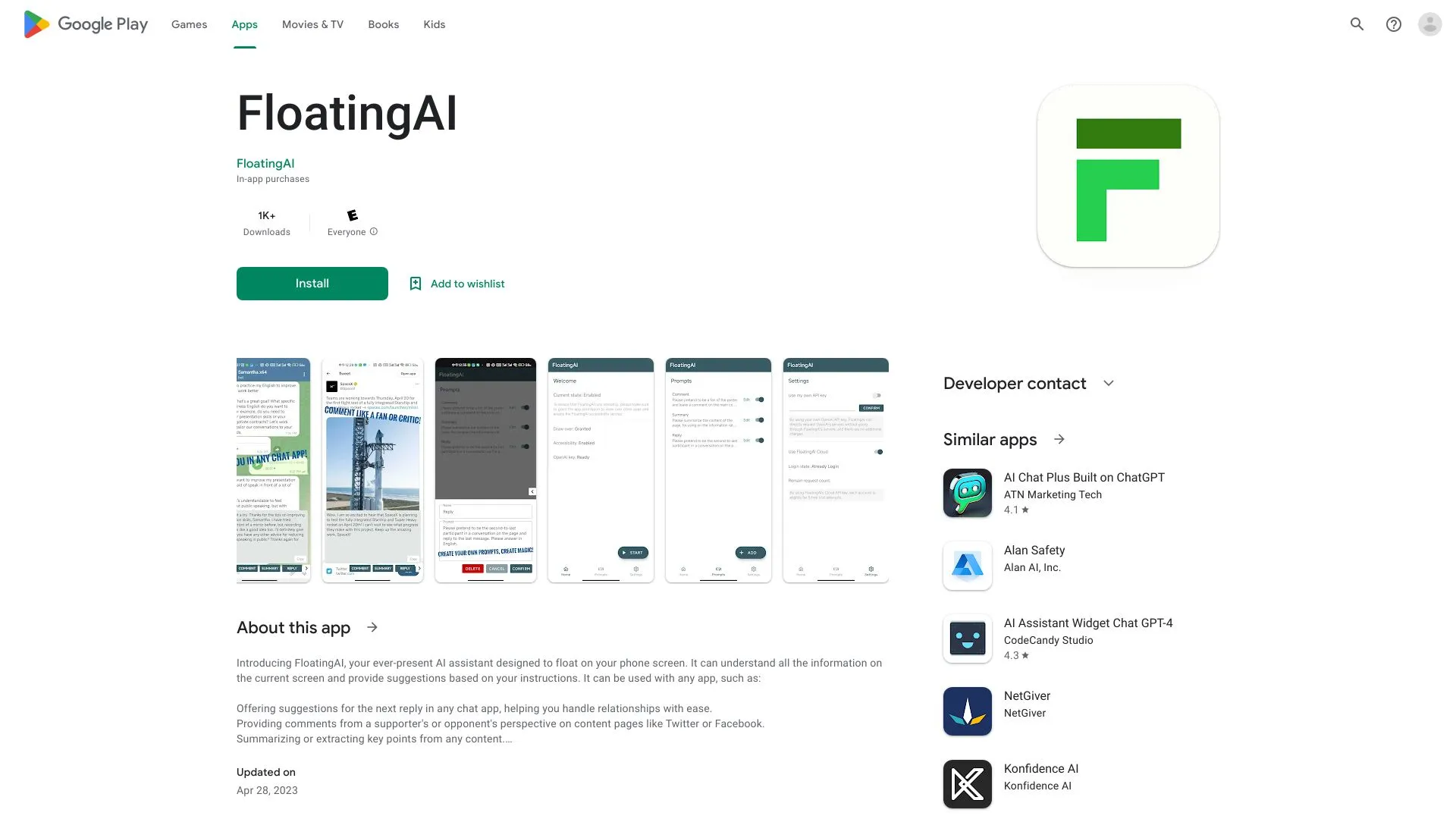
FloatingAI floats as an assistant over Android apps, reads the content on the current screen after you tap its control, and responds to your instructions. Ask questions about articles, products, or people; request explanations or summaries; or generate reply ideas for chats. You can create custom prompts, use included free credits, or connect your own OpenAI or OpenRouter API key.
Promote this Tool
Update this Tool

FloatingAI
FloatingAI floats as an assistant over Android apps, reads the content on the current screen after you tap its control, and responds to your instructions. Ask questions about articles, products, or people; request explanations or summaries; or generate reply ideas for chats. You can create custom prompts, use included free credits, or connect your own OpenAI or OpenRouter API key.
Ads
What is FloatingAI?
FloatingAI places an assistant over your Android screen and uses the current page's content to respond to instructions. You can ask questions about visible articles, products, or people, request explanations of unfamiliar terms, summarize content, or extract key points. It can also suggest the next reply in chat apps and offer comments from a supporter’s or opponent’s perspective on social content. Custom prompts let you define other tasks for the assistant. FloatingAI supports its own GPT features, free starter credits, and using your own OpenAI API key; the latest update also adds support for an OpenRouter API key. Reading screen content requires enabling the Android accessibility service. The app says content is sent to GPT only when you tap the button, and that requests using your own OpenAI key are not sent through its servers.
Who will use FloatingAI?
- Android users who want AI help with content visible in other apps
- People who need summaries, key-point extraction, or explanations while reading
- Chat users looking for suggested replies
- Users who want to ask questions about products, people, or articles on screen
How to use the FloatingAI?
- Step1: Install FloatingAI from Google Play and open the app.
- Step2: Enable the accessibility service so FloatingAI can read the current screen when requested.
- Step3: Open an app or page with content you want help with.
- Step4: Tap FloatingAI’s on-screen control and enter a question or instruction, or choose a custom prompt.
- Step5: Review the answer, summary, explanation, or suggestion it returns; use free credits or configure your own supported API key.
Platform
- Android
FloatingAI's Core Features & Benefits
The Core Features
- Reads current screen content when activated
- Answers questions about visible page content
- Summarizes content and extracts key points
- Explains terms and complex topics shown on screen
- Suggests chat replies and perspective-based comments
- Supports custom prompts and user-provided API keys
The Benefits
- Get help with screen content without copying it into a separate assistant
- Understand unfamiliar terms and longer pages more quickly
- Draft possible replies while using chat apps
- Choose between included AI features and supported personal API keys
FloatingAI's Main Use Cases & Applications
- Summarizing articles, social posts, and other on-screen content
- Extracting important points from a page
- Asking questions about people, products, or articles currently visible
- Getting explanations of unfamiliar terms or complex topics
- Generating possible replies in chat apps
- Requesting comments from a supporter’s or opponent’s perspective
FloatingAI's Pros & Cons
The Pros
Can answer questions using content from the current screen
Offers summaries, key-point extraction, explanations, and reply suggestions
Supports custom prompts and personal OpenAI or OpenRouter API keys
Says screen content is sent only after the user taps the control
The Cons
Requires enabling Android accessibility access to read screen content
Some apps protect their content, so the current page may not be readable
Included use relies on free credits and the app also offers in-app purchases
FloatingAI's Pricing
| Has free plan | YES |
|---|---|
| Free trial details | |
| Pricing model | freemium |
| Is credit card required | No |
| Has lifetime plan | No |
| Billing frequency |
Details of Pricing Plan
Free credits
0FAQs of FloatingAI
FloatingAI Company Information
- Website:
- Company Name: 0235 inc.
- Support Email:
- Facebook:
- X(Twitter):
- YouTube:
- Instagram:
- Tiktok:
- LinkedIn:
FloatingAI Reviews
5/5
FloatingAI's Main Competitors and alternatives?
Google Assistant
Microsoft Cortana
Siri
You may also like:

Skribra produces human-first, AI-assisted long-form SEO content with automatic publishing and backlink growth for scalable organic traffic
Automate daily SEO blog publishing with AI-powered content creation for organic traffic growth.
LLM aggregator that connects multiple AI models in one platform for comparison, integration, and automation.
Transform AI-generated text into natural, human-like content. Free, fast, and undetectable by AI detectors.
Automated AI-powered SEO software that grows your search traffic and authority effortlessly.
Humanize AI transforms AI-generated text into natural, engaging, human-like writing effortlessly.
Intlayer is an AI agent that simplifies your workflow with smart automation and intelligent assistance.
Track how brands appear in AI search, compare citations and competitors, then use content recommendations to address visibility gaps.
Lucek.ai is a no-code AI agent platform that automates data fetching, email handling, scheduling, and custom workflows.
ContentForge is an AI content generator that creates high-quality written content efficiently.
DeepCoder-14B provides advanced coding assistance through natural language processing.
Flowsend AI simplifies workflow automation with intelligent email and document management.
Future AGI is an advanced AI agent designed for intelligent task automation and decision support.
Liquid AI is an intelligent agent that automates conversations and enhances user interactions with virtual assistance.