
- 40 new-user credits
- 20 daily check-in credits
- Low quality generations
- 5 free AI tool uses per day
- Shared generation queue
- 15-day history

Flyne AI
0
Flyne AI is an all-in-one creative platform that turns text and images into high-quality visuals and videos. It offers a wide range of AI image and video tools, including text-to-image, image-to-image, inpainting, background removal, avatar creation, virtual try-on, and video generation. Built for speed, quality, and ease of use, Flyne AI combines multiple advanced models in one web-based experience.
Promote this Tool
Update this Tool
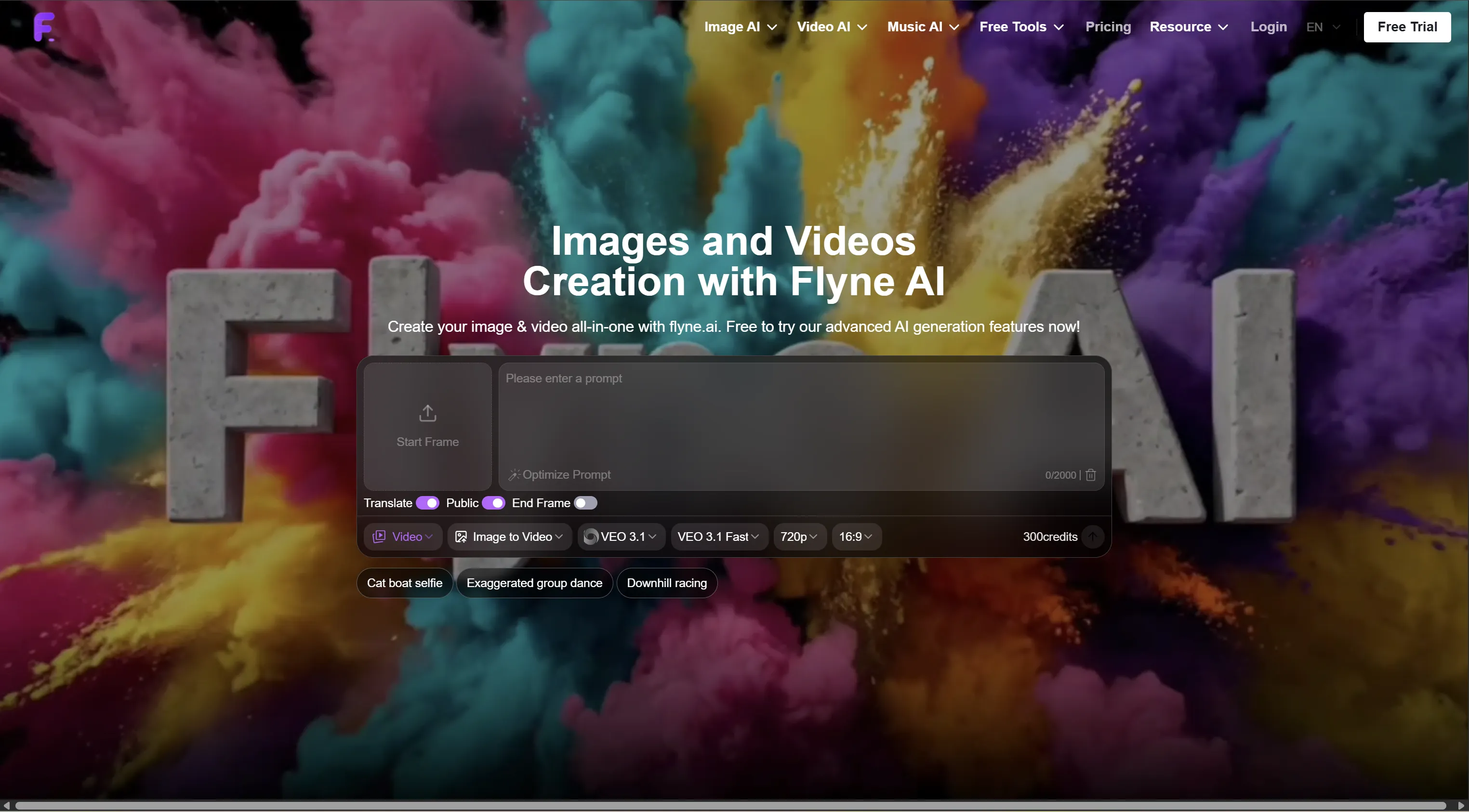
Flyne AI is an all-in-one creative platform that turns text and images into high-quality visuals and videos. It offers a wide range of AI image and video tools, including text-to-image, image-to-image, inpainting, background removal, avatar creation, virtual try-on, and video generation. Built for speed, quality, and ease of use, Flyne AI combines multiple advanced models in one web-based experience.
Ads
What is Flyne AI?
Flyne AI is a web-based AI creation platform for generating and editing images, videos, and some music-related outputs. It supports text-to-image, image-to-image, text-to-video, image-to-video, and video-to-video workflows, along with editing tools such as background changing, object removal, colorization, upscaling, and inpainting. The platform also includes specialized generators for anime, avatars, headshots, product photography, cartoon styles, and virtual try-on. Flyne AI emphasizes fast generation, stable performance, prompt assistance, and access to multiple advanced models like Seedance, Kling, Veo, Seedream, Nano Banana, Qwen, and Recraft.
Who will use Flyne AI?
- Content creators
- Social media marketers
- Graphic designers
- Video creators
- E-commerce sellers
- Photographers
- Digital artists
- AI enthusiasts
- Brand teams
- Small businesses
How to use the Flyne AI?
- Step1: Open Flyne AI in your browser and choose an image, video, or music tool.
- Step2: Select a generation mode such as text-to-image, image-to-image, text-to-video, or image-to-video.
- Step3: Pick a model, aspect ratio, resolution, and other available options.
- Step4: Enter a prompt or upload an image, then refine it with the prompt assistant if needed.
- Step5: Generate the result, review it, and export or reuse it for further editing.
Platform
- Web
Flyne AI's Core Features & Benefits
The Core Features
- Text-to-image generation
- Image-to-image generation
- Text-to-video generation
- Image-to-video generation
- Video-to-video editing
- AI image editing and inpainting
- Background removal and replacement
- Image upscaling and colorization
- Specialized style generators
- Prompt assistance and model selection
The Benefits
- Creates high-quality visuals quickly
- Combines many AI tools in one place
- Supports creators across image and video workflows
- Improves productivity with prompt guidance
- Delivers consistent and stable outputs
- Useful for both personal and commercial creative tasks
Flyne AI's Main Use Cases & Applications
- Generating marketing visuals for ads and campaigns
- Creating social media images and short videos
- Producing product photos for e-commerce listings
- Making avatars, headshots, and profile images
- Restoring old photos and enhancing low-quality images
- Creating anime, cartoon, and stylized artwork
- Making virtual try-on previews for fashion products
- Generating promotional and seasonal graphics
- Turning static images into video content
- Experimenting with multiple AI models for creative exploration
Flyne AI's Pros & Cons
The Pros
Large collection of image and video generation tools
Supports many advanced AI models
Easy browser-based access
Includes prompt helper and multiple templates
Good for both editing and creation workflows
The Cons
No dedicated mobile apps mentioned
Pricing details may vary by credits and models
Quality and results depend on prompt and selected model
Some advanced features may require paid credits
Flyne AI's Pricing
| Has free plan | YES |
|---|---|
| Free trial details | No separate time-limited free trial is listed. A free plan is available with 40 new-user credits, 20 daily check-in credits, low-quality generations, 5 free AI tool uses per day, shared queue, and 15-day history. |
| Pricing model | Freemium |
| Is credit card required | No |
| Paid from | 9.99 USD |
| Has lifetime plan | No |
| Billing frequency | Monthly |
Details of Pricing Plan
Free
0 USDMonthly Standard
9.99 USD- 5000 credits per month
- Unlimited premium features access
- High quality AI image generation
- AI video generations and video effects
- Fast generation queue
- 365-day history
- Private generations
- Commercial right
- Cancel anytime
Monthly Popular
19.99 USD- 13000 credits per month
- Unlimited premium features access
- High quality AI image generation
- AI video generations and video effects
- Fast generation queue
- 365-day history
- Private generations
- Commercial right
- Cancel anytime
Monthly Professional
29.99 USD- 21000 credits per month
- Unlimited premium features access
- High quality AI image generation
- AI video generations and video effects
- Fast generation queue
- 365-day history
- Private generations
- Commercial right
- Cancel anytime
One-Time Basic
9.99 USD- 4000 credits
- One-time purchase
- Unlimited premium features access
- Premium feature valid for 1 month
- Credit valid for 100 days
- Private generations
- Commercial right
One-Time Ultra
19.99 USD- 10000 credits
- One-time purchase
- Unlimited premium features access
- Premium feature valid for 1 month
- Credit valid for 100 days
- Private generations
- Commercial right
One-Time More
49.99 USD- 26000 credits
- One-time purchase
- Unlimited premium features access
- Premium feature valid for 1 month
- Credit valid for 100 days
- Private generations
- Commercial right
One-Time Max
99.99 USD- 56000 credits
- One-time purchase
- Unlimited premium features access
- Premium feature valid for 1 month
- Credit valid for 100 days
- Private generations
- Commercial right
Discount:Current page shows discounts on paid plans, including Monthly Standard 20% OFF, Monthly Popular 40% OFF, Monthly Professional 45% OFF, One-Time Max 30% OFF, One-Time More 25% OFF, and One-Time Ultra 20% OFF.
For the latest prices, please visit: https://flyne.ai/pricing/FAQs of Flyne AI
Flyne AI Company Information
- Hey Dream Tech Limited
Analytic of Flyne AI
Visit Over Time
Monthly Visits
379.0K
Avg Visit Duration
00:01:10
Page Per Visit
2.40
Bounce Rate
45.02%
Jul 2026 - Sep 2026 All Traffic
Geography
Top 5 Regions

Brazil
9.73%
United States
7.87%
Thailand
6.6%
Canada
6.43%
Vietnam
4.51%
Jul 2026 - Sep 2026 Worldwide Desktop Only
Traffic Sources
Direct
62.21%
SearchOrganic
19.07%
Referrals
11.29%
SocialOrganic
3.45%
SearchPaid
1.92%
GenAi
1.14%
DisplayAds
0.46%
Mail
0.30%
SocialPaid
0.15%
Sep 2026 Desktop Only
Top Keywords
| Keyword | Traffic | Cost Per Click |
|---|---|---|
| krea ai | 164.1k | $0.34 |
| veo 3 | 255.7k | $0.81 |
| recraft ai | 59.0k | $0.48 |
| krea | 135.1k | $0.54 |
| veo3 | 173.7k | $1.01 |

How to install?
Flyne AI Reviews
5/5
Flyne AI's Main Competitors and alternatives?
Midjourney
Leonardo AI
Runway
Pika
Kling AI
Luma AI
Ideogram
Recraft
You may also like:
Turn text prompts and reference images into AI-generated videos, images, voiceovers, and reusable character-led content.
Turn text prompts, photos, or reference images into 1080p videos up to 30 seconds with generated dialogue, effects, and music.
Magi 2 makes 4–30 second 1080p AI videos with native sound, lip sync and shot cuts placed to the second.
Create synchronized videos up to 30 seconds from text, images, and clips, with camera guidance and consistent characters.
Direct camera action, dialogue, sound and cuts to create or revise short videos up to 30 seconds in 1080p.
Generate videos, images, and music from prompts or references in one workspace using shared credits and a centralized asset library.
Create watermark-free videos from text prompts or photos, with selectable models, aspect ratios, durations, and resolutions.
Turn prompts, images, or references into reviewable video drafts with text-to-video, image-to-video, and first-and-last-frame controls.
Turn a photo, text prompt, or reference image into a short AI video using templates and adjustable generation settings.
Create directed video scenes from text, photos, or paired keyframes, with controls for camera movement, framing, and sound.
Turn prompts and reference media into up-to-30-second videos with directed shots, synchronized sound, and output up to 1080p.
Turn topics or scripts into YouTube videos with narration, matched licensed footage, custom animation, captions, and a clip-by-clip license sheet.
Turn text prompts, photos, or ready-made templates into AI-generated videos, then revisit finished work in your My Creations library.
Generate short videos from text, images, or reference media, with synchronized sound, shot controls, and downloadable MP4 exports.
Create images and short videos from prompts or photos, switching among multiple generation models and reusable templates in one account.
Turn text prompts and images into videos, with options for synchronized audio, frame control, and resolutions up to 4K.
Yovid turns text prompts, photos, or existing clips into downloadable AI videos with model, duration, and resolution controls.
Create short videos from prompts and references, then refine scenes conversationally with native ambience, dialogue, and music direction.
Generate images and videos from text or visual references, with synchronized native audio and multi-shot character consistency.
Create 3–30-second videos with synchronized stereo sound from text, images, reference clips, then edit or extend them by sentence.