
- Limited generations
- Basic features

Gencraft
0
Gencraft turns text prompts into images and videos, and lets you edit scenes, create characters, and remix visual ideas. You can also transform existing pictures with image-to-image tools or upload reference images to train a custom model around your style. Explore community creations, creators, and models for inspiration. Gencraft is designed for creatives, students, builders, and designers developing artwork, prototypes, marketing assets, product shots, and brand visuals.
Promote this Tool
Update this Tool
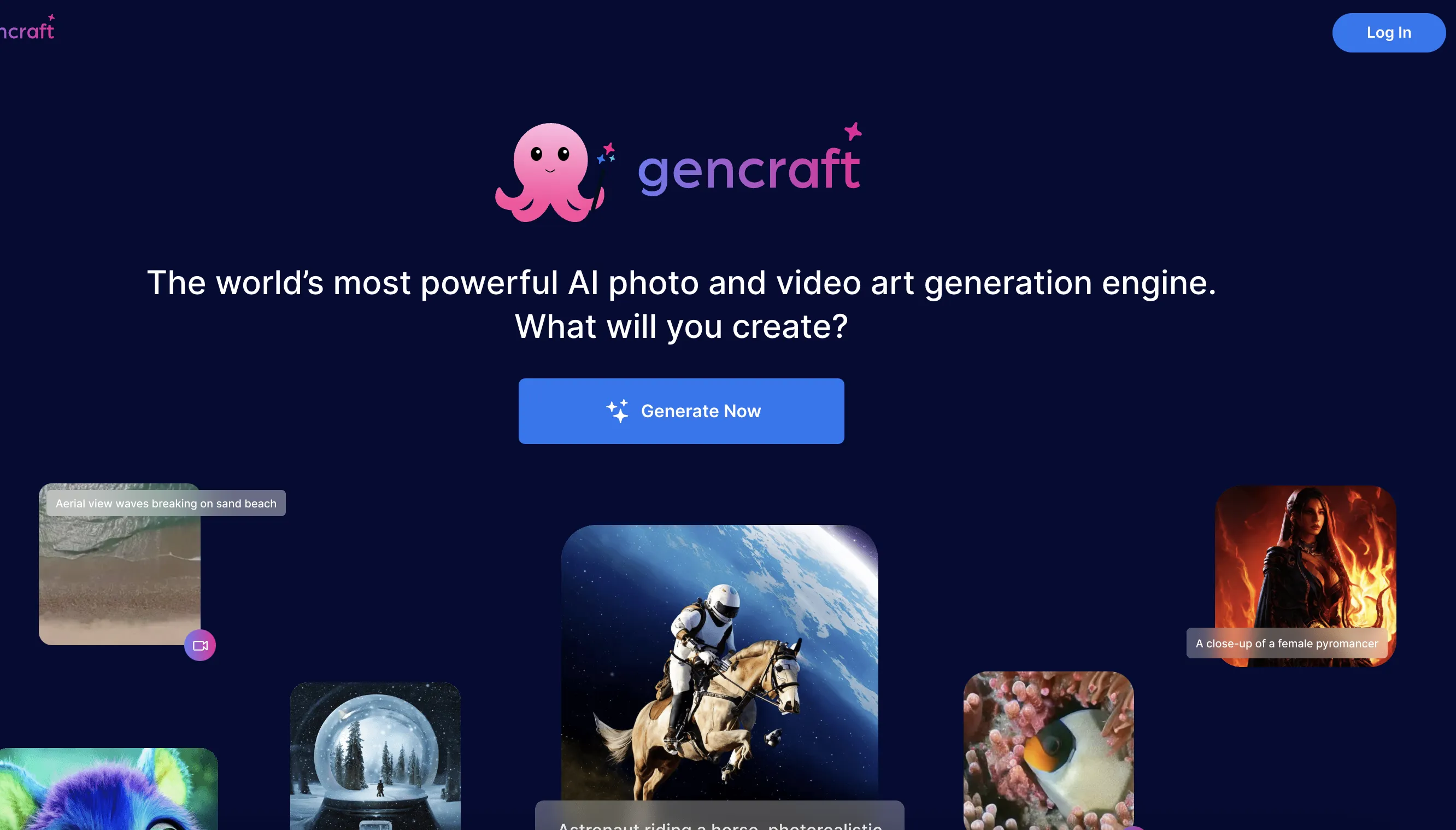
Gencraft
Gencraft turns text prompts into images and videos, and lets you edit scenes, create characters, and remix visual ideas. You can also transform existing pictures with image-to-image tools or upload reference images to train a custom model around your style. Explore community creations, creators, and models for inspiration. Gencraft is designed for creatives, students, builders, and designers developing artwork, prototypes, marketing assets, product shots, and brand visuals.
Ads
What is Gencraft?
Gencraft is a generative visual studio for creating images and videos from prompts, with tools to edit scenes, create characters, and remix ideas. Its image-to-image workflow starts with an existing picture, while custom-style training lets users upload reference images and train a model to reflect a visual style. Users can explore a gallery of community creations, creators, and models for inspiration. The service is aimed at creatives, students, builders, and designers producing artwork, prototypes, marketing assets, product shots, and brand visuals. Gencraft is available through a browser and mobile apps.
Who will use Gencraft?
- Artists and other creative professionals
- Students exploring generative art
- Builders prototyping concepts and products
- Designers creating marketing assets, product shots, and brand visuals
How to use the Gencraft?
- Step1: Open Gencraft in a browser or mobile app and sign in or create an account.
- Step2: Enter a prompt describing the image or video you want to create.
- Step3: Generate visuals, or start with an existing image using the image-to-image tool.
- Step4: To make creations reflect a personal style, upload reference images and train a custom model.
- Step5: Explore community creations, creators, and models for ideas.
Platform
- Web
- Android
- iOS
Gencraft's Core Features & Benefits
The Core Features
- Generate images and videos from prompts
- Transform existing images with image-to-image tools
- Train a custom model using uploaded reference images
- Explore community creations, creators, and models
The Benefits
- Create visual concepts without starting from an existing design
- Adapt pictures into new visual variations
- Develop a reusable model based on a personal visual style
- Find inspiration through community work
Gencraft's Main Use Cases & Applications
- Creating original artwork and character concepts
- Prototyping product and creative ideas
- Making marketing assets and product shots
- Developing visuals for a brand
- Exploring and remixing community-inspired ideas
Gencraft's Pros & Cons
The Pros
Supports prompt-based image and video creation
Includes image-to-image tools and custom-style model training
Offers browser, iOS, and Android access
Provides community galleries for exploring creations and models
The Cons
Custom-style generation requires users to provide reference images and train a model.
Gencraft's Pricing
| Has free plan | YES |
|---|---|
| Free trial details | Free plan with limited features available, upgrade for full access |
| Pricing model | Freemium |
| Is credit card required | No |
| Paid from | 15 USD |
| Has lifetime plan | No |
| Billing frequency | Monthly |
Details of Pricing Plan
Free
0 USDStandard
15 USD- Unlimited generations
- Access to premium models
- Higher resolution downloads
Premium
30 USD- Priority support
- Commercial license
- Team collaboration features
FAQs of Gencraft
Gencraft Company Information
- Website:
- Company Name: Gencraft
- Support Email:
- Facebook:
- X(Twitter):
- YouTube:
- Instagram:
- Tiktok:
- LinkedIn:
Analytic of Gencraft
Visit Over Time
Monthly Visits
307.1K
Avg Visit Duration
00:00:43
Page Per Visit
2.48
Bounce Rate
43.62%
Jul 2026 - Sep 2026 All Traffic
Geography
Top 5 Regions

United Arab Emirates
14.99%
United States
13.16%
India
5.88%
Russia
5.08%
Germany
3.03%
Jul 2026 - Sep 2026 Worldwide Desktop Only
Traffic Sources
SearchOrganic
48.57%
Direct
42.44%
Referrals
2.80%
SocialOrganic
2.01%
Mail
1.92%
GenAi
1.22%
DisplayAds
0.69%
SearchPaid
0.21%
Affiliate
0.09%
SocialPaid
0.06%
Sep 2026 Desktop Only
Top Keywords
| Keyword | Traffic | Cost Per Click |
|---|---|---|
| gencraft | 1.2k | $2.16 |
| sexy ai | 3.5k | $2.20 |
| spicy ai | 18.7k | $1.67 |
| spicygen ai | 800 | $1.90 |
| gencraft ai | 230 | — |

How to install?
Gencraft Reviews
5/5
Gencraft's Main Competitors and alternatives?
DALL-E
Midjourney
Artbreeder
DeepArt
RunwayML
You may also like:
Replace text in photos, screenshots, and posters while preserving the original image’s layout, style, and surrounding background.
Edit photos with prompts, remove objects, expand canvases, enhance resolution, and combine references in an online workspace.
Generate detailed images, edit existing photos, and maintain recognizable products or characters across multiple visual scenes.
Edit embedded image text by uploading JPG, PNG, or WebP files, replacing words, removing labels, extracting copy, or translating content.
Translate text inside images into 130+ languages while preserving fonts, backgrounds, spacing, and original visual layout.
Intel Automotive Solutions enhances vehicles with intelligent technologies.
Coordinate expert-reviewed labeling, model evaluation, and dataset workflows across text, images, video, and audio in one platform.
Next-gen AI tool for creating personalized tattoo designs and virtually previewing them on your body.
Identify plants from a photo, then get species details, care guidance, disease checks, and reminders for healthier everyday gardening.
Edit photos by removing backgrounds, sharpening blur, replacing objects, and resizing images in one browser-based workspace.
AI-powered plugin for generating photorealistic images directly within Blender and 3dsMax.
Discover the ultimate Midjourney library with the best style reference codes and prompts.