
- 500 credits
- Focused image-model lineup
- Private generations
- Credits never expire

GPT Images 2.0
0
Discontinued
GPT Images 2 is a browser-based AI image generator and guide hub focused on helping users create images online, explore prompt techniques, and understand pricing and model naming. It emphasizes fast access, practical workflows, and text-rich visual generation for marketing, content creation, and production use cases.
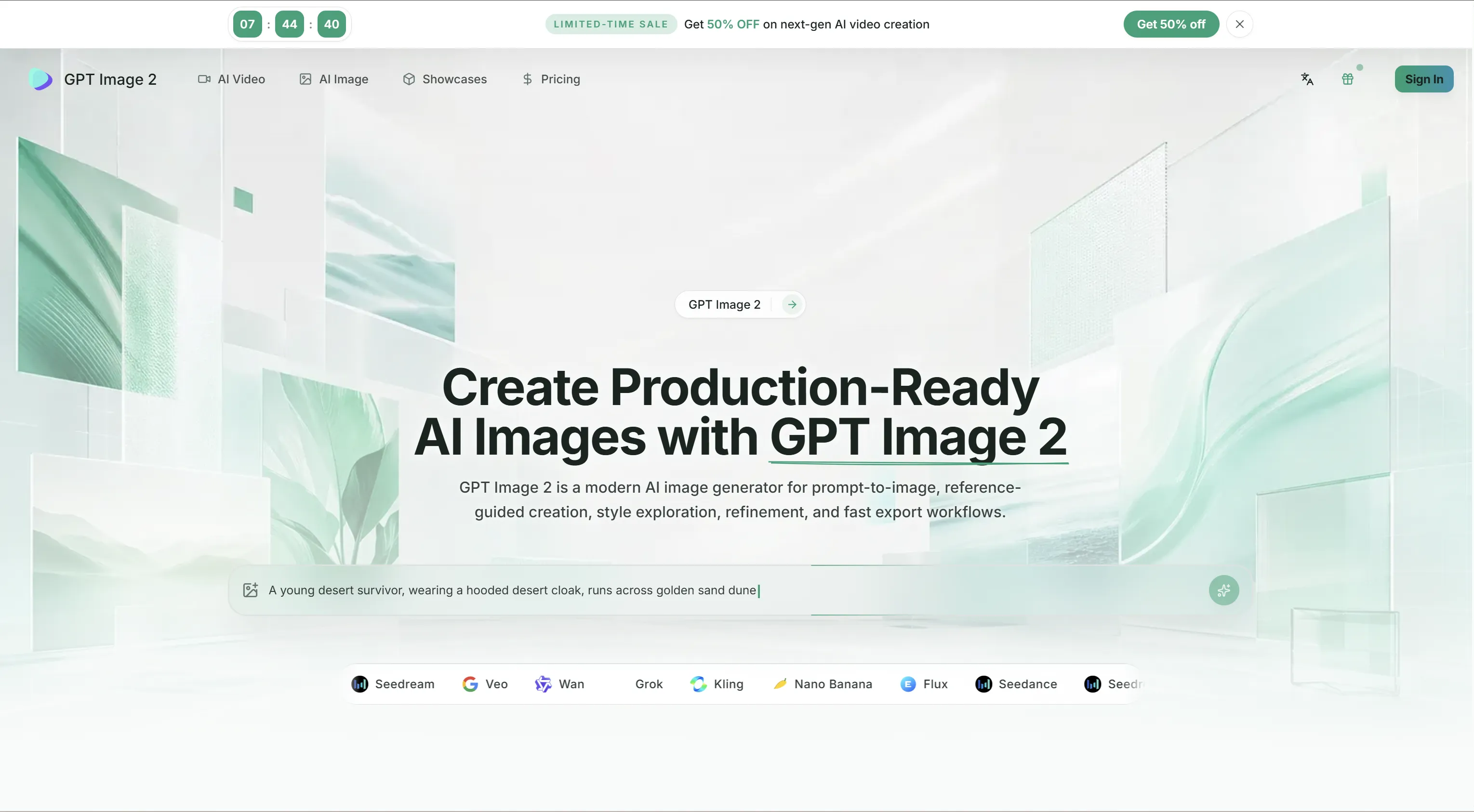
GPT Images 2 is a browser-based AI image generator and guide hub focused on helping users create images online, explore prompt techniques, and understand pricing and model naming. It emphasizes fast access, practical workflows, and text-rich visual generation for marketing, content creation, and production use cases.
Discontinued
Ads
What is GPT Images 2.0?
GPT Images 2 is a browser-first AI image generator built around fast online creation, prompt experimentation, and clear pricing access. It focuses on practical image workflows rather than theory, making it easier to generate marketing graphics, social creatives, product mockups, and typography-heavy visuals. The platform also provides prompt guidance, release context, and comparison content to help users understand how GPT Images 2 relates to ChatGPT Images 2.0 and GPT Image 1.5. Its core value is simplicity: generate, refine, and learn in one place.
Who will use GPT Images 2.0?
- Content creators
- Digital marketers
- Graphic designers
- Social media teams
- E-commerce sellers
- Creative agencies
- Prompt engineers
- Founders and solo makers
How to use the GPT Images 2.0?
- Step1: Open the GPT Images 2 website in a web browser.
- Step2: Go to the image generator page.
- Step3: Enter a prompt describing the image you want.
- Step4: Add style, layout, lighting, text, or reference instructions if needed.
- Step5: Generate the image and review the result.
- Step6: Refine the prompt and regenerate until the output fits your goal.
- Step7: Check the pricing page if you want to compare credits or plans.
- Step8: Use the prompt guide and comparison content to improve future results.
Platform
- Web
GPT Images 2.0's Core Features & Benefits
The Core Features
- Browser-based AI image generation
- Prompt guide and workflow support
- Pricing page with access clarity
- Comparison content for model naming context
- Support for text-heavy and layout-driven visuals
- Reference-driven image refinement
The Benefits
- Helps users create images quickly without complex setup
- Makes pricing and access easier to understand
- Improves prompt quality and iteration speed
- Supports marketing and production-oriented workflows
- Reduces confusion around GPT Images 2 naming and release context
GPT Images 2.0's Main Use Cases & Applications
- Social media graphics and ad creatives
- Product mockups and packaging concepts
- Posters, menus, invitations, and editorial layouts
- Thumbnails and campaign visuals
- Reference-based visual refinement
- Square, vertical, and horizontal campaign assets
GPT Images 2.0's Pros & Cons
The Pros
Simple browser-first workflow
Useful prompt guidance
Transparent pricing route
Good for text-heavy visual concepts
Fits marketing and content production use cases
The Cons
Limited platform availability beyond web
No mobile apps listed
No verified social channels found on the site
Model naming may confuse new users
Public details about the underlying engine are limited
GPT Images 2.0's Pricing
| Has free plan | No |
|---|---|
| Free trial details | No free trial mentioned on the pricing page. |
| Pricing model | Pay-as-you-go |
| Is credit card required | No |
| Paid from | 9.9 USD |
| Has lifetime plan | No |
| Billing frequency | One-time |
Details of Pricing Plan
Starter Pack
9.9 USDCreator Pack
19.9 USD- 1,500 credits
- Focused image-model lineup
- Private generations
- Credits never expire
Studio Pack
39.9 USD- 4,000 credits
- Focused image-model lineup
- Private generations
- Credits never expire
FAQs of GPT Images 2.0
GPT Images 2.0 Company Information
- gptimg2.com
Analytic of GPT Images 2.0
Visit Over Time
Monthly Visits
633
Avg Visit Duration
00:00:16
Page Per Visit
1.31
Bounce Rate
41.91%
May 2026 - Jul 2026 All Traffic
Geography
Top 1 Regions

Japan
100%
May 2026 - Jul 2026 Worldwide Desktop Only
Top Keywords
| Keyword | Traffic | Cost Per Click |
|---|---|---|
| gpt image 2 | 144.9k | $1.13 |
| gpt 2 image | 5.0k | $3.80 |
| gptimage2 | 2.8k | $1.24 |
| gpt image 2 官网 | 680 | $1.66 |
| gpt 2.0 image kaç tl | 260 | — |

How to install?
GPT Images 2.0 Reviews
5/5
GPT Images 2.0's Main Competitors and alternatives?
OpenAI ChatGPT Images 2.0
Midjourney
Ideogram
Flux
Adobe Firefly
Leonardo AI
You may also like:
Create and refine images, videos, audio, and 3D assets in one canvas, with conversational agents that retain project context.
Generate videos, images, and music from prompts or references in one workspace using shared credits and a centralized asset library.
Generate and refine images from text or references, with targeted edits, transparent backgrounds, and multilingual text rendered directly into designs.
Create watermark-free videos from text prompts or photos, with selectable models, aspect ratios, durations, and resolutions.
Turn a photo, text prompt, or reference image into a short AI video using templates and adjustable generation settings.
Generate 1K–4K images from text prompts, steer composition with up to 16 references, and render readable multilingual lettering.
TeraBox is an all-in-one AI workspace and cloud storage platform for creating presentations, writing content, generating
Create images and short videos from prompts or photos, switching among multiple generation models and reusable templates in one account.
Generate realistic or anime feet images from prompts and presets, then download clean results without signing up or watermarks.
Generate images and videos from text or visual references, with synchronized native audio and multi-shot character consistency.
Create images and videos from plain-language ideas, photos, and templates while Orylia selects a suitable model.
Generate and refine images from prompts and references, with natural-language edits, integrated typography, batch creation, and output up to 4K.
Create images or edit uploaded photos with one sentence, including readable text, multi-image blending, and 4K output.
Create and revise product visuals, posters, illustrations, and explanations from text prompts and reference images.
Create finished videos from prompts, photos, or references, including 4K exports with synchronized audio and multiple aspect ratios.
Generate illustrations, photos, posters, and product visuals from text or reference images, then upscale and edit them.
Create usable visuals from text prompts or reference images, then compare revisions and download the version that fits your brief.
Create high-definition images from text prompts, then refine photos with background removal, upscaling, expansion, and object erasing tools.
Generate detailed images, edit existing photos, and maintain recognizable products or characters across multiple visual scenes.
Generate and edit images from prompts and reference photos while preserving readable text, faces, products, and selected visual details.