

Guess AI - Pictures Trivia
0
Discontinued
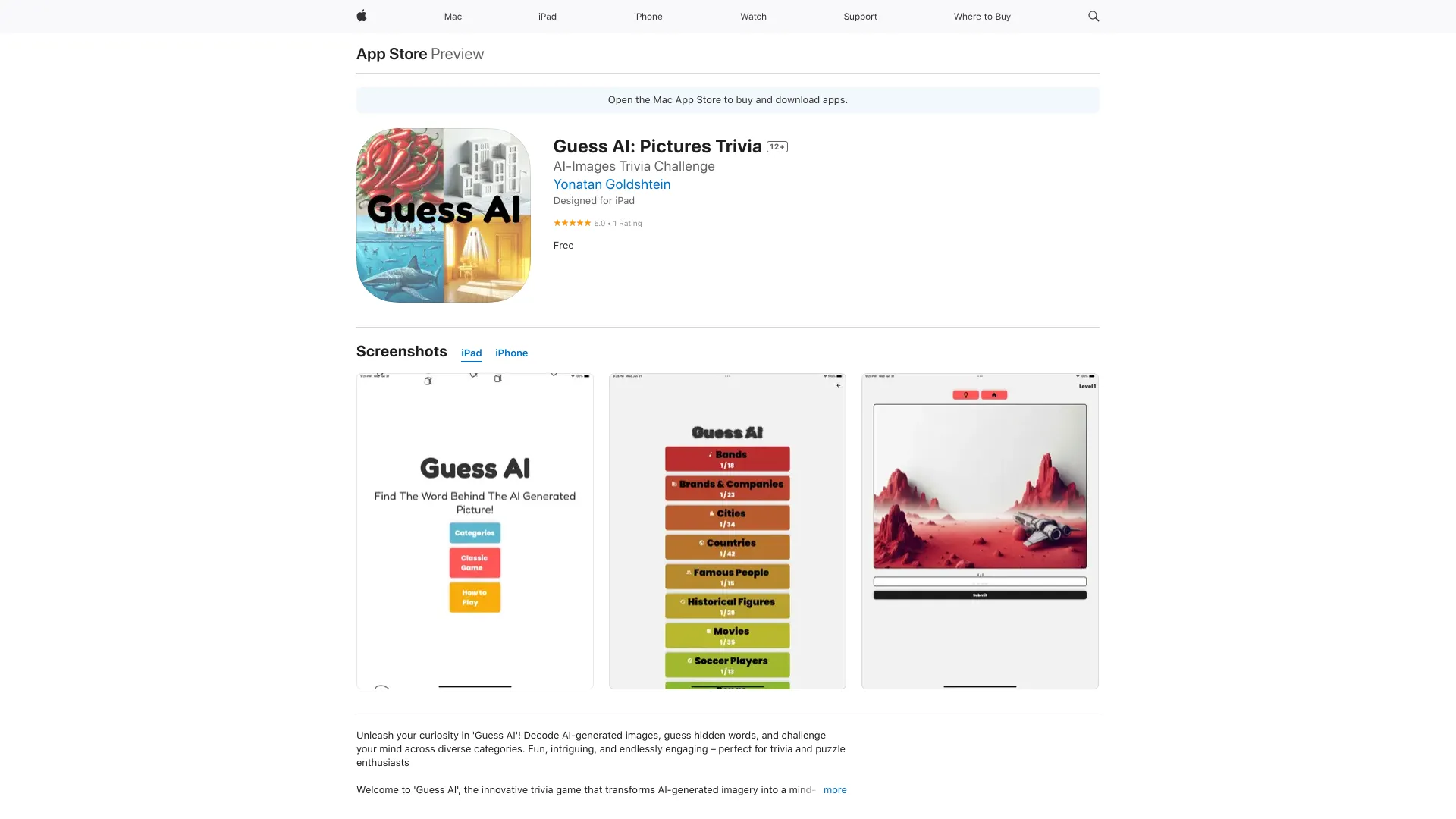
0 ReviewsUnleash your curiosity with 'Guess AI'! Decode AI-generated images, guess hidden words, and challenge your mind across diverse categories.
Guess AI - Pictures Trivia
Unleash your curiosity with 'Guess AI'! Decode AI-generated images, guess hidden words, and challenge your mind across diverse categories.
Discontinued
Ads
What is Guess AI - Pictures Trivia?
Guess AI Pictures Trivia is an innovative app that transforms AI-generated images into a fun guessing adventure. Each level presents a unique, AI-crafted image filled with hidden clues. Your task? Unravel the mystery and guess the word each image conceals. With a wide range of categories and increasing difficulty levels, this app offers endless entertainment and cognitive challenges. Perfect for those who love puzzles and want to test their visual and thinking skills, 'Guess AI' combines technology and creativity for a unique brain-teasing experience.
Who will use Guess AI - Pictures Trivia?
- Puzzles lovers
- Trivia enthusiasts
- AI technology fans
- Casual gamers
- Educators
How to use the Guess AI - Pictures Trivia?
- Step1: Download and install Guess AI Pictures Trivia from the App Store.
- Step2: Open the app and create an account or log in.
- Step3: Select a category to start your guessing adventure.
- Step4: Look at the AI-generated image and decipher the hidden clues.
- Step5: Enter your guess in the provided field.
- Step6: See if your guess is correct, and proceed to the next level if it is.
- Step7: Repeat to challenge yourself with more levels and categories.
Platform
- iOS
Guess AI - Pictures Trivia's Core Features & Benefits
The Core Features
- AI-generated images
- Multiple categories
- Increasing difficulty levels
- Interactive gameplay
- User-friendly interface
The Benefits
- Enhances cognitive skills
- Provides endless entertainment
- Encourages creative thinking
- Suitable for all ages
- Fun and educational
Guess AI - Pictures Trivia's Main Use Cases & Applications
- Entertainment during commutes
- Educational tool
- Family game nights
- Brain-training exercises
- Recreational activity
FAQs of Guess AI - Pictures Trivia
Guess AI - Pictures Trivia Company Information
- SoLeads.ai
Guess AI - Pictures Trivia Reviews
5/5
Guess AI - Pictures Trivia's Main Competitors and alternatives?
Quiz Journey: AI Pictures
Guess AI: Pictures Trivia on Google Play
Picly - Guess AI Image
Movie Quiz AI
Trivia Spin
You may also like:

Generate 1K–4K images from text prompts, steer composition with up to 16 references, and render readable multilingual lettering.
Generate realistic or anime feet images from prompts and presets, then download clean results without signing up or watermarks.
Generate and refine images from prompts and references, with natural-language edits, integrated typography, batch creation, and output up to 4K.
Create consistent anime and fantasy characters from prompts or reference images, then animate them into short scenes.
Media.io CLI connects AI agents to image and video generation models, with one setup and eligible free creation options.
Create and revise product visuals, posters, illustrations, and explanations from text prompts and reference images.
Generate illustrations, photos, posters, and product visuals from text or reference images, then upscale and edit them.
Create usable visuals from text prompts or reference images, then compare revisions and download the version that fits your brief.
Create high-definition images from text prompts, then refine photos with background removal, upscaling, expansion, and object erasing tools.
Generate detailed images, edit existing photos, and maintain recognizable products or characters across multiple visual scenes.
Generate and edit images from prompts and reference photos while preserving readable text, faces, products, and selected visual details.
Create images from text in any language, enhance prompts automatically, and edit photos with simple AI instructions.
Generate or edit images from text and photos, refine changes step by step, and create transparent-background results in 1K–4K resolutions.
Create custom images from text prompts or reference images, then refine composition, lighting, and style.
Generate product photos, posters, and social visuals from text or references, then refine edits in one browser studio.
Create and edit marketing visuals with readable multilingual text, reference images, consistent subjects, flexible ratios, and exports up to 4K.
Create videos and images from text or reference images, with motion, sound, multi-shot scenes, and commercial-use outputs.
Create and refine images from text, references, or sketches with targeted edits, custom sizes, and outputs up to 4K.
Create polished images from prompts or reference photos, make precise edits, preserve layouts, and export high-resolution results up to 4K.
Generate campaign-ready images from text or references, compare models, and export correctly sized PNG or JPG assets.