
The Image To Video AI Generator uses advanced AI to convert static images into dynamic videos, enhancing content creation effortlessly.
Promote this Tool
Update this Tool
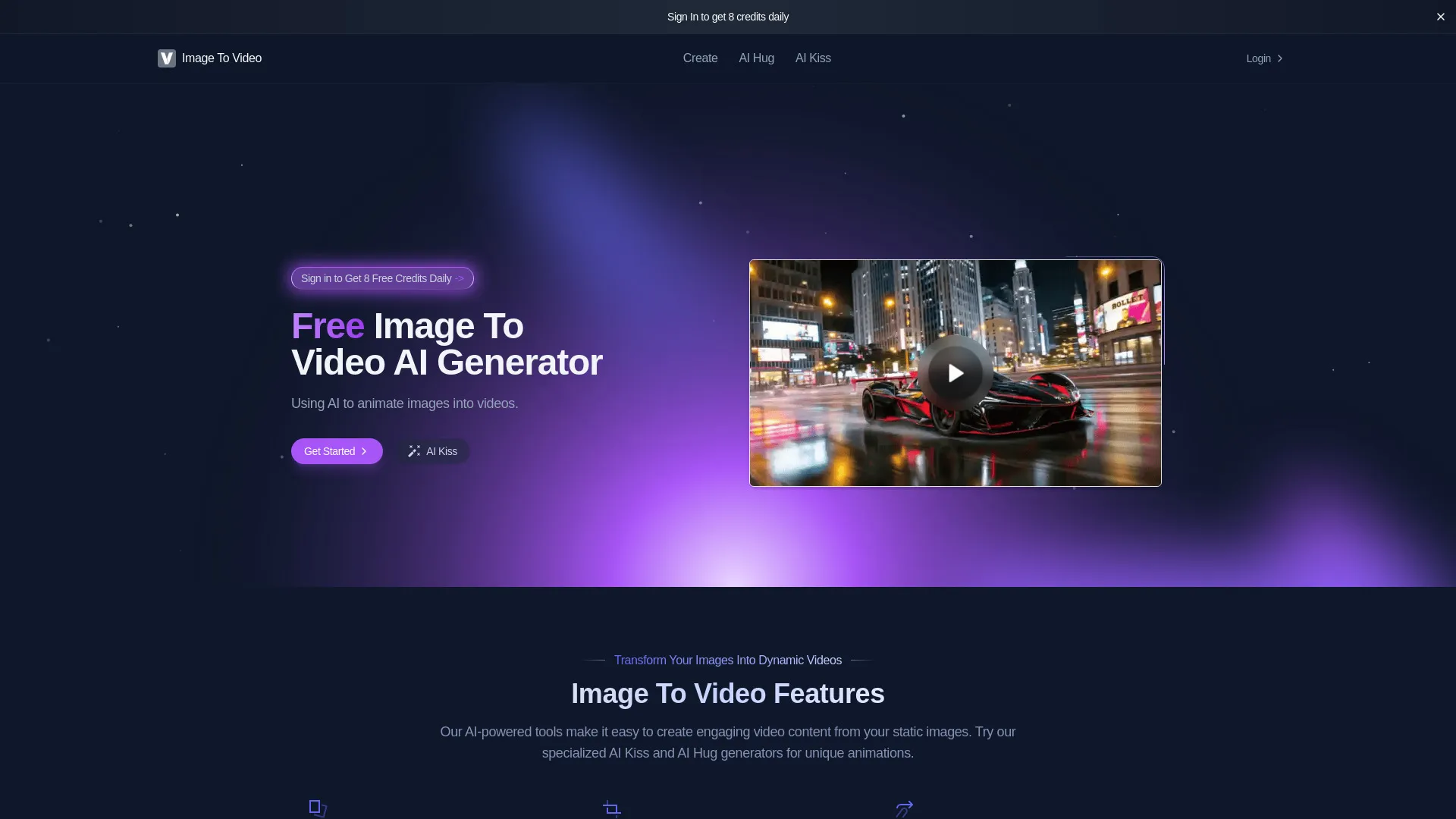

Image To Video AI - Try it Free Online
The Image To Video AI Generator uses advanced AI to convert static images into dynamic videos, enhancing content creation effortlessly.
Ads
What is Image To Video AI - Try it Free Online?
The Image To Video AI Generator utilizes cutting-edge artificial intelligence to animate static photos into dynamic videos, offering specialized features like AI Kiss and AI Hug for creating romantic and emotional animations. It provides high-quality results with fast processing times and is accessible with daily free credits for regular use. This tool brings your images to life with natural motion and smooth transitions, making it ideal for various creative and marketing applications.
Who will use Image To Video AI - Try it Free Online?
- Content Creators
- Digital Artists
- Marketers
- E-commerce Owners
- Video Production Specialists
- Social Media Managers
How to use the Image To Video AI - Try it Free Online?
- Step1: Sign in to the platform.
- Step2: Upload a static image.
- Step3: Choose the animation type (e.g., AI Kiss, AI Hug).
- Step4: Process the image to generate the video.
- Step5: Download and share the video.
Platform
- Web
Image To Video AI - Try it Free Online's Core Features & Benefits
The Core Features
- AI Kiss Generator
- AI Hug Generator
- Fast Processing
- High-Quality Output
- Easy Download
The Benefits
- Creates engaging video content from static images
- Provides romantic and emotional animations
- Easy and quick video generation
- Offers professional quality results
- Free daily credits for continued use
Image To Video AI - Try it Free Online's Main Use Cases & Applications
- Creating romantic video animations
- Enhancing marketing materials
- Generating social media content
- Improving e-commerce product displays
Image To Video AI - Try it Free Online's Pros & Cons
The Pros
AI-driven video creation from images simplifies content generation.
User-friendly interface that does not require technical skills.
Suitable for marketing, social media, and creative projects.
The Cons
No clear information on open-source availability.
Limited details on specific pricing tiers or plans.
Lack of mobile app presence reduces accessibility on certain devices.
Image To Video AI - Try it Free Online's Pricing
| Has free plan | No |
|---|---|
| Free trial details | |
| Pricing model | |
| Is credit card required | No |
| Paid from | |
| Has lifetime plan | No |
| Billing frequency |
FAQs of Image To Video AI - Try it Free Online
Image To Video AI - Try it Free Online Company Information
- image-to-video.ai
Image To Video AI - Try it Free Online Reviews
5/5
Image To Video AI - Try it Free Online's Main Competitors and alternatives?
Animoto
Magisto
Pictory
You may also like:

Turn text prompts and reference images into AI-generated videos, images, voiceovers, and reusable character-led content.
Turn text prompts, photos, or reference images into 1080p videos up to 30 seconds with generated dialogue, effects, and music.
Magi 2 makes 4–30 second 1080p AI videos with native sound, lip sync and shot cuts placed to the second.
Create synchronized videos up to 30 seconds from text, images, and clips, with camera guidance and consistent characters.
Direct camera action, dialogue, sound and cuts to create or revise short videos up to 30 seconds in 1080p.
Generate videos, images, and music from prompts or references in one workspace using shared credits and a centralized asset library.
Create watermark-free videos from text prompts or photos, with selectable models, aspect ratios, durations, and resolutions.
Turn prompts, images, or references into reviewable video drafts with text-to-video, image-to-video, and first-and-last-frame controls.
Turn a photo, text prompt, or reference image into a short AI video using templates and adjustable generation settings.
Create directed video scenes from text, photos, or paired keyframes, with controls for camera movement, framing, and sound.
Turn prompts and reference media into up-to-30-second videos with directed shots, synchronized sound, and output up to 1080p.
Turn text prompts, photos, or ready-made templates into AI-generated videos, then revisit finished work in your My Creations library.
Generate short videos from text, images, or reference media, with synchronized sound, shot controls, and downloadable MP4 exports.
Create images and short videos from prompts or photos, switching among multiple generation models and reusable templates in one account.
Turn text prompts and images into videos, with options for synchronized audio, frame control, and resolutions up to 4K.
Yovid turns text prompts, photos, or existing clips into downloadable AI videos with model, duration, and resolution controls.
Create short videos from prompts and references, then refine scenes conversationally with native ambience, dialogue, and music direction.
Turn two photos into a short, lip-synced rap video with editable lyrics, beats, stages, and shareable vertical output.
Generate images and videos from text or visual references, with synchronized native audio and multi-shot character consistency.
Create 3–30-second videos with synchronized stereo sound from text, images, reference clips, then edit or extend them by sentence.