
- Access and read news & videos effortlessly
- General translation model
- Free to use

Immersive Translate
0
Immersive Translate lets you read websites with the original text beside its translation, translate documents while preserving their layouts, and view bilingual subtitles on videos. It also translates images, comics, and online meetings, and supports text selection, hover, and input-box translation. You can choose from more than 20 translation engines and use the service through browser extensions, mobile apps, or its web tools.
Promote this Tool
Update this Tool
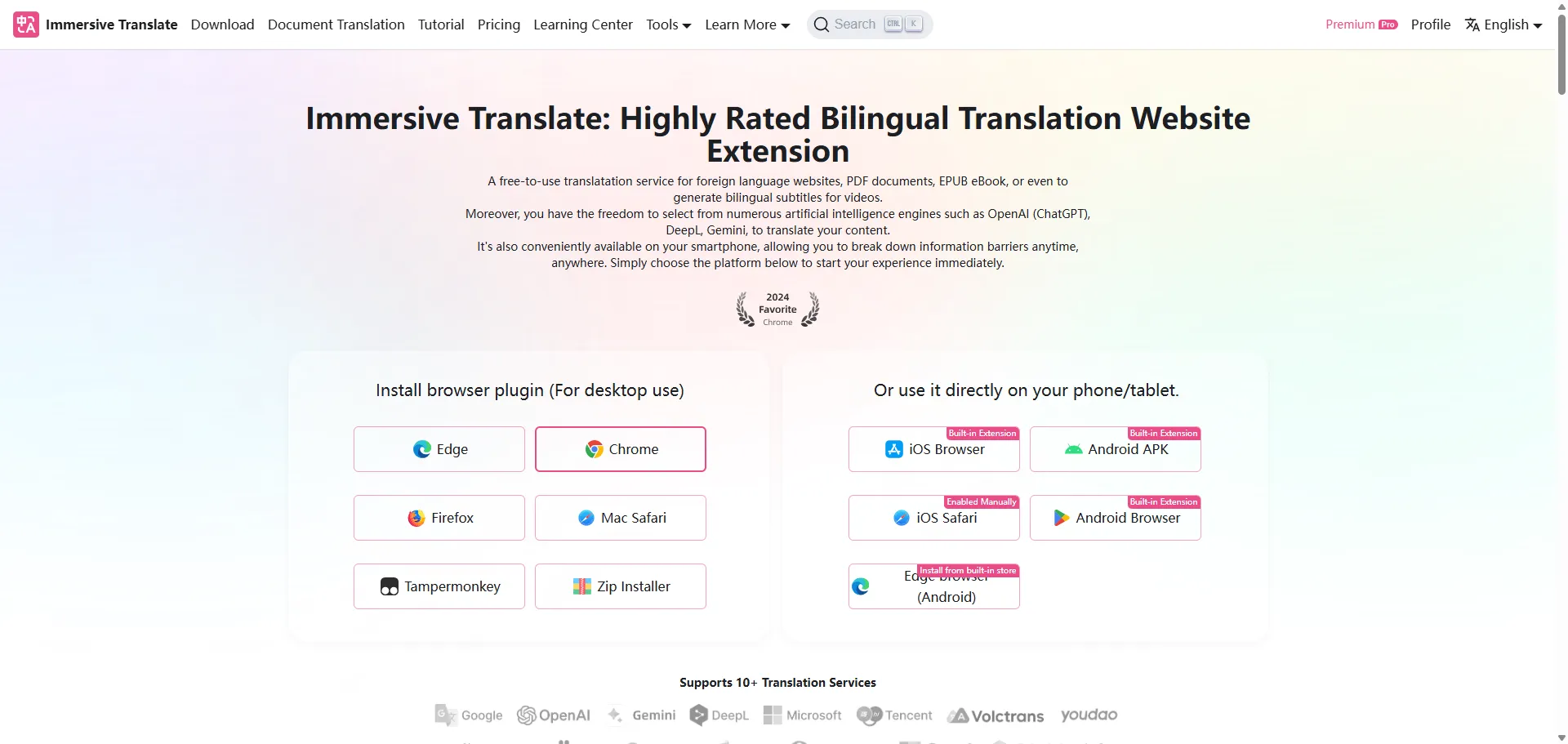
Immersive Translate lets you read websites with the original text beside its translation, translate documents while preserving their layouts, and view bilingual subtitles on videos. It also translates images, comics, and online meetings, and supports text selection, hover, and input-box translation. You can choose from more than 20 translation engines and use the service through browser extensions, mobile apps, or its web tools.
Ads
What is Immersive Translate?
Immersive Translate translates content across websites, documents, videos, images, comics, and online meetings. Website translations can appear alongside the source text in a vertical bilingual layout, while documents can be shown bilingually or as translated text with original formatting preserved. Supported document types include PDF, ePub, HTML, TXT, DOCX, Markdown, and subtitle files; scanned PDFs can be translated using OCR. Video features provide bilingual subtitles, including for videos without original subtitles, across supported services such as YouTube and Netflix. Image translation can handle local files and web images while retaining visual layout. Additional tools translate selected or hovered text, webpage input, and live meeting content. Users can choose among multiple translation engines and customize terminology for context-aware results.
Who will use Immersive Translate?
- Students
- Researchers and academics
- Technology professionals and developers
- Investors
- Cross-border professionals
- Content creators
- People reading or communicating across languages
How to use the Immersive Translate?
- Step1: Open Immersive Translate on the web or install its browser extension or mobile app.
- Step2: Choose the content to translate, such as a webpage, document, video, image, or text.
- Step3: Select the translation language and, where available, a translation engine or terminology settings.
- Step4: View the translation alongside the original, as translated text, or as bilingual subtitles depending on the content.
- Step5: Use selection, hover, or input-box translation for quick in-page reading and writing.
Platform
- Web
- Android
- Chrome Extensions
- iOS
- Mac
Immersive Translate's Core Features & Benefits
The Core Features
- Bilingual website translation with side-by-side source and translated text
- Document translation with original formatting preservation
- OCR translation for scanned PDFs
- Bilingual video subtitle translation, including videos without original subtitles
- Image and comic translation with layout preservation
- Real-time translation for online meetings
- Text selection, hover, and input-box translation
- Multiple translation engines and customizable terminology
The Benefits
- Read foreign-language content without losing sight of the original
- Translate academic and professional documents while retaining their layout
- Follow video content with translated subtitles
- Translate text without leaving the current webpage
- Compare translation engines and tailor terminology to a subject
Immersive Translate's Main Use Cases & Applications
- Reading foreign-language websites and articles
- Translating academic papers, reports, and other documents
- Following videos with translated subtitles
- Communicating in cross-language online meetings
- Reading translated text in images, comics, and manga
- Translating selected text while browsing
- Writing or searching in another language through webpage input fields
Immersive Translate's Pros & Cons
The Pros
Keeps original and translated website text visible together
Supports a broad range of document formats and preserves original layouts
Offers translation for webpages, videos, images, comics, and meetings
Integrates multiple translation engines and supports customizable terminology
Available as browser extensions and mobile apps
The Cons
Video translation is available on supported video platforms rather than universally across every video service.
Immersive Translate's Pricing
| Has free plan | YES |
|---|---|
| Free trial details | 3-day free trial, cancel anytime during trial |
| Pricing model | freemium |
| Is credit card required | YES |
| Paid from | 5.42 GBP |
| Has lifetime plan | No |
| Billing frequency | Monthly |
Details of Pricing Plan
Free
0 GBPPro
5.42 GBP- Advanced translation model with 20 million Token/Month
- Unlimited web page translation
- Unlimited PDF translation
- 1000 PDF Pro pages/Month
- 10000 BabelDOC pages/Month
- Unlimited YouTube bilingual subtitles
- 50 AI-generated video subtitles/Month
- Unlimited input box
- Unlimited bilingual E-book
- 3000 comic images translation/Month
- Cloud Sync Settings
- Quick Customer Support
Discount:Annual subscription saves 32%, saving £30.89
For the latest prices, please visit: https://immersivetranslate.com/pricing/FAQs of Immersive Translate
Immersive Translate Company Information
- Immersive Translate
Analytic of Immersive Translate
Visit Over Time
Monthly Visits
2.6M
Avg Visit Duration
00:02:48
Page Per Visit
3.51
Bounce Rate
38.61%
Jul 2026 - Sep 2026 All Traffic
Geography
Top 5 Regions

China
45.87%
Taiwan
11.56%
United States
9.82%
Hong Kong
3.56%
Korea, Republic of
3.02%
Jul 2026 - Sep 2026 Worldwide Desktop Only
Traffic Sources
Direct
76.19%
SearchOrganic
10.80%
Referrals
4.59%
SocialPaid
2.11%
SearchPaid
1.99%
SocialOrganic
1.93%
GenAi
1.15%
DisplayAds
1.03%
Mail
0.22%
Affiliate
0.00%
Sep 2026 Desktop Only
Top Keywords
| Keyword | Traffic | Cost Per Click |
|---|---|---|
| 翻譯 | 2101.2k | $1.30 |
| immersive translate | 39.9k | $0.51 |
| مترجم | 655.4k | $0.35 |
| 沉浸式翻译 | 19.8k | $0.61 |
| ترجمة | 1237.2k | $0.19 |
Immersive Translate Reviews
5/5
Immersive Translate's Main Competitors and alternatives?
You may also like:
LiveTranslate converts spoken language into natural translated speech and live captions, with automatic detection across 78 languages in your browser.
Translate live Google Meet speech into readable subtitles in your language with sub-second latency and searchable bilingual transcripts.
Translate documents into 150+ languages while preserving fonts, tables, images, charts, and original page structure.
Follow fast lectures in your language with live transcription and synchronized translation in one web workspace.
MixTranslate compares translations from 20+ AI models side by side for faster, clearer multilingual results.
WABot is a WhatsApp AI sales copilot that delivers real-time scripts, translations, and intent detection.
AI-powered image translator that converts photos, manga and product images into 130+ languages with layout preservation.
AI Manga Translator instantly translates manga images into multiple languages online.
AI-powered PDF document translation with high accuracy and fast, free, supporting 100+ languages.
AI-powered image translator enables instant text translation in images across 130+ languages.
AI-powered HTML webpage translator for multilingual content editing and online preview.
AI-powered manga translator supporting 100+ languages with original layout preservation.
Pairaphrase is the AI Translation Management System designed for teams needing faster, smarter, and safer multilingual content delivery across various file formats.
X-doc AI offers highly accurate AI-powered document translation with preserved formatting and certified human typesetting.
Intlayer is an AI agent that simplifies your workflow with smart automation and intelligent assistance.
Dictate naturally in any app and get polished text with filler removed, corrections understood, and punctuation added as you speak.
LangDB AI enables teams to build AI-powered knowledge bases with document ingestion, semantic search, and conversational Q&A.
Speak English Live offers real-time English language practice through online lessons with native speakers.
Saladict is a pop-up dictionary and page translator supporting AI, web, PDF translation, and word notebook.