

insMind AI Image Generator
0
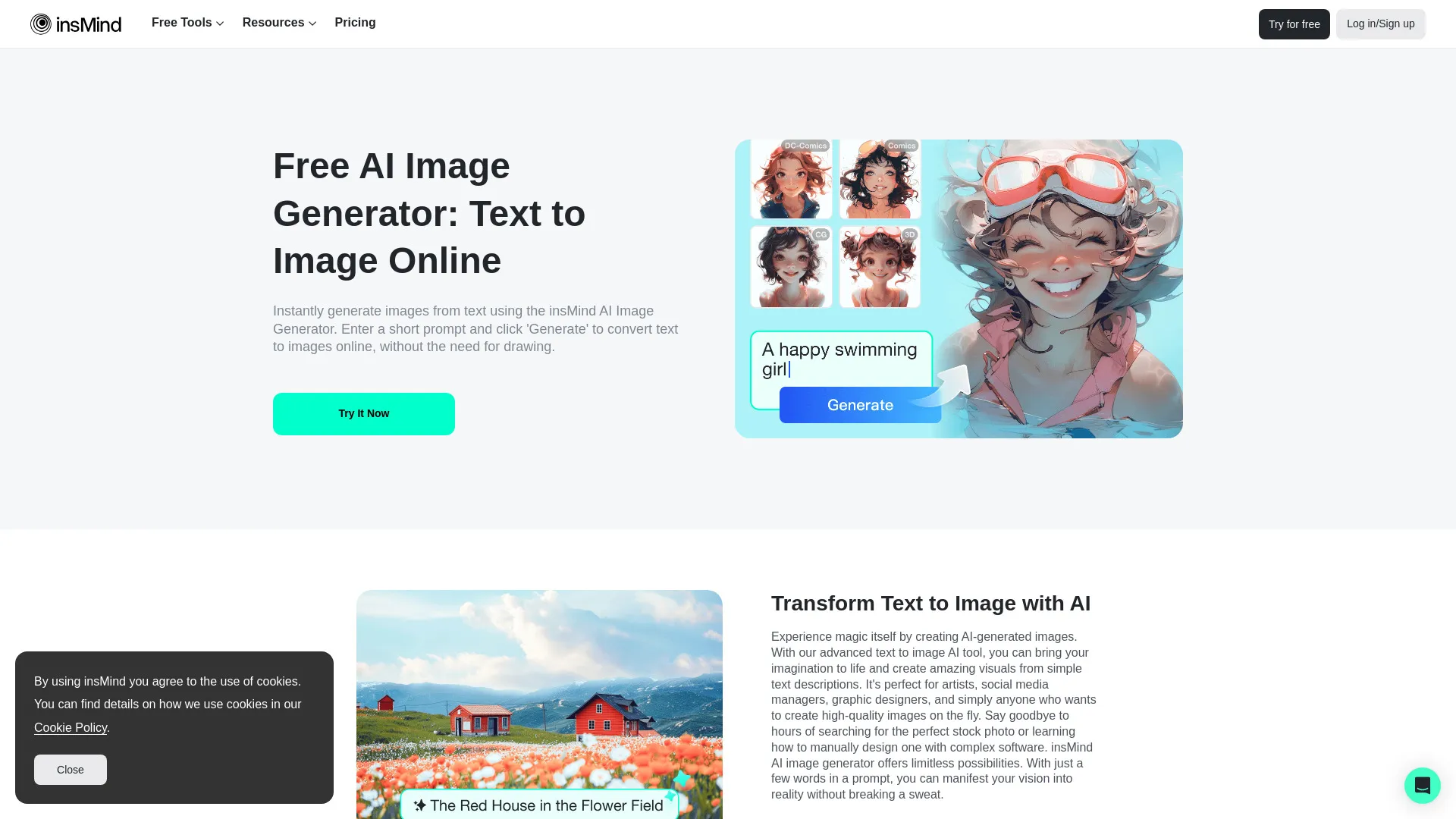
insMind turns text prompts and reference images into original visuals using a range of image-generation models and art styles. Choose a style and aspect ratio, generate an image, and refine it with editing tools for cropping, resizing, enhancement, or expansion. It supports text-to-image and image-to-image workflows for uses such as illustrations, social content, product concepts, and game assets, with access through the web and mobile apps.
Promote this Tool
Update this Tool
insMind turns text prompts and reference images into original visuals using a range of image-generation models and art styles. Choose a style and aspect ratio, generate an image, and refine it with editing tools for cropping, resizing, enhancement, or expansion. It supports text-to-image and image-to-image workflows for uses such as illustrations, social content, product concepts, and game assets, with access through the web and mobile apps.
Ads
What is insMind AI Image Generator?
insMind is an image creation and editing tool for turning written prompts or uploaded reference images into visuals. Users can select from multiple integrated image models, choose among more than 50 art styles, and set aspect ratios for different formats. Image-to-image generation can reinterpret a reference while retaining aspects of its original look. The editor includes crop, resize, enhance, and expand functions, and the generator supports transparent backgrounds. Example outputs include illustrations, logos, icons, characters, product mockups, advertising visuals, posters, and interior concepts. Images can also be used as starting points for animation through insMind’s separate video tools. The service is available in a browser and through mobile apps. Feature availability and usage limits can vary by account and permissions.
Who will use insMind AI Image Generator?
- Digital artists and illustrators
- Designers and creative teams
- Social media and content creators
- Marketers and advertisers
- Small businesses and entrepreneurs
- Indie game developers
- Writers and storytellers
- People exploring visual concepts for personal projects
How to use the insMind AI Image Generator?
- Step1: Open insMind’s AI Image Generator in a browser or mobile app.
- Step2: Enter a description of the image you want, or upload a reference image.
- Step3: Select an image model, art style, and aspect ratio to guide the result.
- Step4: Generate the image and review the output.
- Step5: Refine the image with available editing tools such as crop, resize, enhance, or expand, then save or use it in a project.
Platform
- Web
- Android
- iOS
insMind AI Image Generator's Core Features & Benefits
The Core Features
- Generate images from text prompts
- Create new visuals from reference images
- Choose from multiple image-generation models and more than 50 styles
- Set image aspect ratios and create transparent backgrounds
- Crop, resize, enhance, and expand images
The Benefits
- Turn written ideas into visual concepts without modeling or rendering software
- Explore different visual styles from one place
- Adapt images for social posts, marketing, games, and other creative projects
- Refine generated visuals within the same tool
insMind AI Image Generator's Main Use Cases & Applications
- Creating illustrations and concept art for stories or books
- Developing characters, environments, and other game assets
- Producing social media posts, thumbnails, banners, and ad creatives
- Visualizing product concepts and mockups without a photo shoot
- Designing logos, icons, posters, covers, and wallpapers
- Exploring fashion, beauty, and interior design concepts
- Generating avatars, profile images, and visual references
insMind AI Image Generator's Pros & Cons
The Pros
Supports both text-to-image and image-to-image generation.
Offers multiple integrated models, a broad selection of art styles, and aspect-ratio controls.
Includes editing tools for cropping, resizing, enhancing, and expanding images.
Available through web, iOS, and Android surfaces.
The Cons
Feature availability and usage limits can vary by account and permissions.
Copyright protection for AI-generated images can depend on human contribution, and the legal landscape is evolving.
insMind AI Image Generator's Pricing
| Has free plan | YES |
|---|---|
| Free trial details | |
| Pricing model | Freemium |
| Is credit card required | No |
| Paid from | |
| Has lifetime plan | No |
| Billing frequency |
FAQs of insMind AI Image Generator
insMind AI Image Generator Company Information
Analytic of insMind AI Image Generator
Visit Over Time
Monthly Visits
593.8K
Avg Visit Duration
00:01:45
Page Per Visit
2.75
Bounce Rate
43.72%
Jul 2026 - Sep 2026 All Traffic
Geography
Top 5 Regions

Russia
17.49%
Belgium
7.65%
United States
6.96%
Brazil
5.43%
China
5%
Jul 2026 - Sep 2026 Worldwide Desktop Only
Traffic Sources
SearchOrganic
47.42%
Direct
36.45%
SocialOrganic
7.06%
Referrals
5.01%
GenAi
1.82%
SearchPaid
0.97%
Mail
0.62%
DisplayAds
0.57%
SocialPaid
0.09%
Sep 2026 Desktop Only
Top Keywords
| Keyword | Traffic | Cost Per Click |
|---|---|---|
| insmind | 6.5k | $0.39 |
| insmind ai | 1.3k | $1.30 |
| comprimir imagenes | 52.1k | $0.11 |
| image increase | 5.3k | $0.38 |
| webp para jpg | 11.3k | $0.18 |
insMind AI Image Generator Reviews
5/5
insMind AI Image Generator's Main Competitors and alternatives?
You may also like:
Create and refine images, videos, audio, and 3D assets in one canvas, with conversational agents that retain project context.
Generate videos, images, and music from prompts or references in one workspace using shared credits and a centralized asset library.
Generate and refine images from text or references, with targeted edits, transparent backgrounds, and multilingual text rendered directly into designs.
Create watermark-free videos from text prompts or photos, with selectable models, aspect ratios, durations, and resolutions.
Turn a photo, text prompt, or reference image into a short AI video using templates and adjustable generation settings.
Generate 1K–4K images from text prompts, steer composition with up to 16 references, and render readable multilingual lettering.
TeraBox is an all-in-one AI workspace and cloud storage platform for creating presentations, writing content, generating
Create images and short videos from prompts or photos, switching among multiple generation models and reusable templates in one account.
Generate realistic or anime feet images from prompts and presets, then download clean results without signing up or watermarks.
Generate images and videos from text or visual references, with synchronized native audio and multi-shot character consistency.
Create images and videos from plain-language ideas, photos, and templates while Orylia selects a suitable model.
Generate and refine images from prompts and references, with natural-language edits, integrated typography, batch creation, and output up to 4K.
Create images or edit uploaded photos with one sentence, including readable text, multi-image blending, and 4K output.
Create and revise product visuals, posters, illustrations, and explanations from text prompts and reference images.
Create finished videos from prompts, photos, or references, including 4K exports with synchronized audio and multiple aspect ratios.
Generate illustrations, photos, posters, and product visuals from text or reference images, then upscale and edit them.
Create usable visuals from text prompts or reference images, then compare revisions and download the version that fits your brief.
Create high-definition images from text prompts, then refine photos with background removal, upscaling, expansion, and object erasing tools.
Generate detailed images, edit existing photos, and maintain recognizable products or characters across multiple visual scenes.
Generate and edit images from prompts and reference photos while preserving readable text, faces, products, and selected visual details.