

- Try Klap on 1 video
- Preview and edit clips
- No credit card required
Klap turns long videos into short clips for TikTok, Instagram Reels, and YouTube Shorts. Upload a video file or paste a YouTube link; Klap identifies interesting topics, creates multiple vertical clips, reframes the footage, and adds captions. You can customize fonts, colors, logos, and framing, then export or publish clips to supported social platforms. A free account lets you try the workflow on one video, while downloading and posting require a paid plan.
Promote this Tool
Update this Tool
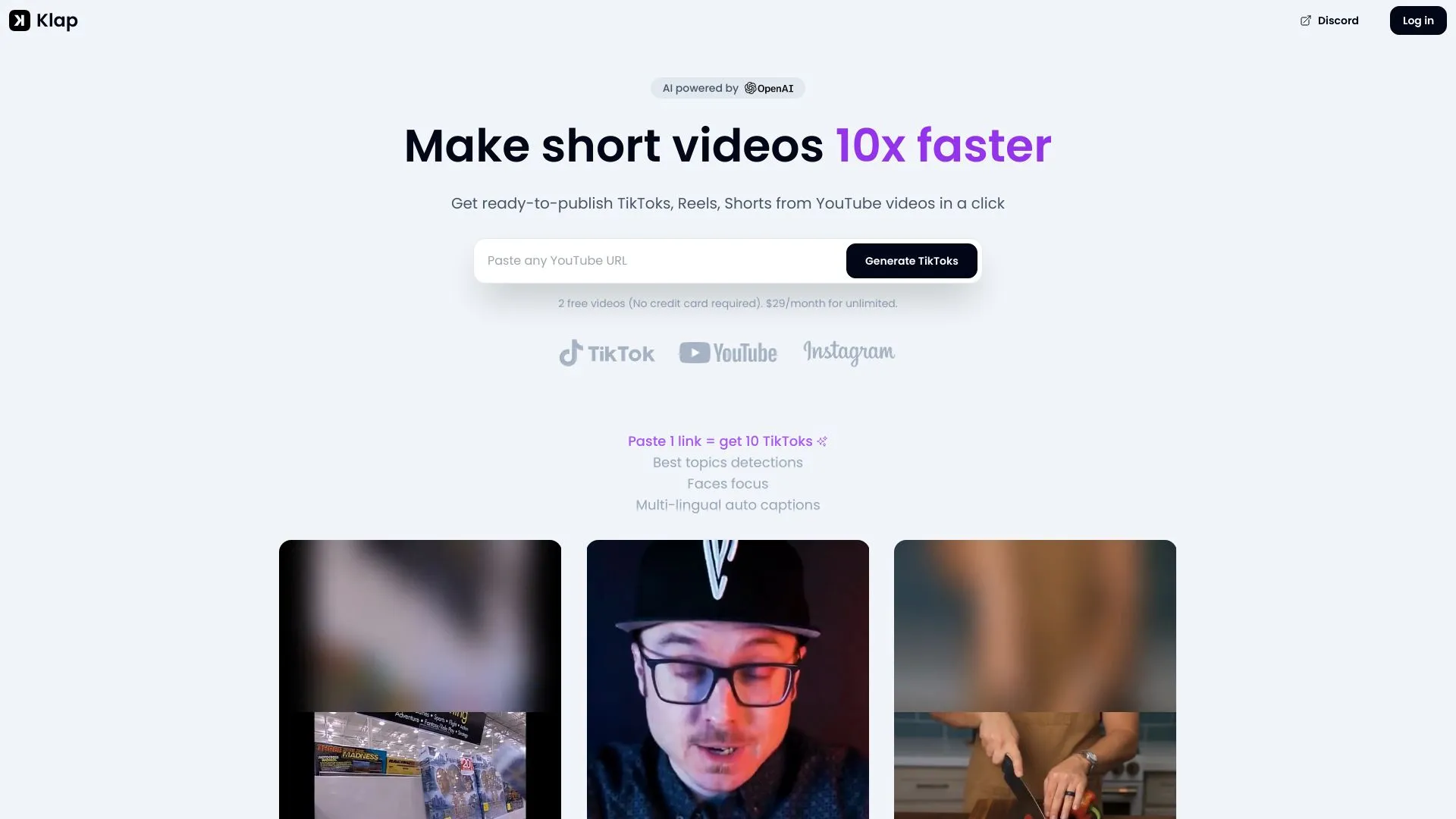
Klap turns long videos into short clips for TikTok, Instagram Reels, and YouTube Shorts. Upload a video file or paste a YouTube link; Klap identifies interesting topics, creates multiple vertical clips, reframes the footage, and adds captions. You can customize fonts, colors, logos, and framing, then export or publish clips to supported social platforms. A free account lets you try the workflow on one video, while downloading and posting require a paid plan.
Ads
What is Klap?
Klap repurposes long-form videos into short, vertical clips for social platforms. Users upload a video file or paste a YouTube link, and its AI identifies topics and selects sections to turn into clips. Automatic reframing keeps the main subject in view, with layouts including split screen, screencasts, and gaming. Klap generates subtitles and recommended captions, and supports editing and transcription in 52 languages. Creators can customize fonts, colors, logos, and framing before exporting clips in high resolution. Clips can also be shared and scheduled to TikTok, YouTube, Instagram, and LinkedIn. The service works with many video types, but is best suited to speech-based content such as podcasts, interviews, lessons, reviews, and training videos. A free account supports one video; downloading and posting require a paid plan.
Who will use Klap?
- Video creators and YouTubers
- Podcasters and interviewers
- Social media managers
- Brands and marketing teams
- Educators and trainers
How to use the Klap?
- Step1: Create an account and upload a video file or paste a YouTube link.
- Step2: Let Klap identify interesting topics and generate short clips with vertical framing and captions.
- Step3: Review the clips and customize their captions, fonts, colors, logos, or framing.
- Step4: Export clips in high resolution or publish and schedule them to supported social platforms with a paid plan.
Platform
- Web
Klap's Core Features & Benefits
The Core Features
- Creates multiple short clips from long videos
- Finds and selects topics from source footage
- Automatically reframes clips for vertical layouts
- Generates subtitles and recommended captions
- Customizes fonts, colors, logos, and framing
- Supports publishing and scheduling to social platforms
The Benefits
- Reduces manual work when making short-form content
- Repurposes existing videos for TikTok, Reels, and Shorts
- Helps creators maintain a regular posting schedule
- Supports video transcription and editing in 52 languages
Klap's Main Use Cases & Applications
- Repurposing YouTube videos as TikToks, Reels, and Shorts
- Creating short clips from podcasts and interviews
- Producing social posts from educational and training videos
- Turning product reviews and business video podcasts into clips
- Scheduling short-form video content across social channels
Klap's Pros & Cons
The Pros
Automatically identifies topics and generates multiple clips from a long video.
Includes automatic reframing, subtitles, and caption suggestions.
Offers customization for fonts, colors, logos, and framing.
Supports 52 languages for editing and transcription.
Can publish and schedule clips to TikTok, YouTube, Instagram, and LinkedIn.
The Cons
The free trial is limited to one video, and downloading or posting requires a paid plan.
Paid plans have monthly clip limits, ranging from 100 to 1,000 clips.
Klap works best with speech-heavy videos, so footage with little spoken content may be less suitable.
Klap's Pricing
| Has free plan | YES |
|---|---|
| Free trial details | |
| Pricing model | freemium |
| Is credit card required | No |
| Paid from | 29 USD |
| Has lifetime plan | No |
| Billing frequency | monthly/yearly |
Details of Pricing Plan
Free
0 USDBasic
29 USD- 100 clips per month
- $14/month billed yearly
Pro
79 USD- 300 clips per month
- $39/month billed yearly
Pro+
189 USD- 1,000 clips per month
- $94/month billed yearly
FAQs of Klap
Klap Company Information
- Website:
- Company Name: Klap
- Support Email:
- Facebook:
- X(Twitter):
- YouTube:
- Instagram:
- Tiktok:
- LinkedIn:
Analytic of Klap
Visit Over Time
Monthly Visits
429.5K
Avg Visit Duration
00:02:49
Page Per Visit
5.02
Bounce Rate
35.77%
Jul 2026 - Sep 2026 All Traffic
Geography
Top 5 Regions

United States
13.09%
India
9.09%
France
8.66%
Canada
5.4%
Brazil
3.6%
Jul 2026 - Sep 2026 Worldwide Desktop Only
Traffic Sources
Direct
36.91%
SearchOrganic
29.34%
SearchPaid
10.90%
Referrals
6.94%
SocialOrganic
6.20%
GenAi
4.48%
DisplayAds
2.62%
Mail
1.89%
SocialPaid
0.68%
Affiliate
0.05%
Sep 2026 Desktop Only
Top Keywords
| Keyword | Traffic | Cost Per Click |
|---|---|---|
| klap | 33.4k | $0.37 |
| ai video generator | 421.2k | $0.80 |
| klap ai | 7.1k | $0.12 |
| ssemble | 54.0k | $0.36 |
| klap app | 1.4k | $0.89 |

How to install?
Klap Reviews
5/5
Klap's Main Competitors and alternatives?
InVideo
Veed.io
Magisto
Animoto
Kapwing
You may also like:
Magi 2 makes 4–30 second 1080p AI videos with native sound, lip sync and shot cuts placed to the second.
Change people, outfits, products, backgrounds, or visual styles in existing 2–60-second videos while preserving original framing, motion, and audio.
Media.io AI Video Enhancer improves blurry, noisy, dark, or low-resolution videos with AI and upscales footage to 4k.
Create videos from prompts, images, or references, then edit scenes, generate images, and adjust output settings in one workspace.
Create videos and images from text or photos, with tools for kisses, outfits, motion control, extension, and background removal.
Multimodal AI video generator producing 4–15s 2K clips with native audio, plus point-and-change instruction editing.
Convert long videos into recap scripts, captions, voiceovers, and vertical clips for Shorts, TikTok, and Reels.
LyricVideoMaker turns songs into beat-synced lyric videos with AI transcription, visuals, previewing, and social exports.
AI-powered online tool that removes video watermarks quickly while preserving original video quality.
An AI video generator that creates cinematic, director-controlled videos with consistent characters and 1080p output.
An online AI studio for generating and transforming images, videos, and creative effects quickly.
A chat-based AI video generator that turns prompts, images, and clips into cinematic, editable videos.
AI-powered video creation platform for recording, editing, repurposing, and publishing professional videos in minutes.
Multi-modal AI video generator with native audio, consistent characters, and cinematic scene control.
An AI video generation platform that turns text prompts and images into cinematic videos in seconds.
An AI creative studio for generating cinematic videos with multimodal references, precise control, and editing.
Ella is an AI-powered video creation platform that generates, edits, captions, and exports content in one Chrome workspace.
A cinematic AI video generator that turns text and images into polished 1080p clips with sound.
AI-powered online tool to remove watermarks, text, subtitles, and objects from videos quickly.