
- 100 credits/month
- Unused credits roll over
- Up to 256 MP output

Let's Enhance
0
LetsEnhance improves image quality by enhancing, sharpening, restoring, and enlarging uploaded photos. Choose an enhancement mode based on your goal: upscale for larger images, sharpen blur, improve overall quality, or repair old-photo damage. It supports JPG, PNG, and WebP uploads, offers batch processing, and lets you download finished images in full resolution for print or online use.
Promote this Tool
Update this Tool
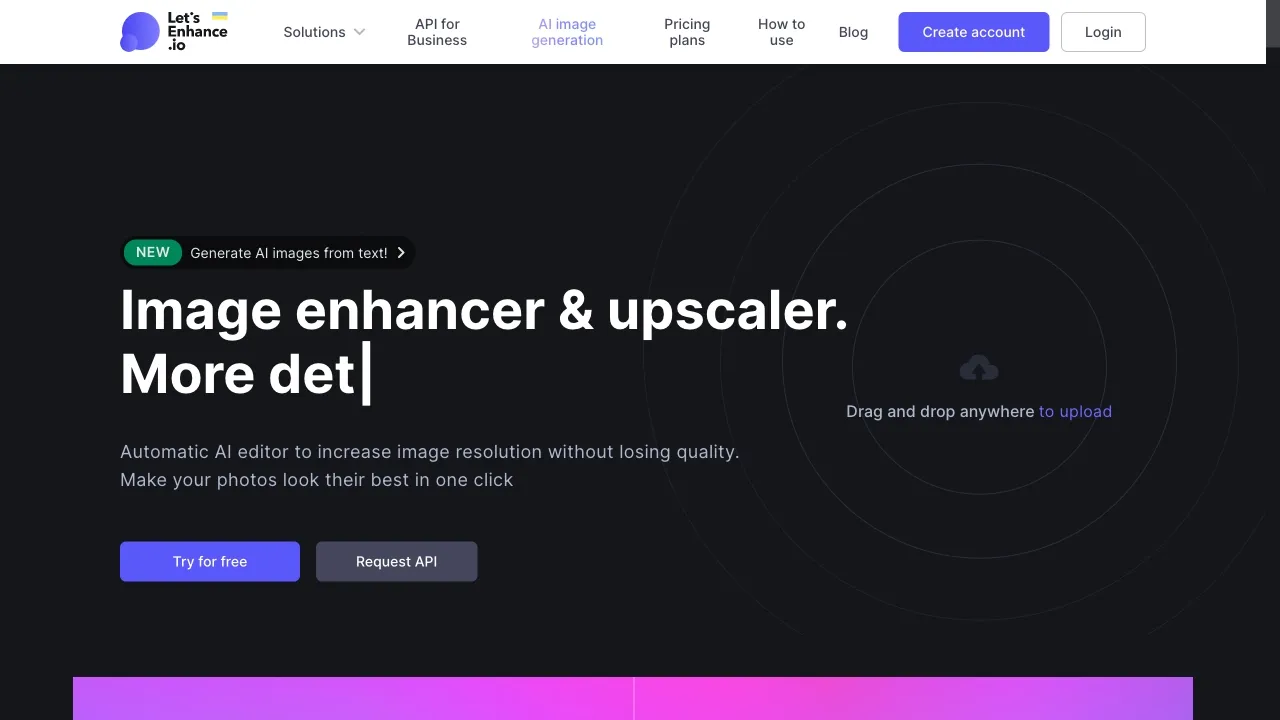
LetsEnhance improves image quality by enhancing, sharpening, restoring, and enlarging uploaded photos. Choose an enhancement mode based on your goal: upscale for larger images, sharpen blur, improve overall quality, or repair old-photo damage. It supports JPG, PNG, and WebP uploads, offers batch processing, and lets you download finished images in full resolution for print or online use.
Ads
What is Let's Enhance?
LetsEnhance is a browser-based image enhancement service for improving photos and other graphics. Upload a JPG, PNG, or WebP, then choose whether to upscale it, enhance quality, sharpen blur, or restore an old photo. Its modes can recover detail, correct color and exposure, reduce noise, and repair damage. Prime is intended for common subjects such as portraits, products, and textures; Gentle is suited to images with small text or fine details, while Old Photo mode targets damaged scans. The upscaler can enlarge images for print and web, with output resolution up to 512 megapixels. Users can process multiple images at once and download finished results in full resolution. Additional tools include background removal, image generation, image-to-video, and video upscaling.
Who will use Let's Enhance?
- Photographers improving soft or low-resolution shots
- Artists preparing digital artwork for print
- E-commerce teams enhancing product catalogs
- Print-on-demand sellers preparing images for merchandise
- People restoring old or damaged scanned photos
How to use the Let's Enhance?
- Step1: Upload a JPG, PNG, or WebP image by dragging it into the workspace or selecting it from your device.
- Step2: Choose whether to upscale, enhance, sharpen, or restore the image.
- Step3: Select a suitable mode: Prime for common images, Gentle for small text or fine detail, or Old Photo for damaged photos.
- Step4: Process the image and review the improved result.
- Step5: Download the finished image in full resolution.
Platform
- Web
Let's Enhance's Core Features & Benefits
The Core Features
- Enhance image quality and recover detail
- Upscale images for print and web
- Sharpen blurred images and reduce noise
- Correct color and exposure
- Restore old photos and repair image damage
- Process multiple images in one batch
The Benefits
- Prepare low-resolution images for larger prints
- Improve product photos without reshooting
- Restore detail in old scans and damaged photos
- Refine AI-generated artwork for print or commercial use
Let's Enhance's Main Use Cases & Applications
- Upscaling images for posters, canvas, apparel, and large displays
- Enhancing e-commerce product photography
- Sharpening soft-focus or compressed images
- Restoring scanned vintage photographs
- Polishing AI-generated artwork for print
Let's Enhance's Pros & Cons
The Pros
Combines upscaling, sharpening, enhancement, and photo restoration workflows.
Includes specialized modes for general images, fine details, and old-photo repair.
Supports batch processing and full-resolution downloads.
Useful for both digital images and print preparation.
The Cons
Upload support is limited to JPG, PNG, and WebP.
Let's Enhance's Pricing
| Has free plan | YES |
|---|---|
| Free trial details | |
| Pricing model | freemium |
| Is credit card required | No |
| Paid from | 0 |
| Has lifetime plan | No |
| Billing frequency | Monthly |
Details of Pricing Plan
Personal 100
0Personal 300
0- 300 credits/month
- Unused credits roll over
- Up to 256 MP output
Personal 500
0- 500 credits/month
- Unused credits roll over
- Up to 256 MP output
Business 1000
0- 1000 credits/month
- No credit roll over
- Up to 500 MP output
Business 2500
0- 2500 credits/month
- No credit roll over
- Up to 500 MP output
Business 5000
0- 5000 credits/month
- No credit roll over
- Up to 500 MP output
FAQs of Let's Enhance
Let's Enhance Company Information
- Website:
- Company Name: Let's Enhance
- Support Email:
- Facebook:
- X(Twitter):
- YouTube:
- Instagram:
- Tiktok:
- LinkedIn:
Analytic of Let's Enhance
Visit Over Time
Monthly Visits
837.9K
Avg Visit Duration
00:01:31
Page Per Visit
3.47
Bounce Rate
34.07%
Jul 2026 - Sep 2026 All Traffic
Geography
Top 5 Regions

United States
13.13%
India
12.8%
Vietnam
4.49%
Brazil
4.06%
Mexico
3.77%
Jul 2026 - Sep 2026 Worldwide Desktop Only
Traffic Sources
Direct
44.15%
SearchOrganic
41.21%
Referrals
4.32%
SocialOrganic
3.59%
Mail
2.39%
GenAi
1.84%
SearchPaid
1.68%
SocialPaid
0.43%
DisplayAds
0.39%
Sep 2026 Desktop Only
Top Keywords
| Keyword | Traffic | Cost Per Click |
|---|---|---|
| let's enhance | 15.4k | $0.28 |
| letsenhance | 6.5k | $0.31 |
| mejorar calidad de imagen | 368.2k | $0.14 |
| image enhancer | 346.5k | $0.24 |
| enhance image | 165.2k | $0.21 |
Let's Enhance Reviews
5/5
Let's Enhance's Main Competitors and alternatives?
You may also like:
Sharpen blurry photos and enlarge them 2× or 4×, then compare the result with the original before downloading.
Generate illustrations, photos, posters, and product visuals from text or reference images, then upscale and edit them.
Create high-definition images from text prompts, then refine photos with background removal, upscaling, expansion, and object erasing tools.
100% free AI photo editor for editing images with simple prompts. No sign-up required.
Media.io AI Image Enhancer sharpens blurry photos, restores old images, corrects colors, and upscales images up to 8×.
Turn floor plans, sketches, photos, and product images into editable concepts, photorealistic renders, material variations, and client-ready design reports.
Edit, restyle, and enhance uploaded photos with text prompts, including background replacement and object removal, directly in your browser.
Free AI image generator and editor for creating high-quality visuals from text and reference images.
AI product photography workspace for creating ecommerce listing, studio, lifestyle, and campaign visuals from uploads.
Create AI visuals with Media.io from text prompts or reference images for social media, marketing, ecommerce, and more.
AI image editor for removing backgrounds, editing text, enhancing photos, and creating realistic image transformations.
Free online AI photo editor that removes backgrounds, erases objects, enhances quality, and upscales images instantly.
BatchlyAI batch-generates AI images and videos from reusable multi-variable prompts for fast creative exploration.
GPT Image 2 is a fast AI image generator and editor for creating realistic visuals from prompts.
An AI image and video generation platform with accurate text, consistent characters, and cinematic 4K output.
All-in-one AI image generator and editor for creating, enhancing, converting, and downloading visuals online fast.
AI-powered image upscaler that restores blurry photos with natural detail and physics-aware reconstruction.
AI image generator for text-rich, style-faithful visuals with consistent outputs and flexible aspect ratios.
OpenAI-powered image generation and editing tool for photorealistic visuals, accurate text rendering, and UI mockups.
Prompt-driven AI image generator and editor for fast, controllable visuals, marketing assets, and creative iterations.