
- Free desktop application

Lobe
0
Lobe lets users train machine learning models in a free desktop application and ship the resulting models to platforms they choose. The project also provides starter projects for using models on the web and iOS, plus Python and .NET toolsets and a REST API starter. The desktop application is no longer under development, so its maintenance status is an important consideration.
Promote this Tool
Update this Tool
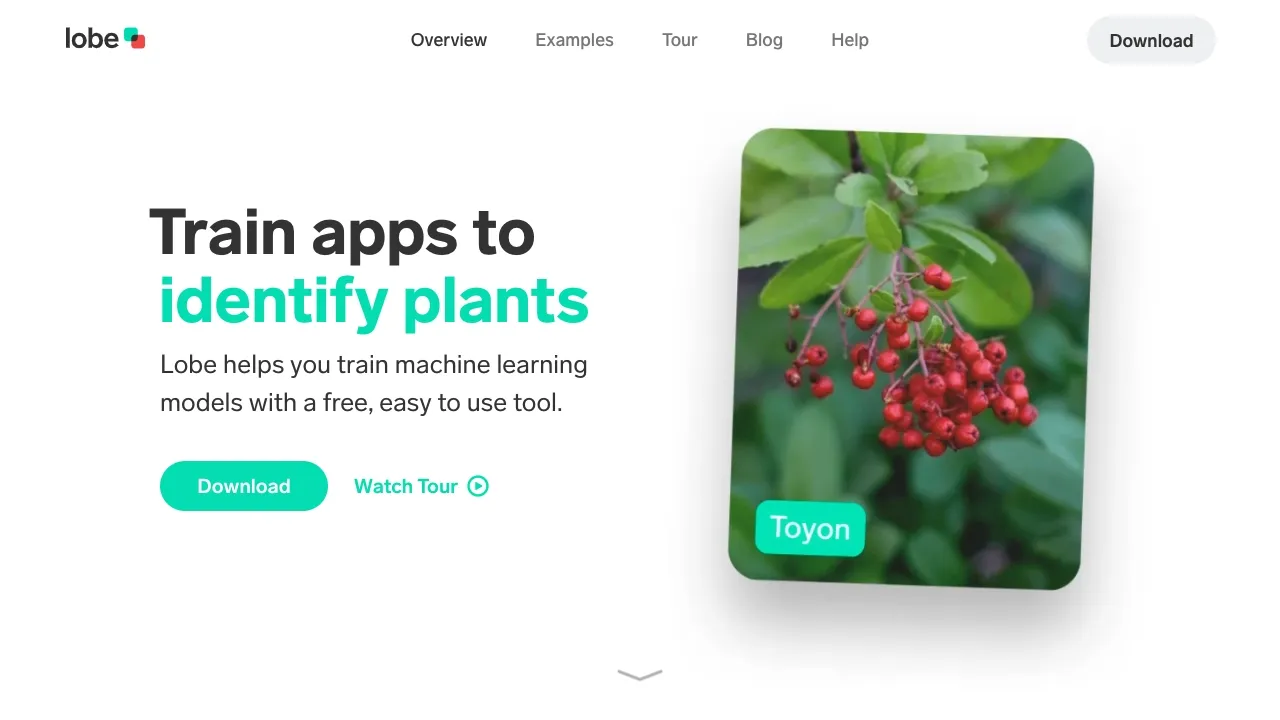
Lobe lets users train machine learning models in a free desktop application and ship the resulting models to platforms they choose. The project also provides starter projects for using models on the web and iOS, plus Python and .NET toolsets and a REST API starter. The desktop application is no longer under development, so its maintenance status is an important consideration.
Ads
What is Lobe?
Lobe is a desktop application for training machine learning models and shipping them to platforms of your choice. The product is described as a free, easy-to-use tool for Mac and PC. Its GitHub organization also provides supporting resources: image-tools for creating image-based machine-learning datasets, Python and .NET toolsets for working with Lobe models, web and iOS starter projects, and a Flask REST API starter. These repositories provide examples and utilities for using Lobe models in applications and services. Lobe's desktop application is no longer under development, so users should consider its discontinued development when evaluating it for new projects. The core offering is model training and deployment, supported by code resources for developers.
Who will use Lobe?
- People learning or experimenting with machine learning
- Developers who want to use Lobe models in web or iOS applications
- Makers building projects with machine-learning models
- Teams looking for a desktop tool to train and export models
How to use the Lobe?
- Step1: Install and open the Lobe desktop application on a Mac or PC.
- Step2: Prepare a dataset for the machine-learning task; use the image-tools repository if creating an image-based dataset.
- Step3: Train a model in Lobe using the prepared data.
- Step4: Export or ship the trained model to a platform of your choice.
- Step5: Refer to the Python, .NET, web, iOS, or REST API starter projects when integrating the model.
Platform
- Mac
- Windows
Lobe's Core Features & Benefits
The Core Features
- Desktop machine-learning model training
- Export or ship trained models to other platforms
- Image dataset creation tools
- Python and .NET toolsets for working with Lobe models
- Web, iOS, and REST API starter projects
The Benefits
- Train models with a desktop tool described as easy to use
- Use supporting starter projects to integrate models into applications
- Access a free desktop application
Lobe's Main Use Cases & Applications
- Learning and experimenting with machine learning
- Creating image-based datasets for model training
- Training models for use in applications
- Integrating trained models into web or iOS projects
- Using models from Python or .NET code
- Prototyping model-backed services with a REST API starter
Lobe's Pros & Cons
The Pros
The desktop application is described as free.
Supports training models and shipping them to platforms of the user's choice.
Open-source repositories provide model toolsets, dataset utilities, and integration starters.
The Cons
The Lobe desktop application is no longer under development.
Lobe's Pricing
| Has free plan | YES |
|---|---|
| Free trial details | |
| Pricing model | free |
| Is credit card required | No |
| Has lifetime plan | No |
| Billing frequency |
Details of Pricing Plan
Lobe
0FAQs of Lobe
Lobe Company Information
- Website:
- Company Name: Lobe
- Support Email:
- Facebook:
- X(Twitter):
- YouTube:
- Instagram:
- Tiktok:
- LinkedIn:
Analytic of Lobe
Visit Over Time
Monthly Visits
2.1K
Avg Visit Duration
00:00:00
Page Per Visit
1.21
Bounce Rate
36.60%
Jul 2026 - Sep 2026 All Traffic
Geography
Top 2 Regions

India
55.51%
United States
44.49%
Jul 2026 - Sep 2026 Worldwide Desktop Only
Traffic Sources
Direct
38.86%
SearchOrganic
32.75%
Referrals
9.89%
SocialOrganic
5.49%
Mail
3.39%
DisplayAds
3.33%
Affiliate
2.46%
GenAi
1.74%
SearchPaid
1.40%
SocialPaid
0.69%
Sep 2026 Desktop Only
Top Keywords
| Keyword | Traffic | Cost Per Click |
|---|---|---|
| lobe.ai | 300 | — |
| lobe ai | 1.3k | $7.13 |
| lobe ai tool | 250 | — |
Lobe Reviews
5/5
Lobe's Main Competitors and alternatives?
Teachable Machine
Runway
Apple Create ML
Google Cloud AutoML
You may also like:
SeedRouter lets developers call image, video, language, and audio models through one API key with usage-based billing.
Compare providers, route requests, and use major language, image, video, and speech models through one OpenAI-compatible API.
Call multiple leading language models through one OpenAI-compatible API, compare rates, isolate keys, and connect existing developer workflows.
Compare image and video generation models, then reuse playground request fields in production API calls.
Enterprise LLM platform with unified API access, intelligent routing, and model risk protection.
DeepSeek V4 AI: a fast 6B model with 1M context for high-fidelity video and visual content generation.
Unified API gateway to 40+ AI models for chat, image and video with smart routing and failover.
WaveSpeedAI accelerates AI image and video generation for creative efficiency and scalability.
Archetype AI leverages advanced machine learning models to craft complex scenarios and simulations.
SandboxAQ is an AI agent enhancing quantum and classical systems with advanced analytics and simulation.
Experience advanced AI solutions with DeepSeek-v3, powered by cutting-edge language models.
Generate images, videos, presentations, and websites while automating recurring work through a multi-model workspace and WhatsApp assistant.
Call image, video, audio, and 3D generation models through one API, then deploy custom models on scalable GPU infrastructure.
OpenAI 01 is an advanced AI series designed for complex reasoning tasks in various fields.