
- 30 AI credits (one-time)
- 5 PDFs/Doc to Mind maps
- 5 YouTube videos to Mind maps
- Prompt/Markdown to Mind maps
- Access to YouTube video transcript
- Edit mind maps
- Powerful model
- Summarize audio files/voice

Mapify
0
Mapify converts PDFs, documents, webpages, YouTube videos, podcasts, recordings, images, and pasted text into structured mind maps. Users can chat with documents, translate and summarize foreign-language files in more than 30 languages, and follow video timestamps from map nodes. Maps can be edited, expanded with web search, shared by link, or exported as images, PDFs, and Markdown.
Promote this Tool
Update this Tool
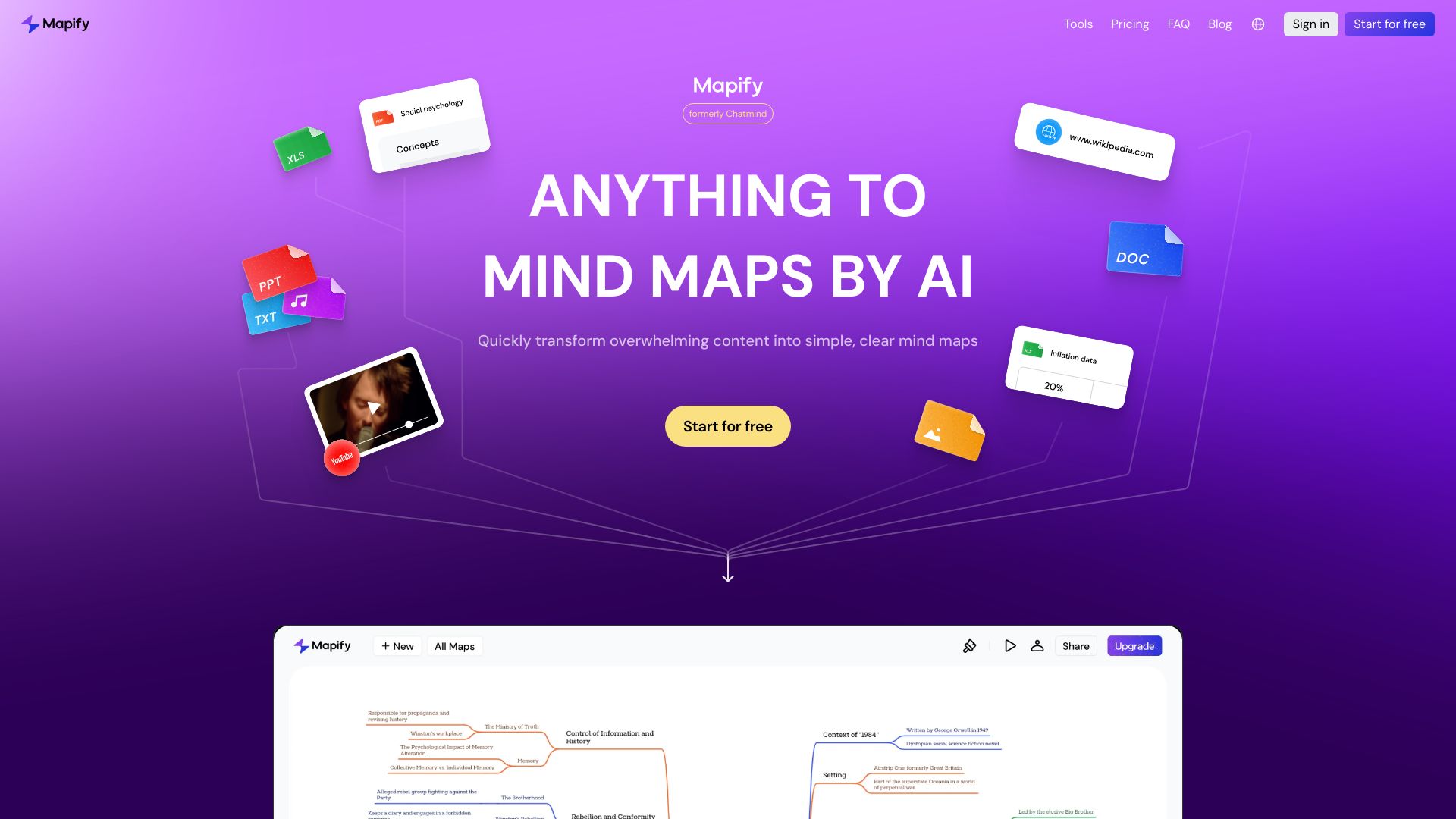
Mapify converts PDFs, documents, webpages, YouTube videos, podcasts, recordings, images, and pasted text into structured mind maps. Users can chat with documents, translate and summarize foreign-language files in more than 30 languages, and follow video timestamps from map nodes. Maps can be edited, expanded with web search, shared by link, or exported as images, PDFs, and Markdown.
Ads
What is Mapify?
Mapify takes information from documents, URLs, YouTube videos, podcasts, meeting recordings, long text, and images, then organizes key points into a visual mind map. For PDFs and documents, users can chat with the file, and foreign-language material can be translated and summarized in more than 30 languages. YouTube maps include automatic transcription and clickable timestamps that jump to relevant video moments. Users can enable web-powered search to add source links and expand branches to explore ideas. Maps can be edited with clicks or keyboard shortcuts, shared by link, and exported as images, PDFs, or Markdown. Additional tools generate concept images, create presentation slides, and offer templates for brainstorming, analysis, and planning.
Who will use Mapify?
- Students and exam candidates
- Researchers reviewing papers and source material
- Educators preparing lessons or classroom presentations
- Professionals organizing reports, meetings, and research
- People learning from videos, podcasts, and documents
- Teams brainstorming and planning ideas
How to use the Mapify?
- Step1: Open Mapify on the web or in its mobile app or browser extension, then sign in to begin.
- Step2: Add source material by uploading a file or image, pasting text, or providing a webpage or YouTube link; recordings and podcasts can also be used.
- Step3: Generate a mind map to see the source's main points arranged visually.
- Step4: Edit the map, chat with a document, translate its contents, or expand branches and use web search to add ideas and source links.
- Step5: Share the map by link or export it as an image, PDF, or Markdown file.
Platform
- Web
Mapify's Core Features & Benefits
The Core Features
- Generate mind maps from PDFs, documents, webpages, YouTube videos, podcasts, meeting recordings, text, and images
- Summarize and translate documents in more than 30 languages
- Chat with uploaded documents
- Transcribe YouTube videos and link map points to video timestamps
- Expand map branches and enrich them with web search and source links
- Edit, share, and export maps as images, PDFs, or Markdown
The Benefits
- Condenses lengthy source material into a visual outline
- Helps learners review key points and navigate video content
- Makes research and information easier to organize
- Supports collaboration through shareable links and export formats
- Provides a starting structure for brainstorming and presentations
Mapify's Main Use Cases & Applications
- Summarizing research papers and PDFs into study maps
- Reviewing YouTube tutorials with transcripts and timestamp navigation
- Turning webpages and long text into visual digests
- Extracting key points from podcasts and meeting recordings
- Organizing ideas for brainstorming, analysis, and planning
- Creating presentation slides from mind maps
Mapify's Pros & Cons
The Pros
Accepts a wide range of content inputs, including documents, video, audio, images, webpages, and text
Offers document chat, translation in 30+ languages, and web-assisted map expansion
Supports map editing, link sharing, and image, PDF, and Markdown exports
Available on web, iOS, Android, and as a Chrome extension
The Cons
The workflow requires signing in to get started.
Its primary output is a mind map, which may not suit users who need only a conventional prose summary.
Mapify's Pricing
| Has free plan | YES |
|---|---|
| Free trial details | |
| Pricing model | freemium |
| Is credit card required | No |
| Paid from | 5.99 USD |
| Has lifetime plan | No |
| Billing frequency | monthly/yearly |
Details of Pricing Plan
Free
0 USDBasic
5.99 USD- 1,000 AI credits/month
- Instant model for quick maps
- Summarize PDFs/documents
- Summarize YouTube videos
- Edit and customize mind maps
- Export to PDF, Markdown, or SVG formats
- Present as slides
- Billed yearly
Pro
11.99 USD- 2,000 AI credits/month
- Everything in Basic
- Powerful model for deeper analysis
- Summarize audio files
- Summarize content from images
- Support Deep Research
- Support up to 10M-word files
- Timestamps for audio and video mind maps
- Generate images from text
- AI chat with your content
- Billed yearly
Unlimited
17.99 USD- Unlimited AI credits
- Everything in Pro
- Priority access to new features
- Collaborative product development
- Members-only community
- Exclusive activities
- Priority support
- Billed yearly
Discount:Annual Basic, Pro, and Unlimited plans are discounted by 40%; students and educators can also receive 30% off through Education Savings.
For the latest prices, please visit: https://mapify.soFAQs of Mapify
Mapify Company Information
- Website:
- Company Name: Mapify
- Support Email:
- Facebook:
- X(Twitter):
- YouTube:
- Instagram:
- Tiktok:
- LinkedIn:
Analytic of Mapify
Visit Over Time
Monthly Visits
546.4K
Avg Visit Duration
00:02:40
Page Per Visit
3.86
Bounce Rate
40.82%
Jul 2026 - Sep 2026 All Traffic
Geography
Top 5 Regions

Brazil
12.13%
Japan
10.39%
Colombia
10.2%
Mexico
7.11%
Vietnam
6.96%
Jul 2026 - Sep 2026 Worldwide Desktop Only
Traffic Sources
Direct
44.69%
SearchOrganic
37.49%
SocialOrganic
4.61%
Referrals
4.59%
SearchPaid
4.29%
GenAi
2.51%
Mail
1.49%
DisplayAds
0.31%
Affiliate
0.00%
Sep 2026 Desktop Only
Top Keywords
| Keyword | Traffic | Cost Per Click |
|---|---|---|
| mapify | 22.9k | $0.41 |
| mapa mental | 387.9k | $0.51 |
| mapa mental ia | 12.6k | $0.17 |
| mapify ai | 1.9k | $2.83 |
| gitmind | 33.2k | $0.32 |
Mapify Reviews
5/5
Mapify's Main Competitors and alternatives?
You may also like:
AstroChart maps your birth chart across the world to compare locations for love, career, home, and personal growth.
Free astrocartography platform for comparing cities, reading planetary lines, and asking AI with map signals.
Cloud-based Google Maps scraper that extracts business names, phones, emails and social links for lead generation.
Turn prompts, documents, recordings, and webpages into editable mind maps, then refine branches through chat or manual controls.
OpenDataSky provides real-time data intelligence and analytics solutions for businesses.
Automated lead generation tool for businesses via maps data scraping.
Turn a topic and location into an editable map with categorized place pins, descriptions, and a shareable link.
Turn venue floor plans into searchable indoor maps that guide visitors and connect teams to building operations.