
- 1,500 for additional tools (Image upscaling, nano banana, etc.)
- Unlimited online Fooocus functionality
- GPU-powered generation
- Upscale or variation
- Image prompt
- Standard generation speed
- Commercial license (annual only)

Nano Banana Pro AI
0
Nano Banana Pro, powered by Google DeepMind's Gemini 3 Pro Image technology, offers a free online AI image editor and generator that creates high-fidelity, studio-quality images with precise text rendering in multiple languages.
Promote this Tool
Update this Tool
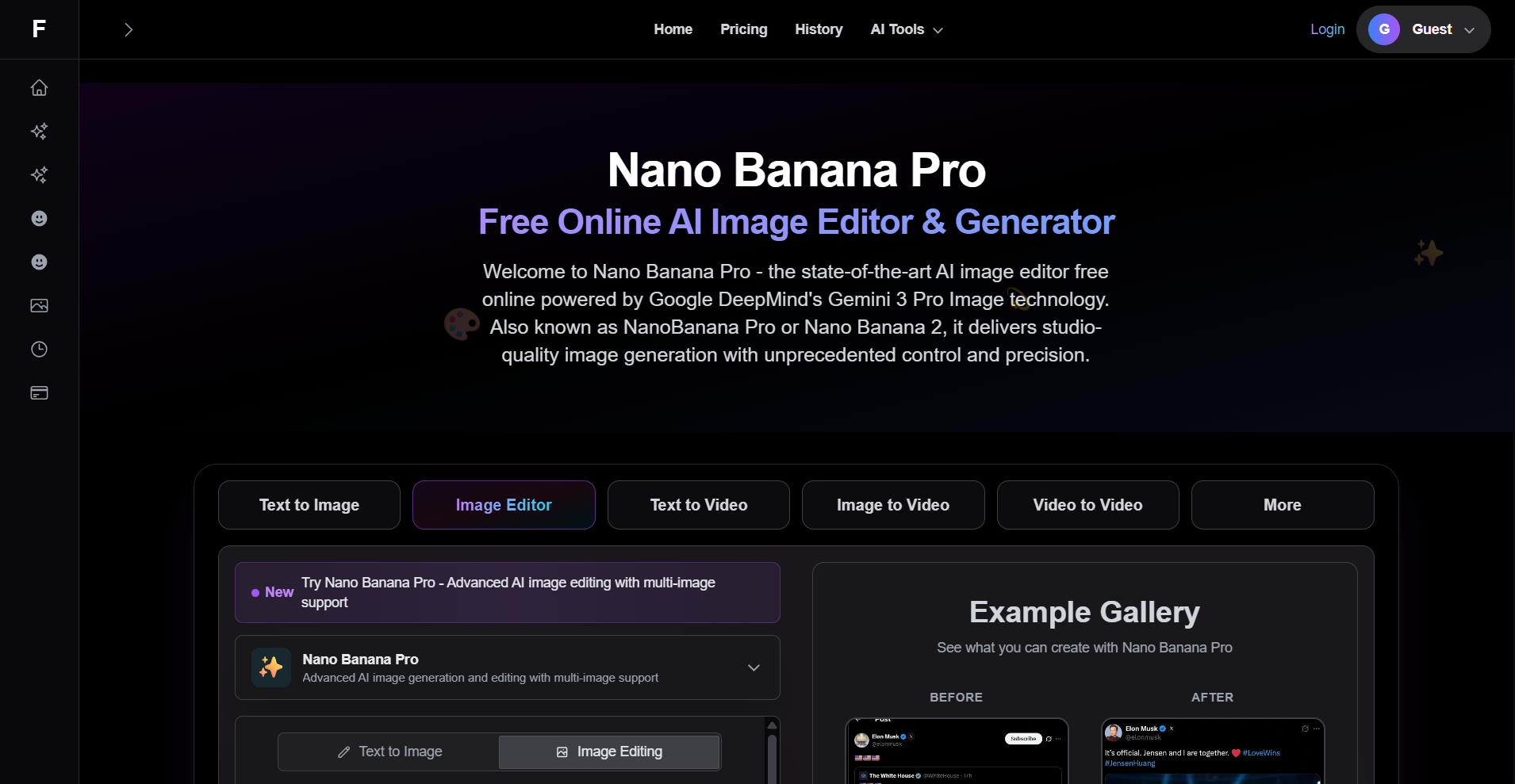
Nano Banana Pro, powered by Google DeepMind's Gemini 3 Pro Image technology, offers a free online AI image editor and generator that creates high-fidelity, studio-quality images with precise text rendering in multiple languages.
Ads
What is Nano Banana Pro AI?
Nano Banana Pro is an advanced image generation and editing AI model developed by Google DeepMind. It uses the Gemini 3 Pro architecture to produce accurate, context-rich images with legible text, supporting multiple languages. It enables creating professional prototypes, infographics, diagrams, and product mockups with ease. The tool combines AI reasoning with vast knowledge to generate complex visuals with clarity and precision, suitable for creative, marketing, and educational projects, all accessible through an intuitive online platform.
Who will use Nano Banana Pro AI?
- Graphic designers
- Marketing professionals
- Educators and students
- Content creators
- Businesses needing visual content
- International users requiring multi-language support
How to use the Nano Banana Pro AI?
- Step1: Write detailed prompts describing desired visuals with colors, textures, fonts, and styles.
- Step2: Upload reference images for editing, restoration, background changes, or blending.
- Step3: Generate images and download high-quality PNG files up to 4K resolution.
- Step4: Refine prompts or images to perfect the output using iteration.
Platform
- Web
Nano Banana Pro AI's Core Features & Benefits
The Core Features
- Studio-quality AI image generation and editing
- Accurate and legible multilingual text generation
- Up to 4K resolution image output
- Advanced Gemini 3 Pro reasoning engine
- SynthID watermark for transparency and authenticity
The Benefits
- Free online access without registration
- Supports complex infographics and professional designs
- Multi-language and font style support
- Secure processing with no permanent data storage
- High fidelity and precise control over image creation
Nano Banana Pro AI's Main Use Cases & Applications
- Creating infographics and educational content
- Designing marketing materials and product mockups
- Generating posters with accurate typography
- Restoring and editing photos
- Producing storyboards and diagrams
Nano Banana Pro AI's Pros & Cons
The Pros
Free and easy-to-use online platform
Produces high-quality, professional-grade images
Supports multiple languages and fonts
Advanced AI reasoning improves content relevance
Includes transparent SynthID watermarking
The Cons
Limited to web platform only
No reported mobile app versions
Not open-source
Requires detailed prompts for best results
Nano Banana Pro AI's Pricing
| Has free plan | No |
|---|---|
| Free trial details | |
| Pricing model | Paid |
| Is credit card required | No |
| Paid from | 9 USD |
| Has lifetime plan | No |
| Billing frequency | Monthly |
Details of Pricing Plan
Basic
9 USDPlus
18 USD- 4,500 for additional tools (Image upscaling, nano banana, etc.)
- Unlimited online Fooocus functionality
- Inpaint or outpaint
- Metadata access
- Multiple styles
- Faster generation speed
- Commercial license included
Enterprise
36 USD- 12,000 for additional tools (Image upscaling, nano banana, etc.)
- Unlimited online Fooocus functionality
- Priority processing
- Advanced AI models
- Priority support
- Commercial license included
Discount:Limited Time 40% OFF on annual billing ($108/year, $216/year, $432/year)
For the latest prices, please visit: https://fooocus.one/pricingFAQs of Nano Banana Pro AI
Nano Banana Pro AI Company Information
Analytic of Nano Banana Pro AI
Visit Over Time
Monthly Visits
172.0K
Avg Visit Duration
00:00:44
Page Per Visit
2.63
Bounce Rate
37.95%
Jul 2026 - Sep 2026 All Traffic
Geography
Top 5 Regions

Turkey
9.36%
India
7.81%
United States
6.47%
Spain
4.23%
Italy
3.82%
Jul 2026 - Sep 2026 Worldwide Desktop Only
Traffic Sources
SearchOrganic
72.61%
Direct
17.51%
Referrals
5.19%
SocialOrganic
3.55%
GenAi
0.75%
SearchPaid
0.24%
Mail
0.14%
Sep 2026 Desktop Only
Top Keywords
| Keyword | Traffic | Cost Per Click |
|---|---|---|
| fooocus | 47.1k | $0.84 |
| fooocus ai | 5.5k | $0.54 |
| foocus | 4.5k | $0.63 |
| fooocus: | 720 | — |
| foocus ai | 910 | $0.20 |

How to install?
Nano Banana Pro AI Reviews
5/5
Nano Banana Pro AI's Main Competitors and alternatives?
DALL·E
Midjourney
Stable Diffusion
Canva AI
Adobe Firefly
You may also like:
Turn text prompts and reference images into AI-generated videos, images, voiceovers, and reusable character-led content.
Turn text prompts, photos, or reference images into 1080p videos up to 30 seconds with generated dialogue, effects, and music.
Magi 2 makes 4–30 second 1080p AI videos with native sound, lip sync and shot cuts placed to the second.
Create synchronized videos up to 30 seconds from text, images, and clips, with camera guidance and consistent characters.
Direct camera action, dialogue, sound and cuts to create or revise short videos up to 30 seconds in 1080p.
Generate videos, images, and music from prompts or references in one workspace using shared credits and a centralized asset library.
Create watermark-free videos from text prompts or photos, with selectable models, aspect ratios, durations, and resolutions.
Turn prompts, images, or references into reviewable video drafts with text-to-video, image-to-video, and first-and-last-frame controls.
Turn a photo, text prompt, or reference image into a short AI video using templates and adjustable generation settings.
Create directed video scenes from text, photos, or paired keyframes, with controls for camera movement, framing, and sound.
Turn prompts and reference media into up-to-30-second videos with directed shots, synchronized sound, and output up to 1080p.
Turn topics or scripts into YouTube videos with narration, matched licensed footage, custom animation, captions, and a clip-by-clip license sheet.
Turn text prompts, photos, or ready-made templates into AI-generated videos, then revisit finished work in your My Creations library.
Generate short videos from text, images, or reference media, with synchronized sound, shot controls, and downloadable MP4 exports.
Create images and short videos from prompts or photos, switching among multiple generation models and reusable templates in one account.
Turn text prompts and images into videos, with options for synchronized audio, frame control, and resolutions up to 4K.
Yovid turns text prompts, photos, or existing clips into downloadable AI videos with model, duration, and resolution controls.
Create short videos from prompts and references, then refine scenes conversationally with native ambience, dialogue, and music direction.
Generate images and videos from text or visual references, with synchronized native audio and multi-shot character consistency.
Create 3–30-second videos with synchronized stereo sound from text, images, reference clips, then edit or extend them by sentence.