
- 1,500 credits/month
- Commercial License
- Priority Queue
- No Watermark
- 1080p HD Quality
- Batch Generation

Nano Banana Pro
0
Nano Banana Pro is an advanced AI image editor that creates lossless 4K visuals with transparent PNG support and 15-20MB export sizes. Integrated with nanobanana 2 AI, it supports various workflows for studios, agencies, and regulated teams, ensuring production-ready quality and predictable results.
Promote this Tool
Update this Tool
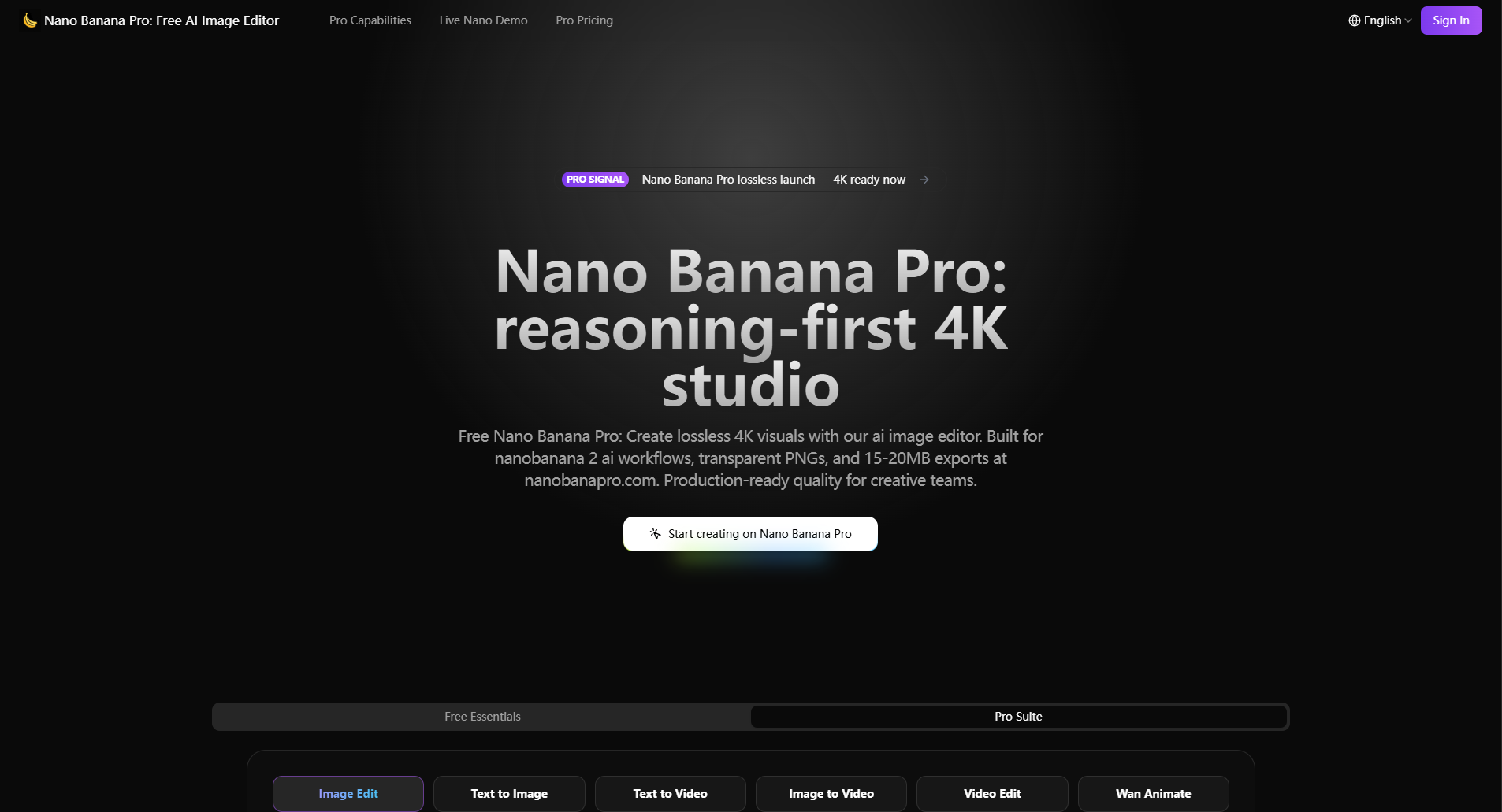
Nano Banana Pro is an advanced AI image editor that creates lossless 4K visuals with transparent PNG support and 15-20MB export sizes. Integrated with nanobanana 2 AI, it supports various workflows for studios, agencies, and regulated teams, ensuring production-ready quality and predictable results.
Ads
What is Nano Banana Pro?
Nano Banana Pro is a reasoning-first 4K studio platform combining AI image editing with nanobanana 2 AI's advanced planning and orchestration. It provides lossless, high-fidelity 2K images with automatic 4K upscaling, transparent PNG export, physics-aware shading, and typography accuracy. The platform features multi-step reasoning, consistency tracking, OCR-based translation, and batch collaboration tools to streamline creative workflows for production, marketing, and research teams.
Who will use Nano Banana Pro?
- Creative professionals and studios
- Marketing and product teams
- Agencies requiring brand consistency
- Regulated industries needing audit trails
- Publishers and educators
How to use the Nano Banana Pro?
- Step1: Upload at least one image to edit via drag and drop or file selection.
- Step2: Enter a detailed prompt describing style, lighting, mood, and composition.
- Step3: Choose aspect ratio and resolution (default 2K with automatic 4K uplift).
- Step4: Generate the image using your credits and review the results.
- Step5: Use available editing tools for clothing, makeup, background replacement, or typography.
- Step6: Export lossless images in transparent PNG or other supported formats.
- Step7: Collaborate with team members by sharing and annotating versions.
- Step8: Utilize advanced AI tools like smart cropping, multi-language OCR, and batch processing.
Platform
- Web
Nano Banana Pro's Core Features & Benefits
The Core Features
- AI-powered image editing with nanobanana 2 AI integration
- Lossless 4K image generation and export
- Transparent PNG pass with zero halo
- Physics-aware shading and prompt fidelity engine
- Typographic accuracy with vector-aware text rendering
- Consistency choreographer for tracking variants and batch QA
- Multi-language OCR and auto-layout
- Batch collaboration and version control
- Speed optimization with caching and load balancing
- Watermark and provenance with SynthID tagging
The Benefits
- High-quality, repeatable visual outputs for professional use
- Faster asset generation and streamlined production workflows
- Scalable enterprise-ready tool with audit and compliance features
- Enhances team collaboration with version tracking and live comments
- Supports complex visual tasks including typography and lighting design
- Ensures IP ownership with embedded provenance
- Balanced creative freedom with policy compliance guardrails
- Intuitive UI with real-time previews and smart automation
Nano Banana Pro's Main Use Cases & Applications
- Creating commerce imagery with SKU and label remixing
- Developing campaign storyboards with consistent scene memory
- Producing product and UX mockups with precise typography
- Converting lecture notes to accurate diagrams for education
- Batch generation of visual assets for marketing and media
Nano Banana Pro's Pros & Cons
The Pros
Enterprise-grade quality control and compliance
Fast image generation with lossless 4K output
Advanced AI reasoning for prompt fidelity and consistency
Rich collaboration tools for teams
Support for multilingual OCR and text layout preservation
The Cons
No open source availability
No native mobile or desktop apps (web platform only)
Requires credits for usage which might limit casual users
Nano Banana Pro's Pricing
| Has free plan | No |
|---|---|
| Free trial details | |
| Pricing model | Paid |
| Is credit card required | No |
| Paid from | 9.5 USD |
| Has lifetime plan | YES |
| Billing frequency | Annually |
Details of Pricing Plan
Basic
9.5 USDPlus
19.5 USD- 7,500 credits/month
- Commercial License
- Priority Queue
- No Watermark
- 1080p HD Quality
- Batch Generation
Enterprise
49.5 USD- 30,000 credits/month
- Commercial License
- Priority Queue
- No Watermark
- 1080p HD Quality
- Batch Generation
- API Access
- Dedicated Support (2h response)
- Custom Enterprise Service
Discount:Save 25% with annual subscription
For the latest prices, please visit: https://nanobanapro.com/pricingFAQs of Nano Banana Pro
Nano Banana Pro Company Information
- nanobananapro.org
Analytic of Nano Banana Pro
Visit Over Time
Monthly Visits
7.6K
Avg Visit Duration
00:00:03
Page Per Visit
1.41
Bounce Rate
33.54%
Jul 2026 - Sep 2026 All Traffic
Geography
Top 2 Regions

United States
74%
India
26%
Jul 2026 - Sep 2026 Worldwide Desktop Only
Traffic Sources
Direct
39.99%
SearchOrganic
32.05%
Referrals
10.11%
SocialOrganic
5.47%
Mail
3.29%
DisplayAds
3.20%
Affiliate
2.08%
GenAi
1.56%
SearchPaid
1.54%
SocialPaid
0.72%
Sep 2026 Desktop Only
Top Keywords
| Keyword | Traffic | Cost Per Click |
|---|---|---|
| nana banana pro | 1.9k | $3.47 |
| banana pro | 19.4k | $1.38 |
| nano banana pro | 313.8k | $1.44 |
| nanobanana pro официальный сайт | — | — |
| nano babana pro | 110 | — |

How to install?
Nano Banana Pro Reviews
5/5
Nano Banana Pro's Main Competitors and alternatives?
Runway ML
Adobe Firefly
Canva Pro AI tools
DALL·E 3 powered editors
Midjourney
You may also like:
Turn text prompts and reference images into AI-generated videos, images, voiceovers, and reusable character-led content.
Turn text prompts, photos, or reference images into 1080p videos up to 30 seconds with generated dialogue, effects, and music.
Magi 2 makes 4–30 second 1080p AI videos with native sound, lip sync and shot cuts placed to the second.
Create synchronized videos up to 30 seconds from text, images, and clips, with camera guidance and consistent characters.
Direct camera action, dialogue, sound and cuts to create or revise short videos up to 30 seconds in 1080p.
Generate videos, images, and music from prompts or references in one workspace using shared credits and a centralized asset library.
Create watermark-free videos from text prompts or photos, with selectable models, aspect ratios, durations, and resolutions.
Turn prompts, images, or references into reviewable video drafts with text-to-video, image-to-video, and first-and-last-frame controls.
Turn a photo, text prompt, or reference image into a short AI video using templates and adjustable generation settings.
Create directed video scenes from text, photos, or paired keyframes, with controls for camera movement, framing, and sound.
Turn prompts and reference media into up-to-30-second videos with directed shots, synchronized sound, and output up to 1080p.
Turn topics or scripts into YouTube videos with narration, matched licensed footage, custom animation, captions, and a clip-by-clip license sheet.
Turn text prompts, photos, or ready-made templates into AI-generated videos, then revisit finished work in your My Creations library.
Generate short videos from text, images, or reference media, with synchronized sound, shot controls, and downloadable MP4 exports.
Create images and short videos from prompts or photos, switching among multiple generation models and reusable templates in one account.
Turn text prompts and images into videos, with options for synchronized audio, frame control, and resolutions up to 4K.
Yovid turns text prompts, photos, or existing clips into downloadable AI videos with model, duration, and resolution controls.
Create short videos from prompts and references, then refine scenes conversationally with native ambience, dialogue, and music direction.
Generate images and videos from text or visual references, with synchronized native audio and multi-shot character consistency.
Create 3–30-second videos with synchronized stereo sound from text, images, reference clips, then edit or extend them by sentence.