
- 500 AI credits per week
- Unlimited visuals editing
- Unlimited file import (PPT, DOC, PDF, HTML, MD)
- Unlimited PNG & PDF export
- Built-in styles and fonts
- Standard icons
- Napkin branding on visuals

napkin
0
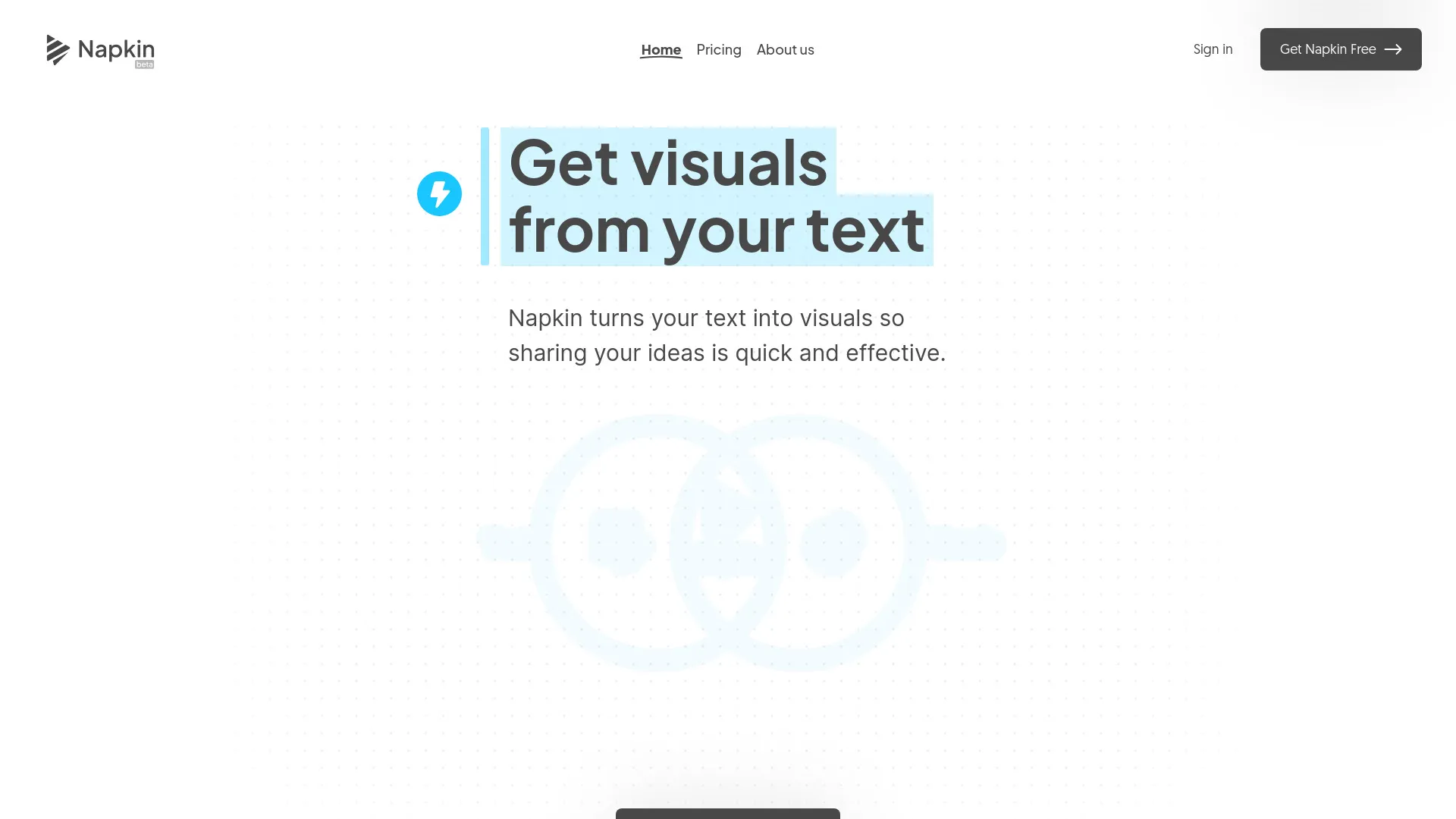
Napkin AI turns written ideas into diagrams, flowcharts, mind maps, infographics, and data charts. Paste, write, or import text, generate visual options, and choose one that fits your message. You can edit colors, fonts, layouts, icons, and individual elements, then export visuals as PowerPoint, PDF, PNG, or SVG files. Napkin also offers Slides for turning ideas into presentation decks, along with shared workspaces for teams.
Promote this Tool
Update this Tool
Napkin AI turns written ideas into diagrams, flowcharts, mind maps, infographics, and data charts. Paste, write, or import text, generate visual options, and choose one that fits your message. You can edit colors, fonts, layouts, icons, and individual elements, then export visuals as PowerPoint, PDF, PNG, or SVG files. Napkin also offers Slides for turning ideas into presentation decks, along with shared workspaces for teams.
Ads
What is napkin?
Napkin AI converts text into visual formats such as diagrams, flowcharts, mind maps, infographics, and data charts. Start by writing, pasting, or importing content, then generate visual options and select one to refine. Editing tools let you adjust colors, fonts, layouts, icons, and individual elements, so the result can match your message or brand. Export finished visuals as PowerPoint, PDF, PNG, or SVG files for use in presentations, documents, reports, blogs, and social posts. Napkin Slides can turn ideas into presentation decks, while Teamspaces support real-time collaboration, comments, and highlighting. Visuals and presentations can be created in more than 60 languages. On mobile, users can view existing work and create or edit presentations, but visual generation is not available.
Who will use napkin?
- Presenters and project managers
- Marketing and communications professionals
- Teachers, professors, and trainers
- Writers and bloggers
- Teams creating shared visual materials
- People who want to turn text into diagrams without drawing them manually
How to use the napkin?
- Step1: Write, paste, or import the text you want to communicate visually.
- Step2: Click to generate visual options based on your content.
- Step3: Choose the visual that best expresses your idea.
- Step4: Edit its colors, fonts, layout, icons, and elements.
- Step5: Export the finished visual as a PowerPoint, PDF, PNG, or SVG file.
Platform
- Web
napkin's Core Features & Benefits
The Core Features
- Generate diagrams, flowcharts, mind maps, infographics, and data charts from text
- Edit visual colors, fonts, layouts, icons, and individual elements
- Export visuals as PowerPoint, PDF, PNG, and SVG files
- Create presentation decks with Napkin Slides
- Collaborate in shared Teamspaces with real-time editing, comments, and highlighting
The Benefits
- Make written ideas easier to understand and share
- Create visuals for presentations, documents, blogs, and social media
- Customize visuals to fit a brand or message
- Prepare visual content without manually drawing every element
napkin's Main Use Cases & Applications
- Creating diagrams and charts for presentations
- Adding infographics to blog posts and social media
- Illustrating documents, reports, and teaching materials
- Mapping ideas and processes with mind maps and flowcharts
- Collaborating on shared visual content and presentation decks
napkin's Pros & Cons
The Pros
Creates several types of visuals directly from written content
Generated visuals can be edited element by element
Exports in common formats for slides, documents, and online content
Supports team collaboration and presentation creation
The Cons
Visual generation is not available on mobile; desktop is needed for that workflow
napkin's Pricing
| Has free plan | YES |
|---|---|
| Free trial details | |
| Pricing model | freemium |
| Is credit card required | No |
| Paid from | 9 USD |
| Has lifetime plan | No |
| Billing frequency | Monthly |
Details of Pricing Plan
Free
0 USDPlus
9 USD- 10,000 AI credits per month
- Unlimited PPT & SVG export
- 3 Custom styles
- Bold icons
- Remove Napkin branding
- Team management and billing
Pro
22 USD- 30,000 AI credits per month
- Exclusive designs
- Unlimited custom styles
- Upload your fonts
- Team management and billing
- Optional credit top ups
Discount:Save 25% by choosing an annual plan compared to a monthly plan
For the latest prices, please visit: https://www.napkin.aiFAQs of napkin
napkin Company Information
- Website:
- Company Name: Napkin AI
- Support Email:
- Facebook:
- X(Twitter):
- YouTube:
- Instagram:
- Tiktok:
- LinkedIn:
Analytic of napkin
Visit Over Time
Monthly Visits
1.2M
Avg Visit Duration
00:03:02
Page Per Visit
4.39
Bounce Rate
37.60%
Jul 2026 - Sep 2026 All Traffic
Geography
Top 5 Regions

India
14.44%
Mexico
6.32%
United States
6.02%
France
5.48%
Korea, Republic of
4.71%
Jul 2026 - Sep 2026 Worldwide Desktop Only
Traffic Sources
SearchOrganic
44.55%
Direct
42.49%
SocialOrganic
4.31%
Referrals
3.20%
GenAi
3.07%
Mail
1.59%
DisplayAds
0.35%
SearchPaid
0.25%
SocialPaid
0.18%
Sep 2026 Desktop Only
Top Keywords
| Keyword | Traffic | Cost Per Click |
|---|---|---|
| napkin ai | 196.7k | $1.22 |
| napkin | 79.9k | $0.74 |
| napkins ai | 6.2k | $0.22 |
| napkin.ai | 4.3k | $0.31 |
| napkin ai ppt | 3.2k | $0.15 |
napkin Reviews
5/5
napkin's Main Competitors and alternatives?
You may also like:
AI sprite generator that creates game-ready animations and consistent sprite sheets in minutes.
AI-powered transparent PNG generator that turns text prompts into ready-to-use images in seconds for creators, marketers, and developers.
A free AI prompt gallery for image and video creation with one-click generation across top models.
An online AI studio for generating and transforming images, videos, and creative effects quickly.
An AI image generator that creates production-ready 2K visuals with accurate text and strong style control.
An all-in-one AI platform for generating high-resolution images and short videos from text, images, and references.
An AI image generator and editor with photorealistic results, accurate text rendering, and strong prompt following.
Prompt-first AI image generator and editor for creating polished visuals from text prompts and reference images.
A web-based GPT Image 2 prompt testing tool for text-heavy, multilingual, realistic image generation and comparison.
AI-powered infographic generator that turns text, documents, and notes into share-ready visuals in seconds.
A web-based AI image generator that creates photorealistic visuals, crisp text, and detailed 4K artwork.
AI-powered web app generating full character design sheets with turnarounds, expressions and pose references.
AI-powered infographic maker that converts text into polished, editable visuals with templates and export options.
AI-powered tool to convert academic text into publication-ready methodological diagrams and precise statistical plots instantly.
AI-powered presentation maker that generates, beautifies, and exports professional slide decks in minutes.
AI platform that instantly generates illustrated stories and reusable characters in 50+ art styles, exportable as PDFs.
AI tool that creates publication-ready scientific figures and diagrams from plain text for researchers and educators.
PaperBanana automates creation of publication-quality scientific diagrams and plots using multi-agent AI.
AI Line Art Generator creates beautiful professional line art from text or photos in seconds.