

Nero Software
0
Nero Platinum Suite combines desktop tools for editing photos, videos, and music with media organization, disc burning, backups, and Windows PC maintenance. Its included applications can create and export videos, tag and sort photo libraries, convert media, and protect files. AI features include local photo upscaling and photo tagging, while Nero Start serves as a control center for downloads and activations.
Promote this Tool
Update this Tool
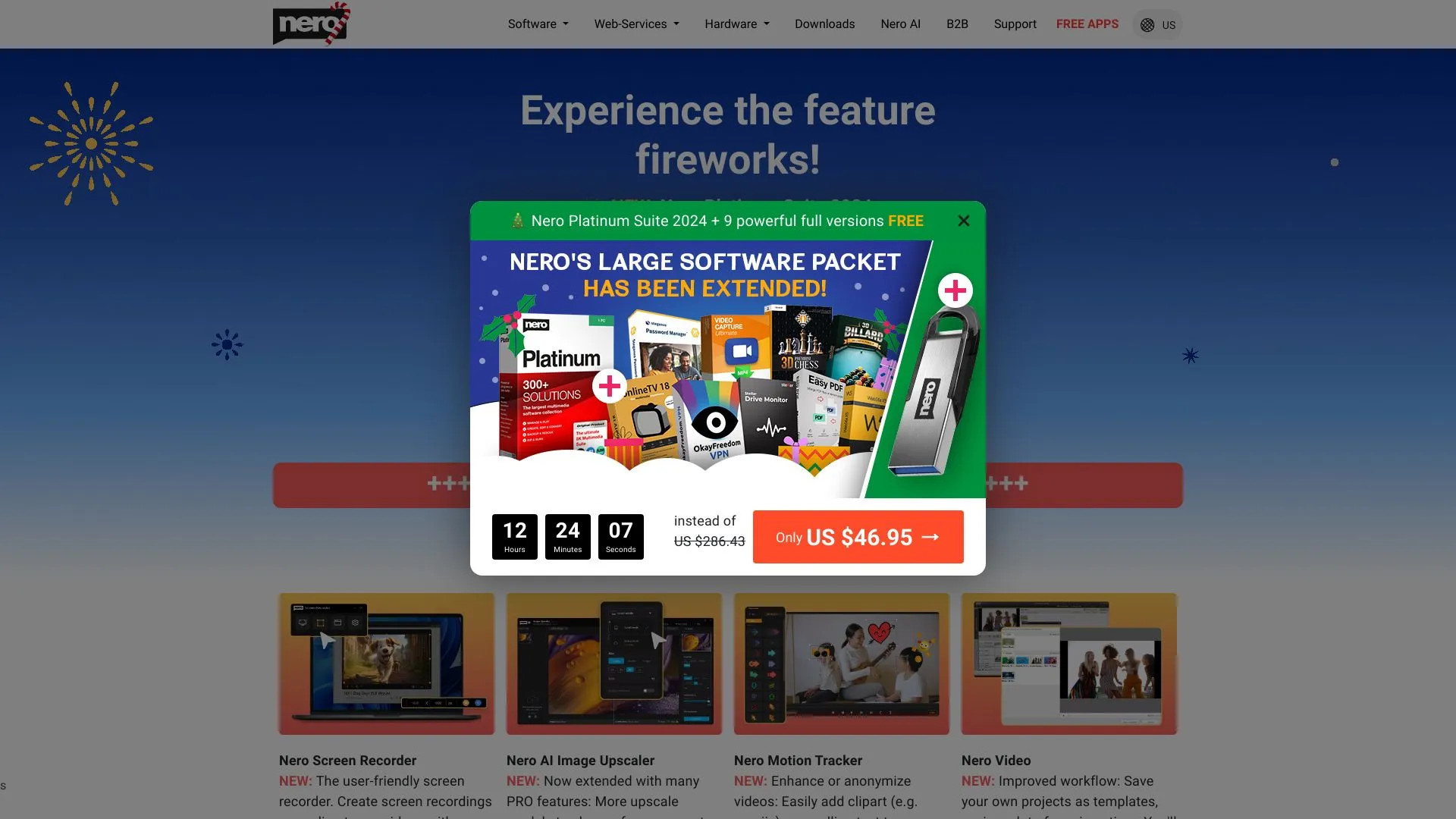
Nero Platinum Suite combines desktop tools for editing photos, videos, and music with media organization, disc burning, backups, and Windows PC maintenance. Its included applications can create and export videos, tag and sort photo libraries, convert media, and protect files. AI features include local photo upscaling and photo tagging, while Nero Start serves as a control center for downloads and activations.
Ads
What is Nero Software?
Nero Platinum Suite is a Windows desktop collection for multimedia projects and PC tasks. Nero Video supports creating, editing, and exporting videos and slideshows, while photo tools help organize libraries, recognize scenes, find duplicates, and apply edits. AI photo upscaling and tagging run locally on the PC. Music tools can edit audio and manage CD collections, and disc utilities support ripping, copying, burning, and protecting media. Nero BackItUp creates backups to external drives, optical media, or supported cloud services, with automated backups and version management. Other included programs handle media conversion, screen recording, file recovery, and PC tuning. The suite is made up of standalone applications managed through Nero Start, and supports local use without requiring cloud processing for its local AI features.
Who will use Nero Software?
- Home users managing personal photo, video, and music libraries
- People editing family videos and slideshows
- Users who burn or rip CDs, DVDs, and other optical media
- Windows PC users seeking local media tools and file backups
- Users looking for PC maintenance and media conversion utilities
How to use the Nero Software?
- Step1: Install Nero Platinum Suite on a Windows 10 or 11 PC.
- Step2: Open Nero Start to access the suite’s downloads and activations.
- Step3: Choose the standalone application for your task, such as Nero Video, Nero MediaHome, or Nero BackItUp.
- Step4: Import or select your photos, videos, music, or files, then use the relevant editing, organizing, conversion, or backup tools.
- Step5: Export or save the result, or burn, copy, or back up the media as needed.
Platform
- Web
- Android
- iOS
Nero Software's Core Features & Benefits
The Core Features
- Edit, trim, and export videos and slideshows
- Organize, tag, rate, and search photo libraries
- Upscale photos and recognize photo scenes locally with AI
- Edit, convert, rip, and manage music and video files
- Burn, copy, and protect discs
- Back up files to external drives, optical media, or supported cloud services
- Record screens, recover files, and tune Windows PCs
The Benefits
- Brings a range of media and PC utilities together in one suite
- Supports local photo processing without uploading images for local AI features
- Provides tools for organizing and editing personal media collections
- Offers backup options across local storage, optical media, and supported cloud services
Nero Software's Main Use Cases & Applications
- Editing personal videos and photo slideshows
- Sorting and cleaning up photo libraries
- Managing and editing music collections
- Ripping, copying, or burning optical discs
- Backing up and protecting personal files
- Converting media for use on other devices
- Recording screen activity and maintaining a Windows PC
Nero Software's Pros & Cons
The Pros
Combines photo, video, music, disc, backup, and PC utilities in one suite
Includes local AI photo upscaling and photo organization features
Supports automated backups and version management
Nero Start centralizes access to downloads and activations
The Cons
The Platinum Suite is designed for Windows 10 and Windows 11 PCs.
FAQs of Nero Software
Nero Software Company Information
- Website:
- Company Name: Nero AG
- Support Email:
- Facebook:
- X(Twitter):
- YouTube:
- Instagram:
- Tiktok:
- LinkedIn:
Analytic of Nero Software
Visit Over Time
Monthly Visits
1.4M
Avg Visit Duration
00:01:23
Page Per Visit
2.85
Bounce Rate
43.82%
Jul 2026 - Sep 2026 All Traffic
Geography
Top 5 Regions

United States
8.14%
Russia
7.42%
Germany
5.34%
Turkey
4.36%
Spain
4.28%
Jul 2026 - Sep 2026 Worldwide Desktop Only
Traffic Sources
SearchOrganic
40.68%
Direct
30.91%
SearchPaid
13.97%
Referrals
6.90%
DisplayAds
2.50%
SocialOrganic
2.37%
Mail
0.87%
GenAi
0.86%
Affiliate
0.70%
SocialPaid
0.24%
Sep 2026 Desktop Only
Top Keywords
| Keyword | Traffic | Cost Per Click |
|---|---|---|
| nero | 113.5k | $0.41 |
| nero ai | 5.4k | $0.54 |
| mejorar calidad de imagen | 368.2k | $0.14 |
| image upscaler | 411.3k | $0.34 |
| nero burning rom | 9.1k | $0.44 |
Nero Software Reviews
5/5
Nero Software's Main Competitors and alternatives?
You may also like:
Magi 2 makes 4–30 second 1080p AI videos with native sound, lip sync and shot cuts placed to the second.
Change people, outfits, products, backgrounds, or visual styles in existing 2–60-second videos while preserving original framing, motion, and audio.
Media.io AI Video Enhancer improves blurry, noisy, dark, or low-resolution videos with AI and upscales footage to 4k.
Create videos from prompts, images, or references, then edit scenes, generate images, and adjust output settings in one workspace.
Create videos and images from text or photos, with tools for kisses, outfits, motion control, extension, and background removal.
Multimodal AI video generator producing 4–15s 2K clips with native audio, plus point-and-change instruction editing.
Convert long videos into recap scripts, captions, voiceovers, and vertical clips for Shorts, TikTok, and Reels.
LyricVideoMaker turns songs into beat-synced lyric videos with AI transcription, visuals, previewing, and social exports.
AI-powered online tool that removes video watermarks quickly while preserving original video quality.
An AI video generator that creates cinematic, director-controlled videos with consistent characters and 1080p output.
An online AI studio for generating and transforming images, videos, and creative effects quickly.
A chat-based AI video generator that turns prompts, images, and clips into cinematic, editable videos.
AI-powered video creation platform for recording, editing, repurposing, and publishing professional videos in minutes.
Multi-modal AI video generator with native audio, consistent characters, and cinematic scene control.
An AI video generation platform that turns text prompts and images into cinematic videos in seconds.
An AI creative studio for generating cinematic videos with multimodal references, precise control, and editing.
Ella is an AI-powered video creation platform that generates, edits, captions, and exports content in one Chrome workspace.
A cinematic AI video generator that turns text and images into polished 1080p clips with sound.
AI-powered online tool to remove watermarks, text, subtitles, and objects from videos quickly.