

NotebookLM
0
Gemini Notebook analyzes the notes and sources you provide, then answers questions with responses grounded in that material. It can turn your research into summaries, interactive Audio Overviews, mind maps, reports, flashcards, quizzes, video overviews, data tables, infographics, and slide decks. Use it to explore a topic, make sense of a collection of documents, or create study and planning materials from your own information.
Promote this Tool
Update this Tool
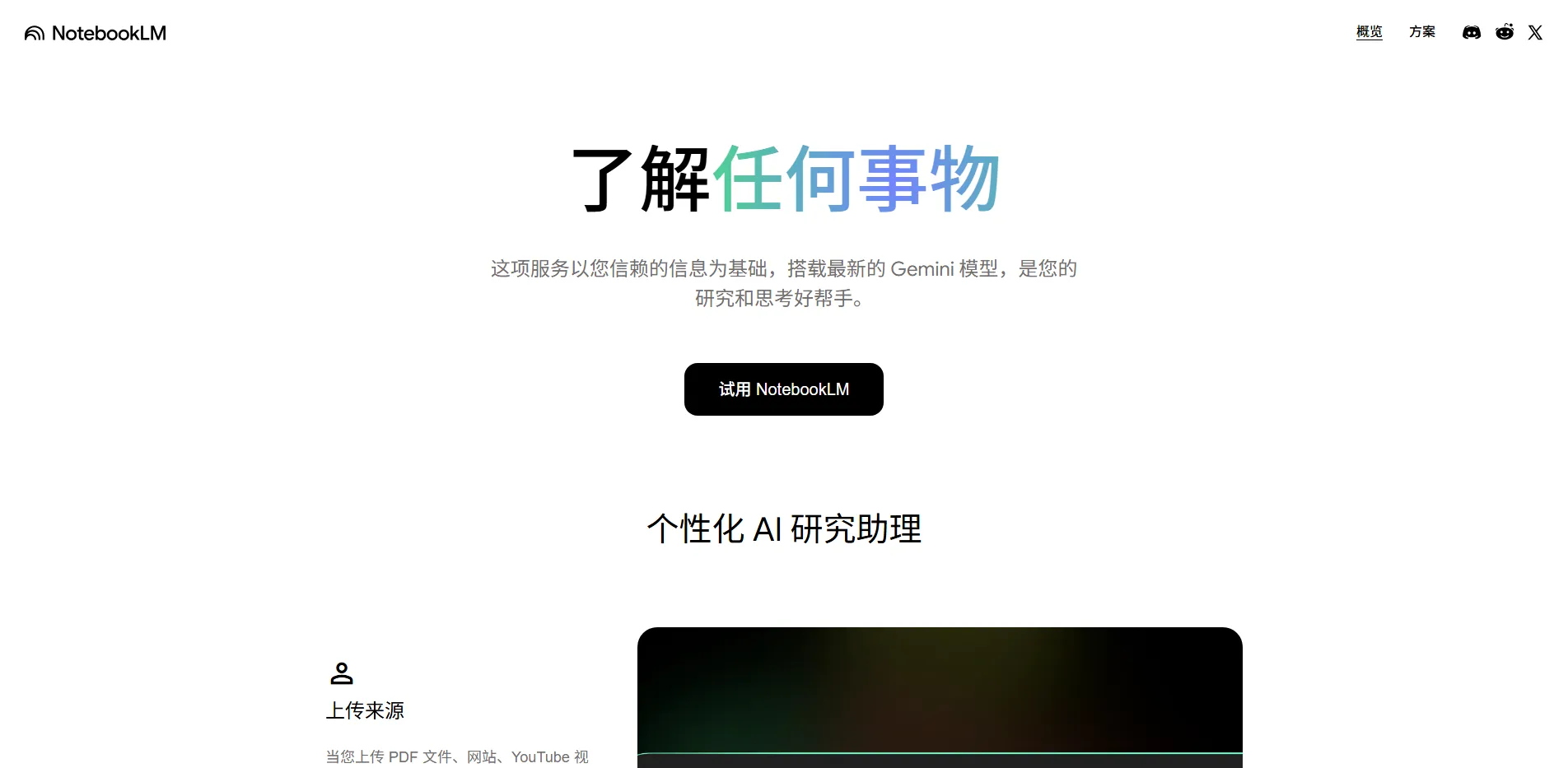
Gemini Notebook analyzes the notes and sources you provide, then answers questions with responses grounded in that material. It can turn your research into summaries, interactive Audio Overviews, mind maps, reports, flashcards, quizzes, video overviews, data tables, infographics, and slide decks. Use it to explore a topic, make sense of a collection of documents, or create study and planning materials from your own information.
Ads
What is NotebookLM?
Gemini Notebook is a source-grounded research assistant for working with information you provide. Ask questions about your sources and get answers tied to that material, helping you understand complex topics and identify connections across documents. It can also transform source content into several formats, including summaries read aloud as interactive Audio Overviews, mind maps, reports, flashcards, quizzes, video overviews, data tables, infographics, and slide decks. These tools support research, learning, and planning workflows without requiring you to start from a blank page. You can explore public notebooks for examples or create your own notebook around your materials. Responses are based on the information you supply, so the tool is intended for exploring and synthesizing those sources rather than answering independently of them.
Who will use NotebookLM?
- Students preparing for exams or organizing course materials
- Researchers synthesizing information across documents
- Educators developing learning and review materials
- Professionals reviewing reports, meeting notes, and other work documents
- Writers and creators developing scripts or other content from research
How to use the NotebookLM?
- Step1: Create or open a notebook and provide the sources or notes you want to explore.
- Step2: Ask questions about the information in your notebook to get source-grounded answers and insights.
- Step3: Use the available tools to create summaries, Audio Overviews, mind maps, reports, flashcards, quizzes, or other formats.
- Step4: Review the generated material and continue asking questions or refining your work using your sources.
Platform
- Web
- Android
- iOS
NotebookLM's Core Features & Benefits
The Core Features
- Answer questions using user-provided sources
- Summarize and synthesize research materials
- Generate interactive Audio Overviews
- Create mind maps, reports, flashcards, and quizzes
- Transform information into video overviews, data tables, infographics, and slide decks
- Explore featured public notebooks
The Benefits
- Keeps research answers grounded in selected material
- Makes it easier to explore and understand complex information
- Turns sources into useful study, planning, and presentation formats
- Supports multiple ways to review information, including listening
NotebookLM's Main Use Cases & Applications
- Reviewing and synthesizing research documents
- Studying with flashcards, quizzes, and audio summaries
- Preparing for meetings using notes and reports
- Finding insights and connections across a collection of sources
- Developing podcast-style scripts from research materials
- Creating reports, infographics, or slide decks from source content
NotebookLM's Pros & Cons
The Pros
Answers are grounded in the information provided by the user
Offers several ways to explore and transform source material, including audio, visual, and study formats
Can support research, learning, and workplace document review
The Cons
Its answers and insights are centered on the sources provided, so it is not designed to replace source-independent research.
Deleted notebooks have no recovery option.
FAQs of NotebookLM
NotebookLM Company Information
- Website:
- Company Name: Google
- Support Email:
- Facebook:
- X(Twitter):
- YouTube:
- Instagram:
- Tiktok:
- LinkedIn:
Analytic of NotebookLM
Visit Over Time
Monthly Visits
1.7M
Avg Visit Duration
00:00:27
Page Per Visit
1.44
Bounce Rate
60.31%
Jul 2026 - Sep 2026 All Traffic
Geography
Top 5 Regions

United States
7.85%
China
6.65%
Japan
6%
Russia
3.25%
Indonesia
2.73%
Jul 2026 - Sep 2026 Worldwide Desktop Only
Traffic Sources
SearchOrganic
45.22%
Direct
32.07%
Referrals
6.36%
DisplayAds
5.66%
SearchPaid
4.66%
SocialOrganic
2.96%
GenAi
2.40%
Mail
0.43%
SocialPaid
0.19%
Affiliate
0.06%
Sep 2026 Desktop Only
Top Keywords
| Keyword | Traffic | Cost Per Click |
|---|---|---|
| notebooklm | 9853.3k | $0.68 |
| notebook lm | 2694.4k | $0.76 |
| gemini notebook | 1563.6k | $1.40 |
| notebook | 1195.6k | $0.48 |
| notebook llm | 594.0k | $1.28 |
NotebookLM Reviews
5/5
NotebookLM's Main Competitors and alternatives?
You may also like:
Panzoe organizes schedules, email, documents, tasks, and connected apps through one shared AI memory and daily briefing.
Eigent is an open-source AI workforce platform managing complex workflows via multi-agent collaboration.
Rewrite, proofread, summarize, and create content with tools for polishing text, checking originality, generating visuals, and building presentations.
Tennr is an advanced AI agent facilitating personalized learning experiences and recommendations.
Botpress resolves customer support tickets by answering questions, updating accounts, issuing refunds, and coordinating multi-step workflows.
An open-source RAG-based AI tool enabling LLM-driven Q&A over cybersecurity datasets for contextual threat insights.
RAGApp simplifies building retrieval-augmented chatbots by integrating vector databases, LLMs, and toolchains in a low-code framework.
Deep Research Agent automates literature review by retrieving, summarizing, and analyzing scientific papers using AI-driven search and NLP.
Enables interactive Q&A over CUHKSZ documents via AI, leveraging LlamaIndex for knowledge retrieval and LangChain integration.