
- Get free clips

Opus Clip AI
0
OpusClip turns long-form video into short, social-ready clips by identifying engaging moments, adding captions, and reframing footage for vertical formats. You can start with a supported video link from services such as YouTube, Google Drive, Vimeo, Zoom, Twitch, or Riverside, or upload a file after signing up. Review clips in its editor, apply brand templates, then publish or schedule posts to social channels.
Promote this Tool
Update this Tool
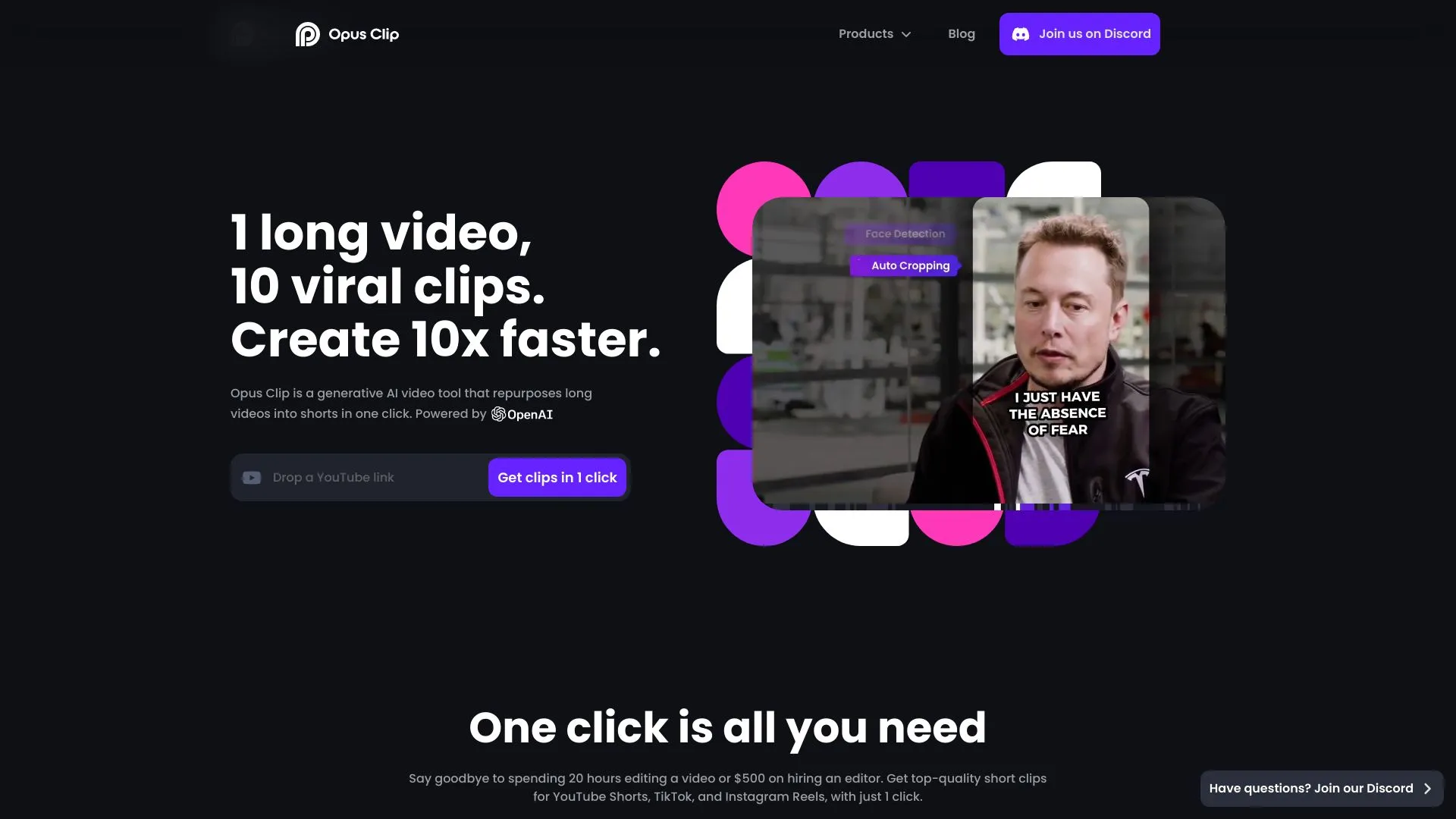
OpusClip turns long-form video into short, social-ready clips by identifying engaging moments, adding captions, and reframing footage for vertical formats. You can start with a supported video link from services such as YouTube, Google Drive, Vimeo, Zoom, Twitch, or Riverside, or upload a file after signing up. Review clips in its editor, apply brand templates, then publish or schedule posts to social channels.
Ads
What is Opus Clip AI?
OpusClip analyzes long videos and creates short clips for social publishing. Its clipping tools work across genres including vlogs, gaming, sports, interviews, and explainers, while AI reframing resizes footage for different platforms and keeps moving subjects centered with object tracking. The editor supports manual adjustments, animated captions, brand templates, and AI-generated B-roll. Other tools include audio enhancement, voice-over and dubbing, thumbnail creation, and XML export for editing in Adobe Premiere Pro or DaVinci Resolve. Users can provide supported video links or upload files after signing up. OpusClip also offers a social scheduler, team workspaces, workflow integrations, and an API for automating video creation and publishing. Videos are supported in English, German, Spanish, French, Portuguese, and more than 20 additional languages.
Who will use Opus Clip AI?
- Video creators and influencers
- Podcasters
- Livestreamers
- Social media marketers
- Marketing and creative agencies
- Media and entertainment teams
- Advertisers and e-commerce businesses
- Real estate professionals
How to use the Opus Clip AI?
- Step1: Paste a supported video link or sign up and upload a video file.
- Step2: Let OpusClip identify moments and generate short clips.
- Step3: Review the clips and refine them in the editor.
- Step4: Add captions, adjust framing, and apply B-roll or brand templates as needed.
- Step5: Export the finished clips or publish and schedule them to social platforms.
Platform
- Web
Opus Clip AI's Core Features & Benefits
The Core Features
- AI clipping of long videos into short-form clips
- AI reframing with object tracking and manual tracking
- Animated captions and AI captioning
- AI B-roll, audio enhancement, voice-over, and video dubbing
- Video editor, brand templates, and team workspace
- Social scheduling, workflow integration, API, and XML export
The Benefits
- Repurpose long recordings into multiple short clips
- Prepare video for different social platform formats
- Reduce manual editing and captioning work
- Maintain consistent brand styling across clips
- Coordinate team editing and automate publishing workflows
Opus Clip AI's Main Use Cases & Applications
- Turning podcast and interview recordings into social clips
- Repurposing livestreams, webinars, and long videos for short-form platforms
- Creating vertical clips from sports, gaming, vlog, and explainer footage
- Adding captions and brand styling to social videos
- Scheduling a batch of clips across social channels
- Automating video creation workflows for teams and agencies
Opus Clip AI's Pros & Cons
The Pros
Generates clips from many video genres, not only podcasts.
Includes reframing, captions, B-roll, audio tools, templates, and scheduling in one workflow.
Supports video links from multiple services and file uploads.
Offers team collaboration and API-based workflow integration.
Advertises 90 free credits with no credit card required.
The Cons
Free access is credit-based rather than unlimited.
Uploading video files requires signing up; supported source-link access is identified for the Pro plan.
Opus Clip AI's Pricing
| Has free plan | YES |
|---|---|
| Free trial details | |
| Pricing model | |
| Is credit card required | No |
| Has lifetime plan | No |
| Billing frequency |
Details of Pricing Plan
Free
0FAQs of Opus Clip AI
Opus Clip AI Company Information
- Website:
- Company Name: Opus
- Support Email:
- Facebook:
- X(Twitter):
- YouTube:
- Instagram:
- Tiktok:
- LinkedIn:
Analytic of Opus Clip AI
Visit Over Time
Monthly Visits
5.1M
Avg Visit Duration
00:07:07
Page Per Visit
6.46
Bounce Rate
34.35%
Jul 2026 - Sep 2026 All Traffic
Geography
Top 5 Regions

United States
31.34%
Brazil
8.27%
India
5.26%
United Kingdom
3.84%
Canada
3.16%
Jul 2026 - Sep 2026 Worldwide Desktop Only
Traffic Sources
Direct
41.70%
SearchOrganic
29.90%
SocialOrganic
9.64%
SearchPaid
8.66%
Referrals
2.70%
DisplayAds
2.61%
GenAi
2.23%
Mail
1.40%
SocialPaid
1.12%
Affiliate
0.03%
Sep 2026 Desktop Only
Top Keywords
| Keyword | Traffic | Cost Per Click |
|---|---|---|
| opus clip | 340.1k | $0.38 |
| opusclip | 178.1k | $0.60 |
| opus | 236.9k | $0.68 |
| opus clips | 32.1k | $0.43 |
| tiktok | 61680.8k | $0.87 |
Opus Clip AI Reviews
5/5
Opus Clip AI's Main Competitors and alternatives?
You may also like:
Turn long videos into social-ready clips with AI highlight detection, animated captions, and automatic vertical reframing.
Browser-based AI text-to-speech tool for generating natural voiceovers, narration, and podcast audio from scripts.
Multimodal AI audio generator for creating complete sound scenes with dialogue, ambience, music, and effects.
Turn ideas, documents, URLs, and audio into professional podcasts with AI voices, custom hosts, and video formats.
Picloft offers AI-powered video creation from text and images with multiple models and effects.
Flowsend AI simplifies workflow automation with intelligent email and document management.
Adauris is an AI agent designed for optimizing marketing campaigns and enhancing customer engagement.
Turn long videos into captioned, vertical clips by detecting standout moments, then prepare them for social publishing.
ClipZap: AI-powered video creation and editing tools for personalized, pro-level videos effortlessly.
Extracto is a powerful tool for extracting, analyzing, and managing data from various sources.