

Ora.ai
0
Ora scans websites and MCP server URLs to score how AI agents find, read, and use them. Its Journey feature sends a real agent to a domain with a chosen intent, then records searches, pages visited, stalls, and completion. Site scores and ranked issues help teams see where access breaks down, while the npx ax audit command brings the same scan into a terminal for coding agents.
Promote this Tool
Update this Tool
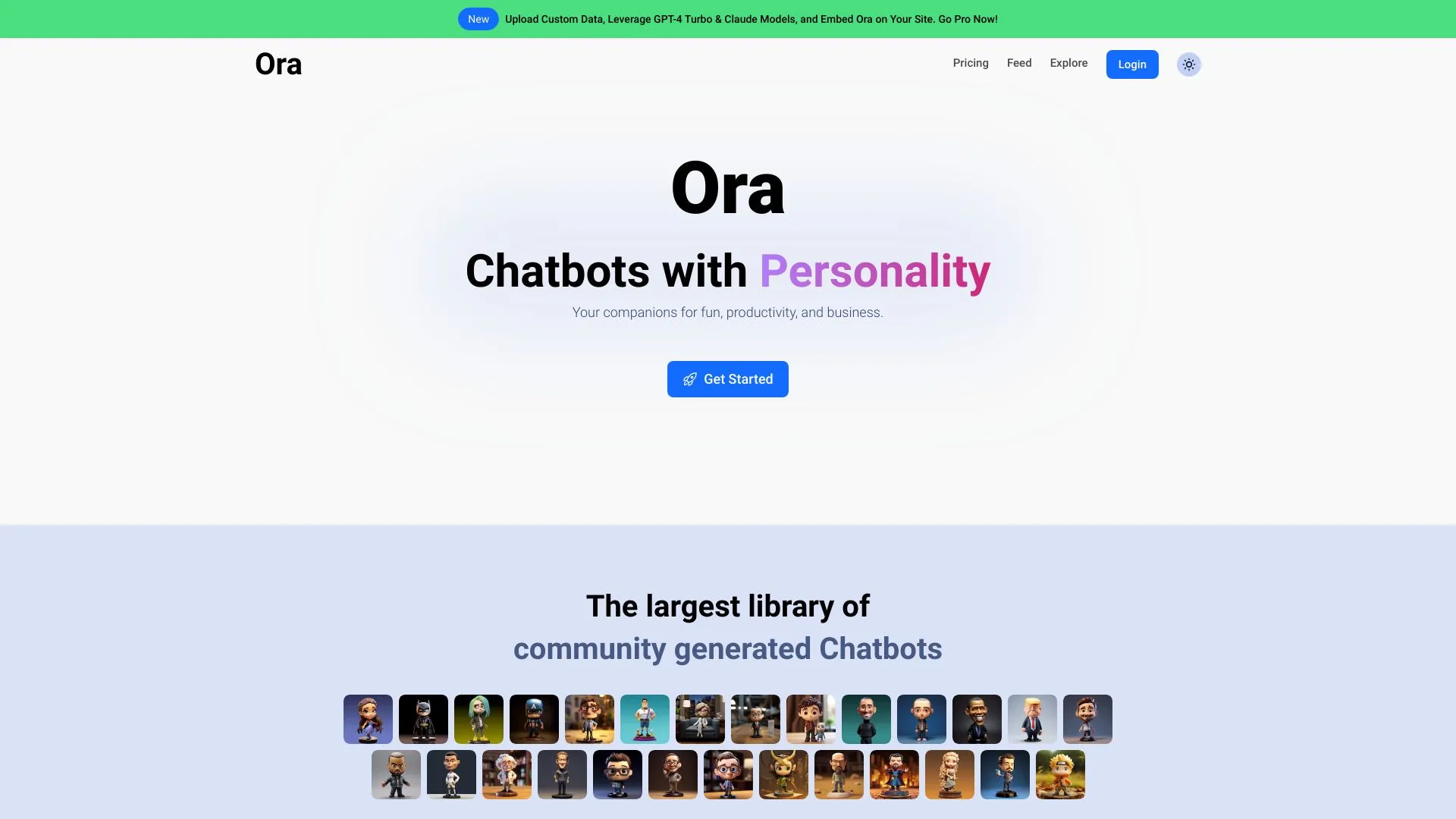
Ora scans websites and MCP server URLs to score how AI agents find, read, and use them. Its Journey feature sends a real agent to a domain with a chosen intent, then records searches, pages visited, stalls, and completion. Site scores and ranked issues help teams see where access breaks down, while the npx ax audit command brings the same scan into a terminal for coding agents.
Ads
What is Ora.ai?
Ora evaluates whether websites are ready for AI agents by scoring how agents find, read, and use them. Enter a domain or MCP server URL to run a scan and view its score; leaderboards compare results across categories such as e-commerce, travel, and developer tools. Journey tests a chosen task with a real agent and records the steps it takes, what it finds, where it stalls, and whether it completes the task. These traces can reveal broken paths, missing information, and access errors. Ora also offers a terminal-based audit through the npx ax audit command, which scores a URL and prints fixes ranked by impact. Its research section tracks agent readiness across the web.
Who will use Ora.ai?
- Website owners and operators
- E-commerce and consumer businesses
- Web developers and engineering teams
- Technical SEO and AI-search optimization teams
- Teams building websites or services intended for AI-agent use
How to use the Ora.ai?
- Step1: Enter a website domain or MCP server URL in Ora's scan field.
- Step2: Run the scan and review the agent-readiness score and ranked issues.
- Step3: Open Journey and choose an intent that represents a task an agent should complete on your site.
- Step4: Review the agent's recorded searches, pages, stalls, and task completion to find usability problems.
- Step5: Update the relevant site content or paths, then run another scan or journey to check the result.
- Step6: For a terminal workflow, run `npx ax audit yourdomain.com` to score a URL and print prioritized fixes.
Platform
- Web
Ora.ai's Core Features & Benefits
The Core Features
- Scan a website domain or MCP server URL
- Score how agents find, read, and use a site
- Run agent journeys using a selected intent
- Record agent searches, navigation, stalls, and task completion
- Print URL audit results and prioritized fixes through a CLI
- View agent-readiness scores in category leaderboards
The Benefits
- Finds site obstacles that can prevent agents from accessing information or completing tasks
- Shows the steps where an agent journey stalls or fails
- Helps teams prioritize site changes based on audit findings
- Supports both interactive site checks and terminal-based audits
Ora.ai's Main Use Cases & Applications
- Auditing a website's readiness for AI agents
- Finding navigation, access, or content failures during agent tasks
- Checking whether agents can locate information such as pricing
- Comparing agent-readiness scores across business categories
- Running URL audits from a coding-agent terminal workflow
Ora.ai's Pros & Cons
The Pros
Combines site scoring with recorded real-agent journeys.
Shows where an agent stalls and whether it completes a chosen task.
The CLI prints fixes ranked by impact.
Provides category leaderboards and public agent-readiness research.
The Cons
Access is being rolled out slowly, with a work-email waitlist offered.
The product is focused on agent readiness and website usability rather than general-purpose site analytics or editing.
The terminal audit requires a Node.js/npm environment to run the npx command.
Ora.ai's Pricing
| Has free plan | No |
|---|---|
| Free trial details | |
| Pricing model | |
| Is credit card required | No |
| Paid from | |
| Has lifetime plan | No |
| Billing frequency |
FAQs of Ora.ai
Ora.ai Company Information
- Website:
- Company Name: Ora Labs, Inc.
- Support Email:
- Facebook:
- X(Twitter):
- YouTube:
- Instagram:
- Tiktok:
- LinkedIn:
Analytic of Ora.ai
Visit Over Time
Monthly Visits
47.2K
Avg Visit Duration
00:01:06
Page Per Visit
2.33
Bounce Rate
38.62%
Jul 2026 - Sep 2026 All Traffic
Geography
Top 5 Regions

Germany
30.06%
India
22.45%
United States
19.6%
Brazil
5.45%
France
3.51%
Jul 2026 - Sep 2026 Worldwide Desktop Only
Traffic Sources
Direct
66.65%
SocialOrganic
13.32%
SearchOrganic
10.31%
Referrals
8.64%
Mail
0.54%
GenAi
0.33%
DisplayAds
0.21%
Sep 2026 Desktop Only
Top Keywords
| Keyword | Traffic | Cost Per Click |
|---|---|---|
| ora ai | 4.0k | $4.36 |
| ora | 46.6k | $1.19 |
| ora.sh | 170 | — |
| ora 网站评分 | 120 | — |
| ora.ai | 150 | — |
Ora.ai Reviews
5/5
Ora.ai's Main Competitors and alternatives?
Chatfuel
ManyChat
TARS
Collect.chat
MobileMonkey
You may also like:
Intel Automotive Solutions enhances vehicles with intelligent technologies.
Add lane centering and adaptive cruise to a compatible car, reducing driving fatigue while keeping your eyes on the road.
A Pythonic framework implementing the Model Context Protocol to build and run AI agent servers with custom tools.
Plan and schedule social posts across multiple networks, then track engagement and manage conversations from one workspace.
A framework to manage and optimize multi-channel context pipelines for AI agents, generating enriched prompt segments automatically.
CitySwift leverages AI to enhance public transport optimization and operational efficiencies.
Cyclops Security is an AI agent specializing in cybersecurity threat detection and mitigation.
Streamline your Twitter experience with intelligent, AI-powered assistance for content creation and engagement.
Rise is an AI Agent that seamlessly enhances productivity with smart automation and task management.
Automate cryptocurrency trades across connected exchanges with configurable bots, copy trading, trailing orders, and portfolio tools.
Monitor fleet vehicles, reduce road risk with real-time AI alerts, and coordinate maintenance, workforce, equipment, and spending in one platform.
Floatbot is a Voice AI Agent designed to enhance customer interactions through voice communication.