

Photiu.AI
0
Photiu.ai brings several image-editing tools into one browser-based service. Upload a photo to remove or replace its background, erase unwanted objects, upscale or enhance image quality, reduce blur, or generate a new image from an idea. Background cutouts can be refined with erase and restore controls, and users can choose a new background color, template, or uploaded image. The tools are designed for product photos, marketing visuals, portraits, and social media content.
Promote this Tool
Update this Tool
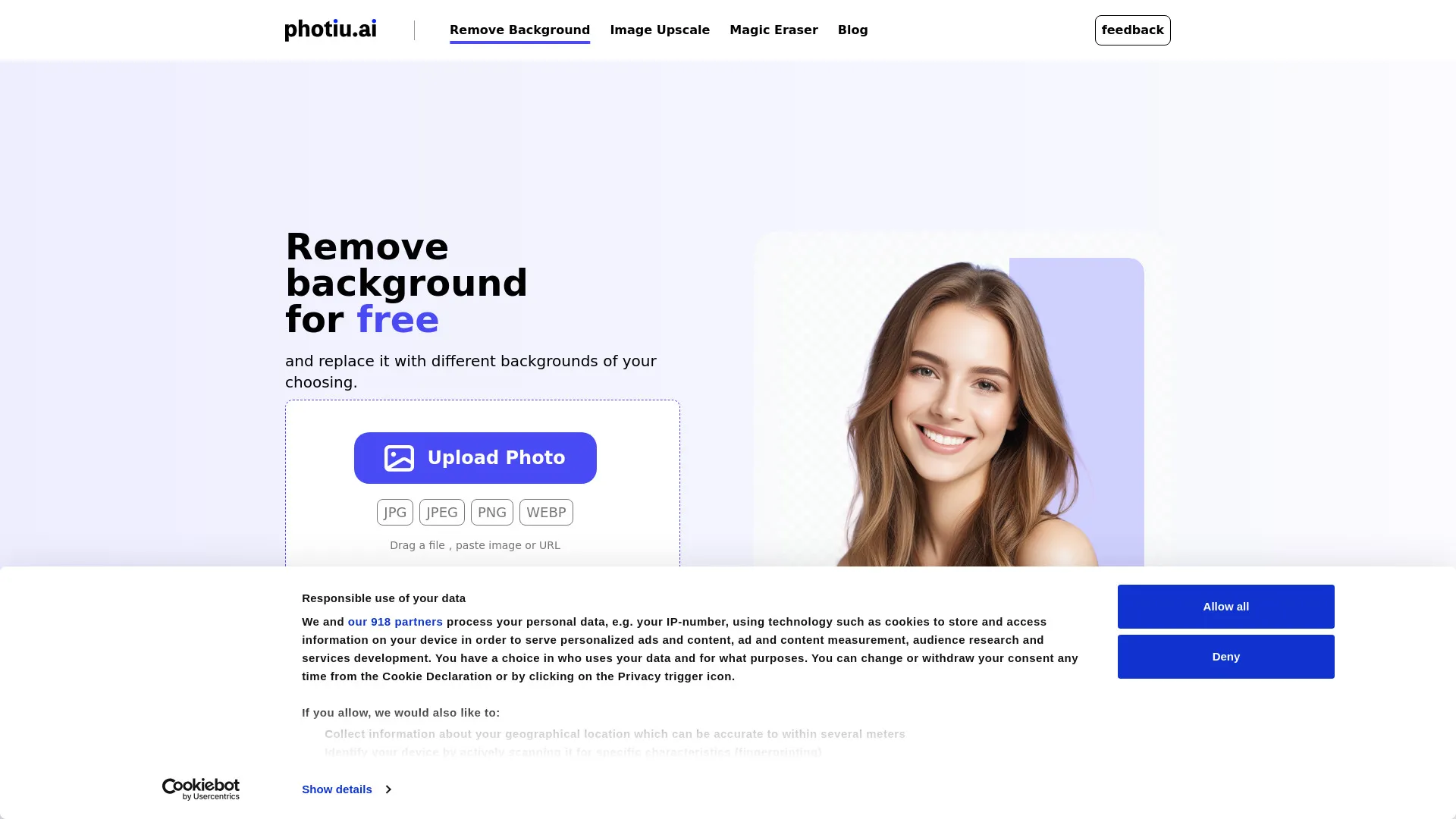
Photiu.ai brings several image-editing tools into one browser-based service. Upload a photo to remove or replace its background, erase unwanted objects, upscale or enhance image quality, reduce blur, or generate a new image from an idea. Background cutouts can be refined with erase and restore controls, and users can choose a new background color, template, or uploaded image. The tools are designed for product photos, marketing visuals, portraits, and social media content.
Ads
What is Photiu.AI?
Photiu.ai brings together browser-based tools for common image editing tasks. Its background remover separates a subject from its backdrop, supports transparent output, and lets users replace the background with a color, template, or uploaded image. Automatic cutouts can be refined manually with erase and restore controls, which is useful when edges need adjustment. Other tools remove unwanted objects, upscale or enhance image quality, reduce blur, and generate images from an idea. The service also offers image utilities such as resizing, compression, and HEIC-to-JPG conversion. Users can upload supported image files, including JPG, JPEG, PNG, and WEBP, and process multiple images or folders through the background remover. Photiu.ai is designed for product imagery, portraits, marketing assets, and social content, without requiring complex editing skills.
Who will use Photiu.AI?
- eCommerce sellers preparing product photos
- Marketers creating advertising visuals
- Designers building visual assets
- Social media creators
- Photographers polishing images
- Developers automating image workflows
How to use the Photiu.AI?
- Step1: Open the relevant Photiu.ai tool in a browser.
- Step2: Upload an image, paste an image or URL, or choose a sample when available.
- Step3: Select the desired operation, such as background removal, object erasing, image enhancement, or generation.
- Step4: Refine the result with available controls, such as erase and restore for background cutouts.
- Step5: For background removal, choose transparency or replace the background with a color, template, or your own image.
- Step6: Save the finished image.
Platform
- Web
Photiu.AI's Core Features & Benefits
The Core Features
- Remove image backgrounds and create transparent cutouts
- Replace backgrounds with colors, templates, or uploaded images
- Refine cutouts using erase and restore controls
- Erase unwanted objects from photos
- Upscale, enhance, and unblur images
- Generate images from an idea
The Benefits
- Prepare cleaner product images and visual assets
- Improve image clarity for portraits and other photos
- Make background edits without complex editing software
- Handle common image-editing tasks in one browser-based service
Photiu.AI's Main Use Cases & Applications
- Creating clean eCommerce product photos
- Preparing marketing and advertising visuals
- Making social media content
- Polishing portraits and other photographs
- Removing distracting objects from images
- Generating visuals from an idea
Photiu.AI's Pros & Cons
The Pros
Combines background removal, object erasing, image enhancement, and image generation.
Offers manual erase and restore controls to refine background cutouts.
Supports replacing backgrounds with colors, templates, or user-uploaded images.
Runs online in a browser without requiring installed editing software.
The Cons
Results on logo images may vary, and manual brush refinement may be needed.
Photiu.AI's Pricing
| Has free plan | YES |
|---|---|
| Free trial details | |
| Pricing model | freemium |
| Is credit card required | No |
| Paid from | |
| Has lifetime plan | No |
| Billing frequency |
FAQs of Photiu.AI
Photiu.AI Company Information
- Website:
- Company Name: Photiu Studio
- Support Email:
- Facebook:
- X(Twitter):
- YouTube:
- Instagram:
- Tiktok:
- LinkedIn:
Analytic of Photiu.AI
Visit Over Time
Monthly Visits
644.1K
Avg Visit Duration
00:00:43
Page Per Visit
2.29
Bounce Rate
51.21%
Jul 2026 - Sep 2026 All Traffic
Geography
Top 5 Regions

United States
13.23%
Indonesia
7.58%
India
5.04%
United Kingdom
4.28%
Russia
3.18%
Jul 2026 - Sep 2026 Worldwide Desktop Only
Traffic Sources
SearchOrganic
55.49%
Direct
33.29%
Referrals
5.43%
SocialOrganic
4.11%
GenAi
0.73%
Mail
0.40%
SearchPaid
0.34%
DisplayAds
0.18%
SocialPaid
0.02%
Sep 2026 Desktop Only
Top Keywords
| Keyword | Traffic | Cost Per Click |
|---|---|---|
| image upscaler | 411.3k | $0.34 |
| remove background | 2131.6k | $0.31 |
| upscale image | 455.3k | $0.29 |
| background remove | 1239.0k | $0.25 |
| background remover | 1652.6k | $0.34 |
Photiu.AI Reviews
5/5
Photiu.AI's Main Competitors and alternatives?
Remove.bg
Clipping Magic
Canva
Pixlr
Slazzer
You may also like:
Remove image backgrounds into transparent PNG cutouts, with browser-based edge refinement, cropping, and optional replacement backgrounds.
Remove image backgrounds from JPG, PNG, or WebP files and download high-resolution transparent PNG cutouts without signing up.
Create storefront-ready product images from one photo with background removal, styled scenes, lighting improvements, shadows, and batch generation.
Create, edit, enhance, and animate visuals from prompts or reference images, with background removal, restoration, and upscaling in one workspace.
Create clean transparent PNG cutouts from products, portraits, and logos after uploading images up to 30 MB.
Remove image backgrounds and process PDFs, text, code data, colors, and calculations in browser without signup.
Create transparent videos from MP4, MOV, or WebM uploads with stable edges and no green screen.
AI-powered online tool that removes video watermarks quickly while preserving original video quality.
AI-powered transparent PNG generator that turns text prompts into ready-to-use images in seconds for creators, marketers, and developers.
AI-powered online tool to remove watermarks, text, subtitles, and objects from videos quickly.
Fast AI-powered Sora watermark remover — paste a share link and download clean MP4s instantly, no signup.
AI-powered online tool that instantly removes and replaces video backgrounds without a green screen, delivering high-quality transparent exports.
AI-powered online tool that instantly removes and replaces video backgrounds up to 4K without green screens.
Remover AI quickly removes image backgrounds in-browser and delivers clean transparent PNGs for creative use.
AirBrush AI Background Remover quickly and conveniently removes image backgrounds for professional results.
PixArmory is a versatile AI-powered photo editor with advanced image editing and style transfer.
SharkFoto is an all-in-one AI-powered platform for creating and editing videos, images, and music efficiently.
PixPretty is a fast, AI-powered photo editor for background removal and batch editing.