
- Generate 100 images per month
- 200 credits per month
- Access to all AI image tools
- Commercial use included
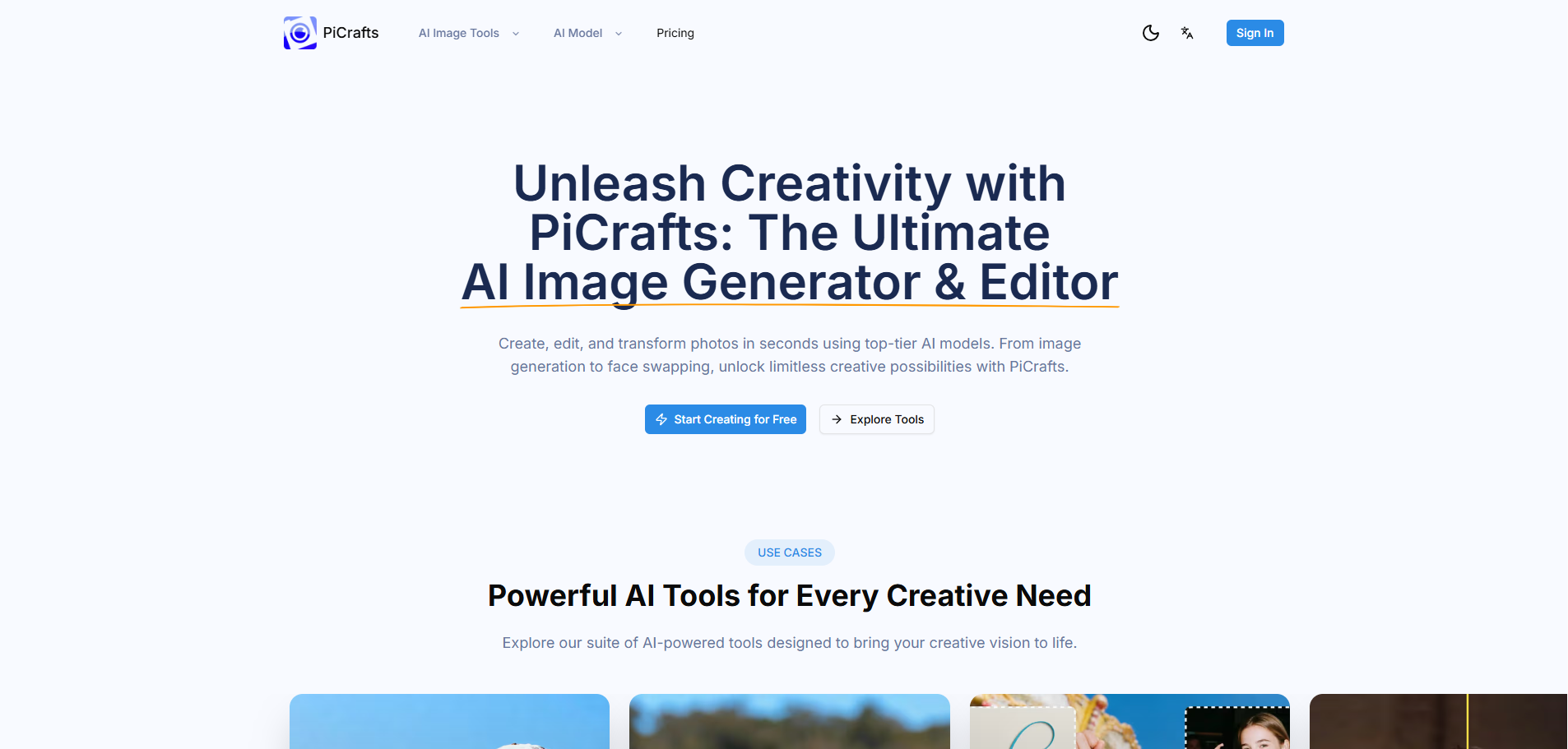
PiCrafts offers an all-in-one suite of AI image tools — generation, editing, face swap, combiner and hair color changes — using multi-model support for fast, high-resolution results and commercial licensing for creators and businesses.
Promote this Tool
Update this Tool

PiCrafts
PiCrafts offers an all-in-one suite of AI image tools — generation, editing, face swap, combiner and hair color changes — using multi-model support for fast, high-resolution results and commercial licensing for creators and businesses.
Ads
What is PiCrafts?
PiCrafts is a web-based AI image generation and editing platform that leverages multiple advanced models (including Nano Banana and Google Imagen) to produce photorealistic and stylized images. It includes tools to generate images from text, edit uploaded photos, combine multiple images, perform face swaps, and change hair color. The service emphasizes speed (5–20 seconds per generation), privacy (no storing of uploads for training), batch processing, 4K output capability, and a commercial license for generated assets, making it suitable for content production at scale.
Who will use PiCrafts?
- Marketers and ad teams
- Content creators and social media managers
- Graphic designers and agencies
- E‑commerce sellers and product photographers
- Educators and researchers
- Freelancers and small businesses
- Hobbyists and enthusiasts
How to use the PiCrafts?
- Step1: Visit https://picrafts.com and sign up for an account.
- Step2: Choose a tool (AI Image Generator, Image Editor, Combiner, Face Swap, Hair Color Changer).
- Step3: For generation, enter a text prompt and select a model (e.g., Nano Banana or Google Imagen) and desired resolution.
- Step4: For editing, upload an image, select edits (color change, combine, face swap) and adjust parameters.
- Step5: Preview the result, refine prompts or settings, and re-run if needed.
- Step6: Download the final image (up to 4K) and use under the platform's commercial license.
Platform
- Web
PiCrafts's Core Features & Benefits
The Core Features
- AI text-to-image generation
- AI image editor (color changes, retouching)
- Image combiner (merge multiple images)
- AI face swap tool
- AI hair color changer
- Multi-model selection (Nano Banana, Google Imagen)
- High-resolution output (up to 4K)
- Batch processing for multiple images
- Commercial usage license
- Privacy-first processing (no training on uploads)
The Benefits
- Rapid image creation (5–20s) for fast iteration
- High-quality, photorealistic and stylized outputs
- Cost savings versus photoshoots
- Scales for high-volume e-commerce and social campaigns
- Full commercial rights simplify usage in client work
- Multiple tools in one platform reduce workflow friction
- Privacy protections for sensitive uploads
PiCrafts's Main Use Cases & Applications
- Create ad creatives and marketing visuals quickly
- Generate social media posts and story images
- Produce product photos and lifestyle mockups for e-commerce
- Design thumbnails for YouTube and blog posts
- Rapid prototyping and concept mockups for client pitches
- Batch generate images for catalogs and campaigns
- Create educational diagrams, slides, and research visuals
- Retouch and edit photos without professional software
PiCrafts's Pros & Cons
The Pros
Fast generation times and streamlined workflow
Multi-model support to balance speed and quality
Commercial license for generated assets
High-resolution outputs (up to 4K)
Privacy-first approach (uploads not used for training)
The Cons
Web-only platform (no dedicated mobile apps listed)
Face-swap and editing tools may raise ethical concerns
Quality can vary depending on chosen model and prompt
Some advanced features may use credits or paid plans
No public GitHub or open-source code available
PiCrafts's Pricing
| Has free plan | No |
|---|---|
| Free trial details | |
| Pricing model | Paid |
| Is credit card required | YES |
| Paid from | 12.9 USD |
| Has lifetime plan | No |
| Billing frequency | Monthly |
Details of Pricing Plan
Starter
12.9 USDStandard
39.9 USD- Generate 400 images per month
- 800 credits per month
- Access to all AI image tools
- Commercial use included
Premium
89.9 USD- Generate 1,000 images per month
- 1,000 credits per month
- Access to all AI image tools
- Commercial use included
Discount:Save 15% with annual billing (e.g., Starter at $9.90/mo, Standard at $29.90/mo, Premium at $69.90/mo)
For the latest prices, please visit: https://picrafts.com/pricingFAQs of PiCrafts
PiCrafts Company Information

How to install?
PiCrafts Reviews
5/5
PiCrafts's Main Competitors and alternatives?
Midjourney
OpenAI DALL·E
Stable Diffusion (DreamStudio / Stability AI)
Runway
Canva (AI image tools)
You may also like:

Create and refine images, videos, audio, and 3D assets in one canvas, with conversational agents that retain project context.
Generate videos, images, and music from prompts or references in one workspace using shared credits and a centralized asset library.
Generate and refine images from text or references, with targeted edits, transparent backgrounds, and multilingual text rendered directly into designs.
Create watermark-free videos from text prompts or photos, with selectable models, aspect ratios, durations, and resolutions.
Turn a photo, text prompt, or reference image into a short AI video using templates and adjustable generation settings.
Generate 1K–4K images from text prompts, steer composition with up to 16 references, and render readable multilingual lettering.
TeraBox is an all-in-one AI workspace and cloud storage platform for creating presentations, writing content, generating
Create images and short videos from prompts or photos, switching among multiple generation models and reusable templates in one account.
Generate realistic or anime feet images from prompts and presets, then download clean results without signing up or watermarks.
Generate images and videos from text or visual references, with synchronized native audio and multi-shot character consistency.
Create images and videos from plain-language ideas, photos, and templates while Orylia selects a suitable model.
Generate and refine images from prompts and references, with natural-language edits, integrated typography, batch creation, and output up to 4K.
Create images or edit uploaded photos with one sentence, including readable text, multi-image blending, and 4K output.
Create and revise product visuals, posters, illustrations, and explanations from text prompts and reference images.
Create finished videos from prompts, photos, or references, including 4K exports with synchronized audio and multiple aspect ratios.
Generate illustrations, photos, posters, and product visuals from text or reference images, then upscale and edit them.
Create usable visuals from text prompts or reference images, then compare revisions and download the version that fits your brief.
Create high-definition images from text prompts, then refine photos with background removal, upscaling, expansion, and object erasing tools.
Generate detailed images, edit existing photos, and maintain recognizable products or characters across multiple visual scenes.
Generate and edit images from prompts and reference photos while preserving readable text, faces, products, and selected visual details.