

Pillar
0
Pillar turns a creator’s social profile link into a storefront for digital products, courses, memberships, coaching, and bookings. It also includes landing pages, email marketing, lead capture, and automations for sales funnels and customer journeys. Creators can build pages with templates and a drag-and-drop editor, connect payment processing through Stripe or PayPal, and manage sales and bookings from one platform.
Promote this Tool
Update this Tool
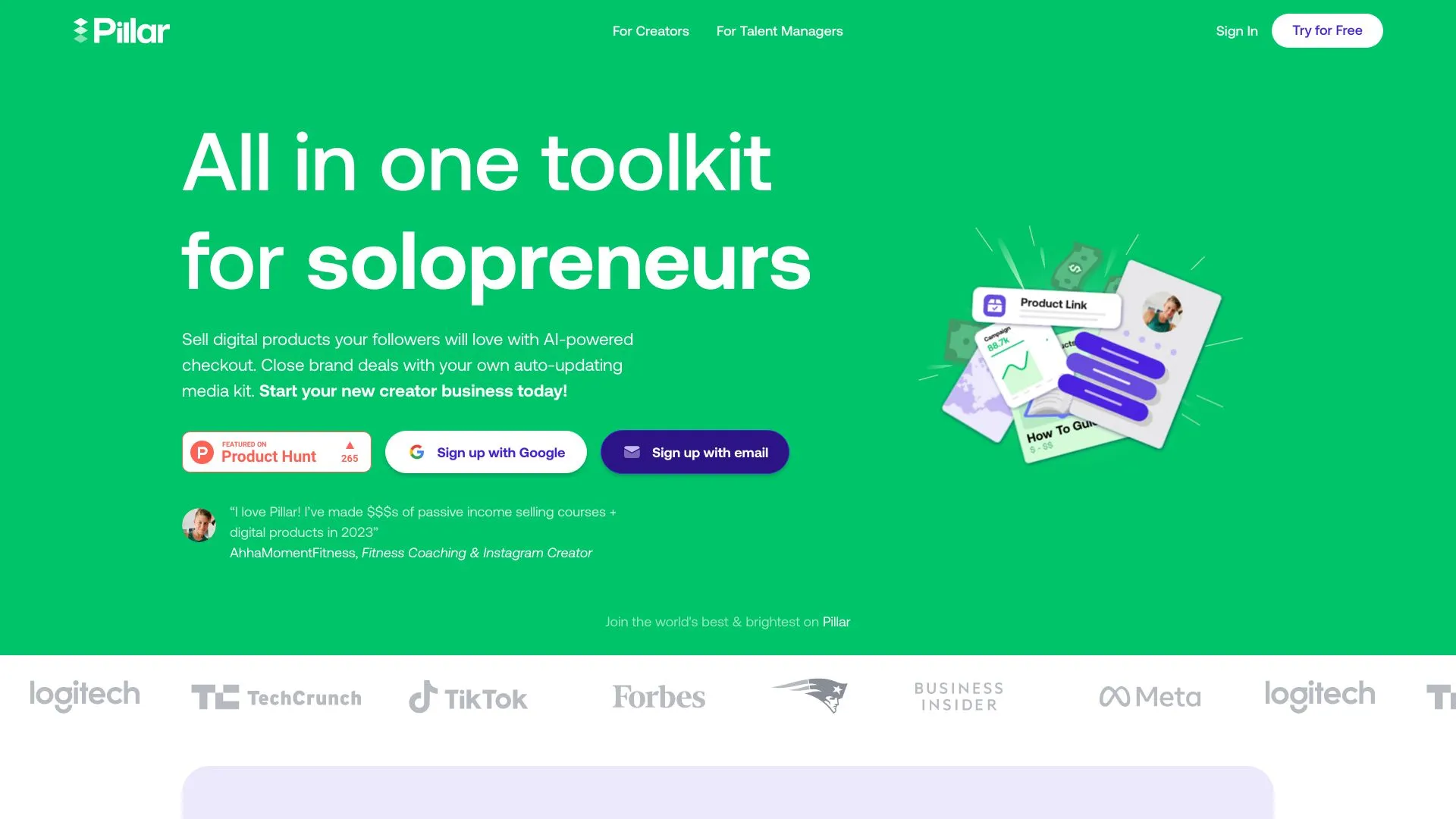
Pillar turns a creator’s social profile link into a storefront for digital products, courses, memberships, coaching, and bookings. It also includes landing pages, email marketing, lead capture, and automations for sales funnels and customer journeys. Creators can build pages with templates and a drag-and-drop editor, connect payment processing through Stripe or PayPal, and manage sales and bookings from one platform.
Ads
What is Pillar?
Pillar is a creator commerce platform that combines a link-in-bio storefront with tools for selling and marketing online offerings. Creators can list digital downloads, courses, memberships, coaching, appointments, and other products or services. A drag-and-drop builder and templates support storefronts, landing pages, and sales funnels without coding. The platform also provides lead magnets, email marketing, automated customer journeys, calendar booking with real-time availability, and analytics on sales and customers. Payments can be processed through Stripe or PayPal. Creators can connect their existing business and social content, then use pre-built workflows to sell, book consultations, and nurture leads. Pillar is designed around creator-led businesses and converting social audiences into customers.
Who will use Pillar?
- Social media creators and influencers
- Online coaches and consultants
- Educators and course creators
- Entrepreneurs selling digital products or memberships
- Talent managers and creator teams
- Artists and service providers with an online audience
How to use the Pillar?
- Step1: Create a Pillar account and connect your existing business, products, services, or social content.
- Step2: Use the drag-and-drop builder and templates to create a link-in-bio storefront or landing page.
- Step3: Add the products and services you want to sell, such as downloads, courses, memberships, coaching, or bookings.
- Step4: Connect Stripe or PayPal to process customer payments.
- Step5: Set up lead capture, email sequences, booking availability, and other pre-built automations.
- Step6: Share your storefront link on social channels and review sales and customer insights.
Platform
- Web
Pillar's Core Features & Benefits
The Core Features
- Link-in-bio storefront builder
- Digital product, course, and membership sales
- Coaching, service, and appointment bookings
- Landing pages and sales funnels
- Lead capture and email marketing automations
- Stripe and PayPal payment processing
The Benefits
- Bring creator storefront and marketing workflows together
- Offer multiple products and services from one social profile link
- Reduce repetitive administration with sales and email automations
- Let customers browse and check out through a mobile-first storefront
Pillar's Main Use Cases & Applications
- Selling digital downloads, templates, guides, and other creator products
- Marketing and selling online courses or memberships
- Accepting coaching or consultation bookings
- Collecting leads and nurturing audiences with email sequences
- Sharing a single storefront link across social media profiles
- Managing creator brand inquiries and business offerings
Pillar's Pros & Cons
The Pros
Combines a link-in-bio store with landing pages, email marketing, bookings, and sales funnels.
Offers a drag-and-drop builder and templates for creating storefronts without coding.
Supports several creator revenue streams, including digital products, courses, memberships, and coaching.
Connects payment processing through Stripe or PayPal.
The Cons
Its feature set is focused on creator-led businesses and social-audience monetization rather than broad, general-purpose ecommerce operations.
Pillar's Pricing
| Has free plan | No |
|---|---|
| Free trial details | |
| Pricing model | |
| Is credit card required | No |
| Paid from | |
| Has lifetime plan | No |
| Billing frequency |
FAQs of Pillar
Pillar Company Information
- Website:
- Company Name: Pillar
- Support Email:
- Facebook:
- X(Twitter):
- YouTube:
- Instagram:
- Tiktok:
- LinkedIn:
Analytic of Pillar
Visit Over Time
Monthly Visits
325.6K
Avg Visit Duration
00:00:34
Page Per Visit
1.70
Bounce Rate
49.07%
Jul 2026 - Sep 2026 All Traffic
Geography
Top 5 Regions

United States
56.77%
United Kingdom
6.25%
India
4.25%
Canada
4.13%
Netherlands
2.73%
Jul 2026 - Sep 2026 Worldwide Desktop Only
Traffic Sources
SocialOrganic
38.22%
SocialPaid
26.85%
Direct
20.64%
Referrals
7.90%
SearchOrganic
4.78%
DisplayAds
0.71%
SearchPaid
0.68%
GenAi
0.20%
Mail
0.01%
Sep 2026 Desktop Only
Top Keywords
| Keyword | Traffic | Cost Per Click |
|---|---|---|
| luma cove | 2.5k | $0.78 |
| holly wolf | 2.9k | — |
| pillar | 53.1k | $1.38 |
| jade rain math me | 160 | — |
| ellysa yagho | 4.5k | — |
Pillar Reviews
5/5
Pillar's Main Competitors and alternatives?
Teachable
Gumroad
Kajabi
Patreon
Podia
You may also like:
AI gift finder that builds shareable wishlists from real products across hundreds of popular stores.
Visual Quiz Builder is a Shopify app that creates customizable product recommendation quizzes to boost conversions.
Quantinor automates accounting through AI-driven insights and streamlined financial processes.
HeyBoss is a virtual assistant that streamlines scheduling and task management with AI technology.
An open-source AI agent framework orchestrating multi-LLM agents, dynamic tool integration, memory management, and workflow automation.
One Click Store is an AI-driven platform for seamless product searching and procurement.
A visual AI Agent development platform enabling creation of chatbots, digital workers, and workflow automation using Baidu AI services.
SAP Shopping Assistant uses AI to enhance online shopping experiences with personalized recommendations.
Choose a niche and get a Shopify store loaded with 10 supplier products, ready for customization and selling.
Get certified by leading AI companies, learn the latest AI tools, and earn money by solving real challenges.
SmartWebi is an all-in-one AI-powered platform to automate, scale, and dominate your business.