
- 30 document generations per month
- Full-document rewrite up to 5 pages
- AI edits, citations, translation, and humanize tools
- Word and PDF export
- Student quiz mode and document uploads
- $96 yearly, shown as $8/month

Plume AI
0
Niko AI, formerly Plume AI, turns rough ideas, uploaded PDFs, and prompts into editable student or professional documents. Use its writing and rewrite tools to draft or revise passages, chat to clarify a document, and create study sheets or quizzes. It can format citations in styles such as APA, MLA, Chicago, and IEEE, use verified sources, organize documents in a library, and export finished work as DOCX or PDF.
Promote this Tool
Update this Tool
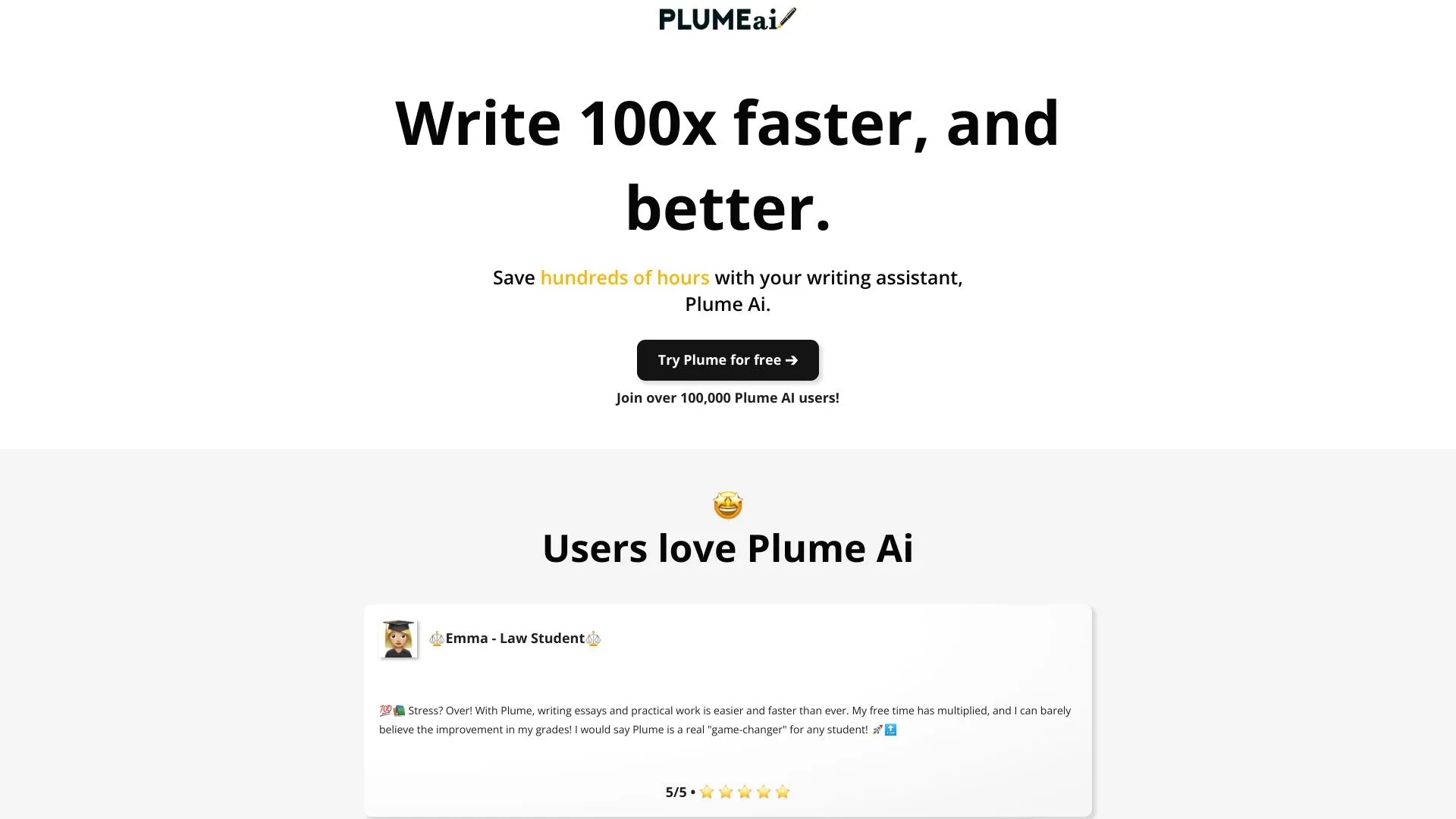
Niko AI, formerly Plume AI, turns rough ideas, uploaded PDFs, and prompts into editable student or professional documents. Use its writing and rewrite tools to draft or revise passages, chat to clarify a document, and create study sheets or quizzes. It can format citations in styles such as APA, MLA, Chicago, and IEEE, use verified sources, organize documents in a library, and export finished work as DOCX or PDF.
Ads
What is Plume AI?
Niko AI provides writing and editing tools for student assignments and professional documents. Users can start from an idea, prompt, or uploaded PDF, then draft a document, rewrite passages, or improve wording. Chat lets users clarify or continue a draft, while study sheets and quizzes support revision. The tool offers citation formatting, including APA, MLA, Chicago, Harvard, IEEE, and Vancouver, and says its citations use verified Crossref and OpenAlex sources. Users can import PDFs and Word files, organize documents in a library, and export completed work as editable DOCX or PDF. Templates, writing profiles, and specialty settings can tailor outputs. Paid plans set limits on document creation, rewriting, edits, chat, and PDF analysis; Pro raises or removes several of those limits.
Who will use Plume AI?
- Students writing assignments, essays, notes, and study materials
- Teachers and learners preparing quizzes or revision sheets
- Professionals drafting and revising business, legal, technical, and client documents
- Writers who need citation formatting, source-based drafting, or document rewriting
How to use the Plume AI?
- Step1: Open the Niko AI web workspace and choose Student or Professional mode; set a specialty if relevant.
- Step2: Start a new document, enter a writing prompt or idea, or add an image or PDF as source material.
- Step3: Select a writing action or template and generate an editable draft; use verified-source citations when needed.
- Step4: Revise passages with rewrite or style tools, or use chat to clarify and continue the document.
- Step5: Review citation formatting and document layout, then export the finished work as DOCX or PDF.
Platform
- Web
Plume AI's Core Features & Benefits
The Core Features
- Generate editable documents from prompts and rough ideas
- Rewrite passages and improve wording
- Upload and analyze PDF source material
- Generate citations and bibliographies in multiple styles
- Create study sheets and quizzes
- Import, organize, and export documents as DOCX or PDF
The Benefits
- Reduces the time spent starting and structuring documents
- Supports drafting based on uploaded source material
- Helps students review topics with study sheets and quizzes
- Keeps exported Word documents editable
- Offers writing profiles and templates for different document needs
Plume AI's Main Use Cases & Applications
- Drafting essays, homework, notes, and outlines
- Creating professional emails and business documents
- Revising passages or full drafts for clarity and style
- Creating source-based academic writing with formatted citations
- Reviewing uploaded PDFs and building study materials
- Exporting finished work to Word or PDF
Plume AI's Pros & Cons
The Pros
Combines document drafting, rewriting, chat, study sheets, and quizzes in one workspace
Supports PDF uploads and source-based citations with multiple citation styles
Exports clean DOCX and PDF files, with Word documents remaining editable
Offers student and professional writing modes, specialties, and reusable templates
The Cons
The Plus plan limits document generation to 30 per month, rewrites to five pages, and AI edits and chat to 500 per month; higher limits require Pro
PDF uploads are capped at 100 MB, and analysis is limited to 500 pages on Plus or 1,000 pages on Pro
Full access requires a paid plan, and the product is presented as a web workspace rather than a listed native desktop or mobile app
Plume AI's Pricing
| Has free plan | No |
|---|---|
| Free trial details | |
| Pricing model | subscription |
| Is credit card required | YES |
| Paid from | 25 USD |
| Has lifetime plan | No |
| Billing frequency | monthly/yearly |
Details of Pricing Plan
Plus
25 USDPro
60 USD- Unlimited document generations
- Unlimited full-document rewrite, including long documents
- Higher limits for agentic writing and long-form editing
- Priority generation and export workflows
- Best for heavy school, legal, business, and research work
- $240 yearly, shown as $20/month
FAQs of Plume AI
Plume AI Company Information
- Website:
- Company Name: Plume AI
- Support Email:
- Facebook:
- X(Twitter):
- YouTube:
- Instagram:
- Tiktok:
- LinkedIn:
Analytic of Plume AI
Visit Over Time
Monthly Visits
7.1K
Avg Visit Duration
00:00:42
Page Per Visit
1.90
Bounce Rate
35.96%
Jul 2026 - Sep 2026 All Traffic
Geography
Top 5 Regions

Canada
27.82%
Vietnam
24.56%
France
22.06%
United States
13.35%
India
9.73%
Jul 2026 - Sep 2026 Worldwide Desktop Only
Traffic Sources
Direct
40.70%
SearchOrganic
32.63%
Referrals
10.36%
SocialOrganic
5.68%
Mail
2.89%
DisplayAds
2.62%
SearchPaid
1.51%
GenAi
1.50%
Affiliate
1.42%
SocialPaid
0.70%
Sep 2026 Desktop Only
Top Keywords
| Keyword | Traffic | Cost Per Click |
|---|---|---|
| plume ia | 7.6k | $0.66 |
| plume ai | 2.5k | $0.63 |
| plum ai | 940 | $1.18 |
| plumeai | 70 | — |
| plume | 32.2k | $3.36 |
Plume AI Reviews
5/5
Comments (2)

SEMBA Prosper
June 24 2025
oui

Bède Nahimana
June 13 2025
good
Plume AI's Main Competitors and alternatives?
Grammarly
Hemingway Editor
ProWritingAid
Quillbot
You may also like:
Unified API gateway to 40+ AI models for chat, image and video with smart routing and failover.
GraphSignal is a real-time AI-powered graph vector search engine for semantic search and knowledge graph insights.
LangGraph-Swift enables composing modular AI agent pipelines in Swift with LLMs, memory, tools, and graph-based execution.
AI-powered agent automating tasks across 1000+ apps via natural language, eliminating manual integration steps.
Graphy helps create beautiful, actionable graphs quickly, simplifying data presentation and storytelling.
Graphlit is an AI agent that generates insightful data visualizations from your data inputs.