
- Free Gems and starter chat messages
- Starter credits included
- Free AI girlfriend chat
- Create AI images with no filter
- No credit card required

Promptchan AI
0
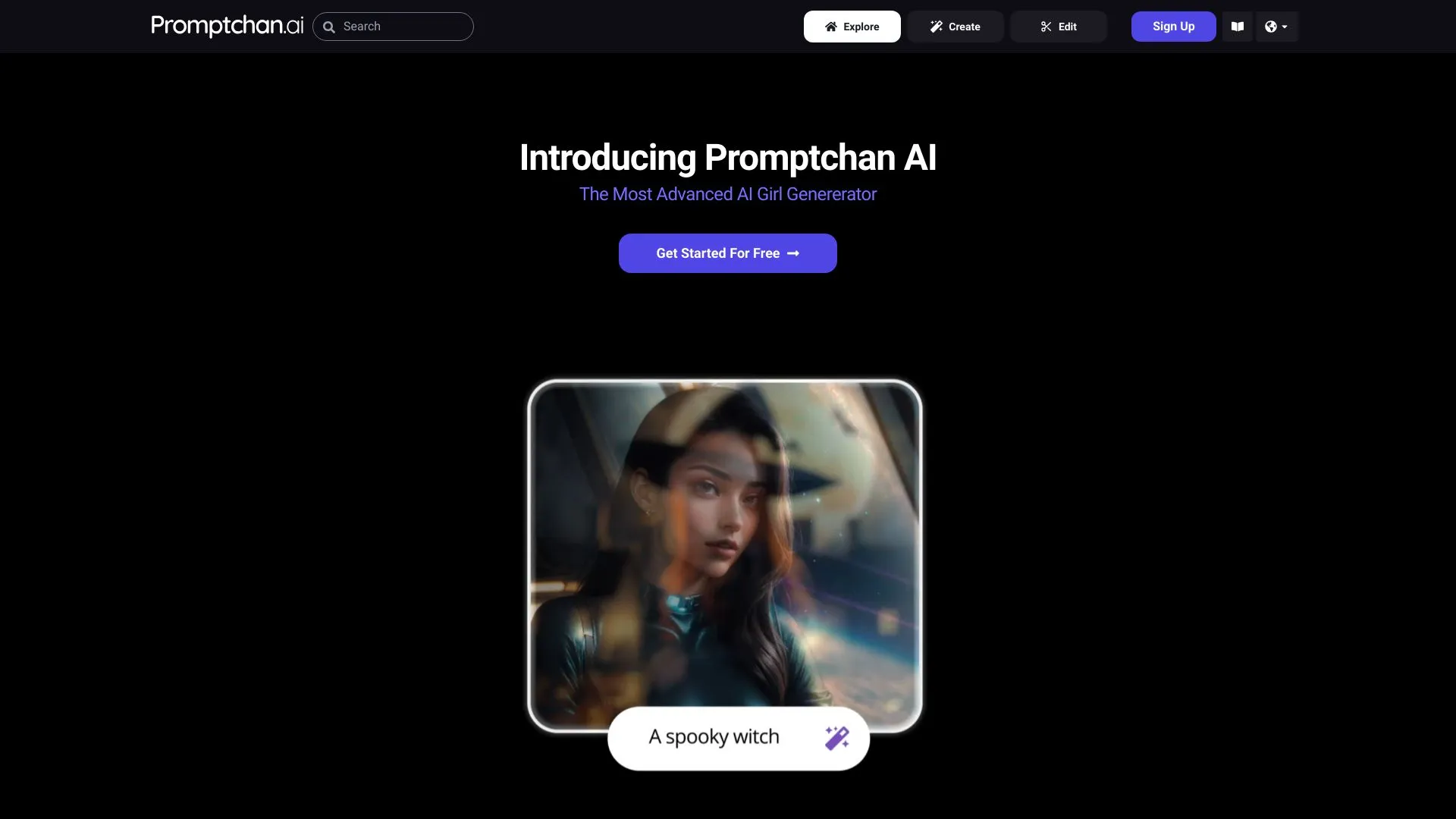
Promptchan turns text prompts and character ideas into realistic or anime-style images, then lets you refine outfits, settings, poses, and lighting with Tweak. You can animate images or create videos from prompts, add dialogue or sound, and extend scenes. Its companion chat supports roleplay, requests for story-related photos and videos, voice messages, and AI voice calls.
Promote this Tool
Update this Tool
Promptchan AI
0
992.6K
Promptchan turns text prompts and character ideas into realistic or anime-style images, then lets you refine outfits, settings, poses, and lighting with Tweak. You can animate images or create videos from prompts, add dialogue or sound, and extend scenes. Its companion chat supports roleplay, requests for story-related photos and videos, voice messages, and AI voice calls.
Ads
What is Promptchan AI?
Promptchan combines AI image and video creation with AI companion chat. In Create, users describe a subject, setting, and mood, choose a realistic or anime style, and generate an image. Tweak changes details such as clothing, background, pose, or lighting while retaining the character. Video creation can start from an image or a prompt; users can direct motion, add dialogue or sound, and extend a clip. Explore provides community creations that can be cloned with their prompts and settings as a starting point. Users can also discover or create AI girlfriends, boyfriends, and anime companions, then chat and roleplay, request images or videos, exchange voice messages, or start a voice call. Free starter Gems and chat messages are available; video requires Pro and Gems.
Who will use Promptchan AI?
- People creating AI-generated character images and videos
- Users interested in AI girlfriend, boyfriend, or anime companion chats
- Roleplay and interactive storytelling enthusiasts
- Creators looking for realistic or anime-style character inspiration
How to use the Promptchan AI?
- Step1: Sign up for an account to access creation and companion features.
- Step2: In Create, write a prompt describing the character, setting, and mood, then choose a realistic or anime style.
- Step3: Generate an image and use Tweak to change details such as outfit, background, pose, or lighting.
- Step4: To make a video, animate an image or enter a video prompt, direct the motion, and optionally add dialogue or sound.
- Step5: Use Extend to continue a video, or Explore and clone a community creation's prompt and settings.
- Step6: Discover or create a companion, then chat, roleplay, request scene media, or use voice messages and calls.
Platform
- Web
Promptchan AI's Core Features & Benefits
The Core Features
- Prompt-based image generation in realistic and anime styles
- Tweak edits to outfits, backgrounds, poses, and lighting
- Video generation from prompts or images, with motion direction
- Dialogue and sound options, plus video extension
- AI companion discovery, chat, and roleplay
- Voice messages and AI voice calls
The Benefits
- Builds a character and its scenes from text prompts
- Makes it possible to reuse and modify a character's look
- Provides community creations as starting points through Clone
- Combines visual creation and companion interaction in one service
Promptchan AI's Main Use Cases & Applications
- Creating realistic or anime-style AI character portraits
- Changing a character's outfit, setting, pose, or lighting
- Animating character images and generating short video scenes
- Developing AI girlfriend, boyfriend, or anime companion roleplay
- Finding and adapting community-created prompt ideas
Promptchan AI's Pros & Cons
The Pros
Supports image creation, image editing, video generation, and companion chat in one product.
Offers both realistic and anime character styles.
Includes voice messages and AI voice calls for companion conversations.
New accounts receive free Gems and starter chat messages, with no credit card required to sign up.
The Cons
AI video generation requires a Pro plan and uses Gems.
Free access is limited to starter credits and chat messages; additional Gems and options require paid plans.
Promptchan AI's Pricing
| Has free plan | YES |
|---|---|
| Free trial details | |
| Pricing model | freemium |
| Is credit card required | No |
| Has lifetime plan | No |
| Billing frequency |
Details of Pricing Plan
Free
0FAQs of Promptchan AI
Promptchan AI Company Information
- Website:
- Company Name: VisionAI Labs Limited
- Support Email:
- Facebook:
- X(Twitter):
- YouTube:
- Instagram:
- Tiktok:
- LinkedIn:
Analytic of Promptchan AI
Visit Over Time
Monthly Visits
992.6K
Avg Visit Duration
00:04:44
Page Per Visit
7.48
Bounce Rate
42.62%
Jul 2026 - Sep 2026 All Traffic
Geography
Top 5 Regions

United States
23.57%
Germany
8.97%
Japan
6.7%
Spain
6.53%
Netherlands
5.63%
Jul 2026 - Sep 2026 Worldwide Desktop Only
Traffic Sources
Direct
58.91%
SearchOrganic
21.92%
Referrals
12.23%
SocialOrganic
4.77%
GenAi
0.86%
Mail
0.85%
DisplayAds
0.27%
SearchPaid
0.13%
Affiliate
0.04%
SocialPaid
0.03%
Sep 2026 Desktop Only
Top Keywords
| Keyword | Traffic | Cost Per Click |
|---|---|---|
| promptchan | 31.8k | $1.24 |
| promptchan ai | 13.9k | $1.26 |
| prompt chan | 450 | $2.39 |
| promtchan | 680 | $1.27 |
| prompchan | 740 | $1.59 |
Promptchan AI's Main Competitors and alternatives?
You may also like:
Turn text prompts and reference images into AI-generated videos, images, voiceovers, and reusable character-led content.
Generate and refine images from text or references, with targeted edits, transparent backgrounds, and multilingual text rendered directly into designs.
Create watermark-free videos from text prompts or photos, with selectable models, aspect ratios, durations, and resolutions.
Upload a room photo and generate visual redesign concepts to compare furniture, colors, finishes, and styles before making changes.
Generate 1K–4K images from text prompts, steer composition with up to 16 references, and render readable multilingual lettering.
Turn written prompts into looping animated GIFs, with adjustable frames, timing, aspect ratios, and downloadable formats.
Create images and short videos from prompts or photos, switching among multiple generation models and reusable templates in one account.
Generate realistic or anime feet images from prompts and presets, then download clean results without signing up or watermarks.
Generate images and videos from text or visual references, with synchronized native audio and multi-shot character consistency.
Create images and videos from plain-language ideas, photos, and templates while Orylia selects a suitable model.
Generate and refine images from prompts and references, with natural-language edits, integrated typography, batch creation, and output up to 4K.
Create images or edit uploaded photos with one sentence, including readable text, multi-image blending, and 4K output.
Create and revise product visuals, posters, illustrations, and explanations from text prompts and reference images.
Generate illustrations, photos, posters, and product visuals from text or reference images, then upscale and edit them.
Create usable visuals from text prompts or reference images, then compare revisions and download the version that fits your brief.
Create high-definition images from text prompts, then refine photos with background removal, upscaling, expansion, and object erasing tools.
Generate detailed images, edit existing photos, and maintain recognizable products or characters across multiple visual scenes.
Generate and edit images from prompts and reference photos while preserving readable text, faces, products, and selected visual details.
Create images from text in any language, enhance prompts automatically, and edit photos with simple AI instructions.
Generate or edit images from text and photos, refine changes step by step, and create transparent-background results in 1K–4K resolutions.