
- eCommerce Widgets
- Product Updates
- Future Plugins
- Premium Support
Easily generate unique, high-quality images using AI with AI Art Generator, perfect for creative projects.
Promote this Tool
Update this Tool
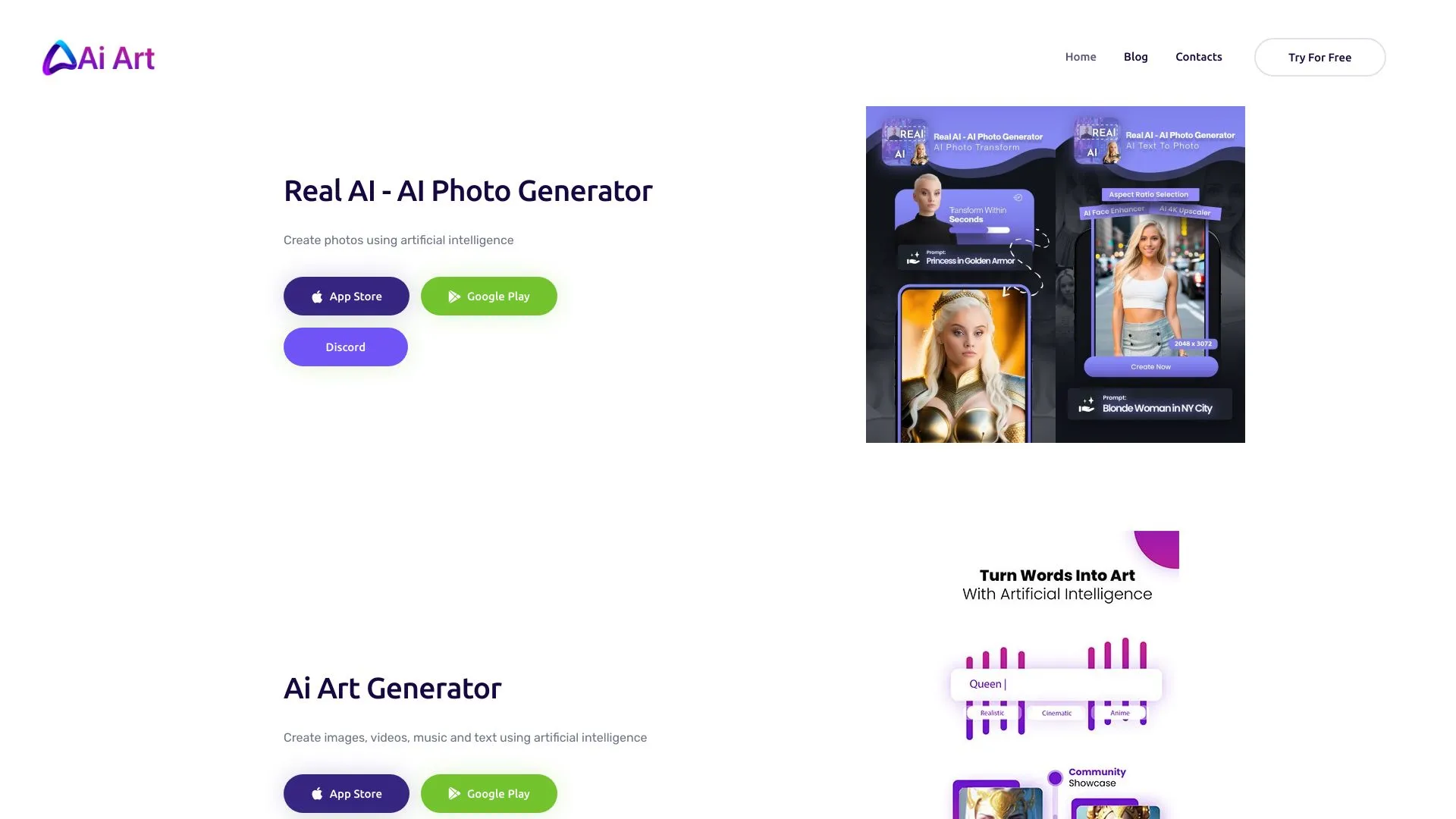

Real AI - AI Photo Generator & Inpaint
Easily generate unique, high-quality images using AI with AI Art Generator, perfect for creative projects.
Ads
What is Real AI - AI Photo Generator & Inpaint?
AI Art Generator is an innovative platform that leverages artificial intelligence to generate unique, realistic images. Designed for artists, designers, and content creators, this tool simplifies the creative process, allowing users to produce high-quality visuals quickly. Its advanced algorithms ensure that every image stands out, making it an essential tool for anyone in need of distinctive and compelling visual content.
Who will use Real AI - AI Photo Generator & Inpaint?
- Artists
- Designers
- Content Creators
- Marketing Professionals
- Social Media Managers
How to use the Real AI - AI Photo Generator & Inpaint?
- Step1: Visit aiart.limited
- Step2: Create an account or log in
- Step3: Choose your desired image type or style
- Step4: Input any specific parameters or descriptions
- Step5: Click 'Generate' to create your image
- Step6: Download or share your AI-generated art
Platform
- Web
Real AI - AI Photo Generator & Inpaint's Core Features & Benefits
The Core Features
- AI-based image generation
- Customizable parameters
- High-quality output
- User-friendly interface
The Benefits
- Save time on image creation
- Generate unique visuals
- Enhance creative projects with AI
- Easy to use
Real AI - AI Photo Generator & Inpaint's Main Use Cases & Applications
- Artwork creation
- Social media content
- Marketing materials
- Blog illustrations
- Graphic design
Real AI - AI Photo Generator & Inpaint's Pros & Cons
The Pros
Easy creation and modification of photos using AI technology
Fast performance and high technology integration
Free updates and 24/7 support
Available on both Apple Store and Google Play
Multiple pricing plans to suit different users
The Cons
Lack of detailed technical or unique feature descriptions
No information about open source availability or community involvement
Prospects for cons are limited due to lack of extensive user feedback
Real AI - AI Photo Generator & Inpaint's Pricing
| Has free plan | No |
|---|---|
| Free trial details | |
| Pricing model | Paid |
| Is credit card required | No |
| Paid from | 15 USD |
| Has lifetime plan | No |
| Billing frequency | Monthly |
Details of Pricing Plan
Personal
15 USDBusiness
25 USD- eCommerce Widgets
- Product Updates
- Future Plugins
- Premium Support
Enterprise
35 USD- eCommerce Widgets
- Product Updates
- Future Plugins
- Premium Support
FAQs of Real AI - AI Photo Generator & Inpaint
Real AI - AI Photo Generator & Inpaint Company Information
- Website:
- Company Name: AIART LIMITED
- Support Email:
- Facebook:
- X(Twitter):
- YouTube:
- Instagram:
- Tiktok:
- LinkedIn:
Real AI - AI Photo Generator & Inpaint Reviews
5/5
Real AI - AI Photo Generator & Inpaint's Main Competitors and alternatives?
DALL-E
Artbreeder
DeepArt
RunwayML
You may also like:

Generate 1K–4K images from text prompts, steer composition with up to 16 references, and render readable multilingual lettering.
Generate realistic or anime feet images from prompts and presets, then download clean results without signing up or watermarks.
Generate and refine images from prompts and references, with natural-language edits, integrated typography, batch creation, and output up to 4K.
Create consistent anime and fantasy characters from prompts or reference images, then animate them into short scenes.
Media.io CLI connects AI agents to image and video generation models, with one setup and eligible free creation options.
Create and revise product visuals, posters, illustrations, and explanations from text prompts and reference images.
Generate illustrations, photos, posters, and product visuals from text or reference images, then upscale and edit them.
Create usable visuals from text prompts or reference images, then compare revisions and download the version that fits your brief.
Create high-definition images from text prompts, then refine photos with background removal, upscaling, expansion, and object erasing tools.
Generate detailed images, edit existing photos, and maintain recognizable products or characters across multiple visual scenes.
Generate and edit images from prompts and reference photos while preserving readable text, faces, products, and selected visual details.
Create images from text in any language, enhance prompts automatically, and edit photos with simple AI instructions.
Generate or edit images from text and photos, refine changes step by step, and create transparent-background results in 1K–4K resolutions.
Create custom images from text prompts or reference images, then refine composition, lighting, and style.
Generate product photos, posters, and social visuals from text or references, then refine edits in one browser studio.
Create and edit marketing visuals with readable multilingual text, reference images, consistent subjects, flexible ratios, and exports up to 4K.
Create videos and images from text or reference images, with motion, sound, multi-shot scenes, and commercial-use outputs.
Create and refine images from text, references, or sketches with targeted edits, custom sizes, and outputs up to 4K.
Create polished images from prompts or reference photos, make precise edits, preserve layouts, and export high-resolution results up to 4K.
Generate campaign-ready images from text or references, compare models, and export correctly sized PNG or JPG assets.