
- 10 AI chats and templates per month
- 2 transcriptions to try
- 3 uploads and imports to try
- Recordings up to 45 minutes

ScreenApp
0
ScreenApp turns recorded meetings, lectures, conversations, and uploaded audio or video into transcripts, summaries, and structured notes. It can capture sessions in a browser, desktop or mobile app, import YouTube links and recordings, or join supported Zoom, Google Meet, and Microsoft Teams calls with a meeting bot. Users can search recordings, ask questions, identify key decisions and action items, and convert content into documents, PDFs, or text files.
Promote this Tool
Update this Tool
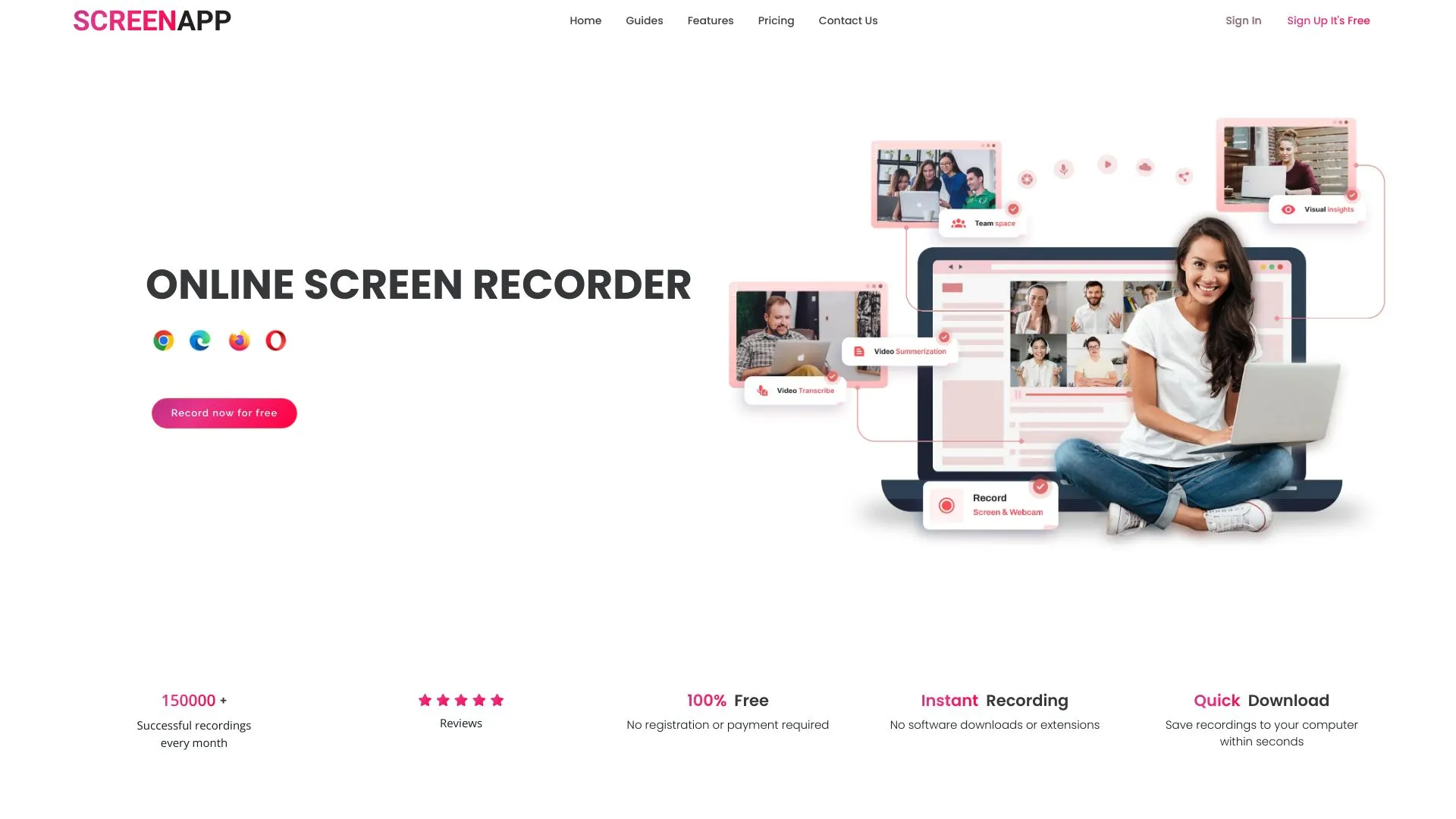
ScreenApp turns recorded meetings, lectures, conversations, and uploaded audio or video into transcripts, summaries, and structured notes. It can capture sessions in a browser, desktop or mobile app, import YouTube links and recordings, or join supported Zoom, Google Meet, and Microsoft Teams calls with a meeting bot. Users can search recordings, ask questions, identify key decisions and action items, and convert content into documents, PDFs, or text files.
Ads
What is ScreenApp?
ScreenApp records audio and video from meetings, lectures, and conversations, then produces searchable transcripts and structured notes. Its AI notetaker extracts key points, decisions, and action items in real time; summarization condenses long recordings into executive summaries. Users can search across recordings and ask questions to retrieve information, analyze video frames to locate moments, and use speaker diarization to distinguish speakers. ScreenApp accepts uploads and YouTube links, and can record meetings directly or join Zoom, Google Meet, and Microsoft Teams through a meeting bot. It also converts recordings into formatted documents, PDFs, or text files, supports translation, and offers templates for transcript formatting. Recordings and transcripts are encrypted in transfer and storage, with access controlled by the user.
Who will use ScreenApp?
- Professionals and business teams
- Meeting participants and project teams
- Educators and students
- Researchers and interviewers
- Content creators who need transcripts or summaries
How to use the ScreenApp?
- Step1: Open ScreenApp in a browser or use its desktop or mobile app.
- Step2: Record a meeting, lecture, or conversation, upload a recording, import a YouTube link, or connect a meeting bot to a supported call.
- Step3: Let ScreenApp transcribe the audio and generate structured notes, summaries, decisions, and action items.
- Step4: Search recordings or ask questions to find relevant information; use video analysis or speaker diarization when useful.
- Step5: Share or convert the results into a document, PDF, or text file.
Platform
- Web
- Chrome Extensions
ScreenApp's Core Features & Benefits
The Core Features
- Record meetings, lectures, and conversations
- Transcribe audio and video into searchable text
- Generate summaries, meeting minutes, key points, decisions, and action items
- Search recordings and ask questions about their contents
- Analyze video frames and distinguish speakers
- Convert recordings into documents, PDFs, or text files
The Benefits
- Review long recordings without watching or listening to them in full
- Keep meeting information organized and searchable
- Create structured notes and follow-up items from conversations
- Find specific moments and details across recordings
- Reuse transcripts in documents and reports
ScreenApp's Main Use Cases & Applications
- Creating meeting notes, minutes, decisions, and action items
- Transcribing lectures and preparing study notes
- Searching recordings for specific statements or moments
- Producing interview transcripts and professional reports
- Summarizing uploaded audio, video, or YouTube content
- Converting recordings into PDFs or text documents
ScreenApp's Pros & Cons
The Pros
Records and transcribes meetings, lectures, and conversations across web, desktop, and mobile surfaces.
Turns recordings into summaries, structured notes, decisions, and action items.
Supports searching and question-answering across recordings, plus video frame analysis and speaker diarization.
Can import recordings and YouTube links or join Zoom, Google Meet, and Microsoft Teams calls with a meeting bot.
The Cons
The free plan is limited to two transcriptions of recordings up to 45 minutes each, three uploads or imports, and 10 AI chats per month.
Transcription accuracy can decrease with noisy audio or multiple speakers.
ScreenApp's Pricing
| Has free plan | YES |
|---|---|
| Free trial details | 7-day free trial for the Pro annual plan; then $228 per year. A credit card is required, and cancel during the trial to avoid a charge. |
| Pricing model | freemium |
| Is credit card required | No |
| Paid from | 30 USD |
| Has lifetime plan | No |
| Billing frequency | monthly/yearly |
Details of Pricing Plan
Free
0 USDPro
30 USD per month- 50 AI chats and templates per month
- 50 transcriptions per month
- 500 uploads and imports per month
- Recordings up to 2 hours
- Annual billing available at $228 per year
Max
69 USD per month- Unlimited AI chats and templates
- Unlimited transcriptions
- Unlimited uploads and imports
- Recordings up to 3 hours
- Annual billing available at $408 per year
Enterprise
199 USD per month- Starting price
- Custom pricing based on team size and usage requirements
- Recording, user, and usage limits set by contract
FAQs of ScreenApp
ScreenApp Company Information
- Website:
- Company Name: ScreenApp Holdings Pty Ltd
- Support Email:
- Facebook:
- X(Twitter):
- YouTube:
- Instagram:
- Tiktok:
- LinkedIn:
Analytic of ScreenApp
Visit Over Time
Monthly Visits
1.6M
Avg Visit Duration
00:01:06
Page Per Visit
3.80
Bounce Rate
32.53%
Jul 2026 - Sep 2026 All Traffic
Geography
Top 5 Regions

United States
13.61%
Brazil
7.44%
India
7%
Spain
5.18%
Russia
4.54%
Jul 2026 - Sep 2026 Worldwide Desktop Only
Traffic Sources
SearchOrganic
72.43%
Direct
19.93%
Referrals
3.58%
SocialOrganic
2.47%
GenAi
1.11%
Mail
0.29%
DisplayAds
0.09%
SearchPaid
0.08%
SocialPaid
0.02%
Sep 2026 Desktop Only
Top Keywords
| Keyword | Traffic | Cost Per Click |
|---|---|---|
| tiktok video downloader | 584.6k | $0.39 |
| telegram video download | 9.3k | $0.36 |
| video downloader | 586.5k | $0.23 |
| screenapp | 6.6k | $2.74 |
| проверка микрофона | 114.2k | $0.34 |
ScreenApp Reviews
5/5
ScreenApp's Main Competitors and alternatives?
You may also like:
Translate live Google Meet speech into readable subtitles in your language with sub-second latency and searchable bilingual transcripts.
AI interview assistant for live and coding interviews with real-time, resume-tailored answers.
Voice-first Mac AI that records meetings, writes clean notes, and lets you dictate anywhere with on-device privacy.
Spinach AI enhances productivity by automating task management and communication workflows.
An intelligent AI agent providing seamless translation and note-taking services.
Assistant-UI is an AI agent designed to enhance productivity through automation and intelligent task management.
MightyBot is an AI assistant that automates tasks, generates content, and enhances productivity.
Turn recorded calls into searchable transcripts, structured summaries, and assigned action items so teams can follow up without replaying meetings.
EVE AI is a customizable, private, and powerful AI assistant integrated into your Chrome browser.
HelloCaLinda is an AI-powered voice assistant designed to manage your Google Calendar effectively.