
- 400 credits/month
- No watermarks
- Faster generation
- HD downloads
- Commercial license
- Text & image to video and text to image
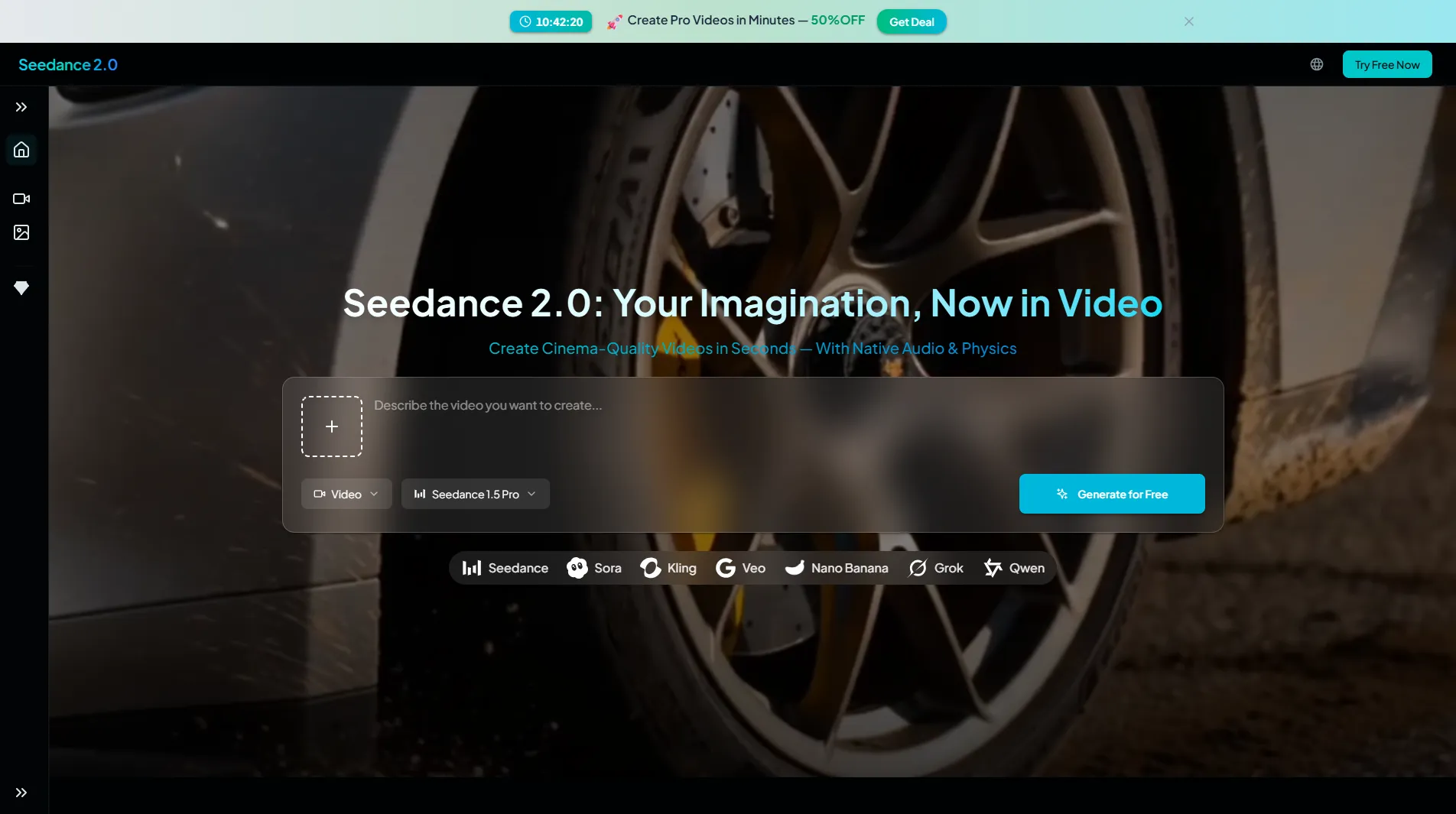
Seedance 2.0 is an AI content creation platform that generates cinematic videos and high-quality images from text prompts or uploaded media. It supports text-to-video, image-to-video, and text-to-image workflows, with native audio, motion control, and commercial-ready outputs. The platform is designed for creators, marketers, educators, and businesses that need fast, polished visual content without editing skills.
Promote this Tool
Update this Tool

Seedance 2.0 AI Video
Seedance 2.0 is an AI content creation platform that generates cinematic videos and high-quality images from text prompts or uploaded media. It supports text-to-video, image-to-video, and text-to-image workflows, with native audio, motion control, and commercial-ready outputs. The platform is designed for creators, marketers, educators, and businesses that need fast, polished visual content without editing skills.
Ads
What is Seedance 2.0 AI Video?
Seedance 2.0 is an AI video and image generation platform built for fast, high-quality content creation. It turns text prompts or uploaded images into cinematic videos with native audio, smooth motion, camera control, and multi-shot storytelling. It also offers a separate AI image generator with text-to-image and image-to-image support, up to 4K output, and commercially safe usage. The platform includes tiered pricing, credit-based generation, and downloadable results for marketing, social media, product demos, and creative production.
Who will use Seedance 2.0 AI Video?
- Content creators
- Marketers
- E-commerce brands
- Educators
- Business teams
- Filmmakers
- Designers
- Shopify sellers
- Course creators
- Social media creators
How to use the Seedance 2.0 AI Video?
- Step1: Sign up or log in to Seedance 2.0.
- Step2: Choose the AI Video Generator or AI Image Generator.
- Step3: Enter a text prompt or upload an image as reference.
- Step4: Select settings such as aspect ratio, duration, quality, or style.
- Step5: Enable audio generation if creating a video with sound.
- Step6: Click Generate and wait for the output to be created.
- Step7: Preview the result, refine the prompt or settings if needed, and download the final file.
Platform
- Web
Seedance 2.0 AI Video's Core Features & Benefits
The Core Features
- Text-to-video generation
- Image-to-video generation
- Native audio generation
- Camera motion control
- Multi-shot storytelling
- Text-to-image generation
- Image-to-image transformation
- 4K image output
- 2K video output
- Commercial-use licensing
The Benefits
- Creates professional-looking content quickly
- Reduces the need for editing software or production teams
- Supports marketing, social, and commercial workflows
- Keeps characters and scenes consistent across shots
- Produces ready-to-use visuals with minimal effort
Seedance 2.0 AI Video's Main Use Cases & Applications
- TikTok, YouTube Shorts, and Instagram Reels creation
- Product demos and promotional videos
- Ad creative for marketing campaigns
- E-commerce product videos and lifestyle visuals
- Training and educational content
- Storyboarding and pre-visualization for film projects
- Concept art and visual references for design work
- Thumbnails, blog images, and social graphics
Seedance 2.0 AI Video's Pros & Cons
The Pros
Supports both video and image generation
Includes native audio generation
Offers cinematic motion and camera control
Provides commercial-use rights on paid plans
Has a free tier and credit packs
The Cons
Output length is limited to short videos
Advanced quality and features require paid plans
No dedicated mobile apps found
Pricing and credits can be complex for new users
Brand information and social links are limited
Seedance 2.0 AI Video's Pricing
| Has free plan | YES |
|---|---|
| Free trial details | |
| Pricing model | Freemium |
| Is credit card required | No |
| Paid from | 7.5 USD |
| Has lifetime plan | No |
| Billing frequency | Monthly / Annually |
Details of Pricing Plan
Lite
7.5 USDPro
13.5 USD- 1,000 credits/month
- All AI models
- 4K output
- Priority queue
- Advanced settings
- Style presets
- Commercial license
Ultra
27.5 USD- 2,200 credits/month
- Early access to new models
- Extended video up to 15s
- 30-day history & bulk download
- Peak hours priority
- Commercial license
Discount:Lite: 30% off with annual billing; Pro: 40% off with annual billing; Ultra: 50% off with annual billing
For the latest prices, please visit: https://aiseedance2.com/pricingFAQs of Seedance 2.0 AI Video
Seedance 2.0 AI Video Company Information
- aiseedance2.com

How to install?
Seedance 2.0 AI Video Reviews
5/5
Seedance 2.0 AI Video's Main Competitors and alternatives?
Runway
Pika
Kling AI
Luma Dream Machine
Sora
Veo
HeyGen
Kaiber
You may also like:

Turn text prompts and reference images into AI-generated videos, images, voiceovers, and reusable character-led content.
Turn text prompts, photos, or reference images into 1080p videos up to 30 seconds with generated dialogue, effects, and music.
Magi 2 makes 4–30 second 1080p AI videos with native sound, lip sync and shot cuts placed to the second.
Create synchronized videos up to 30 seconds from text, images, and clips, with camera guidance and consistent characters.
Direct camera action, dialogue, sound and cuts to create or revise short videos up to 30 seconds in 1080p.
Generate videos, images, and music from prompts or references in one workspace using shared credits and a centralized asset library.
Create watermark-free videos from text prompts or photos, with selectable models, aspect ratios, durations, and resolutions.
Turn prompts, images, or references into reviewable video drafts with text-to-video, image-to-video, and first-and-last-frame controls.
Turn a photo, text prompt, or reference image into a short AI video using templates and adjustable generation settings.
Create directed video scenes from text, photos, or paired keyframes, with controls for camera movement, framing, and sound.
Turn prompts and reference media into up-to-30-second videos with directed shots, synchronized sound, and output up to 1080p.
Turn topics or scripts into YouTube videos with narration, matched licensed footage, custom animation, captions, and a clip-by-clip license sheet.
Turn text prompts, photos, or ready-made templates into AI-generated videos, then revisit finished work in your My Creations library.
Generate short videos from text, images, or reference media, with synchronized sound, shot controls, and downloadable MP4 exports.
Create images and short videos from prompts or photos, switching among multiple generation models and reusable templates in one account.
Turn text prompts and images into videos, with options for synchronized audio, frame control, and resolutions up to 4K.
Yovid turns text prompts, photos, or existing clips into downloadable AI videos with model, duration, and resolution controls.
Create short videos from prompts and references, then refine scenes conversationally with native ambience, dialogue, and music direction.
Generate images and videos from text or visual references, with synchronized native audio and multi-shot character consistency.
Create 3–30-second videos with synchronized stereo sound from text, images, reference clips, then edit or extend them by sentence.