
- 100 credits/month
- All art styles
- Standard + Pro models
- 1080p resolution
- 30-day creation history
- Email support

seedance 2.0 ai-video-generator
0
Seedance 2.0 is a web-based AI video generator that creates 1080p videos from text, images, or references. It produces native audio, supports multi-reference inputs, beat-synced editing, and offers free credits to start. Ideal for creators who need consistent, production-ready short clips without traditional filming or complex post-production.
Promote this Tool
Update this Tool
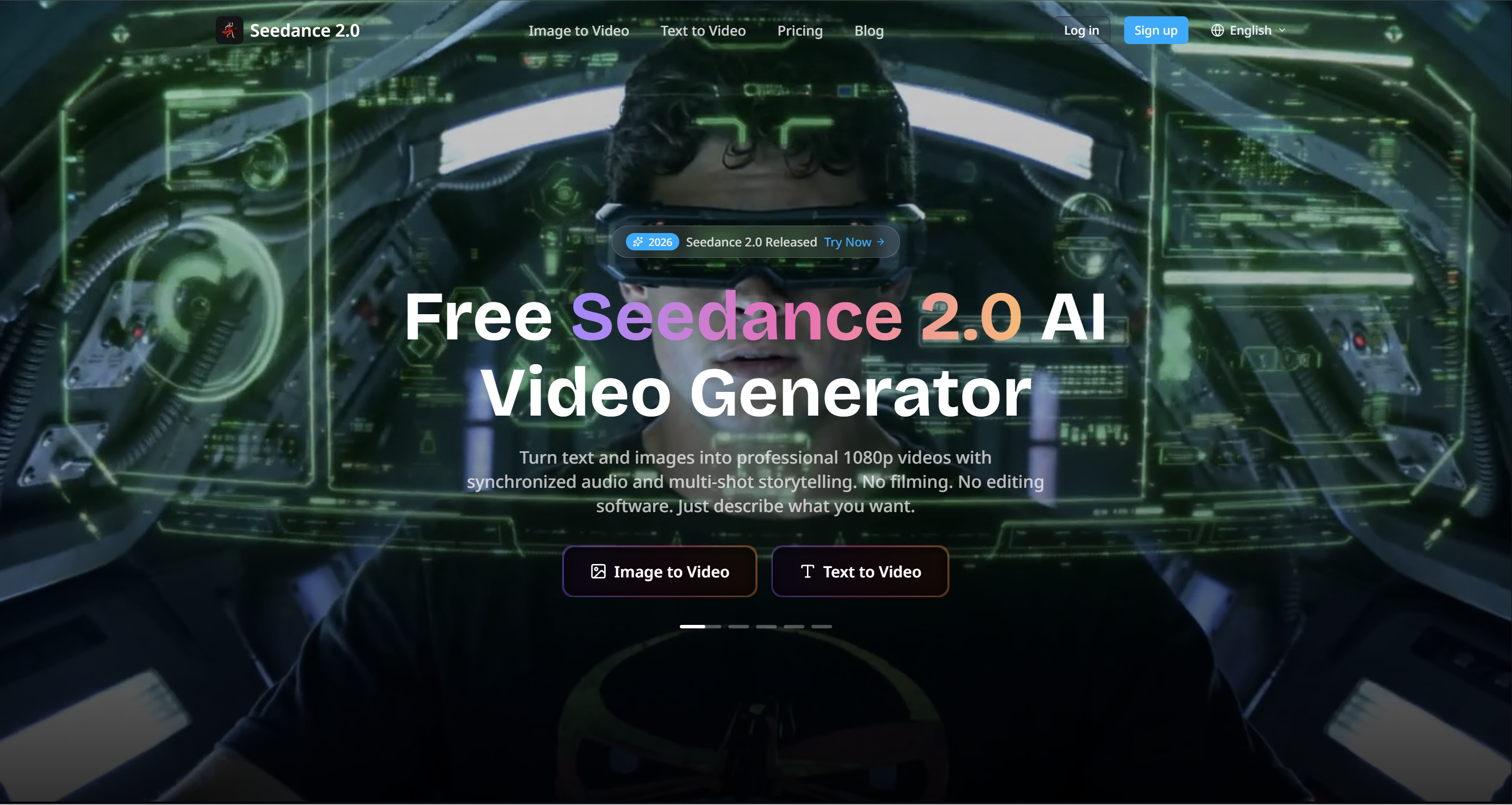
Seedance 2.0 is a web-based AI video generator that creates 1080p videos from text, images, or references. It produces native audio, supports multi-reference inputs, beat-synced editing, and offers free credits to start. Ideal for creators who need consistent, production-ready short clips without traditional filming or complex post-production.
Ads
What is seedance 2.0 ai-video-generator?
Seedance 2.0 is an all-in-one AI video platform that converts text prompts and still images into finished 1080p videos with synchronized audio (dialogue, SFX, and music). It supports multi-reference workflows—upload multiple images, reference videos, and audio tracks—to keep characters, style, and camera motion consistent across clips. Built-in tools include image-to-video, reference-to-video, video editing, video extension, and beat-sync so creators can produce music-driven and brand-consistent content quickly using a credit-based model and free trial credits.
Who will use seedance 2.0 ai-video-generator?
- Animators & Artists
- Filmmakers & Previsualization teams
- YouTube and social media creators
- Marketers, agencies, and brand teams
- Music video producers and DJs
- Educators and course creators
- Indie studios and small production teams
How to use the seedance 2.0 ai-video-generator?
- Step1: Visit https://seedance2.so and sign up for a free account to receive starter credits.
- Step2: Choose a generation mode — Text to Video, Image to Video, Reference to Video, Video Editing or Beat-Sync.
- Step3: Provide inputs: write a descriptive prompt, upload reference images/videos, and optionally upload an audio track for beat-sync.
- Step4: Select model, resolution, duration, and audio options, then hit Generate (each generation consumes credits).
- Step5: Preview the generated clip, iterate by adjusting prompts or references, and regenerate as needed.
- Step6: Use Video Extension or Video Editing to lengthen or modify clips.
- Step7: Download the final MP4 and publish or further edit in your NLE.
Platform
- Web
seedance 2.0 ai-video-generator's Core Features & Benefits
The Core Features
- Text-to-video generation producing synchronized audio (dialogue, SFX, music)
- Image-to-video animation and first-last-frame transitions
- Multi-reference input: up to 9 images, 3 videos, and 3 audio files per generation
- Beat-sync: generate visuals timed to uploaded music tracks
- Video extension and prompt-based video editing
- Multiple internal models (Seedance, Sora, Veo, Kling) selectable in one interface
- 1080p output with various aspect ratios and download as MP4
The Benefits
- Produce finished short videos without cameras or timelines
- Keep visual and character consistency across multiple clips
- Save time with native audio and lip-sync so less post-production is required
- Create music-driven content quickly using beat-sync
- Flexible credit-based pricing and free trial credits for low-risk testing
- Supports multiple generation modes in one unified workflow
seedance 2.0 ai-video-generator's Main Use Cases & Applications
- Social media clips and Reels/TikTok videos timed to trending audio
- Product demos and e-commerce animated reveals from photos
- Music videos and beat-synced promotional clips
- Character animation & manga/video episodes from reference art
- Previsualization and concept shots for film and commercials
- Video editing tasks: background replacement, object swap, style transfer
- Extending short footage to longer sequences using video extension
seedance 2.0 ai-video-generator's Pros & Cons
The Pros
Multi-reference inputs for strong visual consistency
Native audio generation with lip-sync across multiple languages
Beat-sync feature for music-driven video generation
Credit-based pricing with a free starter tier
Multiple AI video models accessible from one platform
The Cons
Generation length capped (short-form clips up to 15 seconds per generation)
No official public desktop/mobile apps listed — web-only workflow
Reference system has a learning curve for optimal results
Not open-source and no public GitHub repository available
Advanced post-production still requires traditional NLEs for complex edits
seedance 2.0 ai-video-generator's Pricing
| Has free plan | YES |
|---|---|
| Free trial details | No trial; free tier available with limited credits, no credit card required |
| Pricing model | Freemium |
| Is credit card required | No |
| Paid from | 8 USD |
| Has lifetime plan | No |
| Billing frequency | Monthly |
Details of Pricing Plan
Starter
8 USDPro
24 USD- 500 credits/month
- All art styles
- All models including Premium
- Up to 4K resolution
- Priority generation
- 30-day creation history
- Priority email support
Business
64 USD- 1,500 credits/month
- All art styles
- All models including Premium
- Up to 4K resolution
- Priority generation
- 30-day creation history
- Priority support
Enterprise
160 USD- 5,000 credits/month
- All art styles
- All models including Premium
- Up to 4K resolution
- Priority generation
- 30-day creation history
- Best price per credit
Discount:Save 20% with annual billing
For the latest prices, please visit: https://seedance2.so/pricingFAQs of seedance 2.0 ai-video-generator
seedance 2.0 ai-video-generator Company Information
- seedance2.so
Analytic of seedance 2.0 ai-video-generator
Visit Over Time
Monthly Visits
113.0K
Avg Visit Duration
00:00:13
Page Per Visit
1.61
Bounce Rate
39.86%
Jul 2026 - Sep 2026 All Traffic
Geography
Top 5 Regions

United States
8.27%
Brazil
4.28%
Indonesia
4.18%
Georgia
4.14%
Uzbekistan
3.89%
Jul 2026 - Sep 2026 Worldwide Desktop Only
Traffic Sources
Direct
40.22%
SearchOrganic
34.02%
Referrals
10.34%
SocialOrganic
5.58%
DisplayAds
2.52%
Mail
2.44%
GenAi
1.78%
SearchPaid
1.37%
Affiliate
1.15%
SocialPaid
0.58%
Sep 2026 Desktop Only
Top Keywords
| Keyword | Traffic | Cost Per Click |
|---|---|---|
| seedance 2.0 free | 55.5k | $1.00 |
| seedance 2.0 | 301.7k | $1.44 |
| seedance | 959.6k | $1.81 |
| free seedance 2.0 | 3.0k | $1.53 |
| seedance free | 8.6k | $0.49 |

How to install?
seedance 2.0 ai-video-generator Reviews
5/5
seedance 2.0 ai-video-generator's Main Competitors and alternatives?
Runway
Sora 2 (OpenAI)
Veo 3 (Google DeepMind)
Kling AI
Pika
You may also like:
Turn text prompts and reference images into AI-generated videos, images, voiceovers, and reusable character-led content.
Turn text prompts, photos, or reference images into 1080p videos up to 30 seconds with generated dialogue, effects, and music.
Magi 2 makes 4–30 second 1080p AI videos with native sound, lip sync and shot cuts placed to the second.
Create synchronized videos up to 30 seconds from text, images, and clips, with camera guidance and consistent characters.
Direct camera action, dialogue, sound and cuts to create or revise short videos up to 30 seconds in 1080p.
Generate videos, images, and music from prompts or references in one workspace using shared credits and a centralized asset library.
Create watermark-free videos from text prompts or photos, with selectable models, aspect ratios, durations, and resolutions.
Turn prompts, images, or references into reviewable video drafts with text-to-video, image-to-video, and first-and-last-frame controls.
Turn a photo, text prompt, or reference image into a short AI video using templates and adjustable generation settings.
Create directed video scenes from text, photos, or paired keyframes, with controls for camera movement, framing, and sound.
Turn prompts and reference media into up-to-30-second videos with directed shots, synchronized sound, and output up to 1080p.
Turn topics or scripts into YouTube videos with narration, matched licensed footage, custom animation, captions, and a clip-by-clip license sheet.
Turn text prompts, photos, or ready-made templates into AI-generated videos, then revisit finished work in your My Creations library.
Generate short videos from text, images, or reference media, with synchronized sound, shot controls, and downloadable MP4 exports.
Create images and short videos from prompts or photos, switching among multiple generation models and reusable templates in one account.
Turn text prompts and images into videos, with options for synchronized audio, frame control, and resolutions up to 4K.
Yovid turns text prompts, photos, or existing clips into downloadable AI videos with model, duration, and resolution controls.
Create short videos from prompts and references, then refine scenes conversationally with native ambience, dialogue, and music direction.
Generate images and videos from text or visual references, with synchronized native audio and multi-shot character consistency.
Create 3–30-second videos with synchronized stereo sound from text, images, reference clips, then edit or extend them by sentence.