
- Free tier to test the platform
- No credit card required
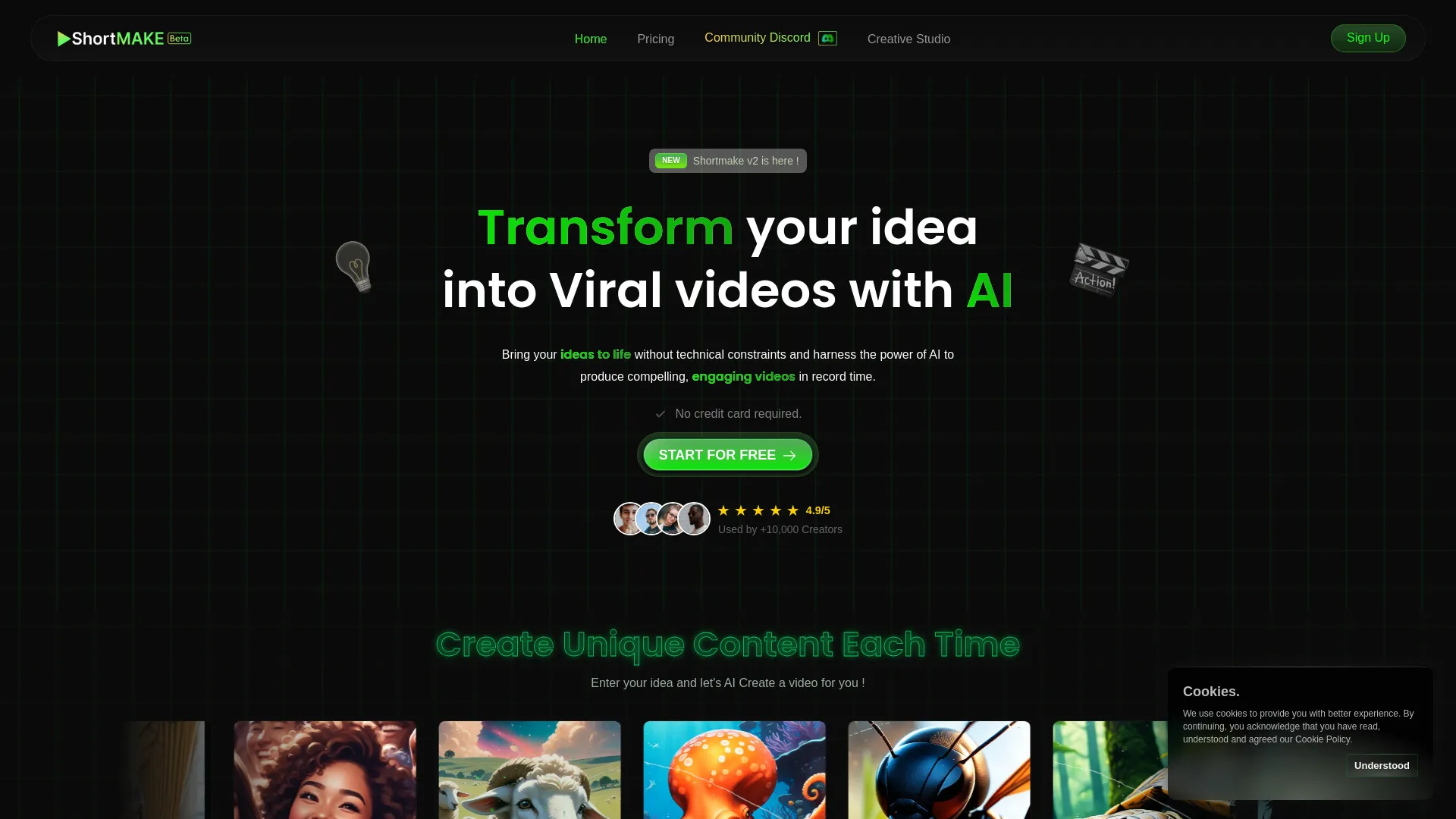
ShortMake turns a video idea into a finished short-form video by generating a script, selecting visuals, adding AI narration and subtitles, then rendering the result. Creators can make TikToks, YouTube Shorts, Instagram Reels, and Snapchat stories, choose from realistic voices in multiple languages, and customize subtitles with 23 styles. A free tier is available to try without a credit card.
Promote this Tool
Update this Tool

Shortmake AI
ShortMake turns a video idea into a finished short-form video by generating a script, selecting visuals, adding AI narration and subtitles, then rendering the result. Creators can make TikToks, YouTube Shorts, Instagram Reels, and Snapchat stories, choose from realistic voices in multiple languages, and customize subtitles with 23 styles. A free tier is available to try without a credit card.
Ads
What is Shortmake AI?
ShortMake creates short-form social videos from a text idea. It first generates a script, then selects or generates visuals, adds an AI voiceover and subtitles, and renders the video. Users can make content for TikTok, YouTube Shorts, Instagram Reels, and Snapchat stories. The voice library includes dozens of realistic AI voices in multiple languages, with options to adjust narration and style. Subtitle appearance can be selected from 23 styles. The service also offers AI-generated images and supports testing alternate versions and styles. ShortMake is designed to reduce the work involved in scripting, voice recording, sourcing visuals, and editing. Videos typically take under seven minutes to generate, and a free tier lets users try the platform without a credit card.
Who will use Shortmake AI?
- TikTok creators
- YouTube Shorts creators
- Instagram Reels creators
- Snapchat content creators
- Social media managers
- Digital creators and entrepreneurs
- Video editors seeking a faster draft workflow
How to use the Shortmake AI?
- Step1: Sign up for ShortMake and open the Creative Studio.
- Step2: Enter the idea or concept for your short-form video.
- Step3: Review the AI-generated script and selected visuals.
- Step4: Choose a voice and video style, and customize the subtitle appearance.
- Step5: Generate the video and review the rendered result.
Platform
- Web
Shortmake AI's Core Features & Benefits
The Core Features
- Generates scripts from video ideas
- Selects or generates visuals for videos
- Adds realistic AI voiceovers in multiple languages
- Renders short-form vertical videos for social platforms
- Offers 23 subtitle styles
- Supports trying different narration and video styles
The Benefits
- Combines scripting, visuals, narration, subtitles, and rendering in one workflow
- Reduces the manual work involved in making short social videos
- Lets creators produce and test multiple video concepts quickly
- Can be tried with a free tier and no credit card
Shortmake AI's Main Use Cases & Applications
- Creating TikTok videos from an idea
- Producing YouTube Shorts
- Making Instagram Reels
- Creating Snapchat stories
- Testing different video styles and narration
- Generating narrated videos with styled subtitles
Shortmake AI's Pros & Cons
The Pros
Automates script generation, visuals, narration, subtitles, and rendering in one workflow
Includes dozens of AI voices in multiple languages
Provides 23 subtitle styles
Offers a free tier without requiring a credit card
The Cons
Custom voice cloning is not available yet; the product currently offers preset AI voices.
Some users may find the available video and subtitle customization options limited.
Shortmake AI's Pricing
| Has free plan | YES |
|---|---|
| Free trial details | |
| Pricing model | freemium |
| Is credit card required | No |
| Paid from | 19.99 USD |
| Has lifetime plan | No |
| Billing frequency | monthly/yearly |
Details of Pricing Plan
Free
0 USDStarter
19.99 USD- 1,000 credits per month (about 10 videos)
- Text to Video
- TikTok format 9:15
- Normal voiceovers
- Removed watermark
- HD video quality
- AI illustration generation
- Google Veo 3.1
- SORA 2
- +4 realistic voiceovers
Creator
29.99 USD- 2,000 credits per month (about 20 videos)
- Text to Video
- TikTok format 9:15
- Normal voiceovers
- Removed watermark
- HD video quality
- AI illustration generation
- Google Veo 3.1
- SORA 2
- +10 realistic voiceovers
Pro
49.99 USD- 4,000 credits per month (about 40 videos)
- Text to Video
- TikTok format 9:15
- Normal voiceovers
- Removed watermark
- HD video quality
- AI illustration generation
- Google Veo 3.1
- SORA 2
- +20 realistic voiceovers
Discount:Annual subscriptions are 30% off, and the Creator plan is 20% off for its first month; the limited-time Creator offer ends when the displayed countdown expires.
For the latest prices, please visit: https://app.shortmake.com/pricing?aff=FAQs of Shortmake AI
Shortmake AI Company Information
- Website:
- Company Name: SHORTIA LLC
- Support Email:
- Facebook:
- X(Twitter):
- YouTube:
- Instagram:
- Tiktok:
- LinkedIn:
Shortmake AI Reviews
5/5
Comments (1)

Hugues
May 24 2026
Création des contenus virale sur internet pour les vidéos YouTube et tiktok sur internet
Shortmake AI's Main Competitors and alternatives?
InVideo
Animoto
You may also like:

Turn text prompts, photos, or reference images into 1080p videos up to 30 seconds with generated dialogue, effects, and music.
Turn one or two photos into a 5–15-second vertical rap video with native vocals, beat-aware cuts, and lip-sync.
Create short videos from text or images while choosing duration, resolution, aspect ratio, model, and previewing clips before download.
Turn text or a starting image into 4–30-second videos with directed motion, camera movement, optional generated audio, and downloads.
Create share-ready videos from text, photos, references, and viral templates with adjustable formats, duration, resolution, and audio.
Create 5–30-second videos from text or images, with optional end frames, sound, adjustable resolution, previews, and downloads.
Create 3–30 second videos from text or reference images, choosing aspect ratios, resolutions, and models in one browser workspace.
Generate 1080p videos from text or images, with natural movement, multiple visual styles, and clips produced in minutes.
Free AI image & video creator with 20+ models, smart routing, prompt help, AI video & image tools and 1,000+ templates.
Create short-form videos from topics, scripts, prompts, or images, then prepare, download, publish, or schedule faceless social content.
Turn text, images, and documents into narrated, shareable videos with adjustable aspect ratios directly in your browser.
Create 2K videos from text, images, or reference clips with native stereo audio and durations up to 15 seconds.
Generate short videos from text prompts or images, with start-end frame control and downloads up to 1080p.
Create scheduled faceless video episodes with scripts, narration, illustrated visuals, captions, music, and automatic publishing across social channels.
Create short videos from text prompts or photos, then download, save, and reuse clips directly in your browser.
Create ready-to-post faceless short videos from a topic, including scripts, voiceovers, captions, visuals, music, and editing.
Create native 2K, 4–15-second videos from prompts or images, with synchronized stereo sound and six aspect ratios.
Media.io Viral Studio helps users discover trends and turn content ideas into personalized videos or images with AI
Create 3–15-second advertising and social videos from Japanese prompts or still images, with optional generated audio.
Create social-ready videos from text prompts in seconds, with AI generation that needs no editing skills.