
- For solo creators
- Perfect for one off gigs
- Supports 4k videos

SliceTube
0
SliceTube lets you paste a YouTube video link, choose start and end timestamps, and download the selected segment. Clips can be exported as MP4, MP3, or WebM, with resolution options up to 4K. The browser-based cutter also supports batch downloads of multiple videos. SliceTube is designed for quick trimming without separate editing software, account sign-up, or a watermark on downloaded clips.
Promote this Tool
Update this Tool
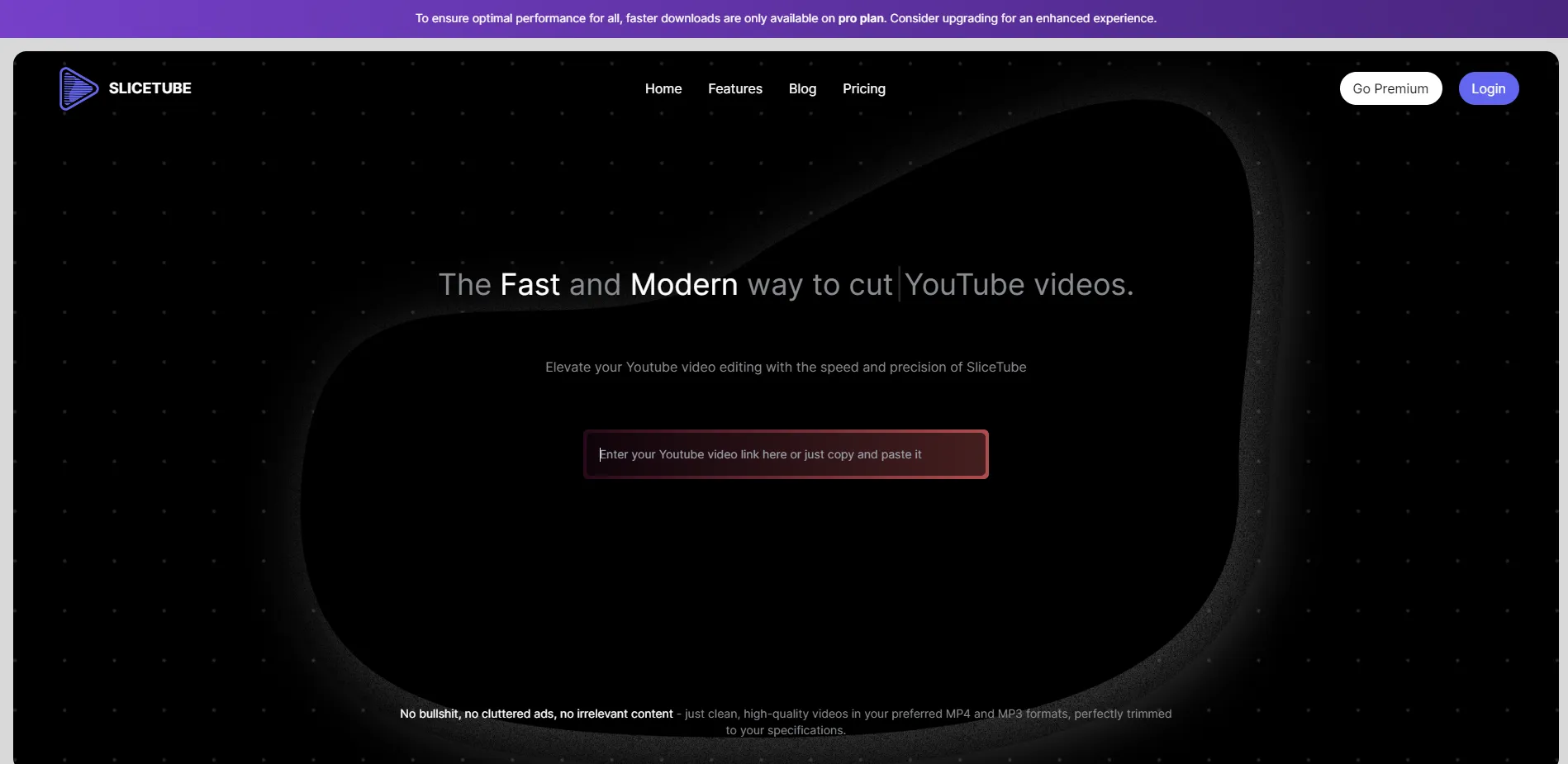
SliceTube lets you paste a YouTube video link, choose start and end timestamps, and download the selected segment. Clips can be exported as MP4, MP3, or WebM, with resolution options up to 4K. The browser-based cutter also supports batch downloads of multiple videos. SliceTube is designed for quick trimming without separate editing software, account sign-up, or a watermark on downloaded clips.
Ads
What is SliceTube?
SliceTube is an online tool for trimming and downloading selected sections of YouTube videos. Paste a video link, set the start and end times, and apply the range to create a clip. Downloads are available in MP4, MP3, and WebM, with output resolution up to 4K where supported. The service also offers batch downloading for multiple videos, so users can process more than one link in a workflow. It runs in a browser and does not require separate editing software. SliceTube describes its cutter as usable without signing up and says downloaded clips have no watermark. Its functionality focuses on cutting and downloading YouTube content rather than editing videos with a broader timeline or effects toolkit.
Who will use SliceTube?
- YouTube creators who need to extract short clips
- Content creators preparing clips for social platforms
- People who want audio extracts from YouTube videos
- Users who need to trim or download multiple YouTube videos
How to use the SliceTube?
- Step1: Open SliceTube in a browser.
- Step2: Paste the link to the YouTube video you want to use.
- Step3: Set the start and end timestamps for the segment.
- Step4: Apply the selected time range.
- Step5: Choose an available format and resolution, then download the clip.
- Step6: For multiple videos, use the batch download workflow.
Platform
- Web
SliceTube's Core Features & Benefits
The Core Features
- Trim a YouTube video by selecting start and end timestamps
- Download selected clips as MP4, MP3, or WebM
- Export at resolutions up to 4K
- Batch download multiple YouTube videos
The Benefits
- Extracts a chosen segment without using separate editing software
- Supports video and audio export formats
- Can handle multiple video links in a batch workflow
- Downloads are described as watermark-free and available without sign-up
SliceTube's Main Use Cases & Applications
- Creating short clips from longer YouTube videos
- Extracting an audio segment from a YouTube video
- Preparing source clips for social media posts
- Batch downloading multiple YouTube videos
SliceTube's Pros & Cons
The Pros
Lets users select exact start and end timestamps for a clip
Supports MP4, MP3, WebM, and resolutions up to 4K
Includes batch downloading for multiple videos
Does not require separate software or account sign-up, and says downloads have no watermark
The Cons
Its workflow is focused on YouTube video trimming and downloading, not general-purpose timeline editing
SliceTube's Pricing
| Has free plan | YES |
|---|---|
| Free trial details | |
| Pricing model | Paid |
| Is credit card required | No |
| Paid from | 5 USD |
| Has lifetime plan | YES |
| Billing frequency | Monthly |
Details of Pricing Plan
Monthly Pass
5 USD6 Months Pass
15 USD- Perfect for YouTube creators
- Add 1 extra team members
- Dedicated CPUs
- Supports 4k videos
- Save up to 3 months
Yearly Pass
25 USD- Perfect for YouTube creators
- Add 1 extra team members
- Dedicated CPUs
- Supports 4k videos
- Save up to 6 months
Discount:Limited-time Anniversary deal: Lifetime Access for $30 (original $99)
For the latest prices, please visit: https://www.slicetube.io/#pricingFAQs of SliceTube
SliceTube Company Information
- Website:
- Company Name: SliceTube
- Support Email:
- Facebook:
- X(Twitter):
- YouTube:
- Instagram:
- Tiktok:
- LinkedIn:
Analytic of SliceTube
Visit Over Time
Monthly Visits
462.8K
Avg Visit Duration
00:01:21
Page Per Visit
2.29
Bounce Rate
52.88%
Jul 2026 - Sep 2026 All Traffic
Geography
Top 5 Regions

United States
19.74%
India
15.19%
Pakistan
4.18%
Indonesia
4.18%
United Kingdom
3.41%
Jul 2026 - Sep 2026 Worldwide Desktop Only
Traffic Sources
SearchOrganic
79.46%
Direct
17.22%
Referrals
2.20%
GenAi
0.81%
SocialOrganic
0.19%
DisplayAds
0.09%
Mail
0.03%
Sep 2026 Desktop Only
Top Keywords
| Keyword | Traffic | Cost Per Click |
|---|---|---|
| youtube clipper | 21.1k | $1.19 |
| slicetube | 3.0k | $2.43 |
| youtube video download online cutter mp3 | 700 | — |
| youtube video clip cutter | 1.7k | $0.29 |
| youtube clip cutter | 4.3k | $0.49 |
SliceTube Reviews
5/5
SliceTube's Main Competitors and alternatives?
Y2Mate
ClipConverter
KeepVid
OnlineVideoConverter
VidMate
You may also like:
Turn ideas, scripts, references, and assets into complete videos with planned scenes, consistent characters, and conversational revisions.
Research Etsy products and keywords, analyze competitors, and generate listing images and videos from your product photos.
Turn one-sentence briefs into finished ads, films, posters, songs, voiceovers, and edits while Gigi plans and revises each piece.
Create and edit images and videos by chat, using references, planned tools, visible credit costs, and continued iterations.
Kolors AI is a chat-driven AI design agent that creates high-quality images and videos for e-commerce and marketing.
AI design agent automates workflow creating images, videos, 3D models up to 10x faster.
Aurora Innovation offers AI-driven self-driving technologies for safer and smarter transportation.
A no-code AI agent platform for building, training, and deploying task-oriented chatbots with API integrations.
AI chat assistant to analyze, search, and summarize video content via natural language queries with transcripts and highlights.
AI Agent integrates GPT for real-time transcription, summarization, translation, and task extraction within VideoSDK-powered video calls.
An AI-powered video editing tool that automatically detects scene changes and cuts footage into highlight-worthy clips.
SmolAgents Video Script Generator crafts detailed video scripts including titles, outlines, and scenes using AI-driven prompts.
Automatically generate and translate accurate video subtitles effortlessly using AI speech recognition and translation models.
CrewAI automates YouTube video creation with AI-driven script writing, thumbnail generation, text-to-speech, video assembly, and automatic publishing.