

SlidesPilot
0
SlidesPilot converts PDFs, Word documents, PowerPoint files, web pages, YouTube videos, pasted text, notes, or a topic prompt into editable PowerPoint presentations. It identifies key ideas, arranges them into an audience-focused storyline, and drafts concise slide copy with layouts and supporting charts, tables, or diagrams where useful. You can review and refine the deck, apply built-in or custom themes, then export it as PPTX, PDF, or PNG or continue editing in PowerPoint or Google Slides.
Promote this Tool
Update this Tool
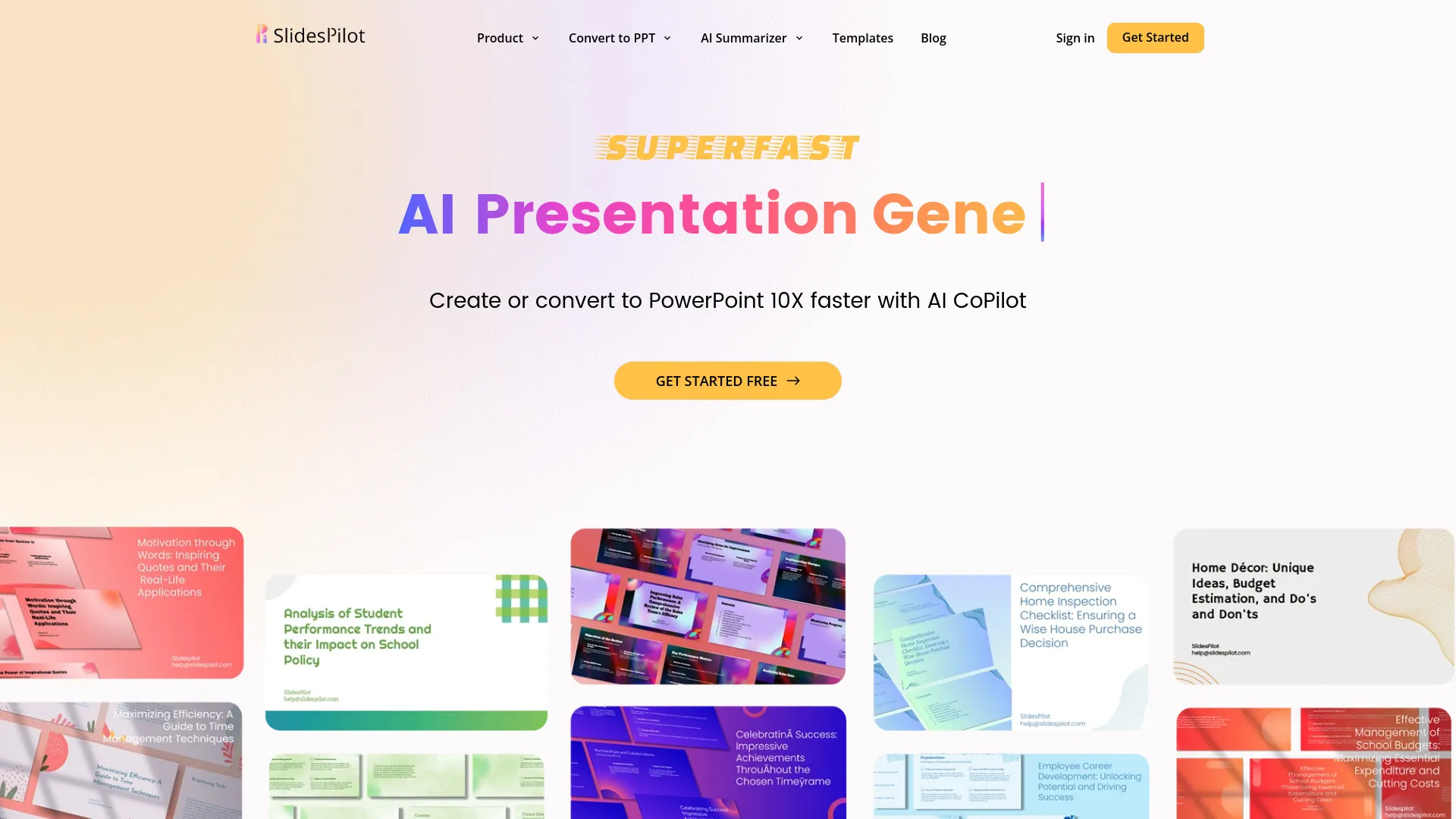
SlidesPilot converts PDFs, Word documents, PowerPoint files, web pages, YouTube videos, pasted text, notes, or a topic prompt into editable PowerPoint presentations. It identifies key ideas, arranges them into an audience-focused storyline, and drafts concise slide copy with layouts and supporting charts, tables, or diagrams where useful. You can review and refine the deck, apply built-in or custom themes, then export it as PPTX, PDF, or PNG or continue editing in PowerPoint or Google Slides.
Ads
What is SlidesPilot?
SlidesPilot turns source material into an editable PowerPoint deck by analyzing structure and context, selecting key ideas, and arranging them into an audience-focused storyline. Inputs include PDFs, Word and PowerPoint files, web pages, YouTube videos, pasted text, notes, or a topic prompt. It creates concise slide copy and layouts, and can represent relevant information with charts, tables, diagrams, and supporting visuals. Users can refine the content and design, apply built-in or custom themes with fonts, colors, backgrounds, and logos, then export as PPTX, PDF, or PNG. Decks can also be opened in PowerPoint or Google Slides or presented online. Users review the generated structure and details before sharing or presenting.
Who will use SlidesPilot?
- Business analysts and consultants
- Educators, lecturers, and learning designers
- Researchers and students
- Product marketing and sales teams
- Startup founders
- People creating presentations from documents, videos, notes, or prompts
How to use the SlidesPilot?
- Step1: Upload a PDF, Word or PowerPoint file, paste a web link or text, use a YouTube video, or enter a topic prompt.
- Step2: Generate a presentation from the source material.
- Step3: Review the proposed storyline, slide content, layouts, and visuals.
- Step4: Refine the presentation and apply a built-in or custom theme.
- Step5: Export as PPTX, PDF, or PNG, or continue working in PowerPoint or Google Slides.
Platform
- Web
- Android
- iOS
- Mac
- Windows
SlidesPilot's Core Features & Benefits
The Core Features
- Generate PowerPoint decks from documents, web pages, YouTube videos, notes, text, or prompts
- Analyze source structure and identify key ideas
- Organize material into a presentation storyline
- Create slide copy and layouts with charts, tables, and diagrams
- Apply built-in or custom presentation themes
- Export editable PPTX files and PDF or PNG versions
The Benefits
- Turn long source material into a presentation draft
- Create a coherent slide sequence from material that is not already presentation-ready
- Continue editing generated decks in PowerPoint or Google Slides
- Spend less time structuring and formatting an initial deck
SlidesPilot's Main Use Cases & Applications
- Turning business reports into presentations for leadership or clients
- Creating lecture and classroom slides from course materials
- Making research presentations from papers and manuscripts
- Preparing investor pitch decks from notes and business plans
- Building sales and product presentations from documentation
- Converting video or web content into presentation decks
SlidesPilot's Pros & Cons
The Pros
Accepts several source types, including documents, links, YouTube videos, text, and prompts
Creates a structured narrative rather than simply placing source text onto slides
Supports editable PPTX export and further editing in PowerPoint or Google Slides
Offers theme controls and visual elements such as charts, tables, and diagrams
The Cons
The upload area specifies a maximum file size of 50 MB
Generated decks are drafts that should be reviewed and refined before presentation or sharing
SlidesPilot's Pricing
| Has free plan | No |
|---|---|
| Free trial details | |
| Pricing model | |
| Is credit card required | No |
| Paid from | |
| Has lifetime plan | No |
| Billing frequency |
FAQs of SlidesPilot
SlidesPilot Company Information
- Website:
- Company Name: SlidesPilot
- Support Email:
- Facebook:
- X(Twitter):
- YouTube:
- Instagram:
- Tiktok:
- LinkedIn:
Analytic of SlidesPilot
Visit Over Time
Monthly Visits
237.8K
Avg Visit Duration
00:01:57
Page Per Visit
4.34
Bounce Rate
35.16%
Jul 2026 - Sep 2026 All Traffic
Geography
Top 5 Regions

United States
12.25%
India
10.56%
Indonesia
9.19%
Taiwan
4.8%
Russia
3.96%
Jul 2026 - Sep 2026 Worldwide Desktop Only
Traffic Sources
SearchOrganic
65.58%
Direct
27.03%
Referrals
2.10%
SearchPaid
1.81%
GenAi
1.49%
SocialOrganic
1.35%
Mail
0.65%
Sep 2026 Desktop Only
Top Keywords
| Keyword | Traffic | Cost Per Click |
|---|---|---|
| slidespilot | 2.7k | $2.66 |
| pdf to ppt | 347.1k | $0.15 |
| change video to slides | 580 | — |
| synthétiser powerpoint intelligence artificielle | 380 | — |
| gemini notebook similar | 320 | — |
SlidesPilot Reviews
5/5
SlidesPilot's Main Competitors and alternatives?
Canva
Beautiful.ai
Prezi
PowerPoint Designer
Visme
You may also like:
TeraBox is an all-in-one AI workspace and cloud storage platform for creating presentations, writing content, generating
Repurpose PDFs into videos, presentations, flipbooks, landing pages, and AI chatbots with AI.
Gamma turns meeting briefs into editable, outline-first presentations you can present in-browser or export as PDF, PPTX, or PNG.
Create browser-playable HTML presentations from AI-generated decks, then share links, embeds, or video exports without installs.
CreateMemorial helps families build lasting online memorial websites and funeral slideshow videos to honor loved ones.
AI-powered presentation generator that turns text, files, and links into polished, editable slide decks in minutes.
AI-powered infographic generator that turns text, documents, and notes into share-ready visuals in seconds.
Template.net is an AI-powered production engine offering editable templates and branded exports for documents, presentations, and designs.
AI-powered infographic maker that converts text into polished, editable visuals with templates and export options.
AI-powered presentation maker that generates, beautifies, and exports professional slide decks in minutes.
AI-driven PPT maker that creates, beautifies, and exports professional PowerPoint presentations with speaker notes and charts in minutes.
AI-powered tool that quickly turns science concepts into clear, publication-ready diagrams for teachers and researchers.
Next-gen AI presentation maker,Turn your ideas & docs into attention-grabbing slides with AI.
Premast AI Assistant enhances your design process with smart automation and intuitive tools.
Prime Intellect is an AI agent that automates digital workflows and enhances productivity.