
- Listen at speeds up to 1.5x
- Listen anywhere
- 10 robotic sounding voices
- Text to speech features only

Speechify
0
Speechify turns PDFs, documents, web pages, scanned text, and typed content into spoken audio using natural-sounding voices. Listen while following highlighted text, adjust playback speed, or ask questions and get summaries based on what you’re reading. It also supports voice dictation across apps, podcast creation from documents or descriptions, and AI notes for meetings. Use it through web, mobile, desktop, or browser extensions.
Promote this Tool
Update this Tool
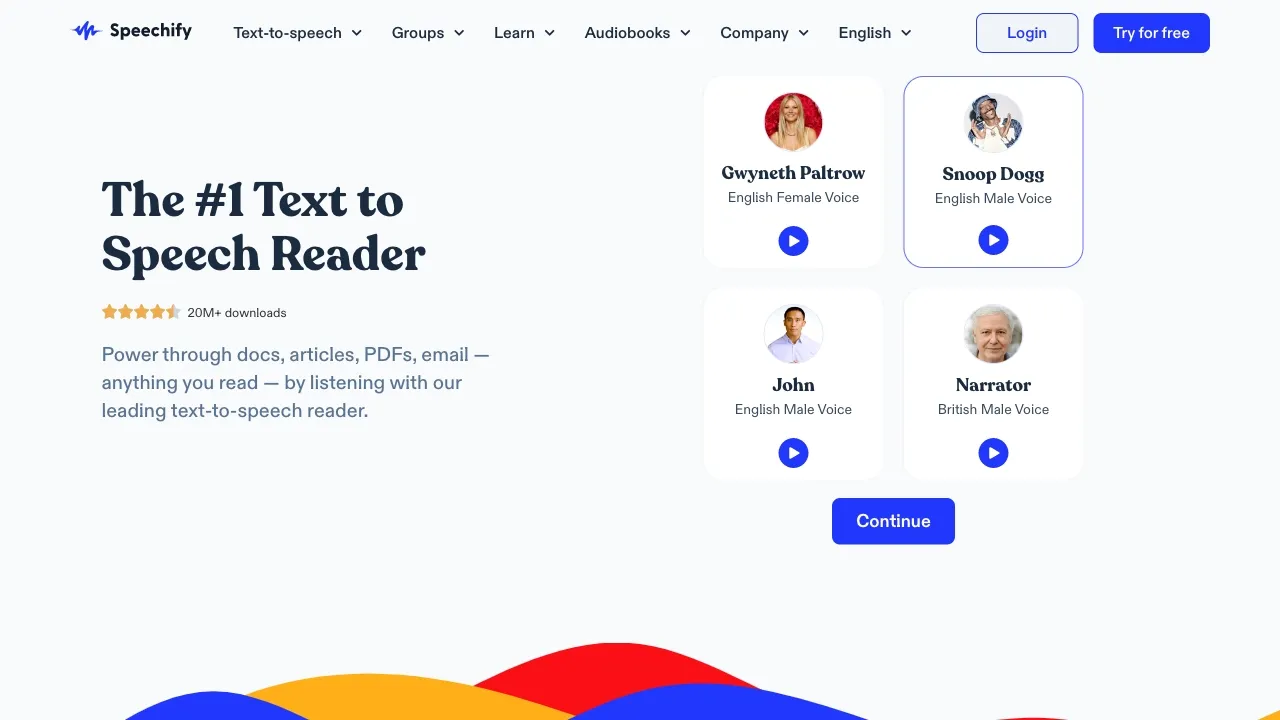
Speechify turns PDFs, documents, web pages, scanned text, and typed content into spoken audio using natural-sounding voices. Listen while following highlighted text, adjust playback speed, or ask questions and get summaries based on what you’re reading. It also supports voice dictation across apps, podcast creation from documents or descriptions, and AI notes for meetings. Use it through web, mobile, desktop, or browser extensions.
Ads
What is Speechify?
Speechify converts written material—including PDFs, documents, web pages, ebooks, scanned pages, and pasted text—into spoken audio. Listeners can choose from more than 1,000 voices in over 60 languages, adjust playback speed, and follow along with text highlighting. OCR lets users scan physical pages and listen to the extracted text. The product also includes voice typing that turns speech into polished text, with grammar correction and filler-word removal. Its assistant can answer questions about reading material, summarize content, and create quizzes or recaps. Users can make podcasts from documents or short descriptions and generate meeting notes and summaries. Speechify is available as a web app, mobile and desktop apps, and browser extensions.
Who will use Speechify?
- Students and educators
- Professionals who read documents, emails, or reports
- People with dyslexia or other reading challenges
- Readers who prefer listening or need hands-free access
- Creators who want to turn written content into podcasts
- Teams and schools seeking text-to-speech access
How to use the Speechify?
- Step1: Open Speechify in the web app, a mobile or desktop app, or a supported browser extension.
- Step2: Upload a PDF or document, add a web link, scan a page, or paste or type text.
- Step3: Choose a voice and language, then adjust playback speed to your preference.
- Step4: Start listening and follow the highlighted text; ask questions or request a summary when useful.
- Step5: Use voice typing to dictate text, or create a podcast from a document or short description.
Platform
- Web
- Android
- Chrome Extensions
- iOS
- Mac
- Windows
Speechify's Core Features & Benefits
The Core Features
- Text-to-speech for PDFs, documents, web pages, ebooks, and typed text
- OCR scanning to extract and read text from images or physical pages
- Voice selection, text highlighting, and adjustable playback speed
- Speech-to-text dictation with grammar correction and filler-word removal
- Question answering, summaries, quizzes, and reading recaps
- Podcast creation from documents or short descriptions
The Benefits
- Listen to reading material while commuting or doing other tasks
- Adjust reading pace and voice to suit personal preferences
- Reduce typing effort by dictating across apps
- Review and retain information using summaries, quizzes, and recaps
- Access written content through audio, including scanned pages
Speechify's Main Use Cases & Applications
- Listening to PDFs, ebooks, articles, and work documents
- Studying course material and reviewing for exams
- Reading scanned or printed pages aloud
- Dictating emails, notes, and documents hands-free
- Summarizing or asking questions about web pages and documents
- Creating podcast-style audio from documents or ideas
- Taking notes and getting summaries from meetings
Speechify's Pros & Cons
The Pros
Supports a wide range of inputs, including PDFs, office documents, web links, scanned pages, and pasted text
Offers over 1,000 voices and more than 60 languages
Combines text-to-speech, dictation, summaries, and podcast creation
Available across web, mobile, desktop, and browser extension surfaces
The Cons
Offline listening is available to Premium users
Advanced voices and faster playback are presented as Premium-plan trial features
Speechify's Pricing
| Has free plan | YES |
|---|---|
| Free trial details | |
| Pricing model | freemium |
| Is credit card required | No |
| Paid from | 29 USD |
| Has lifetime plan | No |
| Billing frequency | monthly/yearly |
Details of Pricing Plan
Free
0 USDPremium
29 USD- $139 billed yearly
- 1000+ high quality, natural voices
- 60+ different languages
- Listen at 5x faster speeds
- Scan & Listen
- AI Summaries & Chats
- Google Drive, Dropbox, Microsoft OneDrive Integrations
- Voice Typing
- AI Podcasts
- Voice AI Assistant
Discount:Save 60% on the Premium plan when billed yearly.
For the latest prices, please visit: https://speechify.com/FAQs of Speechify
Speechify Company Information
- Website:
- Company Name: Speechify
- Support Email:
- Facebook:
- X(Twitter):
- YouTube:
- Instagram:
- Tiktok:
- LinkedIn:
Analytic of Speechify
Visit Over Time
Monthly Visits
5.4M
Avg Visit Duration
00:03:22
Page Per Visit
5.89
Bounce Rate
37.91%
Jul 2026 - Sep 2026 All Traffic
Geography
Top 5 Regions

United States
58.19%
Canada
5.48%
United Kingdom
4.36%
India
2.91%
Australia
2.54%
Jul 2026 - Sep 2026 Worldwide Desktop Only
Traffic Sources
Direct
51.43%
SearchPaid
16.86%
SearchOrganic
16.52%
DisplayAds
5.19%
Affiliate
2.69%
Referrals
2.51%
SocialOrganic
2.12%
Mail
1.16%
GenAi
0.77%
SocialPaid
0.75%
Sep 2026 Desktop Only
Top Keywords
| Keyword | Traffic | Cost Per Click |
|---|---|---|
| speechify | 346.3k | $1.23 |
| text to speech | 552.8k | $0.50 |
| speechify login | 21.8k | $0.51 |
| ttsmaker | 74.5k | $0.30 |
| text to speech free | 75.8k | $0.70 |
Speechify Reviews
5/5
Speechify's Main Competitors and alternatives?
You may also like:
Convert PDFs, including scanned files, into natural speech with OCR, 142+ languages, and MP3 export for listening anywhere.
Create downloadable speech from an authorized voice sample, with multilingual text input, adjustable delivery, and no sign-up trial.
Generate images, videos, music, and text in one workspace, compare models in-browser, then move tested workflows into a unified API.
Unify image, video, and music generation through one REST API with asynchronous jobs, webhooks, SDKs, and CDN-hosted outputs.
Generate downloadable UK English voiceovers by choosing from 185 RP, Scottish, Welsh, Northern Irish, and young British voices.
Create downloadable child voiceovers from scripts with 66 styles, ten languages, browser previews, and permitted voice cloning.
Create marketing videos, images, music, and voiceovers from prompts, frames, references, and ready-made effects online.
Browser-based AI text-to-speech tool for generating natural voiceovers, narration, and podcast audio from scripts.
Multimodal AI audio generator for creating complete sound scenes with dialogue, ambience, music, and effects.
Turn ideas, documents, URLs, and audio into professional podcasts with AI voices, custom hosts, and video formats.
All-in-one AI audio studio for voice cloning, vocal conversion, music generation, stem splitting, and mastering.
Free text-to-speech platform that turns any text into character voices from anime, games, movies, and celebrities.
Record once—generate product videos, step-by-step guides, and interactive walkthroughs automatically.
KikiVoice delivers realistic AI text-to-speech and voice cloning for creators, podcasts, and interactive content.
High-fidelity AI voice cloning platform offering TTS, voice conversion, APIs, and a community Voice Square library.
Voiceslab offers advanced AI voice cloning to create realistic replicas of your voice instantly.
Create realistic audio and video using Donald Trump and other celebrity AI voices instantly.
VoiSpark offers advanced AI-powered voice generation, cloning, and modification tools for creators.
AIVocal is an all-in-one AI assistant for podcasting, speech generation, vocal editing, and transcription.