
- Free forever
- 3 notes per day
- 1 source per note
- 3 MB per source
- 15-minute recording length
- Basic note quality and chat model
- Limited support

ThetaWave AI
0
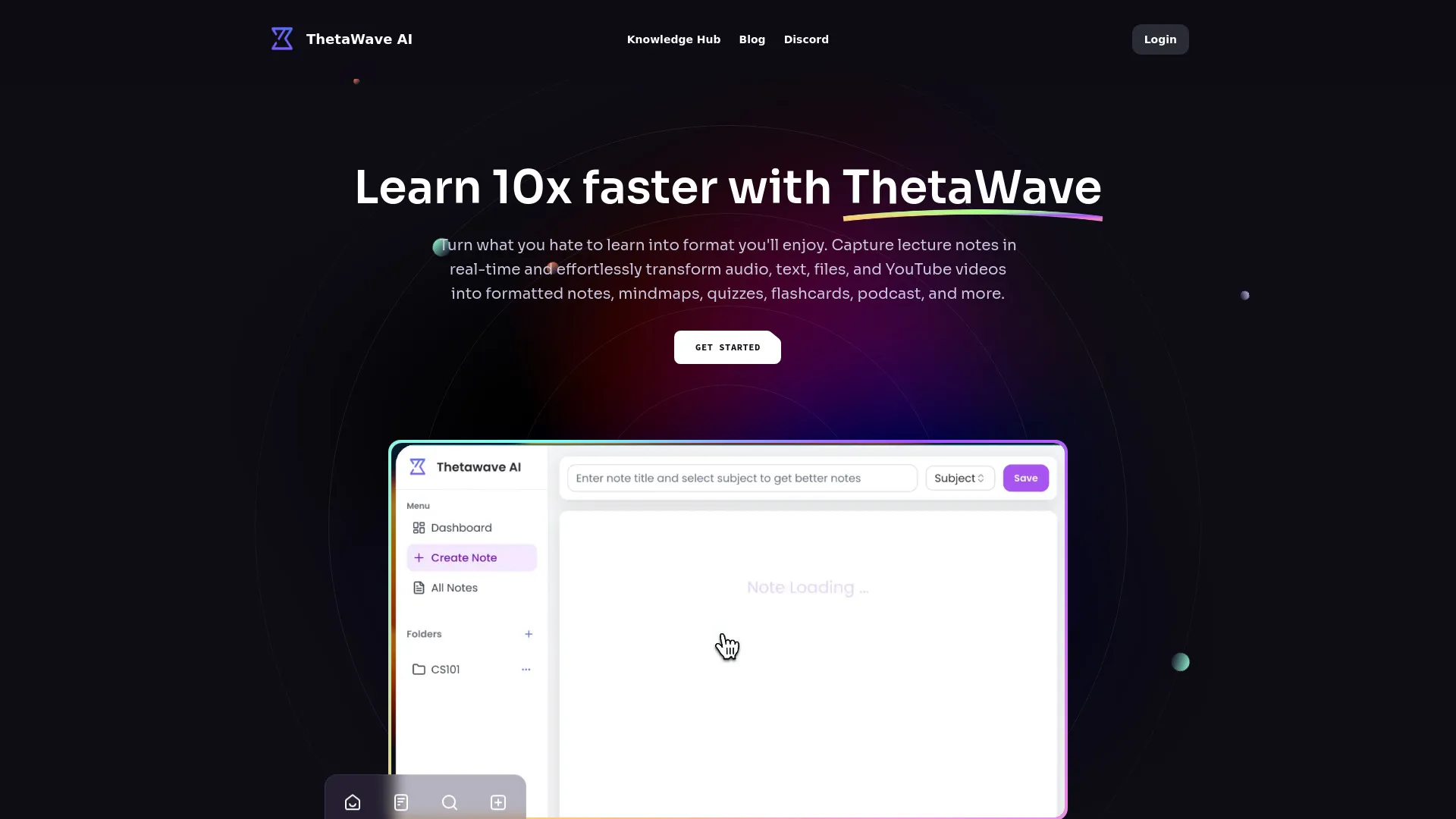
ThetaWave turns lectures, videos, PDFs, Word files, and text into structured study notes and learning materials. It can transcribe lectures in real time, adjust note detail from a quick overview to a deeper review, and format information with tables, formulas, and charts. From notes, students can create flashcards, quizzes, and mindmaps, or ask a course assistant questions about their materials. ThetaWave is available on the web and as an iOS and Android app.
Promote this Tool
Update this Tool
ThetaWave AI
ThetaWave turns lectures, videos, PDFs, Word files, and text into structured study notes and learning materials. It can transcribe lectures in real time, adjust note detail from a quick overview to a deeper review, and format information with tables, formulas, and charts. From notes, students can create flashcards, quizzes, and mindmaps, or ask a course assistant questions about their materials. ThetaWave is available on the web and as an iOS and Android app.
Ads
What is ThetaWave AI?
ThetaWave converts lecture content and uploaded learning materials into structured study resources. During a lecture, it can create real-time transcripts and organized notes. Users can also upload PDFs, Word documents, or text for conversion. Notes can range from a quick overview to a detailed treatment and may include tables, formulas, and charts. The study tools extend beyond note-taking: ThetaWave generates flashcards from notes, creates quizzes that predict likely test topics, and turns dense subjects into mindmaps. A course assistant answers questions using the materials it has read. Students can use ThetaWave through its web experience or its iOS and Android apps.
Who will use ThetaWave AI?
- University and college students
- Learners preparing for exams
- Students who want to turn lectures or course files into study materials
- Learners reviewing dense topics or large amounts of course content
How to use the ThetaWave AI?
- Step1: Sign up for ThetaWave on the web or use its mobile app.
- Step2: Capture a lecture in real time or upload a PDF, Word file, text, or video.
- Step3: Generate structured notes and choose the level of detail you want.
- Step4: Create flashcards, quizzes, or a mindmap from your study materials.
- Step5: Ask the course assistant questions about the materials and use the results to review.
Platform
- Web
ThetaWave AI's Core Features & Benefits
The Core Features
- Real-time lecture transcription and structured notes
- Conversion of PDFs, Word files, and text into study notes
- Adjustable note detail with formatted tables, formulas, and charts
- AI-generated flashcards and test-prediction quizzes
- Mindmap generation from dense topics
- Course assistant that answers questions about provided materials
The Benefits
- Organizes lecture and course content into review-ready notes
- Creates multiple study formats from the same materials
- Supports recall and exam preparation with flashcards and quizzes
- Lets students focus on lectures without relying solely on manual note-taking
ThetaWave AI's Main Use Cases & Applications
- Taking structured notes during lectures
- Turning course documents into study notes
- Preparing for exams with predicted-topic quizzes
- Reviewing course facts with flashcards
- Mapping relationships in dense subjects
- Asking questions about course materials
ThetaWave AI's Pros & Cons
The Pros
Accepts live lecture content as well as uploaded documents and text
Offers adjustable note detail and structured formatting
Creates notes, flashcards, quizzes, and mindmaps from study materials
Available on web, iOS, and Android
The Cons
Its features are centered on studying and course materials rather than general-purpose productivity.
The course assistant and generated study aids depend on having relevant lecture or course materials available.
Using the service requires signing up for an account.
ThetaWave AI's Pricing
| Has free plan | YES |
|---|---|
| Free trial details | |
| Pricing model | freemium |
| Is credit card required | No |
| Paid from | 9.9 USD |
| Has lifetime plan | No |
| Billing frequency | weekly/quarterly/yearly |
Details of Pricing Plan
Free
0 USDPro
9.9 USD- $118.80 billed yearly
- Unlimited notes per day and sources per note
- 500 MB per source
- Unlimited recording length, quizzes, and podcasts
- Export in all common formats
- Advanced note quality and AI chat models
- Priority support
Discount:Verified students get 30% off their first billing cycle when they sign up.
For the latest prices, please visit: https://thetawave.aiFAQs of ThetaWave AI
ThetaWave AI Company Information
- Website:
- Company Name: ThetaWave AI Inc.
- Support Email:
- Facebook:
- X(Twitter):
- YouTube:
- Instagram:
- Tiktok:
- LinkedIn:
Analytic of ThetaWave AI
Visit Over Time
Monthly Visits
492.7K
Avg Visit Duration
00:02:21
Page Per Visit
3.78
Bounce Rate
41.32%
Jul 2026 - Sep 2026 All Traffic
Geography
Top 5 Regions

Taiwan
21.92%
Malaysia
20.6%
Korea, Republic of
13.81%
India
7.46%
United States
7.06%
Jul 2026 - Sep 2026 Worldwide Desktop Only
Traffic Sources
Direct
39.03%
SearchOrganic
33.94%
Referrals
12.27%
SocialOrganic
9.20%
SearchPaid
2.16%
GenAi
1.91%
SocialPaid
0.76%
Mail
0.59%
DisplayAds
0.14%
Sep 2026 Desktop Only
Top Keywords
| Keyword | Traffic | Cost Per Click |
|---|---|---|
| thetawave ai | 28.8k | $0.49 |
| thetawave | 21.4k | $0.77 |
| 세타웨이브 | 1.5k | $0.50 |
| theta wave ai | 1.9k | — |
| thewaveai | 1.2k | $0.45 |

How to install?
ThetaWave AI Reviews
5/5
ThetaWave AI's Main Competitors and alternatives?
Notion
Evernote
Microsoft OneNote
You may also like:
Follow fast lectures in your language with live transcription and synchronized translation in one web workspace.
remio is an AI-powered personal knowledge hub that captures and organizes all your digital info automatically.
An intelligent AI agent providing seamless translation and note-taking services.
Kwizie is an AI agent designed for personalized learning support and streamlined educational engagement.
Notus is an AI agent that enhances research processes using advanced summarization and organization features.
Voz AI Note Taker effortlessly records, transcribes, and summarizes your audio content.
NoteX is an AI-powered note-taking app for transforming voice recordings into organized notes.
Turn recorded calls into searchable transcripts, structured summaries, and assigned action items so teams can follow up without replaying meetings.
Note Companion is an AI-powered plugin that organizes and formats your notes automatically.
Notescast turns PDFs into engaging AI videos for better learning and retention.