
- 200 monthly credits
- About 13 models
- 1 concurrent task
- Public models; non-commercial use

Tripo AI
0
Tripo turns text prompts, photos, and sketches into 3D models for creative and production workflows. Choose high-detail geometry of up to 2 million polygons or Smart Mesh topology from 500 to 25,000 polygons. Tripo can also segment models for printing, generate PBR textures, and auto-rig characters. Export assets in formats including GLB, FBX, OBJ, USD, STL, and 3MF for use in games, animation, VR, and 3D printing.
Promote this Tool
Update this Tool
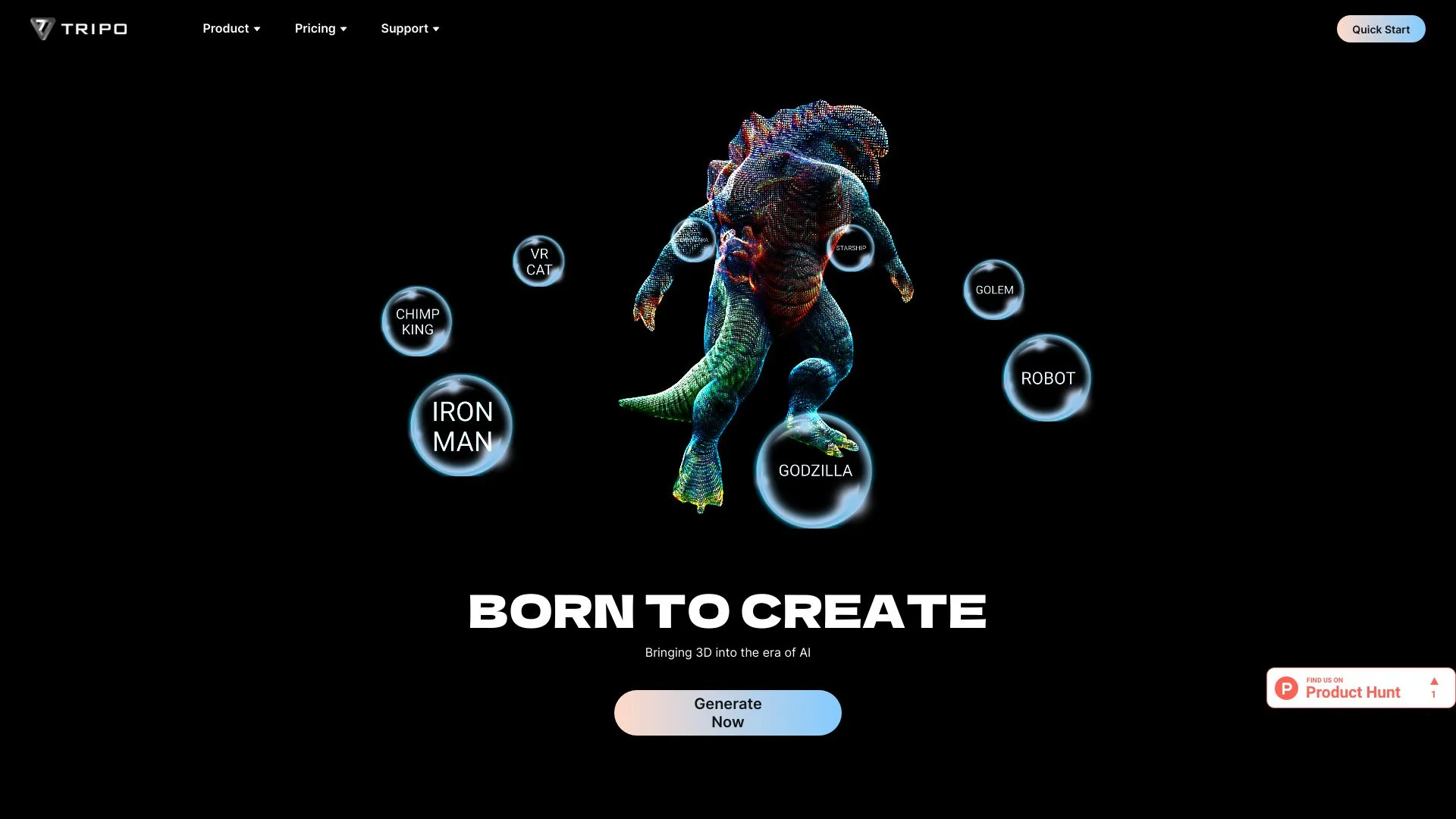
Tripo turns text prompts, photos, and sketches into 3D models for creative and production workflows. Choose high-detail geometry of up to 2 million polygons or Smart Mesh topology from 500 to 25,000 polygons. Tripo can also segment models for printing, generate PBR textures, and auto-rig characters. Export assets in formats including GLB, FBX, OBJ, USD, STL, and 3MF for use in games, animation, VR, and 3D printing.
Ads
What is Tripo AI?
Tripo generates 3D models from text prompts and uploaded images, photos, or sketches. Its High Detail option creates models with up to 2 million polygons for detailed rendering, VFX, and printing. Smart Mesh produces quad topology from 500 to 25,000 polygons for game, animation, and VR workflows. Users can generate PBR texture sets, including albedo, normal, metallic, and roughness maps, at up to 8K, and automatically rig characters with production-ready skeletons. Smart segmentation splits larger models into parts sized for print beds, with exports in STL, 3MF, or OBJ. Game assets can also be exported in GLB, FBX, OBJ, or USD for engines such as Unity, Unreal, Cocos, Godot, and Roblox.
Who will use Tripo AI?
- 3D artists and modelers
- Indie game developers and game studios
- Character designers and animators
- VFX and film creators
- 3D printing makers and engineers
- Product and industrial designers
- VR, AR, and XR developers
- E-commerce teams creating product visuals
How to use the Tripo AI?
- Step1: Open Tripo Studio and sign in to start creating.
- Step2: Enter a text prompt or upload an image, photo, or sketch.
- Step3: Generate a model and choose High Detail for sculpted detail or Smart Mesh for production-ready topology.
- Step4: Use available tools to add textures, rig a character, or segment a model for printing.
- Step5: Export the model in a format suited to your workflow, such as GLB, FBX, OBJ, USD, STL, or 3MF.
Platform
- Web
Tripo AI's Core Features & Benefits
The Core Features
- Generate 3D models from text prompts and images
- High Detail models with up to 2 million polygons
- Smart Mesh quad topology from 500 to 25,000 polygons
- AI-generated PBR textures up to 8K
- Automatic character rigging
- Automatic model segmentation for 3D printing
- Export to game, animation, and printing formats
The Benefits
- Create 3D concepts from prompts, photos, or sketches without modeling from scratch
- Prepare game assets with clean topology and engine-ready exports
- Reduce manual preparation for character animation through auto-rigging
- Make larger models easier to print by splitting them into print-bed-sized parts
- Use generated models across game engines, animation, VR, e-commerce, and printing workflows
Tripo AI's Main Use Cases & Applications
- Creating game characters, props, and environment assets
- Generating printable models from images or concepts
- Prototyping product and industrial design concepts
- Producing 3D product visuals for e-commerce
- Turning concept art into characters and props for film or animation
- Preparing optimized 3D assets for VR, AR, and XR
- Creating and texturing characters for animation pipelines
Tripo AI's Pros & Cons
The Pros
Accepts both text prompts and images, photos, or sketches as inputs
Offers separate high-detail and production-oriented Smart Mesh options
Includes texturing, auto-rigging, and model segmentation features
Supports common game, animation, and 3D printing export formats
Provides a free online starting point
The Cons
Creating models through Tripo Studio requires signing in
The high-detail workflow may require later retopology for production use
Tripo AI's Pricing
| Has free plan | YES |
|---|---|
| Free trial details | |
| Pricing model | freemium |
| Is credit card required | No |
| Paid from | 20 USD |
| Has lifetime plan | No |
| Billing frequency | monthly/yearly |
Details of Pricing Plan
Free
0 USDPro
20 USD- 3000 monthly credits
- About 200 models
- 10 concurrent tasks
- Private models and commercial use
Max
90 USD- 25000 monthly credits
- About 1660 models
- 100 concurrent tasks
- Private models and commercial use
- Unlimited access to 8K textures
Team
110 USD per seat- 90000 monthly credits
- About 6000 models
- 200 concurrent tasks
- Private models and commercial use
- Shared workspace and centralized billing
- New users pay $132 for the first month; renews at $110/month/seat
1000-credit pack
10 USD per 1000 credits12000-credit pack
100 USD per 12000 credits- Includes 2000 bonus credits
Discount:Annual billing offers up to 50% savings, and new users can get 50% off the first month of the Team plan. (+2 more pricing options available on the pricing page)
For the latest prices, please visit: https://www.tripo3d.ai/pricingFAQs of Tripo AI
Tripo AI Company Information
- Website:
- Company Name: Tripo
- Support Email:
- Facebook:
- X(Twitter):
- YouTube:
- Instagram:
- Tiktok:
- LinkedIn:
Analytic of Tripo AI
Visit Over Time
Monthly Visits
14.6M
Avg Visit Duration
00:06:23
Page Per Visit
1.08
Bounce Rate
8.63%
Jul 2026 - Sep 2026 All Traffic
Geography
Top 5 Regions

United States
18.93%
Japan
8.01%
Korea, Republic of
5.96%
India
4.66%
Mexico
4.08%
Jul 2026 - Sep 2026 Worldwide Desktop Only
Traffic Sources
Direct
31.85%
SocialOrganic
15.30%
SearchOrganic
14.79%
SearchPaid
14.57%
DisplayAds
7.51%
GenAi
6.00%
SocialPaid
4.33%
Referrals
3.82%
Mail
1.75%
Affiliate
0.09%
Sep 2026 Desktop Only
Top Keywords
| Keyword | Traffic | Cost Per Click |
|---|---|---|
| tripo | 320.3k | $4.02 |
| tripo ai | 208.7k | $2.54 |
| tripo3d | 78.8k | $4.23 |
| tripo 3d | 47.4k | $2.40 |
| meshy ai | 413.5k | $1.39 |
Tripo AI Reviews
5/5
Tripo AI's Main Competitors and alternatives?
You may also like:
Convert one JPG, JPEG, or PNG into a textured or geometry-only 3D model, then inspect and download it in browser.
Turn JPG or PNG images into previewable STL and GLB models for 3D printing, with batch uploads and adjustable settings.
Turn images, text, sketches, and multiple views into downloadable 3D models, with browser previews for checking shape and textures.
Turn a single photo, sketch, or concept into a textured 3D model with GLB, STL, PLY, and USDZ exports.
Generate textured 3D models from text or images, compare multiple engines, and export assets for games, printing, and design.
Create production-ready 3D assets from text or images, with low-poly optimization and exports for games, design, printing, and commerce.
Browser-based AI 3D model generator that turns images into textured, export-ready assets.
FloorPlanAI turns simple text prompts into styled 2D, 2.5D, and 3D floor plans in seconds.
Browser-based AI that turns any 2D image or text prompt into a 3D model in 30 seconds. Export GLB, OBJ, STL, PLY—free
AI 3D model generator that converts photos or text prompts into production-ready models in minutes.
AI-powered 3D model generator that turns photos or prompts into textured assets for fast concept creation.
AI miniature generator that turns text descriptions into print-ready 3D models for DnD and tabletop RPGs.
SAM 3D transforms a single image into high-fidelity, realistic 3D models instantly in-browser.
Modelfy is an AI-powered online image to 3D model generator offering ultra-precision up to 300K polygons.