

Turn photos into interior design ideas
0
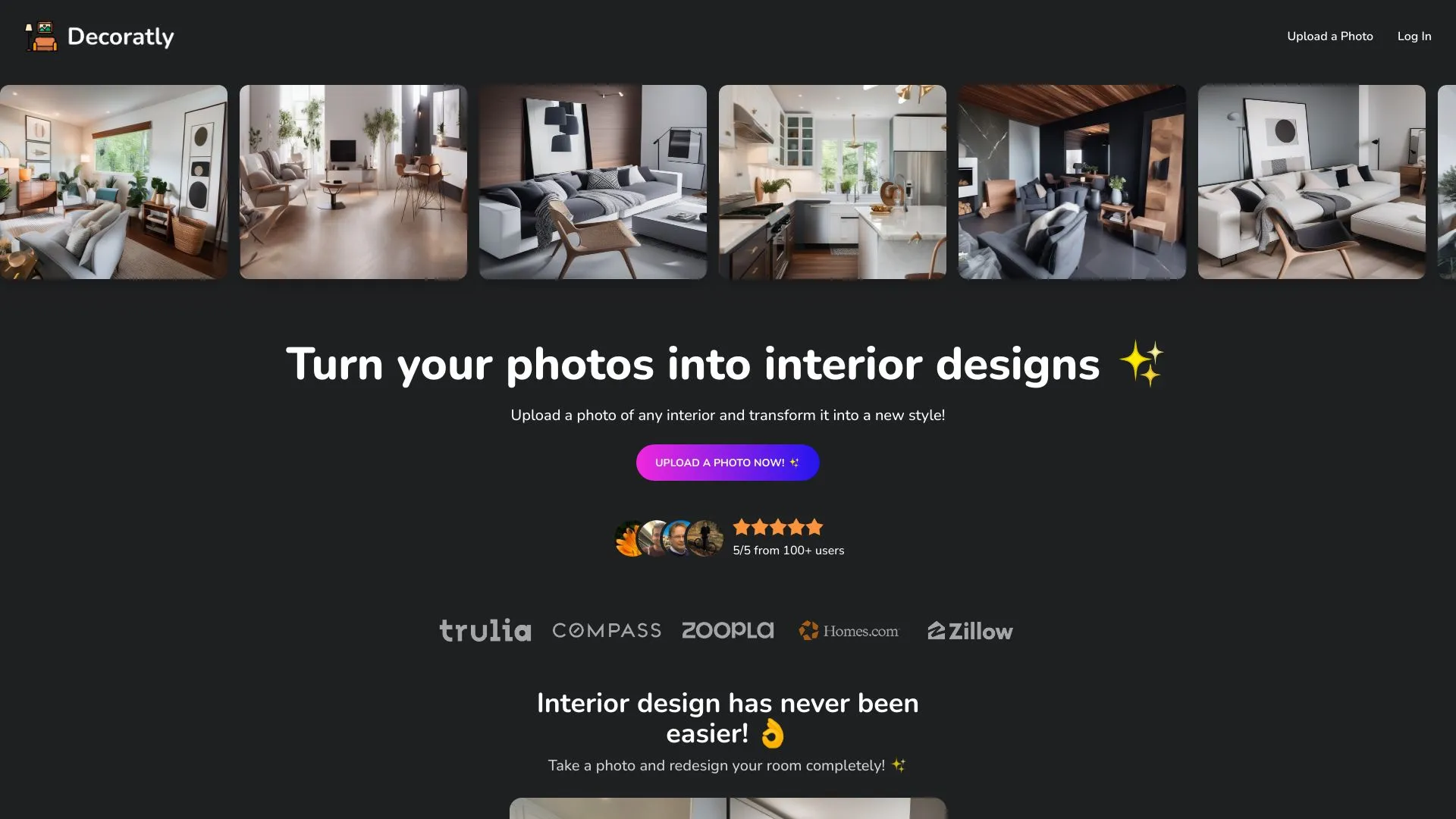
Transform any room in your home with Decoratly’s innovative AI technology. Upload a photo, select a design preset, and watch as your space is reimagined in minutes.
Promote this Tool
Update this Tool
Turn photos into interior design ideas
Transform any room in your home with Decoratly’s innovative AI technology. Upload a photo, select a design preset, and watch as your space is reimagined in minutes.
Ads
What is Turn photos into interior design ideas?
Decoratly redefines your living spaces using cutting-edge AI technology. Simply upload a photo of any room, choose from a variety of design presets, and let Decoratly generate beautiful interior design ideas for you. This easy-to-use tool is perfect for anyone looking to refresh their home without spending thousands on a professional designer.
Who will use Turn photos into interior design ideas?
- Homeowners
- Renters
- Interior Designers
- DIY Enthusiasts
How to use the Turn photos into interior design ideas?
- Step1: Download the Decoratly app or visit the website.
- Step2: Upload a photo of the room you want to redesign.
- Step3: Select a design preset that fits your style.
- Step4: Let the AI generate multiple design options.
- Step5: Review and choose your favorite design.
- Step6: Implement the design changes in your home.
Platform
- Web
- Android
- iOS
Turn photos into interior design ideas's Core Features & Benefits
The Core Features
- AI-driven design
- Multiple style presets
- User-friendly interface
- Instant design generation
The Benefits
- Affordable interior design
- Quick room transformations
- Personalized styles
- No professional assistance needed
Turn photos into interior design ideas's Main Use Cases & Applications
- Redecorating living rooms
- Bedroom makeovers
- Kitchen renovations
- Office space design
Turn photos into interior design ideas's Pros & Cons
The Pros
Fast and easy AI-powered room design transformations in seconds
Professional quality photorealistic results with design harmony
Supports over 50 curated design styles and custom style prompts
Flexible and affordable pricing plans including free tier
Saves significant time and money compared to traditional interior design
User-friendly interface suitable for all experience levels
The Cons
Not open source with no code repository available
No dedicated mobile apps or integrations found
Dependent on quality of uploaded room photos for best results
Limited to interior design use case, not a general AI agent
FAQs of Turn photos into interior design ideas
Turn photos into interior design ideas Company Information
- Website:
- Company Name: Decoratly
- Support Email:
- Facebook:
- X(Twitter):
- YouTube:
- Instagram:
- Tiktok:
- LinkedIn:
Analytic of Turn photos into interior design ideas
Visit Over Time
Monthly Visits
39.8K
Avg Visit Duration
00:02:46
Page Per Visit
3.81
Bounce Rate
39.56%
Jul 2026 - Sep 2026 All Traffic
Geography
Top 5 Regions

United States
36.61%
Germany
13.08%
United Kingdom
11.34%
France
10.34%
Canada
8.33%
Jul 2026 - Sep 2026 Worldwide Desktop Only
Traffic Sources
SearchOrganic
42.74%
Direct
37.43%
Referrals
6.98%
SocialOrganic
3.63%
GenAi
2.62%
Mail
2.01%
DisplayAds
1.89%
Affiliate
1.25%
SearchPaid
1.00%
SocialPaid
0.44%
Sep 2026 Desktop Only
Top Keywords
| Keyword | Traffic | Cost Per Click |
|---|---|---|
| decoratly.com | — | — |
| ai room redesign | 13.1k | $0.80 |
| how big is 6.4 sq. ft. on a floor plan | 310 | — |
| what is my decorating style | — | — |
| decorate ur room sim | — | — |

How to install?
Turn photos into interior design ideas Reviews
5/5
Turn photos into interior design ideas's Main Competitors and alternatives?
Modsy
Havenly
Planner 5D
Roomstyler
You may also like:
Upload a room photo and generate visual redesign concepts to compare furniture, colors, finishes, and styles before making changes.
Preview furniture, decor, and complete room styles on an empty-room photo before shopping, moving in, or planning changes.
Visualize interior, exterior, and kitchen changes from your photos, with selectable styles, custom briefs, and private generated concepts.
Roomvana redesigns your space from one photo: pick from 23 styles and see your own kitchen, bedroom or garden restyled i
Preview furniture, colors, and finishes in your existing room while preserving its layout through photo-based redesigns.
AIDesignHouse uses AI to turn room photos, sketches, and prompts into practical renovation visuals and floor plans.
FloorPlanAI turns simple text prompts into styled 2D, 2.5D, and 3D floor plans in seconds.
AI-powered design platform that transforms photos, sketches, and floor plans into photorealistic interior and exterior visualizations.
AI-powered floor plan and home design platform for creating 2D/3D layouts and visualizations quickly.
AI-powered landscape designer that transforms backyard photos into photorealistic designs in under 30 seconds.
Professional AI-powered landscape design platform with 10 front yard styles, 14 backyard options
Photorealistic AI virtual staging that turns vacant property photos into staged images and videos in 30 seconds.
AI-powered platform for quick, professional-grade floor plan and home design generation.
AI-powered free floor design tool generating professional interior layouts from images or text.
Edensign is an AI-driven virtual staging platform transforming real estate photos quickly and realistically.