
- 300 credits per month
- 1 parallel task
- All-in-one multi-model support
- No watermark
- Email support
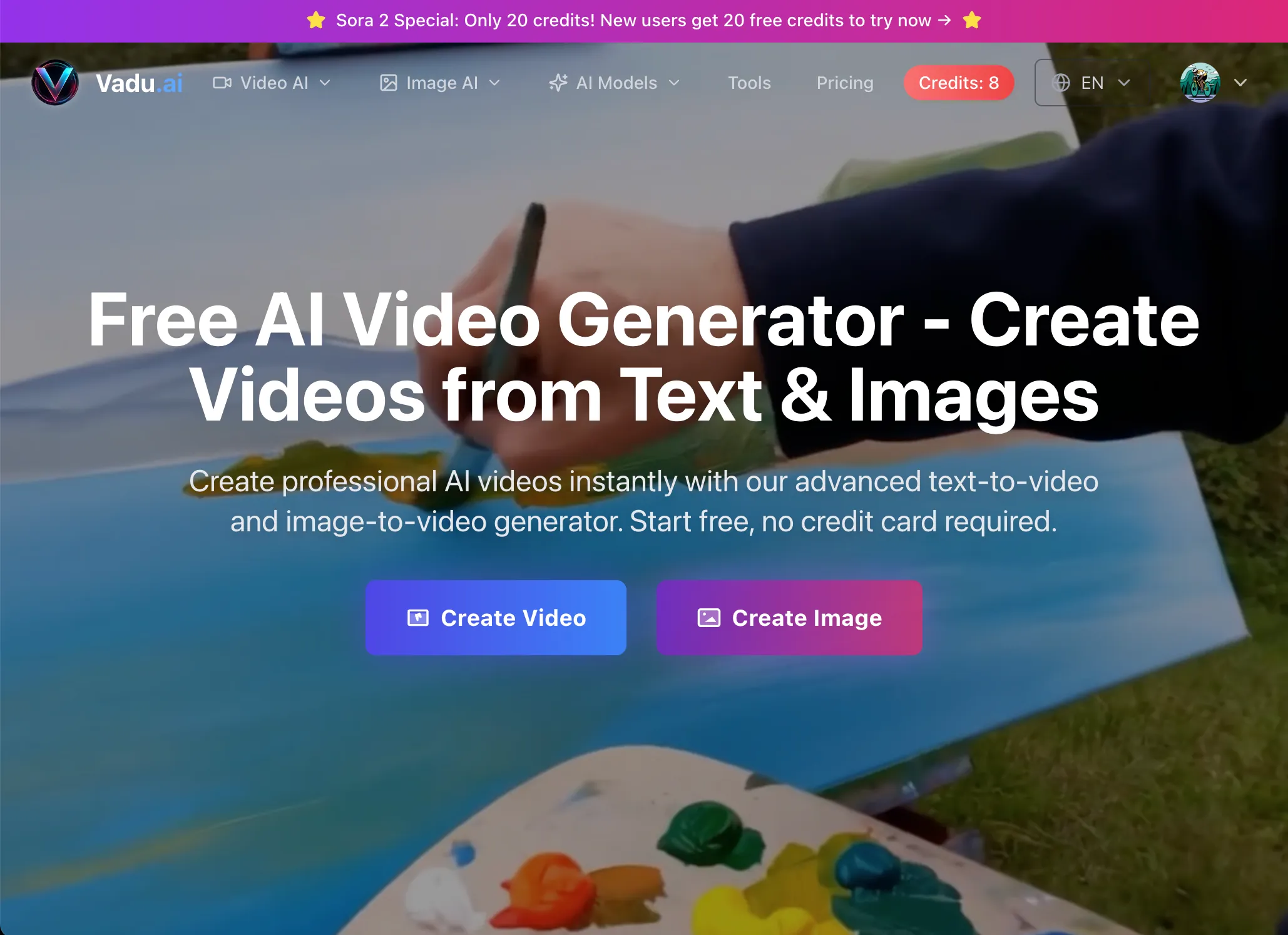
Vadu AI is a comprehensive AI-powered creative platform that brings together the world's leading video and image generation models in one place. Access OpenAI Sora 2, Google Veo 3, Kling 2.0, Pixverse, Hailuo, and more without switching between tools. Generate videos from text prompts, animate still images, create AI art, remove backgrounds, and apply video effects—all with a simple, intuitive interface. Supporting 17 languages and offering flexible credit-based pricing
Promote this Tool
Update this Tool

Vadu AI
Vadu AI is a comprehensive AI-powered creative platform that brings together the world's leading video and image generation models in one place. Access OpenAI Sora 2, Google Veo 3, Kling 2.0, Pixverse, Hailuo, and more without switching between tools. Generate videos from text prompts, animate still images, create AI art, remove backgrounds, and apply video effects—all with a simple, intuitive interface. Supporting 17 languages and offering flexible credit-based pricing
Ads
What is Vadu AI?
Vadu AI is the ultimate one-stop platform for AI-powered video and image generation, designed to simplify creative workflows for content creators, marketers, designers, and businesses.
**What is Vadu AI?**
Vadu AI aggregates the world's most advanced AI video and image generation models into a single, user-friendly platform. Instead of juggling multiple subscriptions and learning different interfaces, users can access OpenAI's Sora 2, Google's Veo 3 (with audio), Kling 2.0, Pixverse V5, Hailuo 02, WAN 2.5, Vidu Q1, and many more—all from one dashboard.
**How It Works:**
1. Choose your preferred AI model based on your needs (quality, speed, style)
2. Enter a text prompt or upload an image
3. Customize parameters like duration, resolution, and aspect ratio
4. Generate and download your video or image—no watermarks
Who will use Vadu AI?
- Content Creators & YouTubers: Generate B-roll, intros, and visual effects
- Social Media Managers: Create engaging short-form video content for TikTok, Instagram Reels
- Marketers & Advertisers: Produce promotional videos and product demos quickly
- Designers & Artists: Explore AI-generated art and animation concepts
- E-commerce Sellers: Create product videos from static images
- Educators: Develop visual learning materials and explainer videos
- Small Businesses: Generate professional marketing content without expensive production
- Filmmakers & Animators: Rapid prototyping and storyboard visualization
- Anyone: Who wants to explore AI video creation without technical expertise
How to use the Vadu AI?
- Step1: Create your account on vadu.ai. New users receive 20 free credits to start creating immediately.
- Step2: Choose theSelect from Text-to-Video, Image-to-Video, Text-to-Image, or other tools based on your project needs.
- Step3: Pick from 10+ AI models including Sora 2, Google Veo 3, Kling 2.0, Pixverse V5, and more. Each model has unique strengths.
- Step4: Write a detailed description of the video/image you want, or upload a reference image for Image-to-Video.
- Step5: Adjust duration (4s-25s), resolution (480P-1080P), aspect ratio (16:9, 9:16, 1:1), and style preferences.
- Step6: Click generate and wait for your AI creation. Download the final result with no watermark.
Platform
- Web
Vadu AI's Core Features & Benefits
The Core Features
- Multi-Model Access: Sora 2, Sora 2 Pro, Google Veo 3, Veo 3.1, Kling 2.0, Pixverse V5, Hailuo 02, WAN 2.5, Vidu Q1
- Text-to-Video Generation: Create videos from text descriptions up to 25 seconds
- Image-to-Video Animation: Transform static images into dynamic videos
- Text-to-Image Creation: Generate AI artwork with multiple style options
- Audio Generation: Auto-generate matching audio tracks (Google Veo 3)
- Multiple Resolutions: Support for 480P, 720P, and 1080P output
- Flexible Aspect Ratios: 16:9, 9:16, 1:1, 4:3, 3:4 for any platform
- Video Duration Options: From 4 seconds to 25 seconds
The Benefits
- All-in-One Platform: No need for multiple subscriptions—access all top AI models in one place
- Cost Effective: Flexible credits system saves money compared to individual model subscriptions
- No Watermarks: Professional-quality output ready for commercial use
- Easy to Use: Simple interface requires no technical skills or AI expertise
- High Quality: Access to premium models like Sora 2 Pro and Veo 3 for best results
- Flexible Output: Multiple resolutions, durations, and aspect ratios for any use case
- Free to Start: 20 free credits for new users—no credit card required
Vadu AI's Main Use Cases & Applications
- Social Media Content: Create viral short-form videos for TikTok, Instagram, YouTube Shorts
- Marketing Videos: Product demos, promotional content, ad creatives
- E-commerce: Product visualization and animated product showcases
- Educational Content: Explainer videos, visual tutorials, learning materials
- Creative Projects: Music videos, art animations, concept visualization
- Storytelling: Storyboard creation, scene visualization, narrative content
- Brand Content: Logo animations, brand videos, visual identity content
- Presentations: Dynamic slides and visual aids for business presentations
Vadu AI's Pros & Cons
The Pros
Comprehensive AI-powered multimedia creation
Multiple AI models optimized for various needs
Fast processing and instant results
No technical expertise needed
Free to start with premium options
The Cons
No dedicated mobile or desktop apps mentioned
Limited information about offline capabilities
Unknown if open source or code access available
Vadu AI's Pricing
| Has free plan | YES |
|---|---|
| Free trial details | 7-day free trial for all paid plans, no credit card required |
| Pricing model | Freemium |
| Is credit card required | No |
| Paid from | 9 USD |
| Has lifetime plan | No |
| Billing frequency | Monthly |
Details of Pricing Plan
Basic
9 USDPro
17.4 USD- 800 credits per month
- All Basic features
- 2 parallel tasks
- All-in-one multi-model support
- Priority processing
- Advanced AI models
- Priority email support
Ultimate
35.4 USD- 2,000 credits per month
- All Pro features
- 3 parallel tasks
- All-in-one multi-model support
- Dedicated support
- Priority queue processing
Ultra
77.4 USD- 5,000 credits per month
- All Ultimate features
- 5 parallel tasks
- Highest priority processing
- Dedicated support + SLA
Discount:Save 40% when billed annually
For the latest prices, please visit: https://vadu.ai/pricingFAQs of Vadu AI
Vadu AI Company Information

How to install?
Vadu AI Reviews
5/5
Vadu AI's Main Competitors and alternatives?
Runway ML
Pictory
Lumen5
Synthesia
DeepBrain AI
You may also like:

Create synchronized videos up to 30 seconds from text, images, and clips, with camera guidance and consistent characters.
Direct camera action, dialogue, sound and cuts to create or revise short videos up to 30 seconds in 1080p.
Generate videos, images, and music from prompts or references in one workspace using shared credits and a centralized asset library.
Change people, outfits, products, backgrounds, or visual styles in existing 2–60-second videos while preserving original framing, motion, and audio.
Turn prompts, images, or references into reviewable video drafts with text-to-video, image-to-video, and first-and-last-frame controls.
Create directed video scenes from text, photos, or paired keyframes, with controls for camera movement, framing, and sound.
Turn prompts and reference media into up-to-30-second videos with directed shots, synchronized sound, and output up to 1080p.
Turn text prompts and images into videos, with options for synchronized audio, frame control, and resolutions up to 4K.
Yovid turns text prompts, photos, or existing clips into downloadable AI videos with model, duration, and resolution controls.
Create short videos from prompts and references, then refine scenes conversationally with native ambience, dialogue, and music direction.
Recreate short viral-style videos by replacing visible subjects, products, objects, or backgrounds while preserving the reference motion and timing.
Create 3–30-second videos with synchronized stereo sound from text, images, reference clips, then edit or extend them by sentence.
Create videos from text, images, clips, and audio, with editing, sound, and consistent subjects across shots.
Generate coherent 30-second videos from text, images, video, and audio with synced sound, camera direction, and up to 1080p output.
Synchronize mouth movements with uploaded audio across videos and images, supporting multiple faces, languages, and head positions.
Turn viral templates or reference videos into publishable 720p variations while preserving motion and timing and restyling visuals.
Create videos from text, images, audio, or video, then refine scenes, characters, camera movements, and sound through conversation.
Create cinematic ads and story videos from text, images, references, and keyframes while keeping characters and products recognizable.
Bring still photos to life by describing motion, camera movement, and atmosphere to create short videos for creative projects.
Generate videos from text, images, clips, and audio with synchronized sound, multi-shot scenes, and targeted edits.